
Claude Desktop for Linux: I didn’t even know it existed!
Correction: I didn’t even know about Claude Desktop for Windows and macOS! Or, if I knew, I guess I might have believed it was only available for paying customers. While The Verge wrote Anthropic’s Claude AI chatbot now has a desktop app on Oct. 31, 2024, the comments were as follows:
- How do you make an app so bad that the website is genuinely better to use?
- Let me guess, it’s a pile of Electron garbage, so thanks for nothing, or perhaps just a web view in a native wrapper, so also thanks for nothing.
But it could have been restricted to the States or something, because on /r/ClaudeAI, the user ClaudeOfficial posted Claude Desktop is now generally available only 2 months ago (why cannot Reddit display the exact dates?).
🤖
But this isn’t the real news. The real news is that some guy from Ottawa has created Claude Desktop for Linux!
By Linux, he means this:
Debian-based Linux distribution (Debian, Ubuntu, Linux Mint, MX Linux, etc.)
Fair enough.
This project provides build scripts to run Claude Desktop natively on Linux systems. It repackages the official Windows application for Debian-based distributions, producing either
.debpackages or AppImages.Note: This is an unofficial build script.
What else? So it’s still an Electron application, but repackaged for Linux. Not ideal, but not the first Electron app either.
Claude Desktop is an Electron application distributed for Windows. This project:
- Downloads the official Windows installer
- Extracts application resources
- Replaces Windows-specific native modules with Linux-compatible implementations
- Repackages as either:
- Debian package: Standard system package with full integration
- AppImage: Portable, self-contained executable
I went to the latest release from Nov. 8, and grabbed claude-desktop_0.14.10_amd64.deb.
🤖
From the official FAQ:
What’s the difference between the desktop app and using Claude in my browser?
The desktop app is always accessible from your dock and includes quick entry for instant access from anywhere in your system. You also get desktop extensions to connect Claude with your local tools and files.
Dock, my ass. There are only Macs on Earth, sure.
But indeed, the desktop extensions that connect Claude with my files should make the difference!
So I installed the 3 extensions that made sense to me:
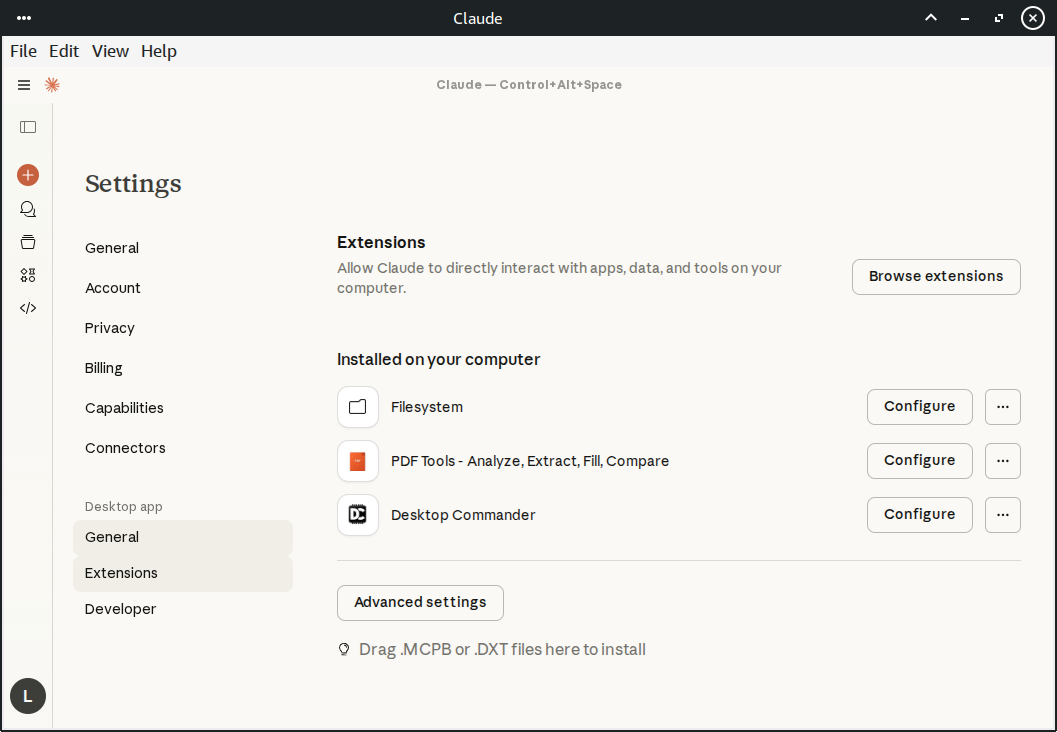
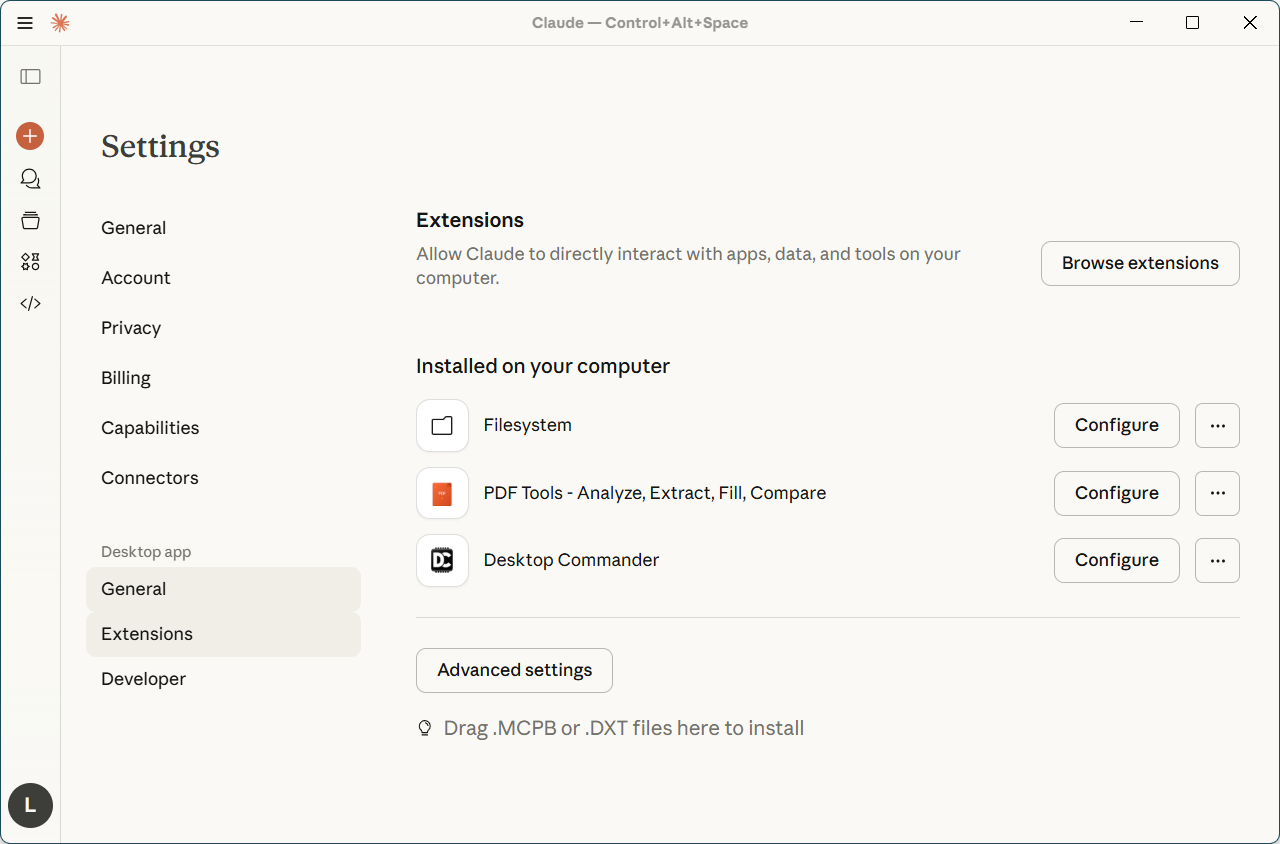
Later, under Windows, I had to reinstall the same extensions:
Now, back to XFCE, I wasn’t sure this was everything I needed to transform Claude Desktop to a poor’s man Kiro, so I just asked it:
Using the installed extensions, could you create an entire project tree with folders and boilerplate files for a simple project?
Wrong question! I should have asked “are you able” or “would you be able” or something, because “could you” was interpreted as “will you just do that, please?”
Too human-like, I suppose. I expected it to be more robot-like:
“Do you have the time?” (“Do you know what the time is?”)
“Yes, I do.”
“Won’t you tell me the time, then?”
“You only asked whether I have it.” (“You only asked whether I know it.”)
So it just did it!
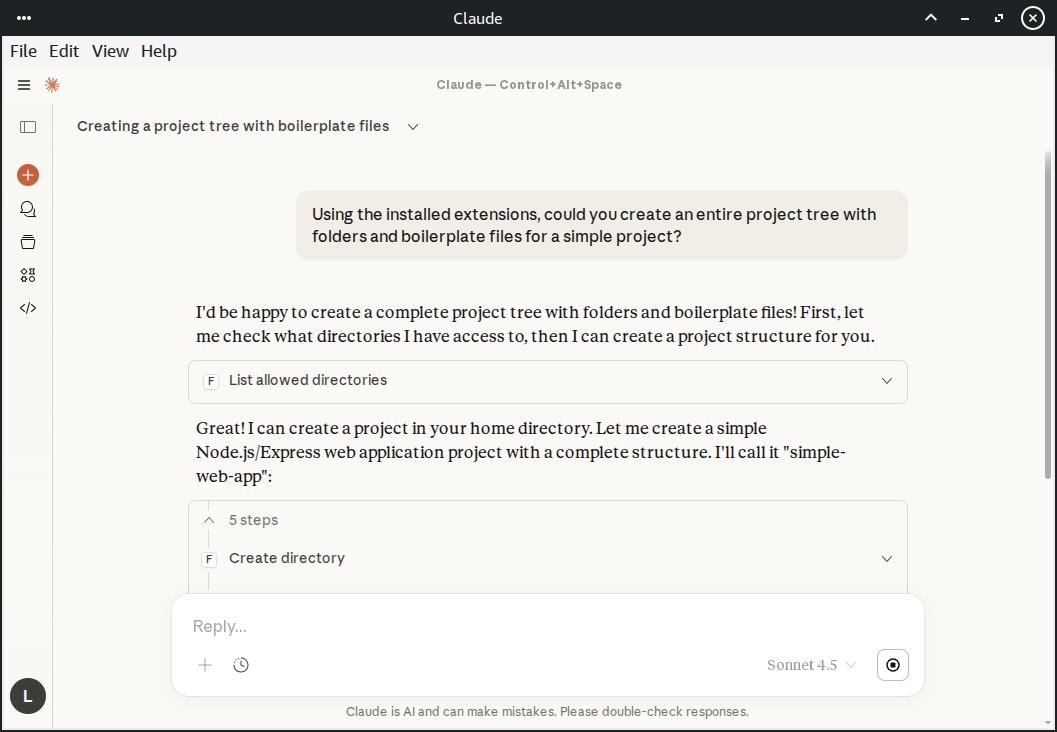
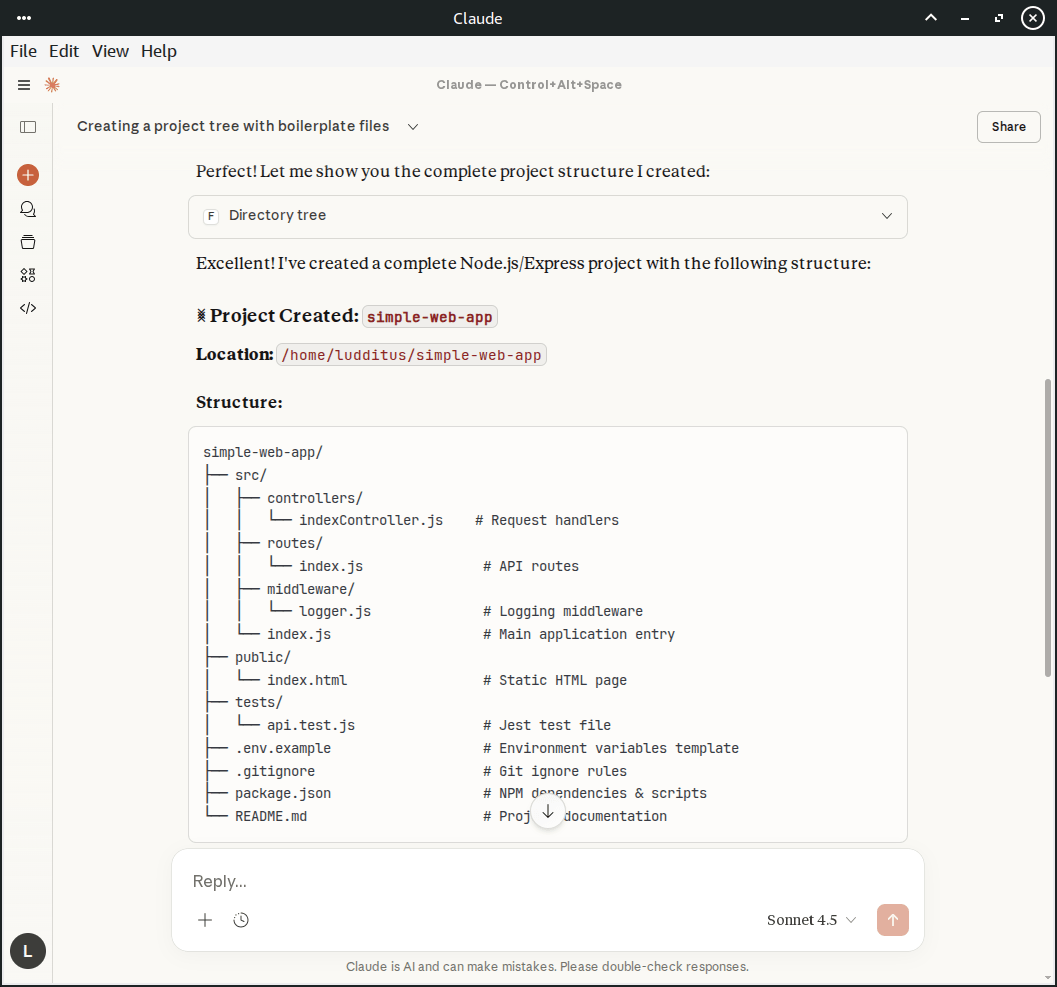

Ugly font rendering under Linux, eh? Electron crap…
An empty Web app:
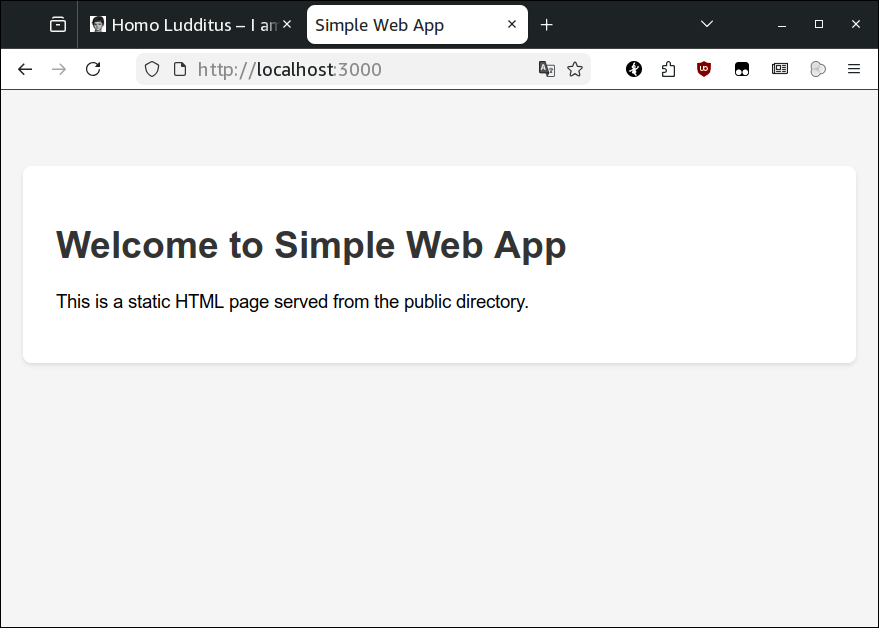
Empty, but a complete Node.js/Express project, MVC, with sample routes and controllers, and a logger as middleware. So npm install installed over 5,000 tiny files under node_modules!
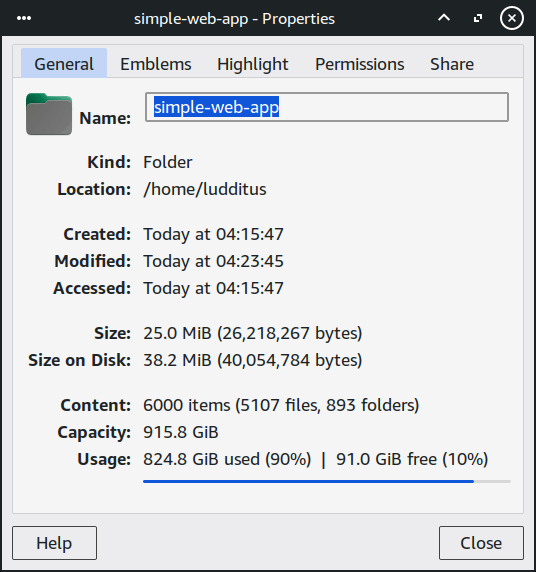
I’m not sure that this could replace Kiro for small projects or small ideas, and there is no way to tell how many tokens it used, but it’s an interesting proof-of-concept. It could be of some use, I mean.
Otherwise, Claude Desktop seems to be targeting retarded Americans who want an AI personal assistant or even a broker, because the focus is on the Web connectors, not on the Desktop ones:

It can even connect to your PayPal account. What could possibly go wrong?
🤖
Not everything you find on Reddit is worthwhile. On the same /r/ClaudeAI subreddit: Found an open-source tool (Claude-Mem) that gives Claude “Persistent Memory” via SQLite and reduces token usage by 95%.
Claude-Mem has a website and a GitHub. And it’s probably a bad idea, despite its promises:
A Claude Code plugin that automatically captures everything Claude does during your coding sessions, compresses it with AI (using Claude’s agent-sdk), and injects relevant context back into future sessions.
ClaudeAI-mod-bot‘s summary:
TL;DR generated automatically after 100 comments.
The consensus in this thread is that the 95% token reduction claim is massive bullshit.
Users who have actually tried the tool report that it’s “buggy as shit,” crashes frequently, and rarely works as advertised. More technical users point out that this is just a standard RAG (Retrieval-Augmented Generation) system, a known technique that can struggle to find the correct context and often degrades in quality as the memory database gets larger. The developer of the tool even appeared in the thread to confirm the 95% claim is for an experimental, non-functional feature and is not accurate for the main tool.
Other commenters suggest that Claude Code’s built-in “Magic Docs” feature already does something similar, and simply instructing Claude to document its own work is a more reliable (though more expensive) way to maintain context. The general vibe is that while the idea is good, this specific tool is an unreliable, overhyped implementation.
OMFG. Well, we’re living in a bubble, aren’t we?

Dafuq: Claude Code appears to have leaked! 😱