
I never thought I’ll prefer ONLYOFFICE
I never liked ONLYOFFICE. I hated that it has a unique binary that you have to launch, instead of separate apps for documents, spreadsheets, and presentations. I found its ALL-CAPS name ridiculous, and its full name, “ONLYOFFICE Desktop Editors,” bombastic. I snorted when Dedoimedo kind of liked it in version 9.
And now, I had to reconsider.
You see, I don’t have sophisticated documents that only display correctly in Microsoft Office. Moreover, I strongly dislike presentations, and I believe their proper name is “PowerPoint slides”; therefore, they need to be created using Microsoft Office. But DOCX (and XLSX) should be universally portable, so for moderately complex documents, I shouldn’t be bothered about what office suite I use to create or edit them.
But even for a simple document with a rather kinky combination of tables, I was defeated by the lack of usability of the inept LibreOffice Writer. Mind you, this document wasn’t complex, but I wanted my tables my way, and recreating them from zero using LibreOffice proved to be too impractical a task.
I fell out of love with my previous soft spot, SoftMaker Office (or its free edition, FreeOffice), years ago when I was hit by its bugs. The inexcusable ones at the time were those regarding HTML editing. TextMaker being able to create much cleaner HTML files than Microsoft Word, I used to save documents as HTML files and edit them with TextMaker. But TextMaker has (or had) the ability to severely screw up the HTML files! Later, I tried to reconsider SoftMaker Office and FreeOffice, but I found other annoyances with them, so I decided to go with the flow and use LibreOffice instead.
Except that, despite LibreOffice having improved over time, it still sucks big time.
So I had to reconsider everything and opt for a cross-platform office suite (other than Microsoft Office) that’s good enough for my needs and practical enough. That means that I had to test WPS Office and ONLYOFFICE on Win11, Win10, and Debian (in this case, by Debian I mean a live session of xebian-trixie-amd64.hybrid.iso).
It’s worth noting that the Linux offer from “Download free ONLYOFFICE apps for your desktop” is quite generous:
- Debian 8, Ubuntu 16.04 and higher (Installing on Debian, Ubuntu and derivatives)
- CentOS and RHEL (Installing on Red Hat, CentOS and derivatives)
- Snap package (Installing from snap)
- Flatpak (Installing on Linux using Flatpak) — or go to Flathub
- AppImage (Running via AppImage)
I preferred to install it not from a .deb file, but from their repository. Their repo still claims to be for Debian Squeeze, but it works with all newer versions.
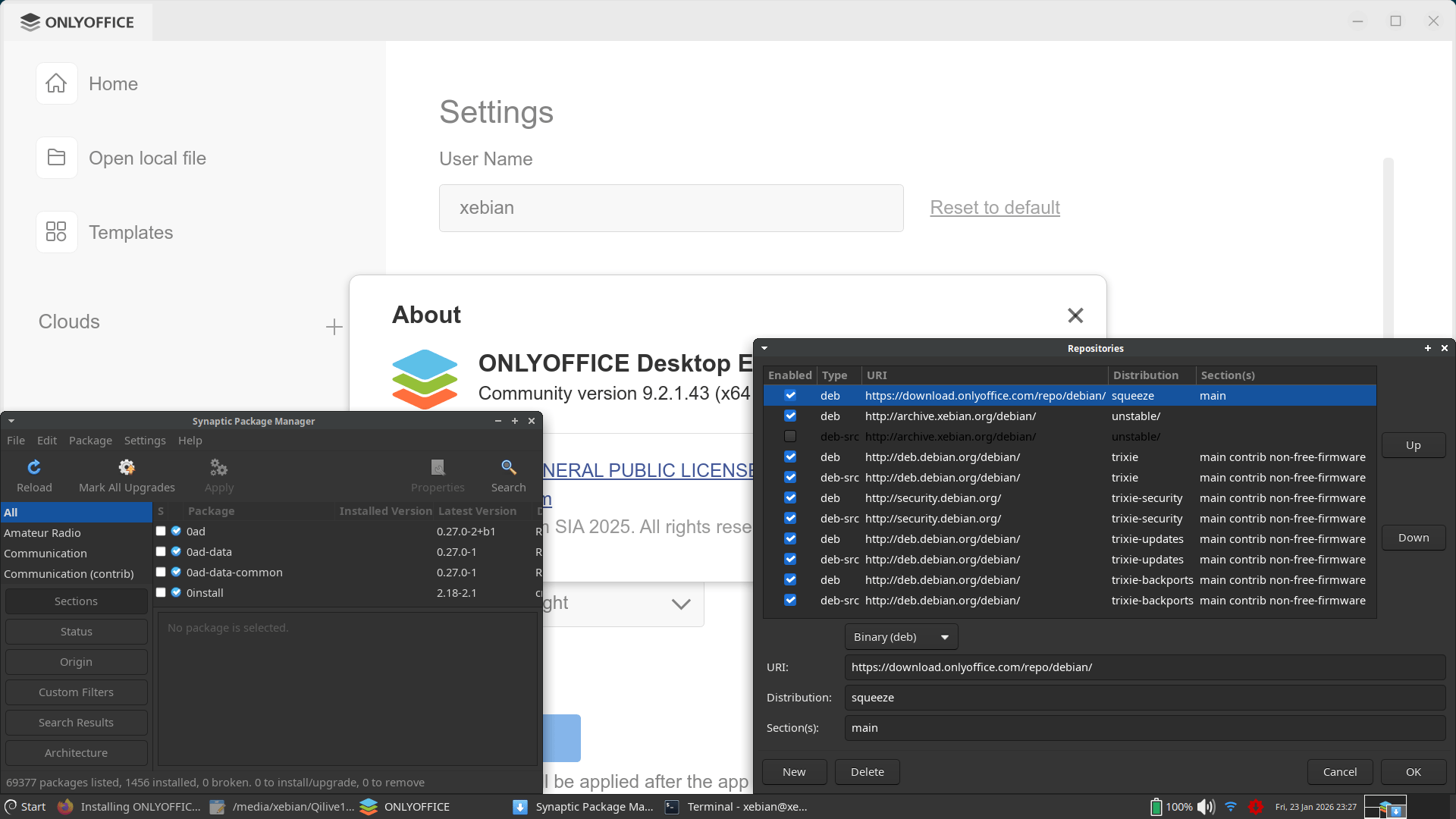
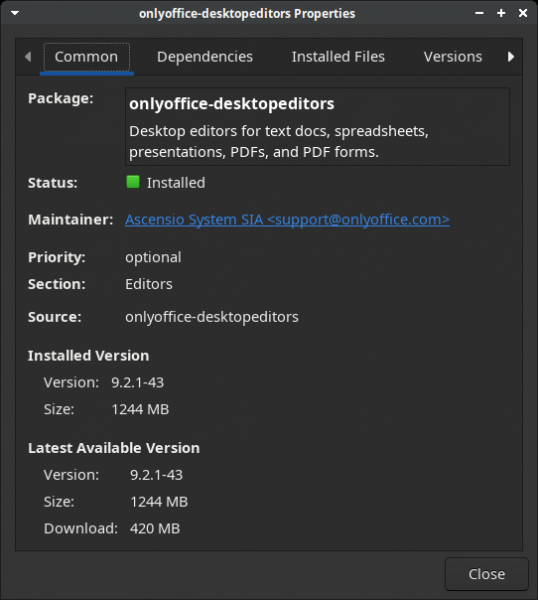
At 1244 MB, ONLYOFFICE Desktop Editors 9.2.1 is not a lightweight suite!
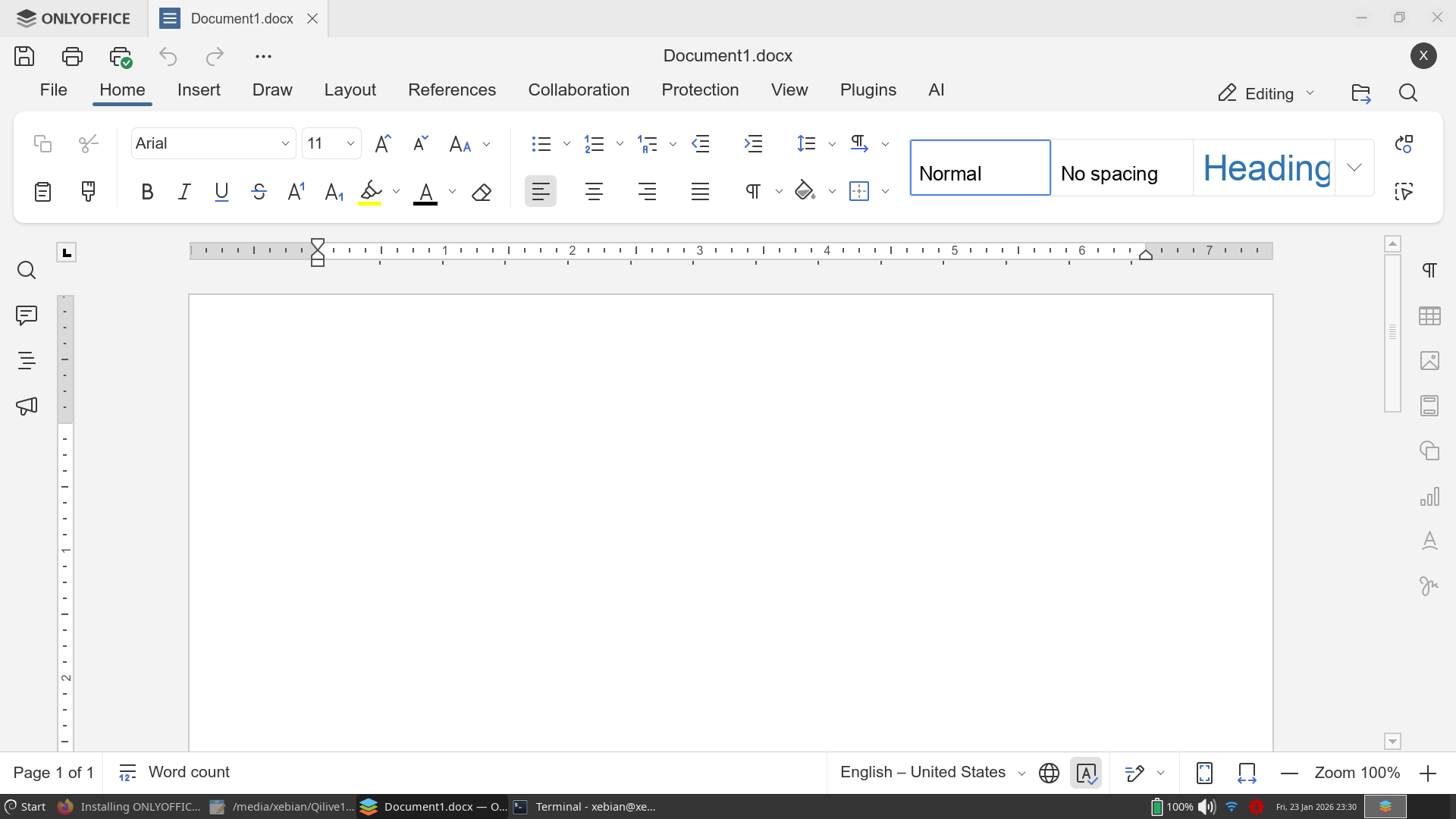
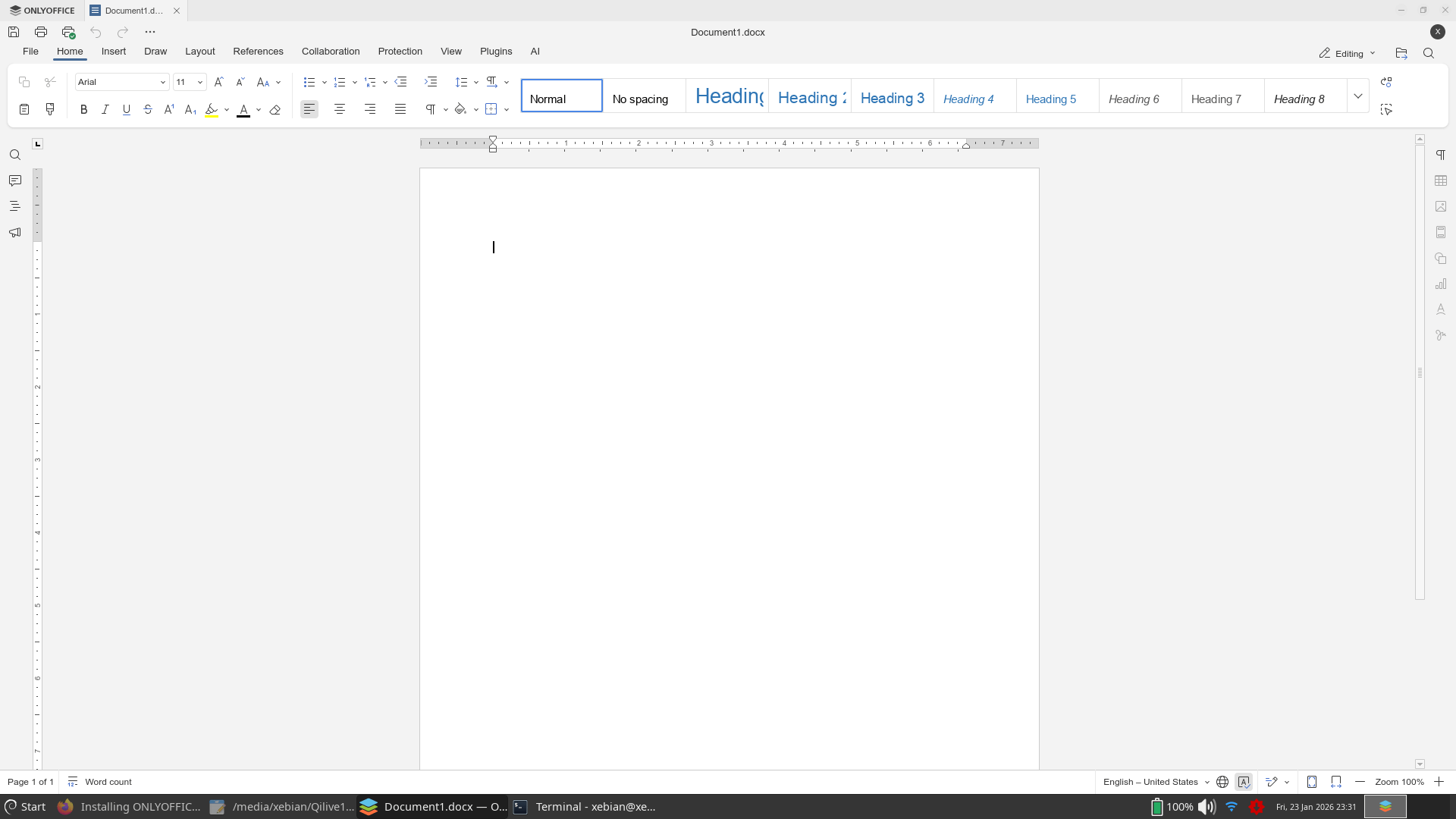
There is a problem, though. On my Win10 1-liter PC, the scaling factor is 100%, and ONLYOFFICE is honoring it. On my 14-inch Win11 laptop, the scaling factor is 125%, and ONLYOFFICE is honoring it. But the Linux version, on the same 14-inch laptop, defaults to a scaling factor of 150%, which is what Windows would also do by default. So I had to manually set the scaling to 100% (in Settings, Interface Scaling) to get what I wanted from ONLYOFFICE.
I’ll have to tell you that I also tried WPS Office, but only under Windows, and I found it as obnoxious as always. It’s not a bad office suite per se, but its UI and UX are worse than ONLYOFFICE’s.
In the end, my needs, my taste, and my opinions can be summarized in this simple table:
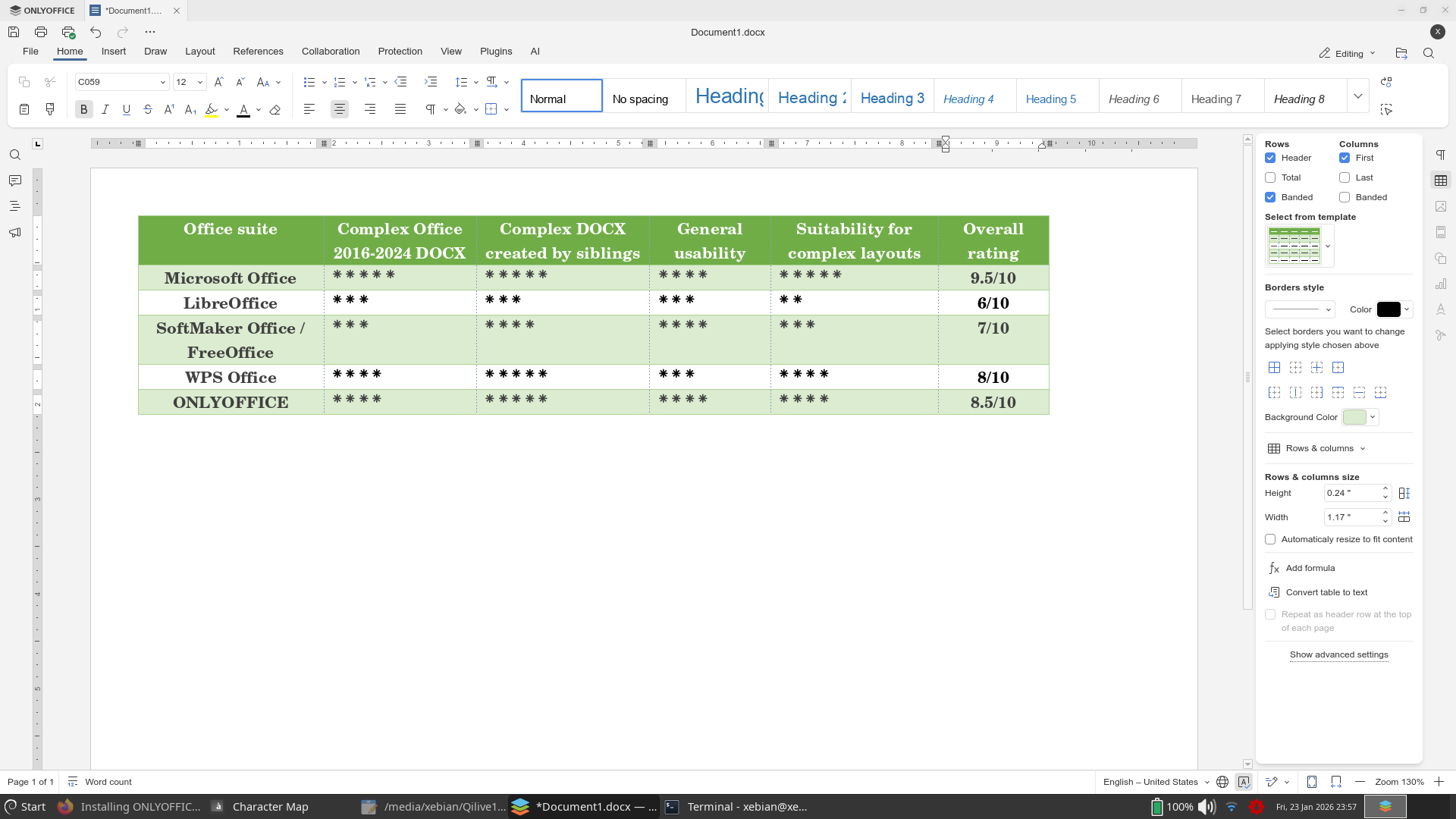
| Office suite | Complex Office 2016-2024 DOCX | Complex DOCX by siblings | General usability | Suitability for complex layouts | Overall rating |
|---|---|---|---|---|---|
| Microsoft Office | ⁕⁕⁕⁕⁕ | ⁕⁕⁕⁕⁕ | ⁕⁕⁕⁕ | ⁕⁕⁕⁕⁕ | 9.5/10 |
| LibreOffice | ⁕⁕⁕ | ⁕⁕⁕ | ⁕⁕⁕ | ⁕⁕ | 6/10 |
| SoftMaker Office / FreeOffice | ⁕⁕⁕ | ⁕⁕⁕⁕ | ⁕⁕⁕⁕ | ⁕⁕⁕ | 7/10 |
| WPS Office | ⁕⁕⁕⁕ | ⁕⁕⁕⁕⁕ | ⁕⁕⁕ | ⁕⁕⁕⁕ | 8/10 |
| ONLYOFFICE | ⁕⁕⁕⁕ | ⁕⁕⁕⁕⁕ | ⁕⁕⁕⁕ | ⁕⁕⁕⁕ | 8.5/10 |
Go figure, LibreOffice Writer can’t properly display even documents created by ONLYOFFICE or WPS Office! And I positively don’t want to use Microsoft Office.
I should write more succinct posts like this one, eh?
It makes sense. LO/OO internal format (ODF) is not OOXML. The other office suites native format is closer to MSoft – basically attempt at a clone.