
Weebs, waifus, Nyarch and its AI Assistant: pure madness!
There is a crazy Arch-based distro made for crazy people and featuring crazy utilities, including a sui generis AI assistant, yet nobody seems to be talking about it in the normal reality! Well, I’ll try to.
1 ● It made me curious
I learned about it via DistroWatch:
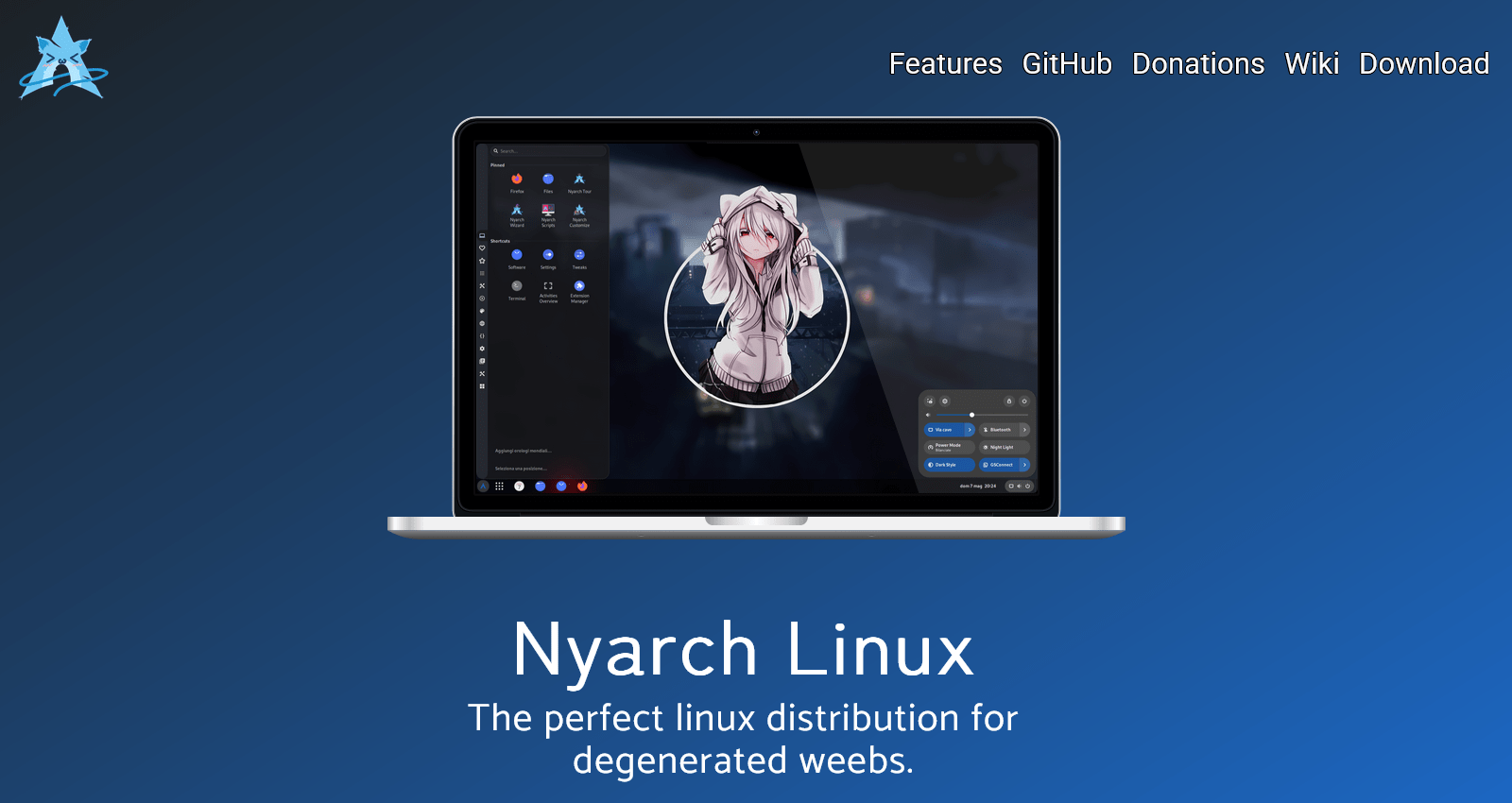
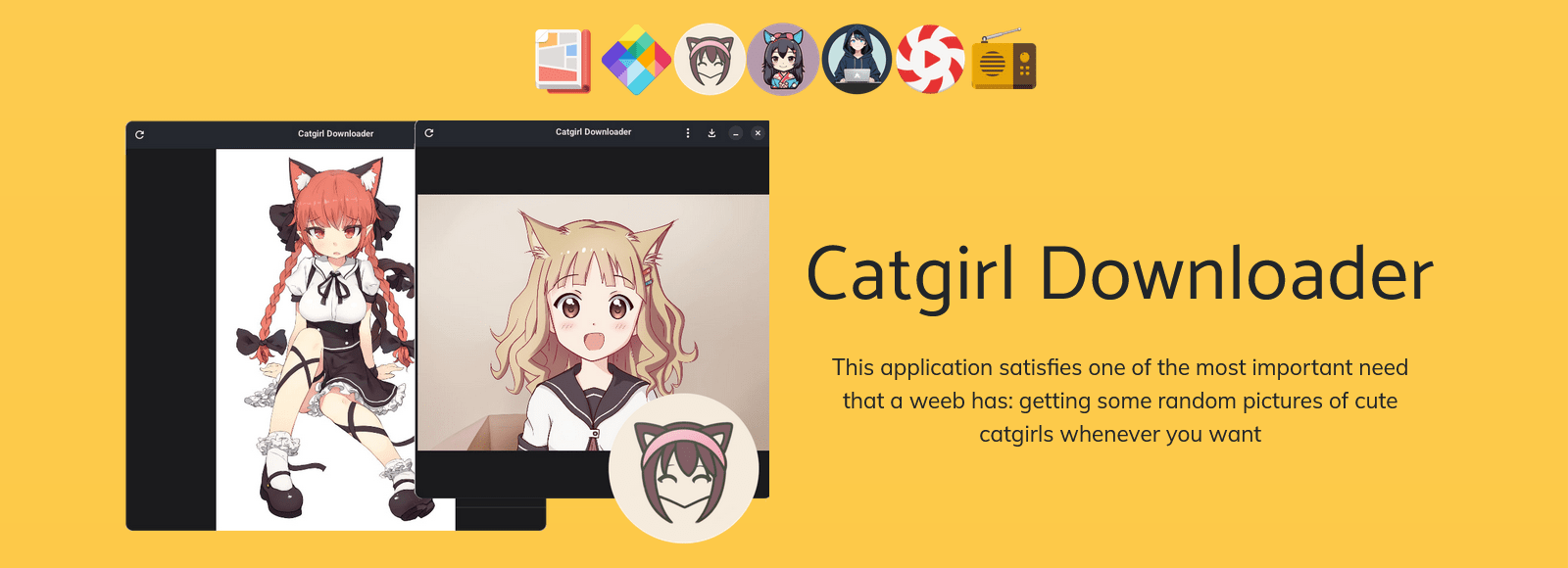
Nyarch Linux is an Arch-based, rolling-release Linux distribution designed for “weebs”, or non-Japanese persons interested in anime, manga, cosplay and other aspects of the Japanese culture. Some of the distribution’s custom features include “Catgirl Downloader” which downloads random pictures of cute catgirls, “Nyarch Assistant”, a digital companion which helps with a range of computing and real-life tasks, “Material UwU” which serves as a desktop wallpaper and theme chooser, and “Nyarch Customize”, a tool to facilitate desktop layout customisations and animations. Besides the standard release, the project also provides a special variant with pre-configured proprietary NVIDIA display drivers; both come with the GNOME desktop.
Unfortunately, it’s GNOME-based.
From the 7 reviews on DW:
| Version: 25.04.3 Rating: 9 Date: 2026-02-04 Votes: 1 | The integrated virtual assistant makes it incredibly useful. Ironically, even though it’s a meme distro, it’s the only one I know of that has an AI implementation as an integrated and ethical assistant, since it offers the option of running it locally and doesn’t send it to third-party servers if you don’t want it to. It’s a good option if you’re looking to start experimenting with AI, although I recommend checking if you have a graphics card designed for AI. It also has the option to run using the processor, but it will take a bit longer, and depending on the RAM, you’ll have a choice. For example, for laptops with 8 GB of RAM, I recommend models with 4 billion parameters or less. You’ll also have to consider the specific model; for example, qwen2.5-code is for programming, while gemma2 is more of a general-purpose tool. You have to find the one that best suits your needs, but they are all open-source, with licenses like MIT, Apache, and others. |
| Version: 25.04.2 Rating: 9 Date: 2025-11-08 Votes: 7 | I installed it mostly out of curiosity, but ended with this distro as a main driver on my Thinkpad. I could install it on an older Fujitsu Lifebook, a Lenovo Legion and a Thinkpad T14S gen 1 AMD without any problems. Also, I encountered no big issues, at least way less than Windows offers currently, which was the main reason to try out this distro in the first place. The Arch chan fork of newelle works also good with a local llama LLM and the only annoying error I encountered sometimes is the native screenshot program. It refuses to work many times. But there is another program for that purpose installed, so no major issue. |
| Version: 25.04.2 Rating: 1 Date: 2025-10-20 Votes: 0 | More Style Than Substance Nyarch Linux tries to present itself as a “modern and stylish” take on Arch Linux, aiming to offer convenience without sacrificing the rolling release philosophy. However, in practice, the system delivers more frustration than functionality. Constant instability Despite claiming to be a “ready-to-use” Arch-based system, Nyarch often breaks after simple updates. Many packages are poorly maintained or incompatible with upstream versions, leading to dependency issues and crashes that require manual fixes — the opposite of user-friendliness. Lack of transparency and support Official documentation is scarce and mostly copied from the Arch Wiki, without addressing the distribution’s own quirks. The community is nearly nonexistent, and in the few active spaces, users are often told to “just use vanilla Arch” instead. Aesthetic over function Most of Nyarch’s focus seems to be on visuals — themes, icons, splash screens — while performance and optimization are largely ignored. The result is a flashy but bloated system with inconsistent responsiveness. Unresolved bugs and compatibility issues Many users report problems with graphics drivers, Wi-Fi, and audio configuration. The supposedly simplified installer often freezes or fails to install the bootloader properly, especially on nonstandard hardware. Conclusion Nyarch Linux is an example of a distribution that prioritizes appearance over reliability. While it might look sleek at first glance, it fails to deliver the stability and consistency that make Arch Linux so respected. If the goal was to make Arch more accessible, it falls short — leaving users with a pretty interface and a broken system. In short, it’s eye candy for the desktop — but for real performance and dependability, you’re better off sticking with Arch or Manjaro. |
| Version: 25.04.2 Rating: 8 Date: 2025-08-31 Votes: 1 | It’s a nice Arch-based distro, that features a nice set of applications. I personally like the themes and backgrounds (even though I hate GNOME). It boots up quicker than some other Arch-based distros (Even though it uses GNOME as the DE). I also like the Material UWU theme. I also like the Nyarch customizer, because it makes GNOME usable especially if you are a Windows user. BUT: There are still a few bugs that can be a bit annoying, and there is still no support for usable DEs like KDE, so if you hate GNOME like me, I wouldn’t recommend it without any customization. That is why I had to deduct 2 points. |
This did make me curious!
2 ● To the website!
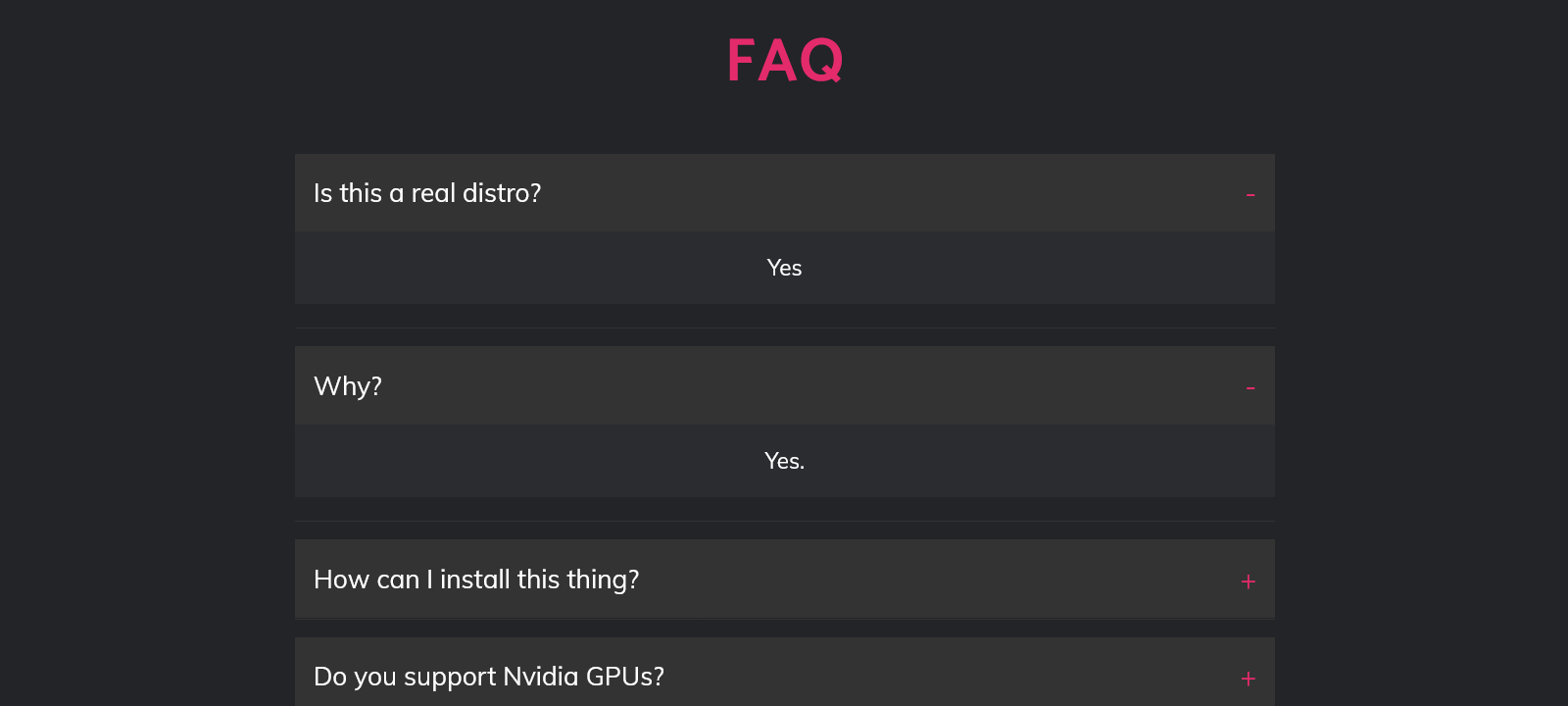
The official website is… peculiar:
I downloaded Nyarch_Gnome_25.04.4.iso (3.9 GB) from the German server. Oh, just before I forget, I’ll mention that it’s one of those distros that cannot access /home/ludditus from the live session, as if there were such a duty as “protecting the privacy of the /home of an installed partition.”
Also, at the end of evaluating the live session, the shutdown process was stuck at this process, so I pressed the power button for 10 seconds instead of waiting God knows how long:
systemd-shutdown[1]: Waiting for process: 21702 (plymouthd)Ah, the joys of systemd.
UPDATE: In a second live test, the shutdown was fast and smooth.
It goes this way (yes, I tested it one week ago):
3 ● The Nyarch Assistant
Screenshots FTW!


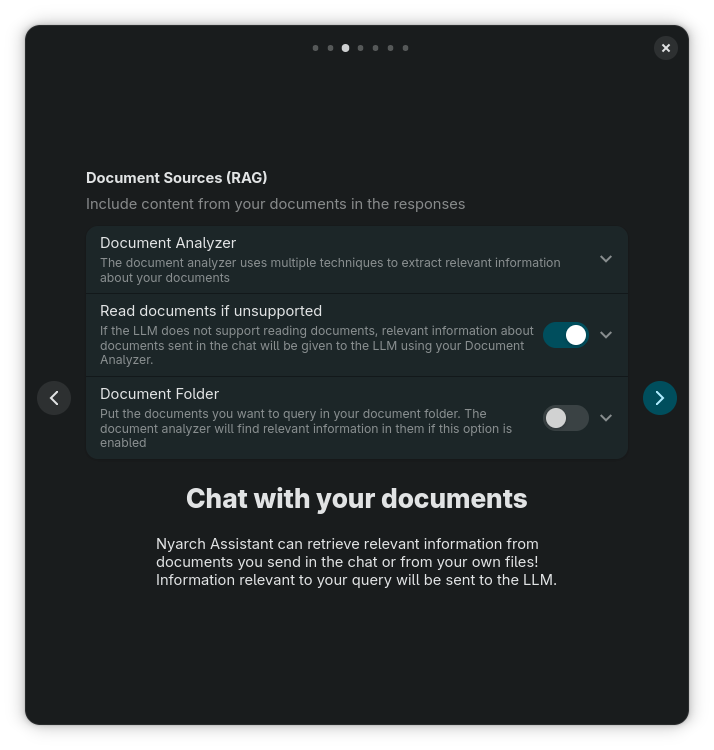
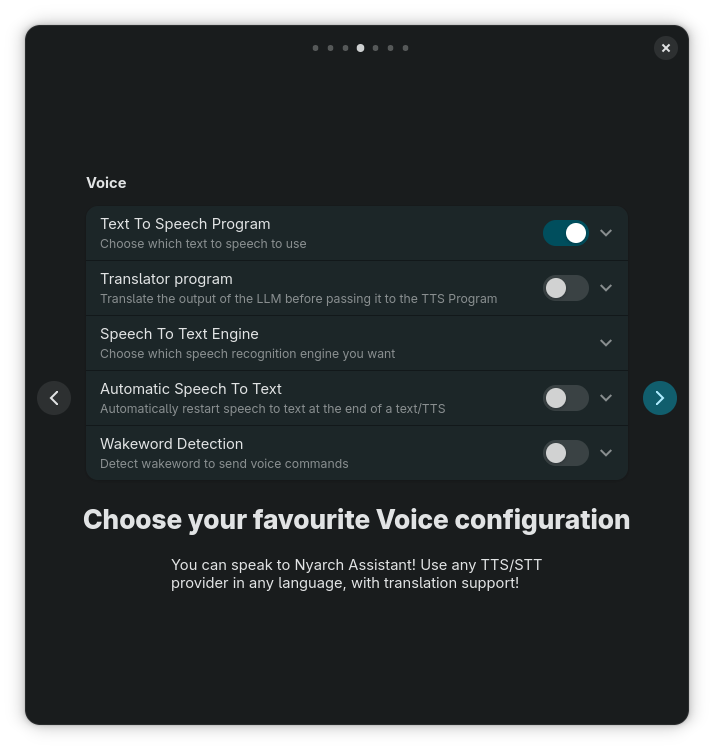
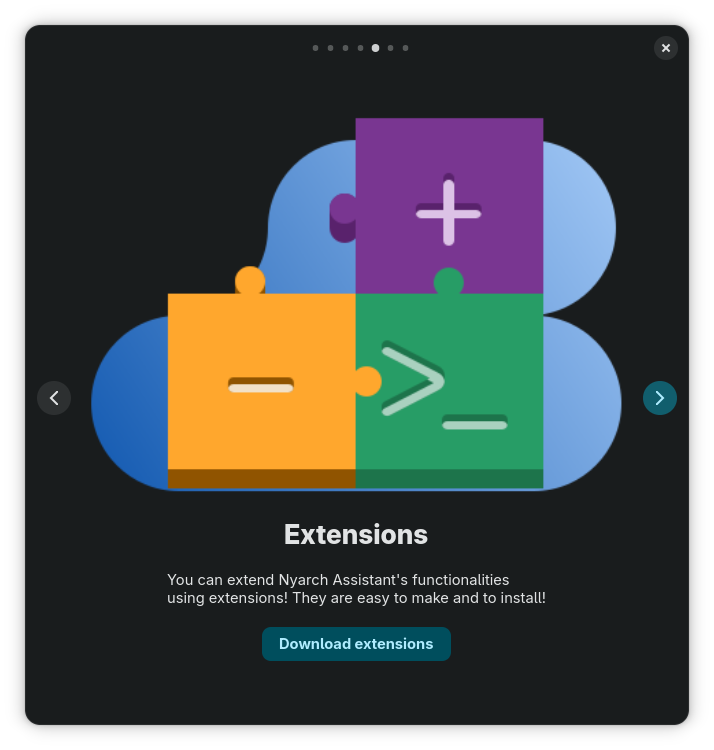
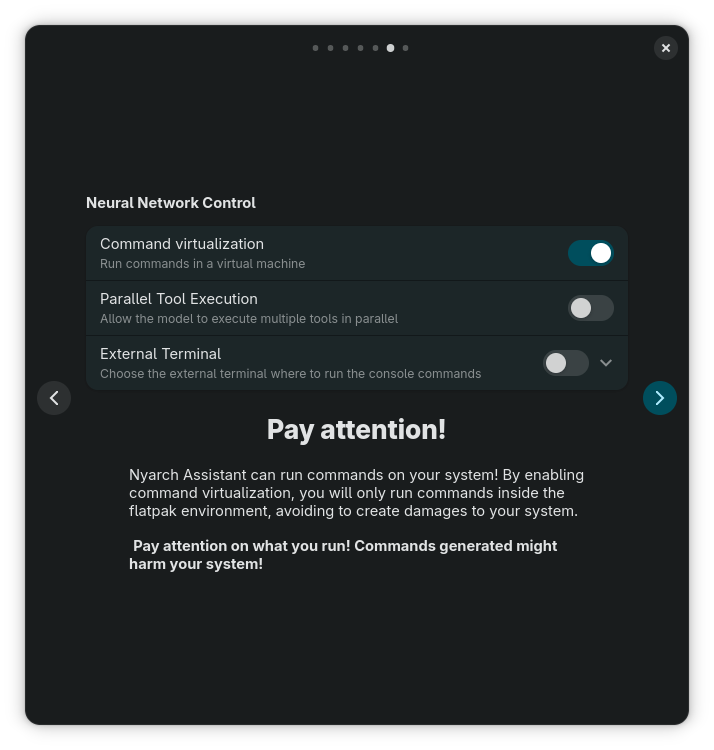
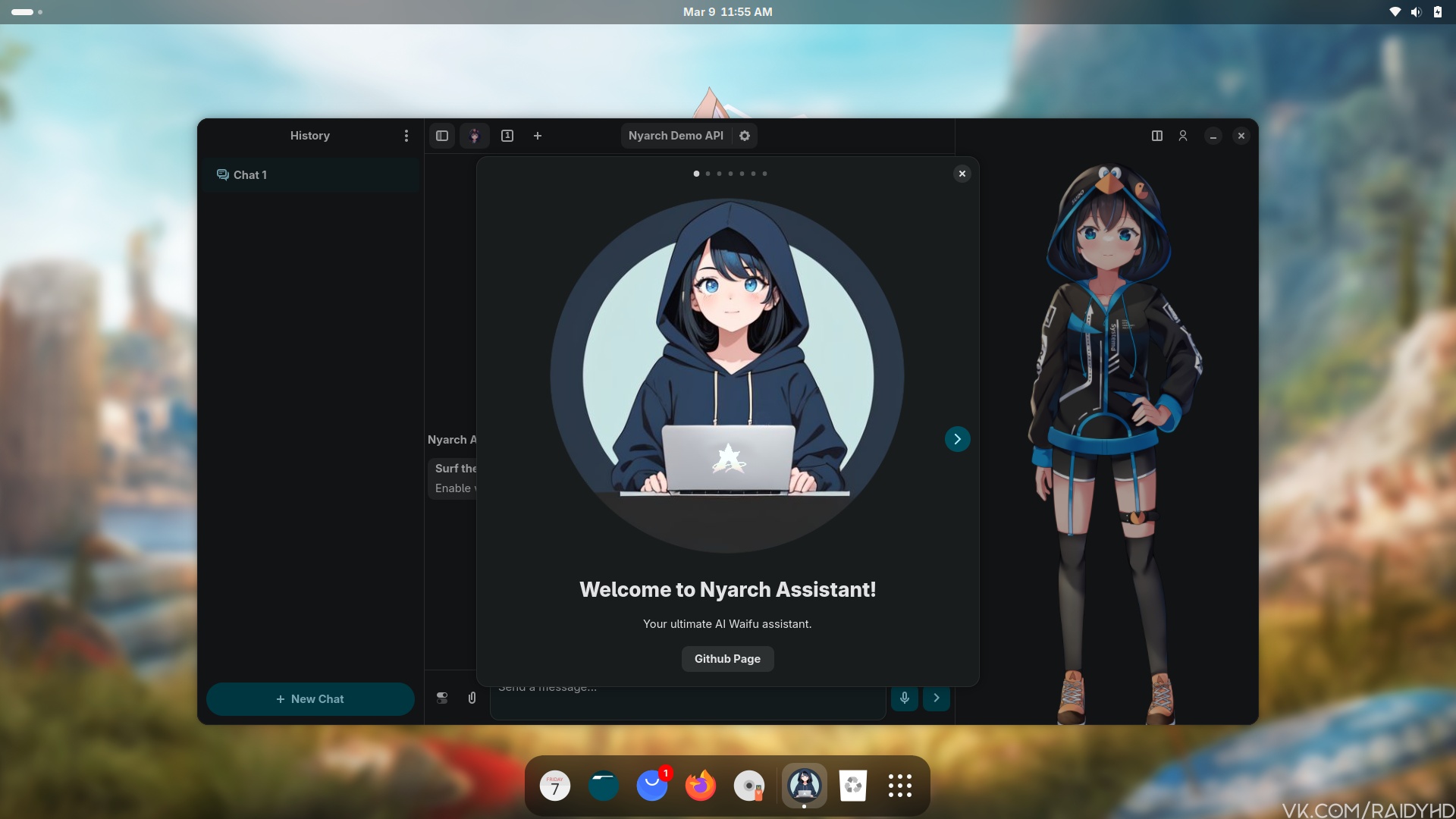
This is probably the pièce de résistance of this distro. So let’s dig deeper. Before doing that, have you noticed the warning that “Nyarch Assistant can run commands on your system”? That’s because it’s an assistant, not just a chatbot.
I don’t know anything about the history of this project, so here’s what I discovered.
Um, it is confusing.
① First, it was Newelle — “Your Ultimate Virtual Assistant”, by Yehor Hliebov aka qwersyk:
- Newelle on GitHub — official website
- Newelle on Flathub (with screenshots)
- Newelle-collection: Collection of simple extensions for Newelle (with screenshots) — official website
OMG! Ubuntu‘s Joey Sneddon wrote about this GTK4/libadwaita app in August 2025: Newelle, AI “Assistant” for GNOME, Hits Version 1.0.
Newelle bills itself as your “ultimate virtual assistant”, but it’s not quite as autonomous, anticipatory or flash-bang-wow as that makes it sound. You certainly can’t yell “Hey, Newelle – order me antacids to take the edge off all this hyperbole” (at least, not yet).
It’s simply a GTK GUI frontend to LLMs … like Gemini, ChatGPT, Groq (not to be confused with Grok), etc, or local open source models you run on your own hardware (in an Ollama instance, ideally).
…
It supports voice chat using Speech-to-Text and TTS models, can tackle web searches, and even run terminal commands (!) for you. You can drag documents into Newelle to “chat” with the contents, and use the built-in file manager to “manage files with the help of AI” (!!).
…
Newelle also supports ‘extensions’, which enable you can bolt on additional functionality or capabilities, like image generation through Stable Diffusion, and make use of them within your other chats. The extension system is open, and anyone can create their own.
To use an online provider, such as OpenAI’s ChatGPT, Google’s Gemini, or Anthrophic’s Claude, you must provide your own API key. A ‘demo’ cloud model is enabled out of the box but is limited to 10 responses a day (ergo, don’t expect a psychosis-inducing chat).
It only got 7 anemic and stupid comments.
Nobody bothered to explain the origin of the name, but is Newelle a reference to Her?

② Then, enter one Francesco Caracciolo. He forked Newelle to create the Nyarch Assistant. He also happens to be the author of many, if not most, of Newelle’s Extensions!
Collected links from Francesco’s profile and from the GitHub of Nyarch Linux — “Nyarch Linux is a (meme) Linux distribution based on Arch Linux made for very degenerated weebs”:
- NyarchAssistant — Nyarch Linux Assistant (Newelle Fork)
- Mirror: NyarchAssistant — Nyarch Assistant — “Your ultimate Waifu AI Assistant”
- NewelleExtensions — A collection of Newelle Extensions for Image Generation, Arch Wiki, LLM
- Newelle-LLMS — Extensions for multiple LLMs providers that are not installed by default on Newelle (Z.ai, Qwen Code, Cerebras, Nvidia NIM, Vercel, VoidAI, Baseten)
- AI-WebNavigator — Newelle Extensions that allows AI to navigate websites and find relevant information (2 other contributors, not just Francesco)
- Newelle-Coding — Advanced coding capabilities for Newelle
- Newelle-Planning — Add planning capabilities to Newelle, enabling it to solve multistep complex tasks
- Newelle-Nextcloud — Interact with your nextcloud instance using Newelle
- Newelle-Advanced-Tools — Directory navigation, file editing capabilities, image reading and search capabilities for Newelle
- Newelle-Voice-Cloning — Newelle extension to add a TTS handler that uses GPT-SoVITS-V2 for Voice Cloning
- Newelle-Calendar — Calendar management extension for Newelle 1.0+
- “Just want Nyarch customizations on another distro? Try Nyarcher!”
- NyarchCustomize – Tool to customize Nyarch GNOME appearance easily (3 other contributors, not just Francesco)
Again, nobody bothers to say something like, “This Newelle extension also works with Nyarch Assistant.” Or, “it doesn’t.” Why? Especially when Francesco wrote both the respective extension and the Nyarch Assistant! I take it that they do work with both assistants.
Either way, this is something to explore. Newelle, as Flatpak, in any distro. Nyarch Assistant… in Nyarch Linux or another Arch derivative!
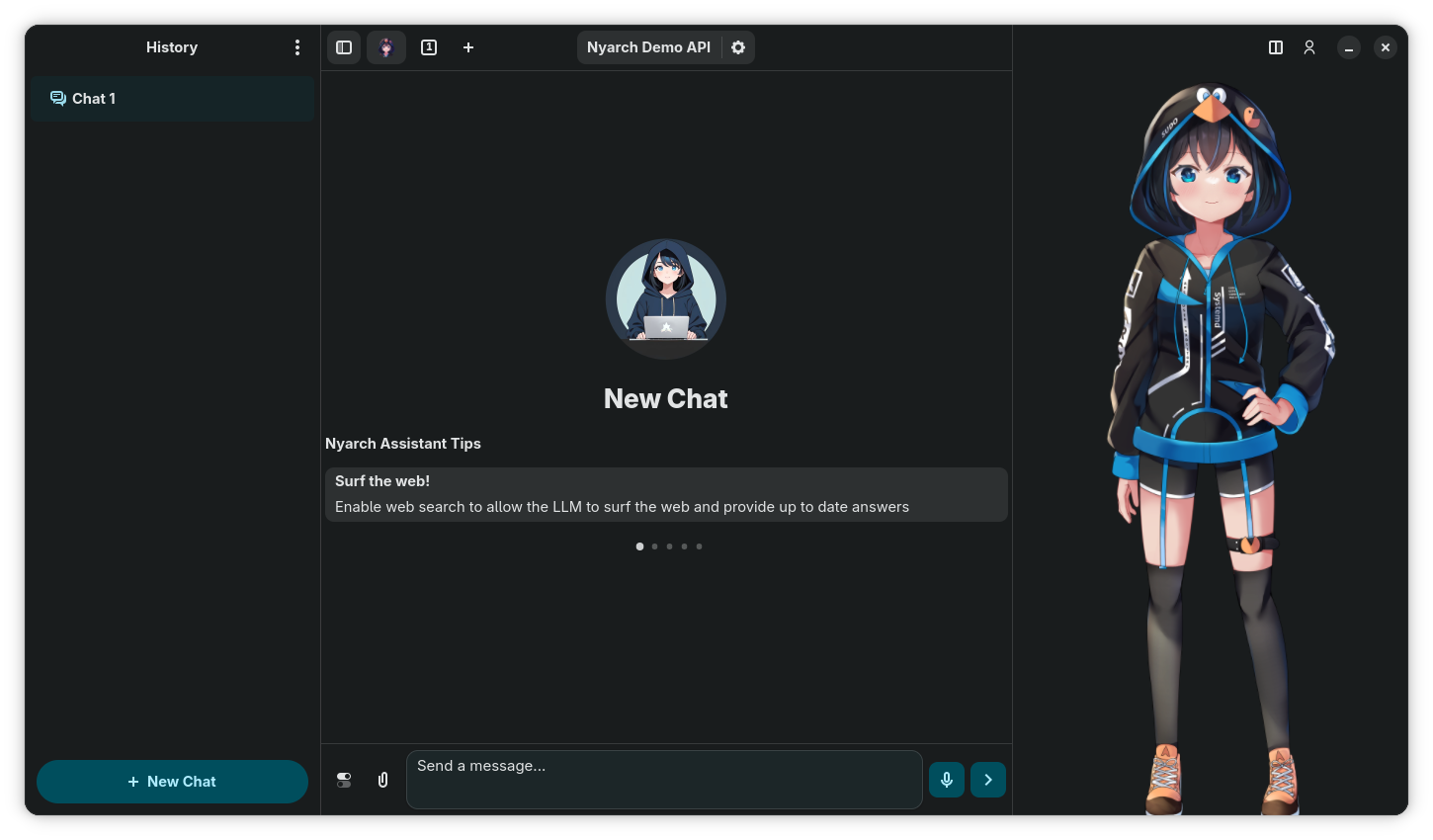
4 ● Back to the distro itself
Oh, the horror of GNOME! As if the AppGrid weren’t already a broken concept, in this case it kind of shocked me with an aspect I wasn’t familiar with:
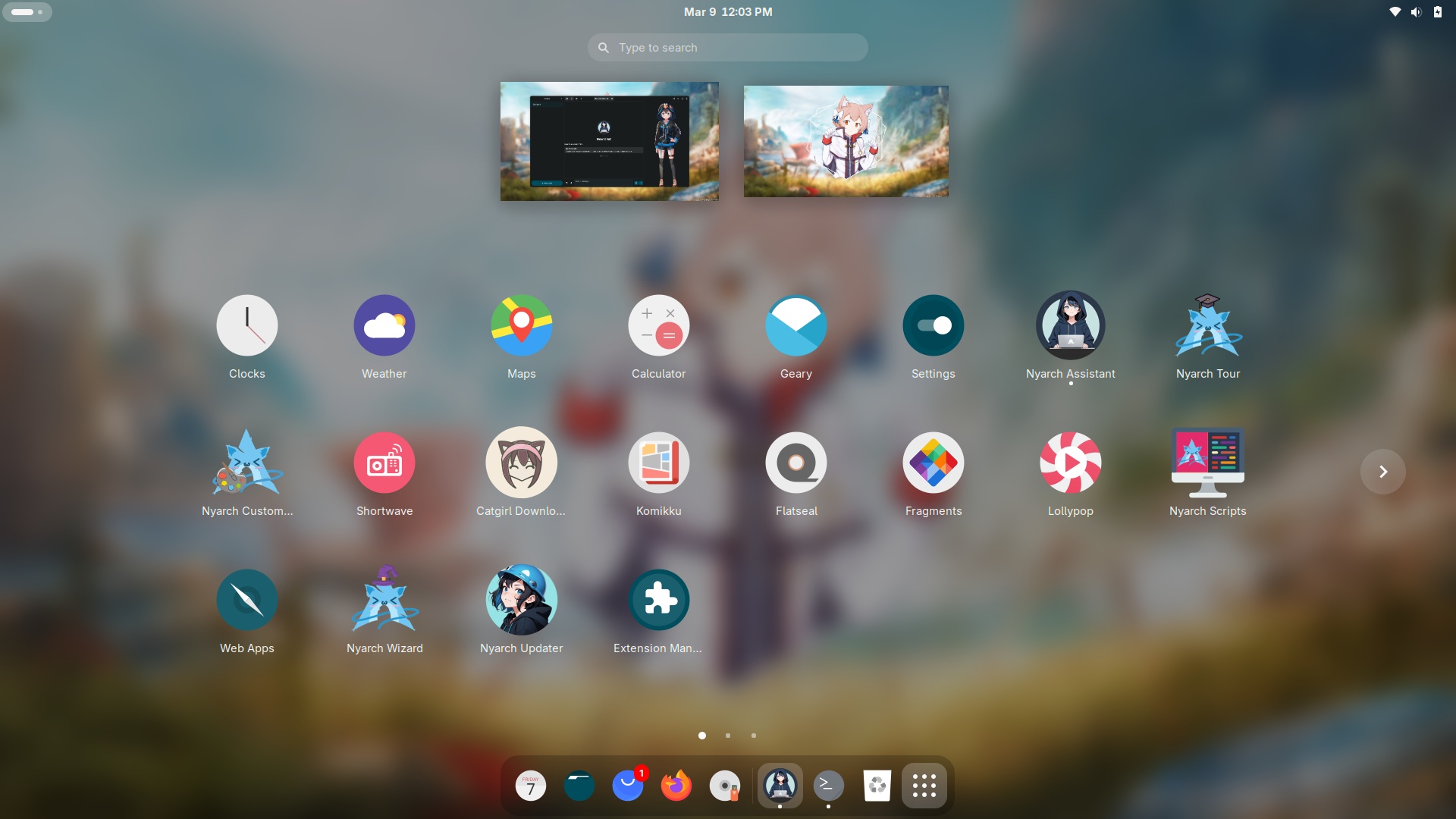
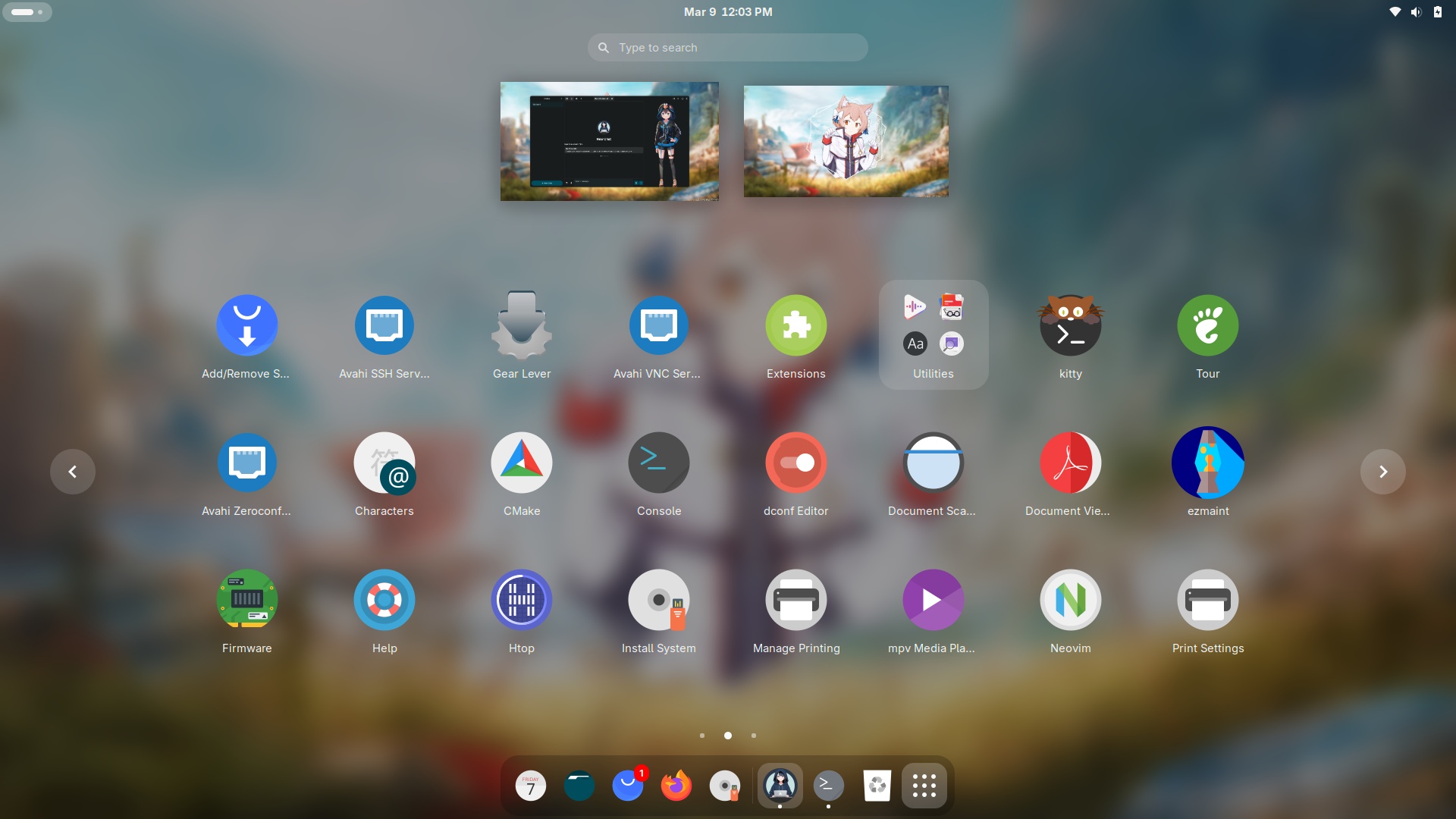
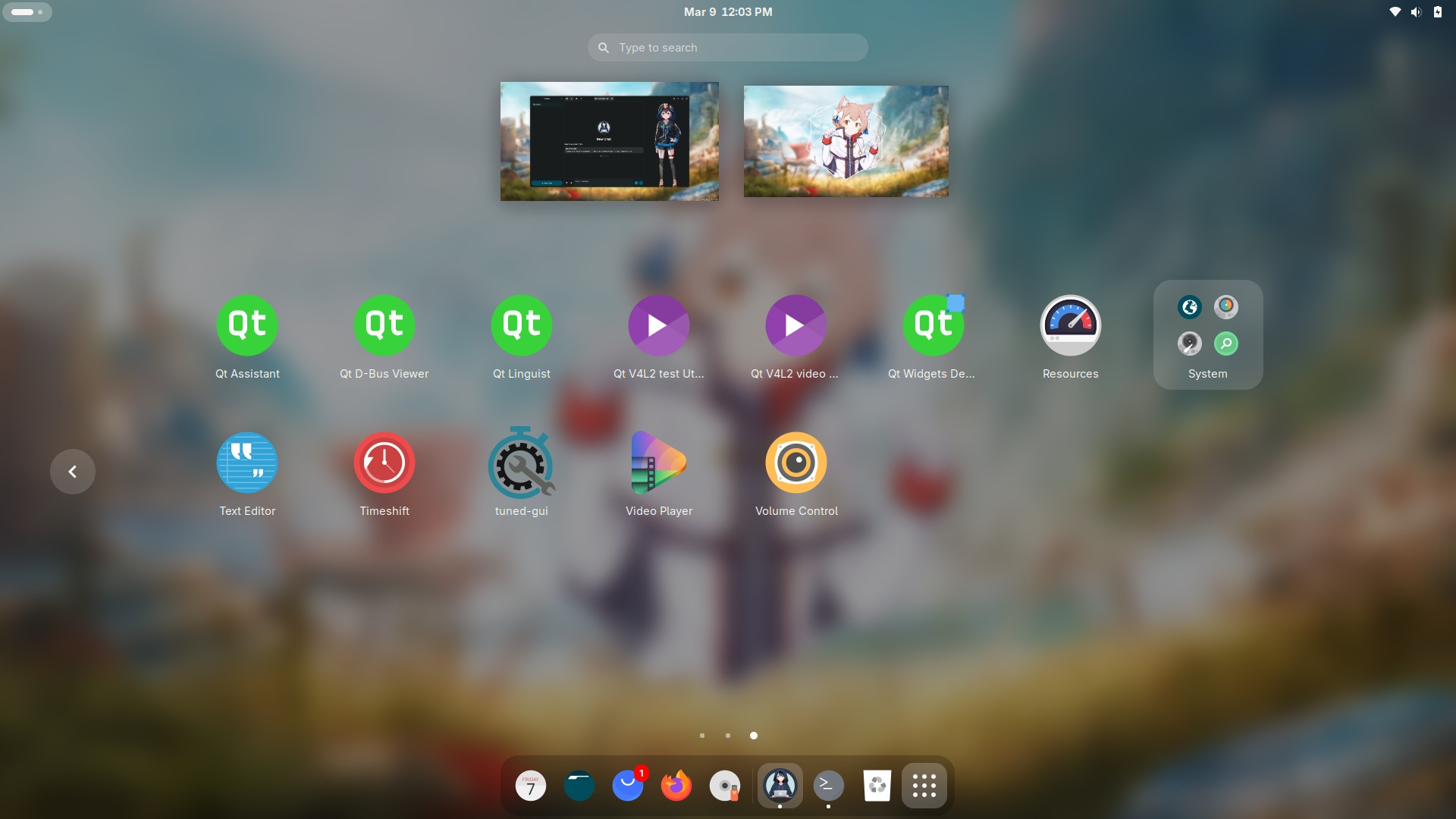
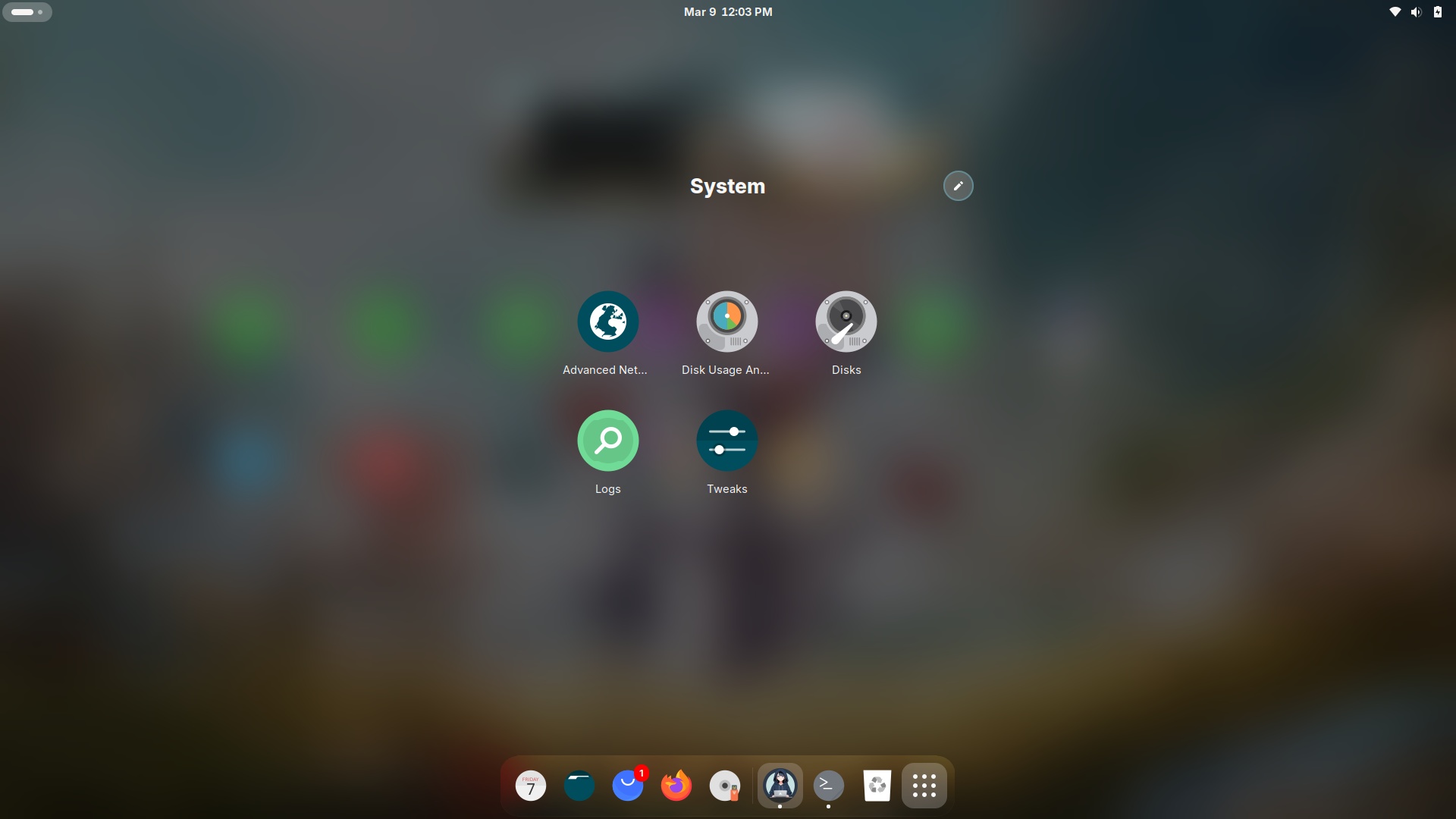
Unlike under Android, the grid of icons doesn’t display all the apps that have a GUI (more precisely, those that have a .desktop that does not contain anything like NoDisplay=true, Hidden=true, or OnlyShowIn=KDE) uniformly, by filling each screen. Nope. As you can see, the first screen only has 20 icons instead of 24, the second screen is full (including a folder), and of course the third one shows what’s left (in the fourth screen I expanded the “System” folder). It looks like app-picker-layout has been customized. Again, why!?
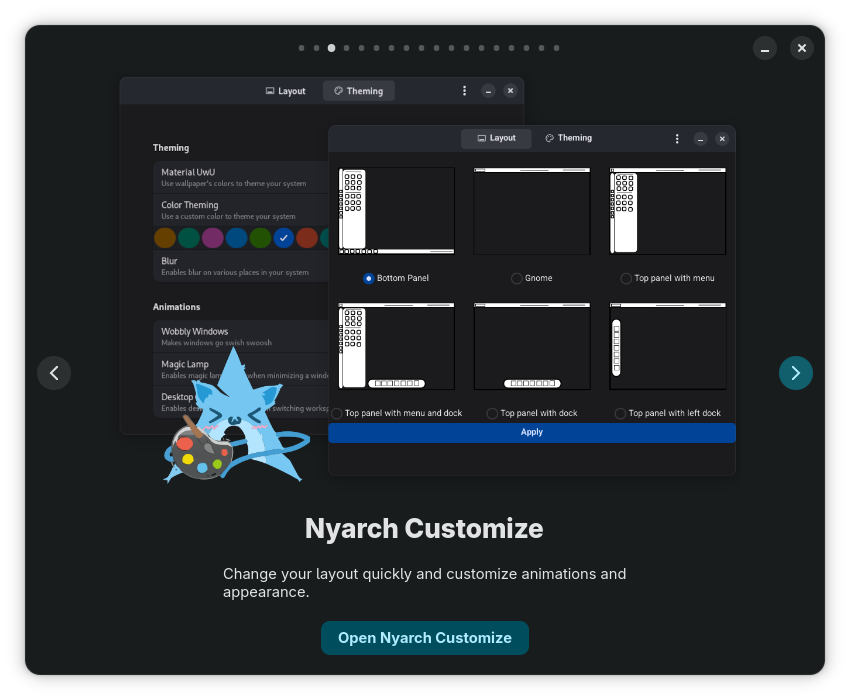
Fortunately, Nyarch Customize helped me (and would help any user) change GNOME’s layout to something closer to their taste:
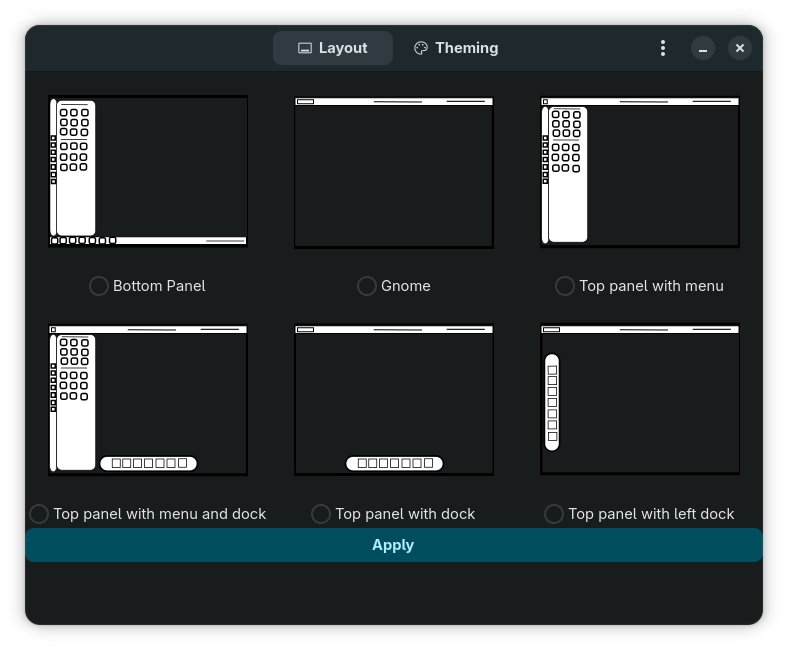
“Bottom Panel” is da shit!
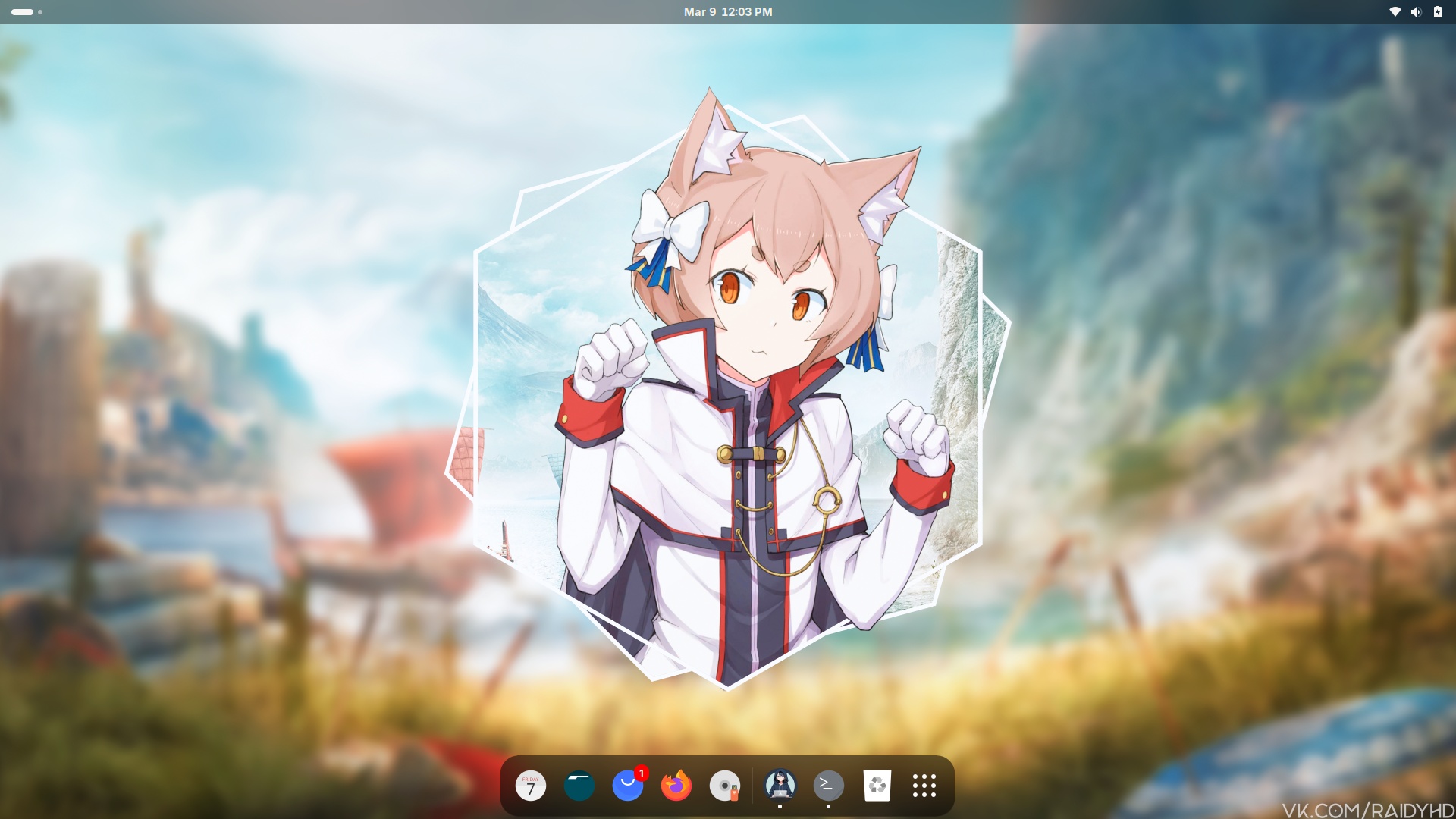
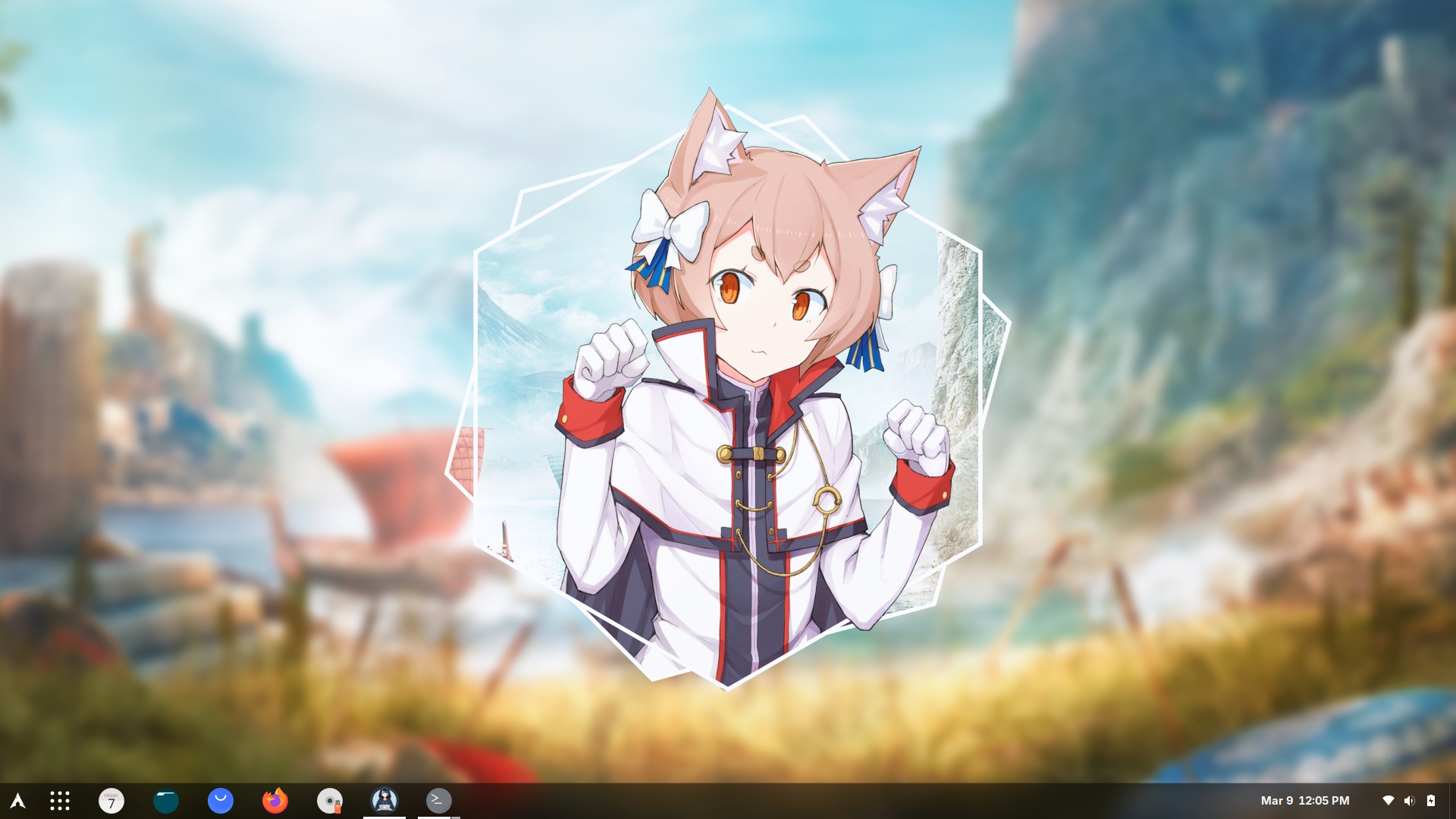
Alas, the “start menu” isn’t a traditional (cascaded) menu:
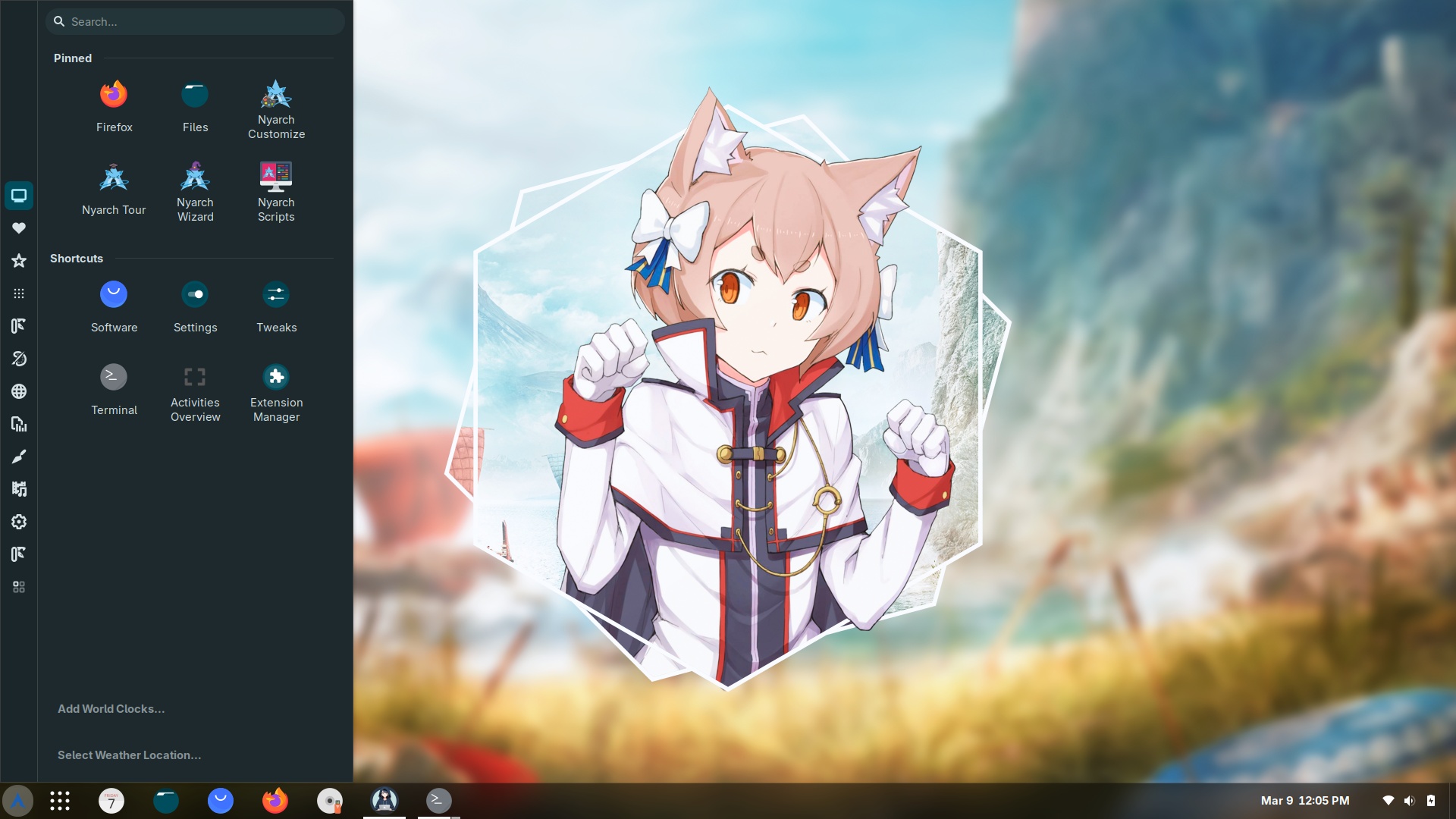
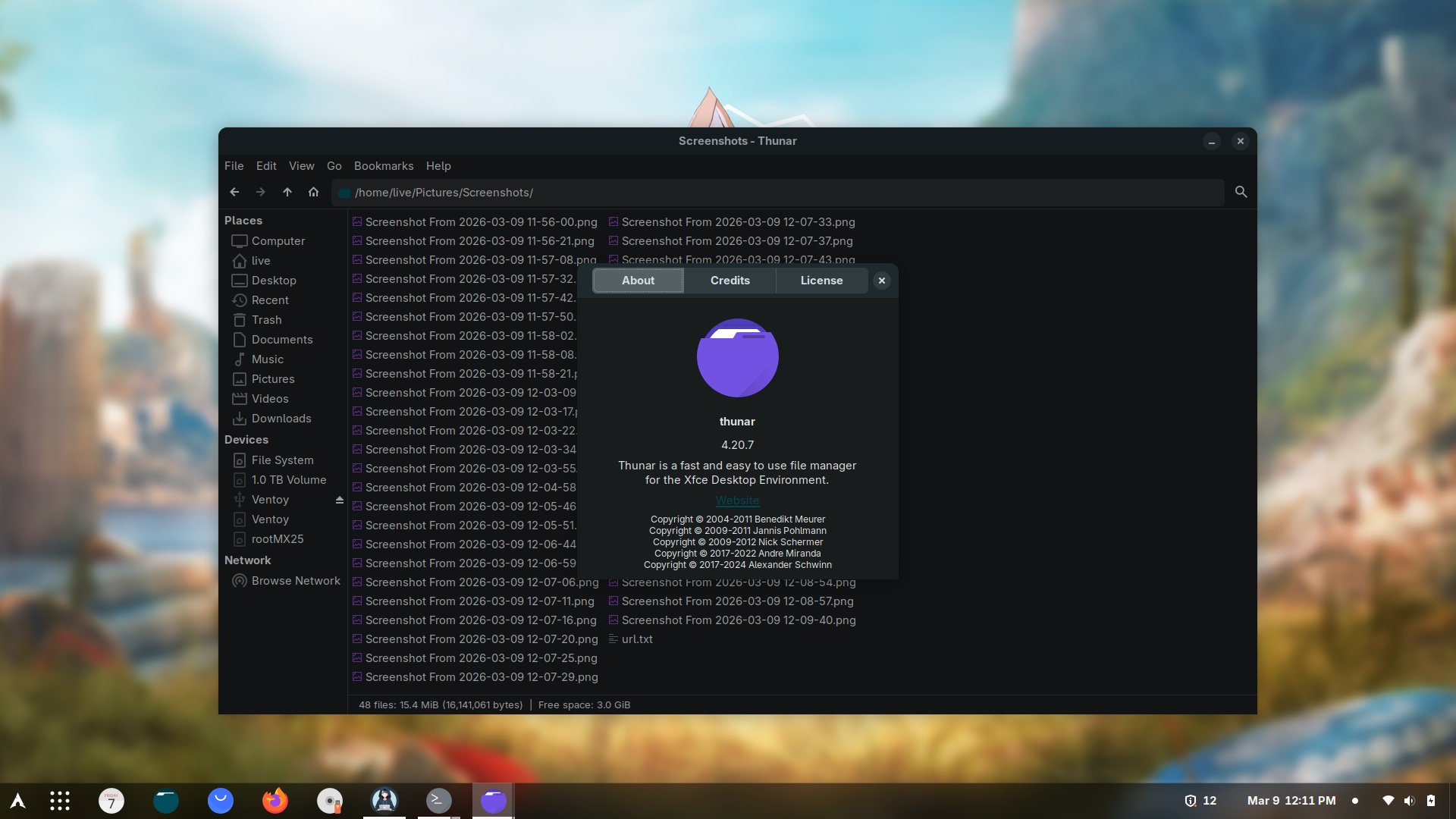
Next thing, because Files (Nautilus) is retarded, let’s install Thunar:
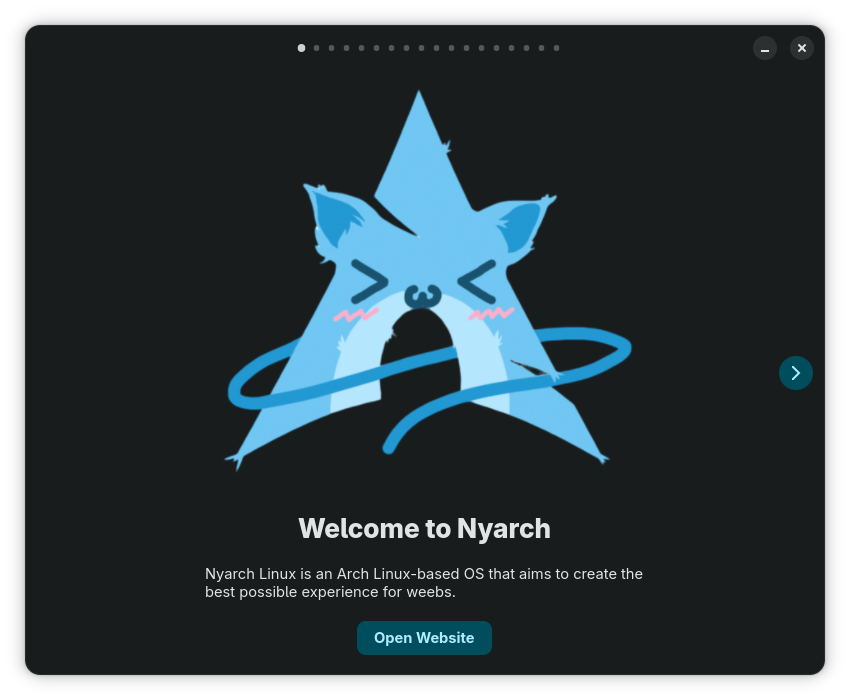
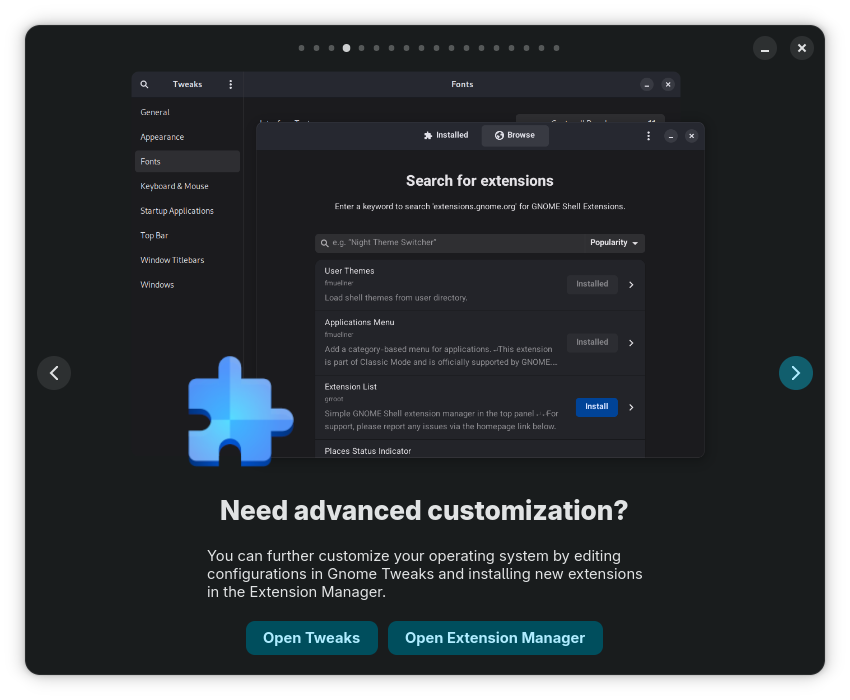
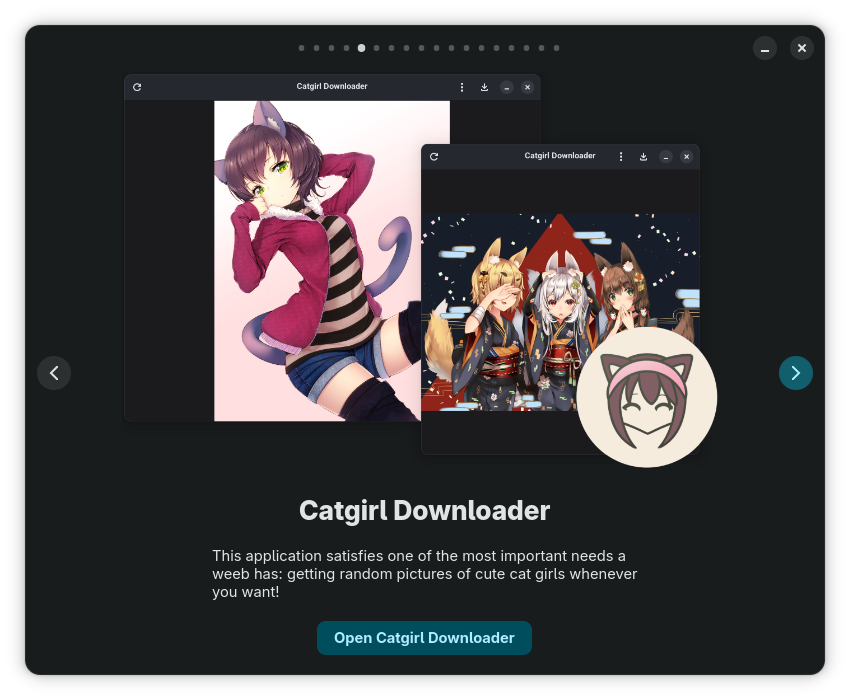
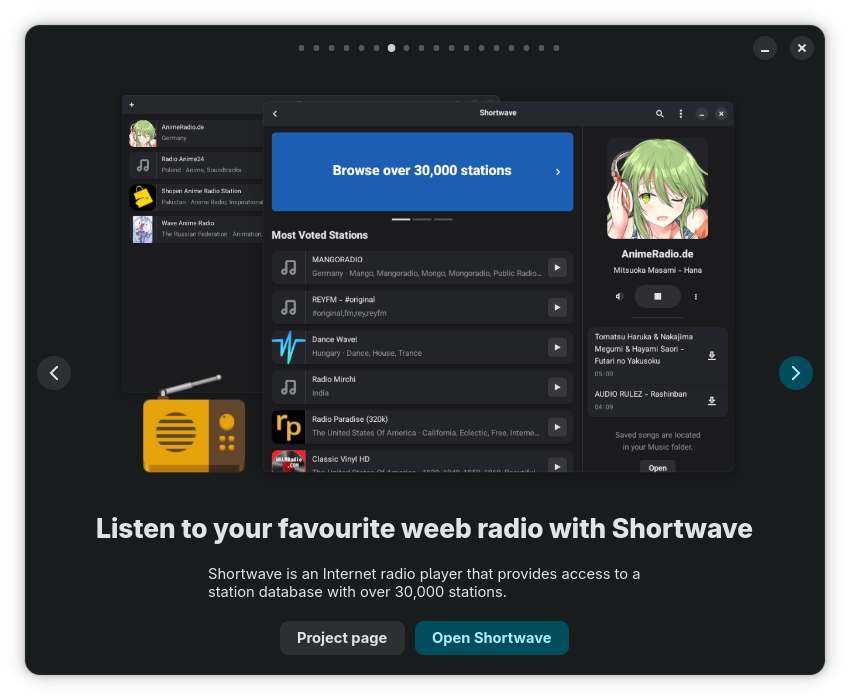
Nyarch Tour has 18 screens!
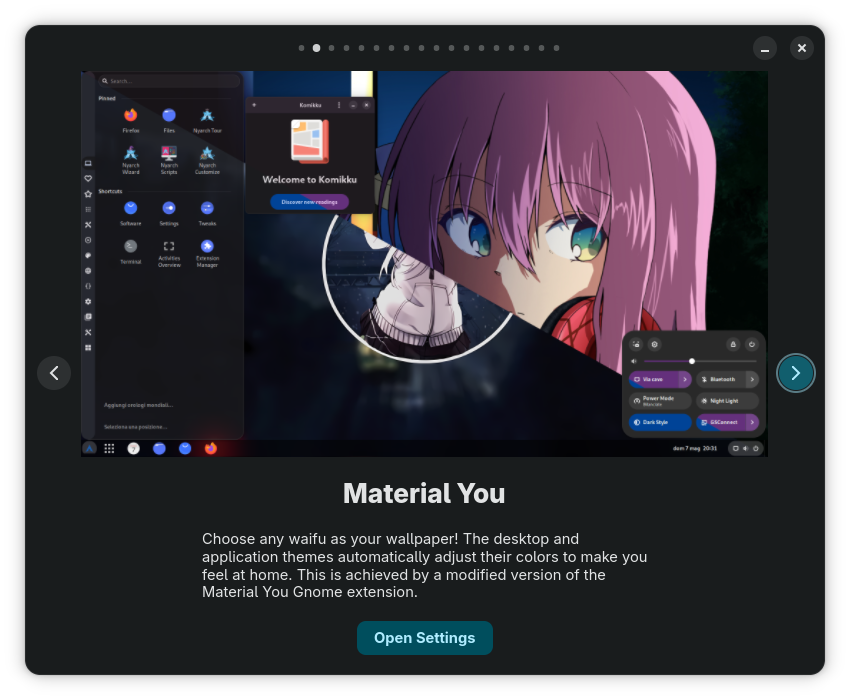

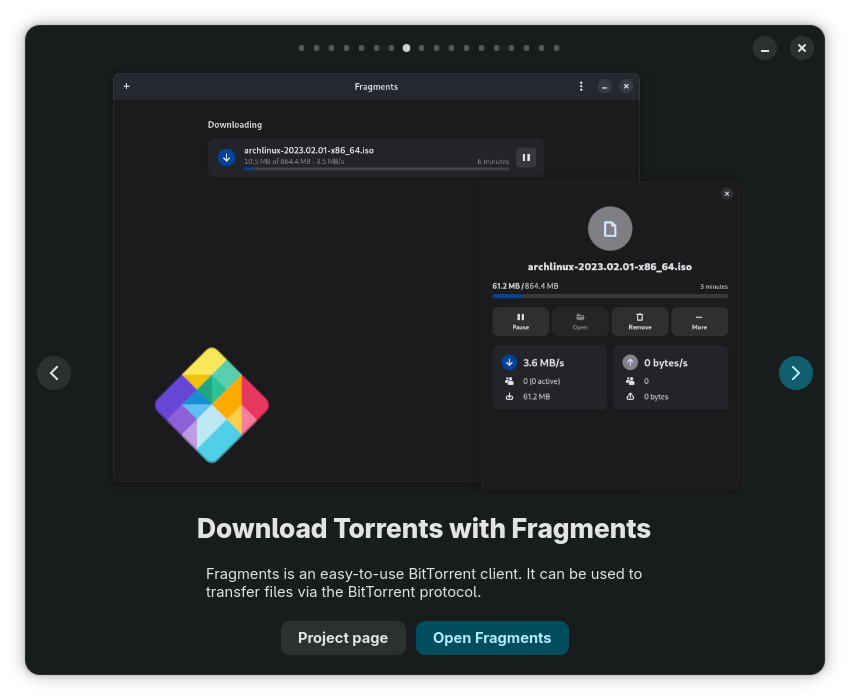
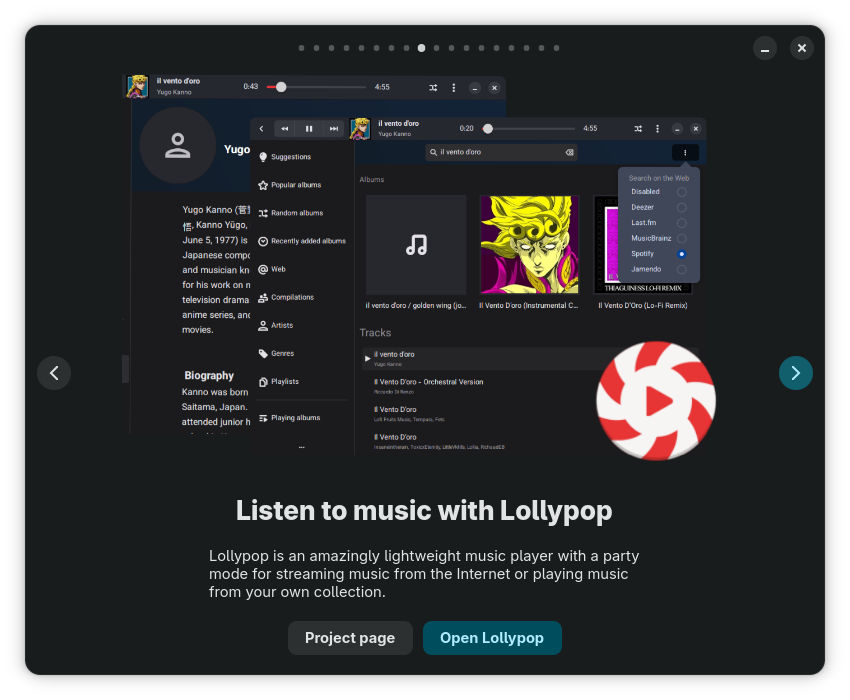
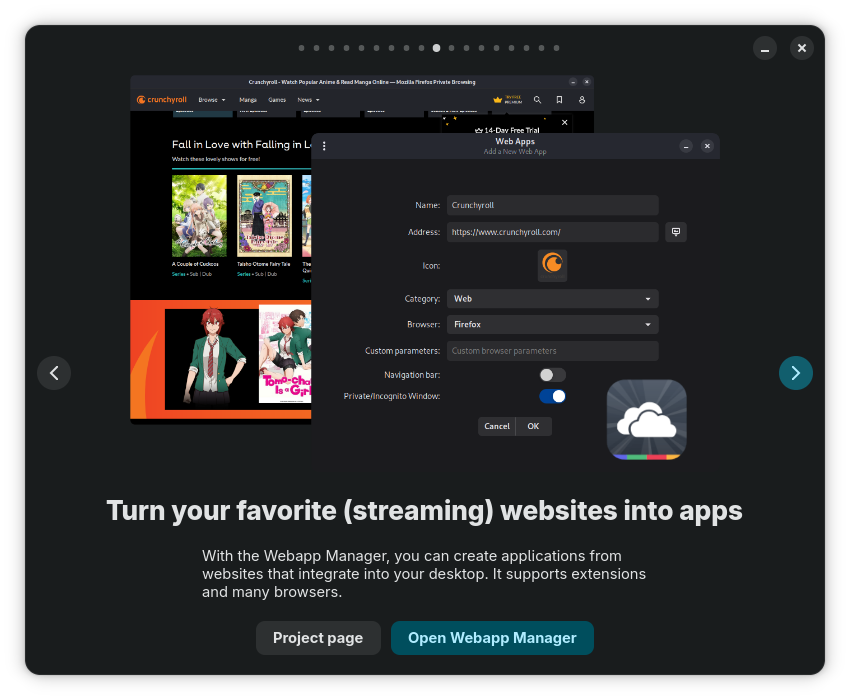
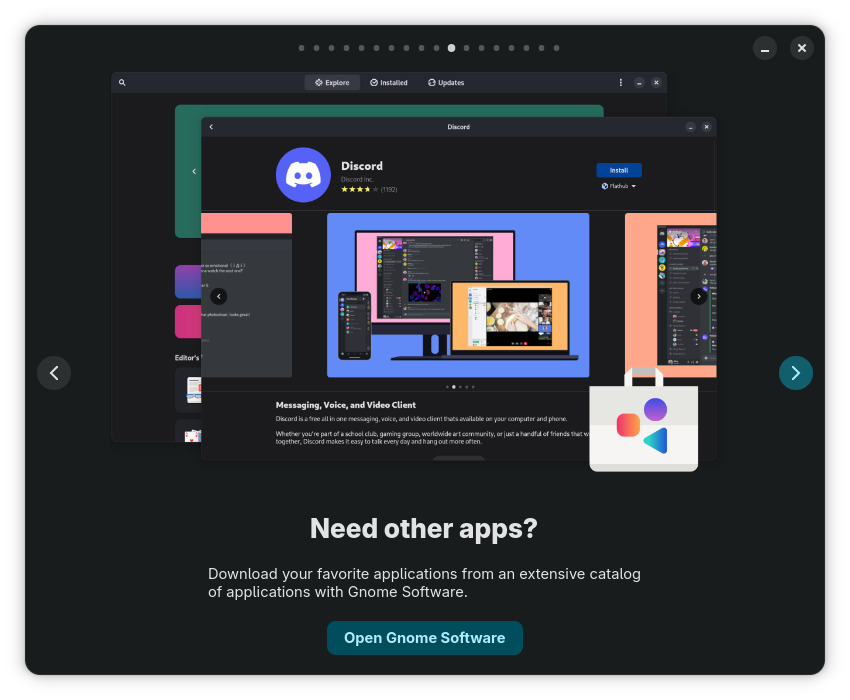
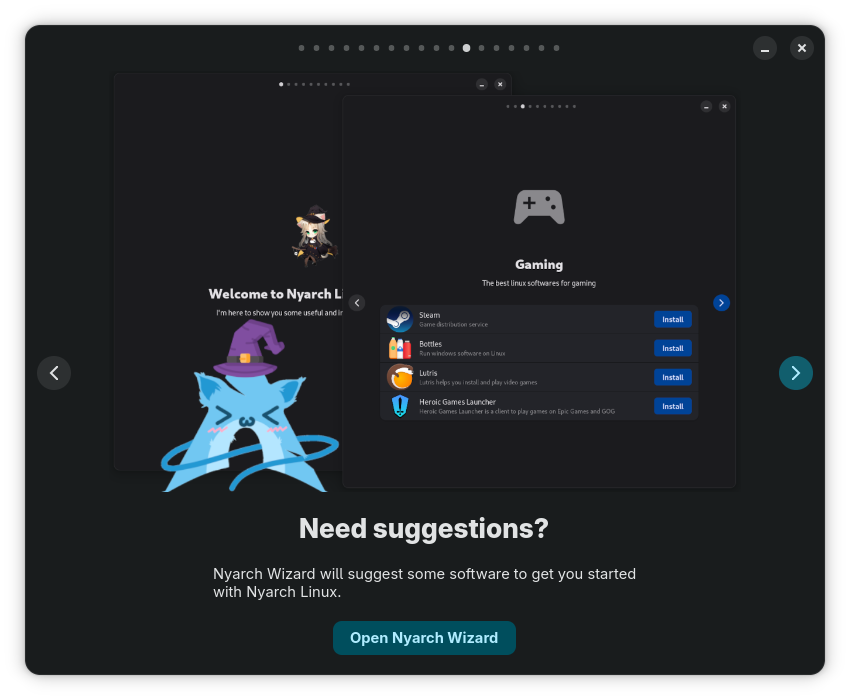
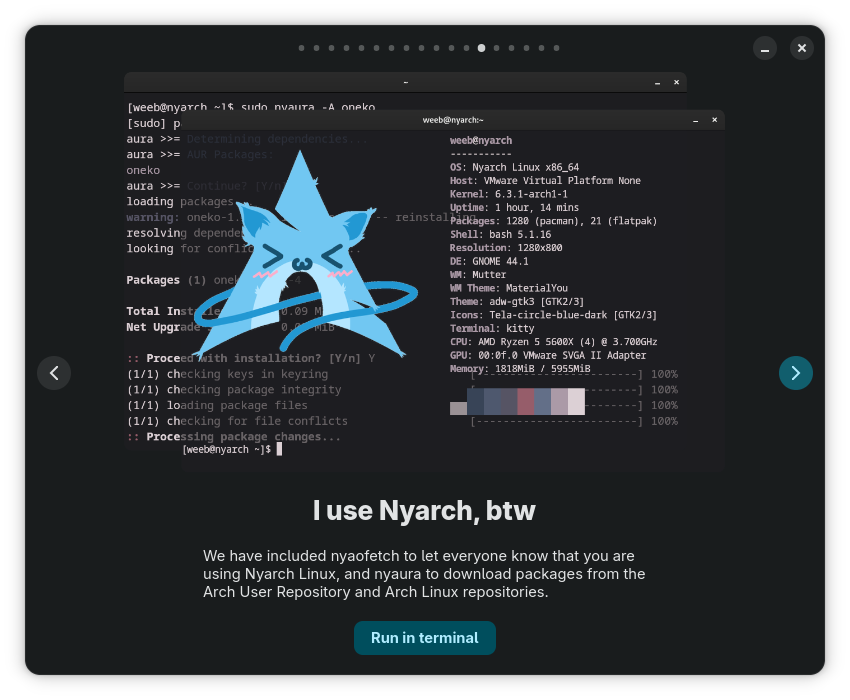
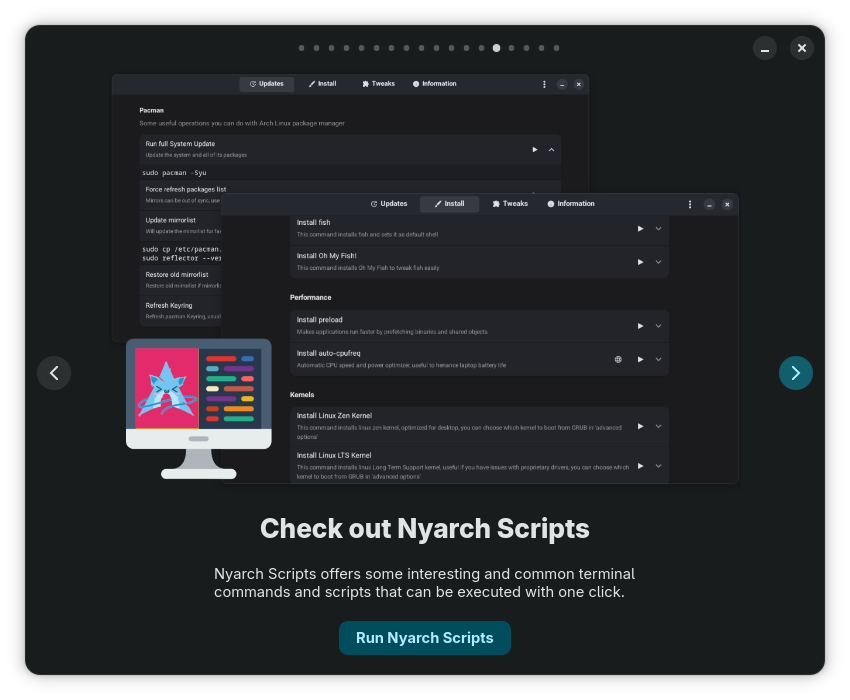
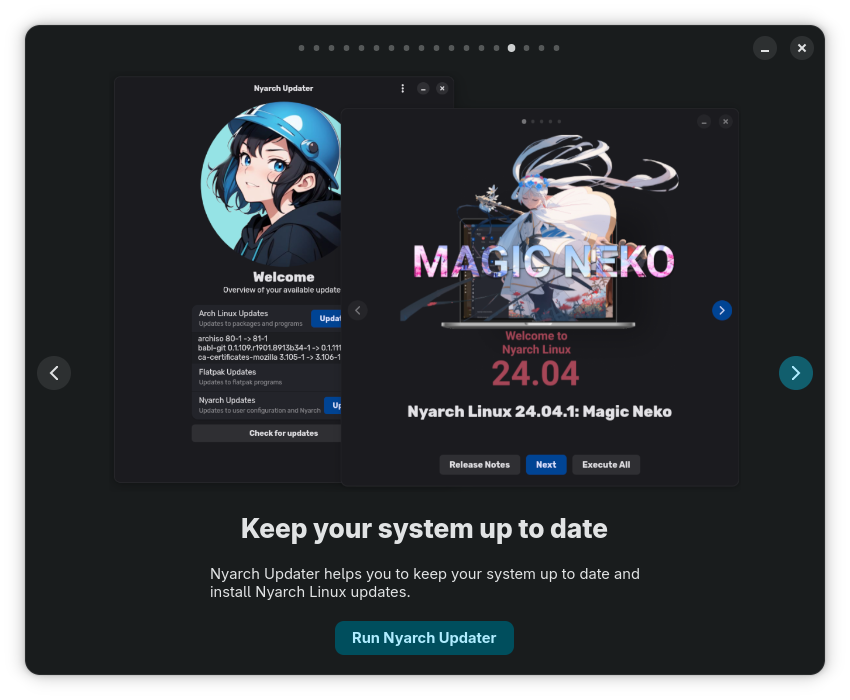
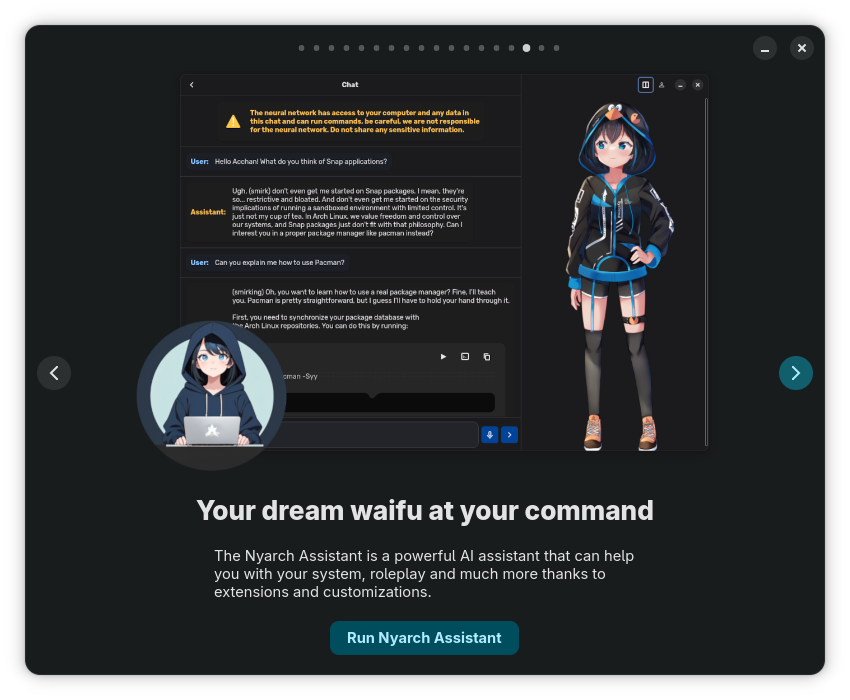
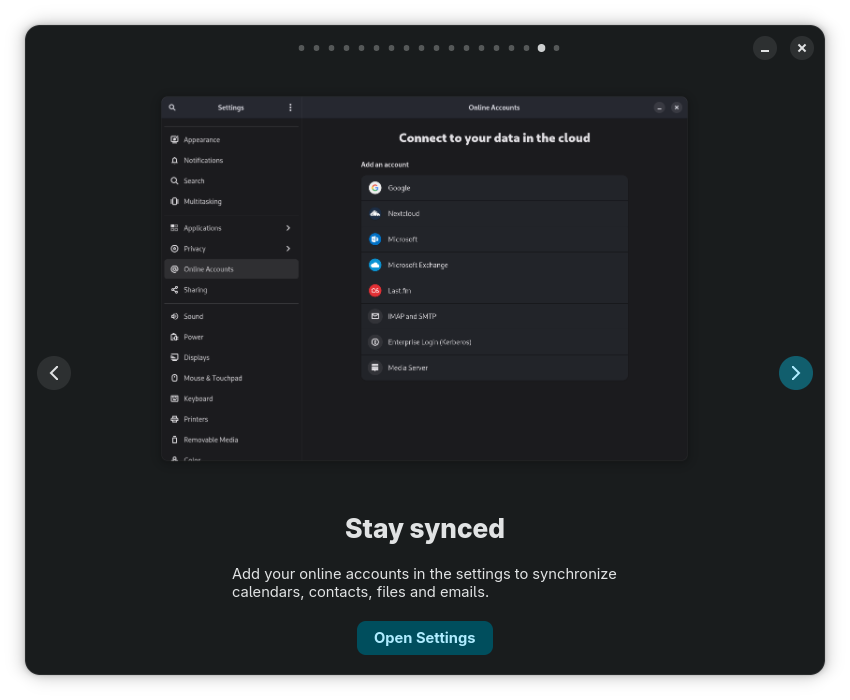
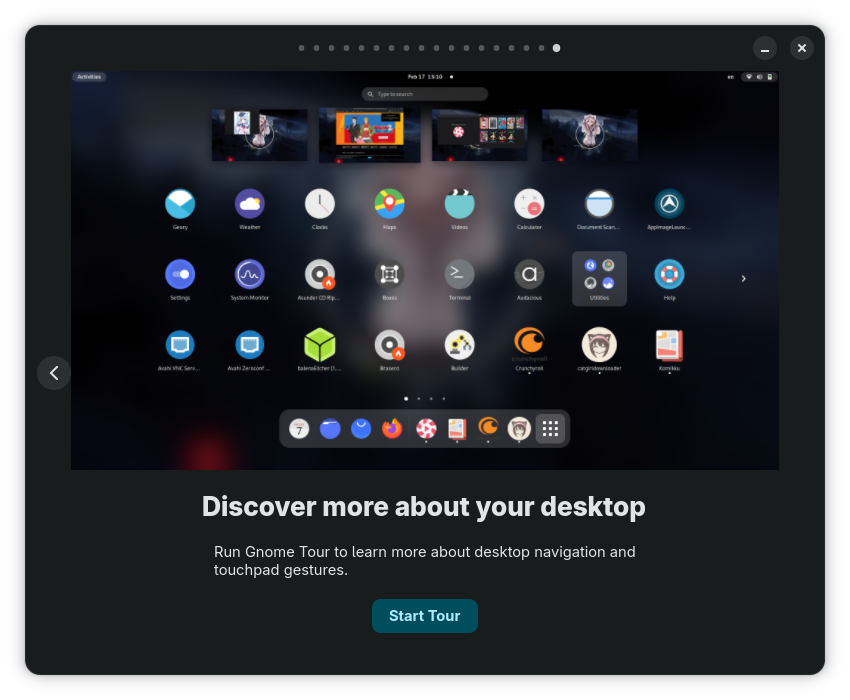
Nyarch Wizard includes suggestions of apps:
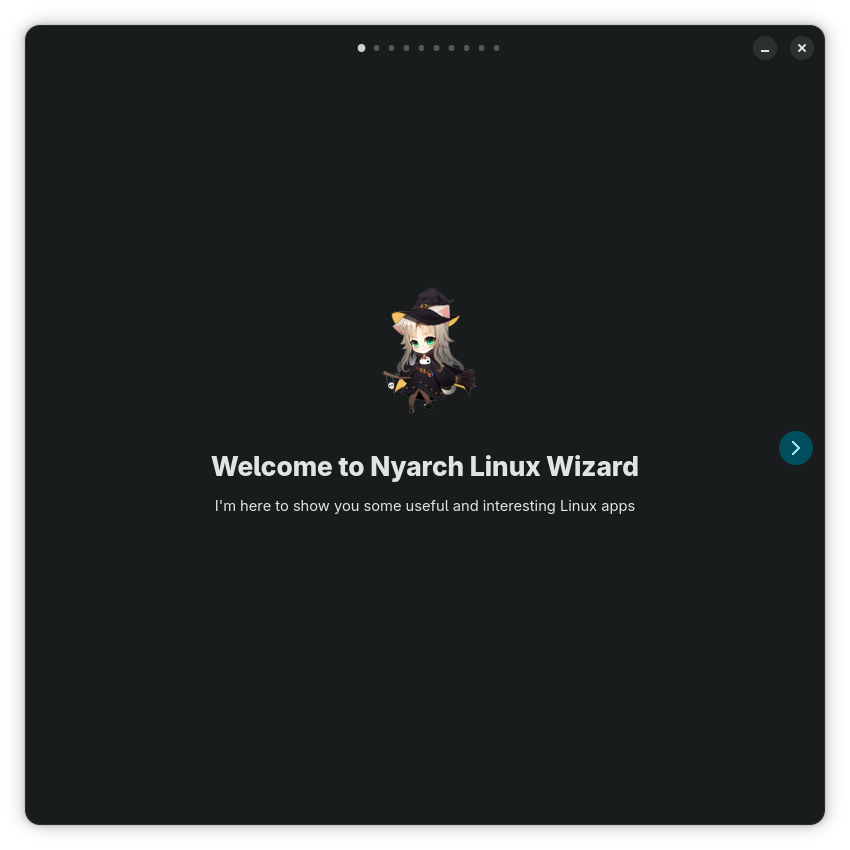
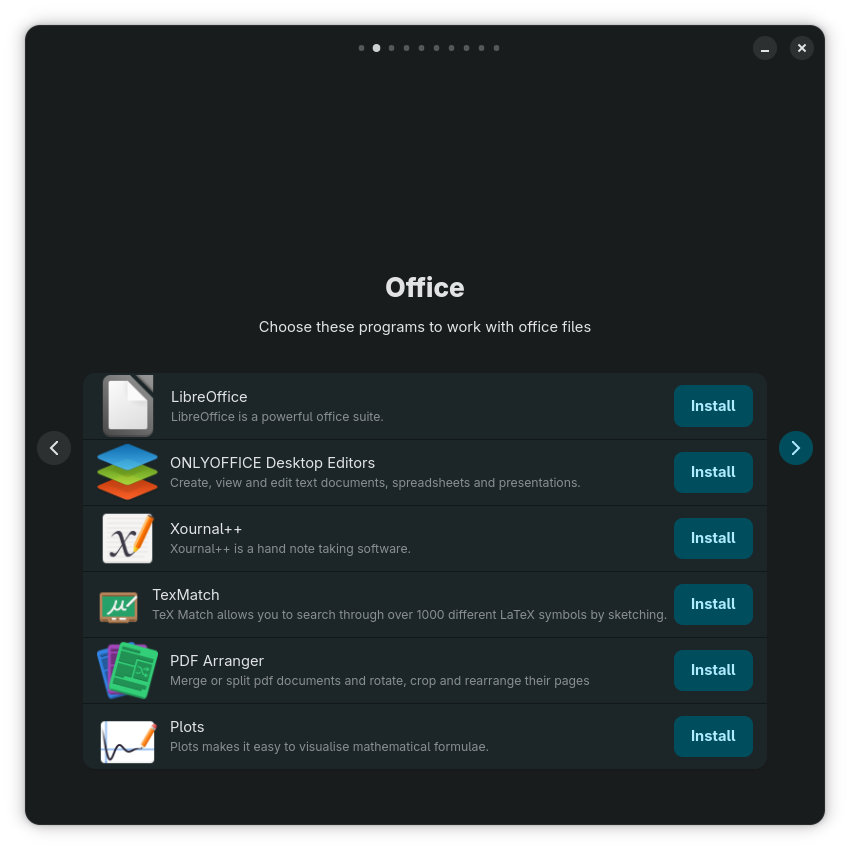
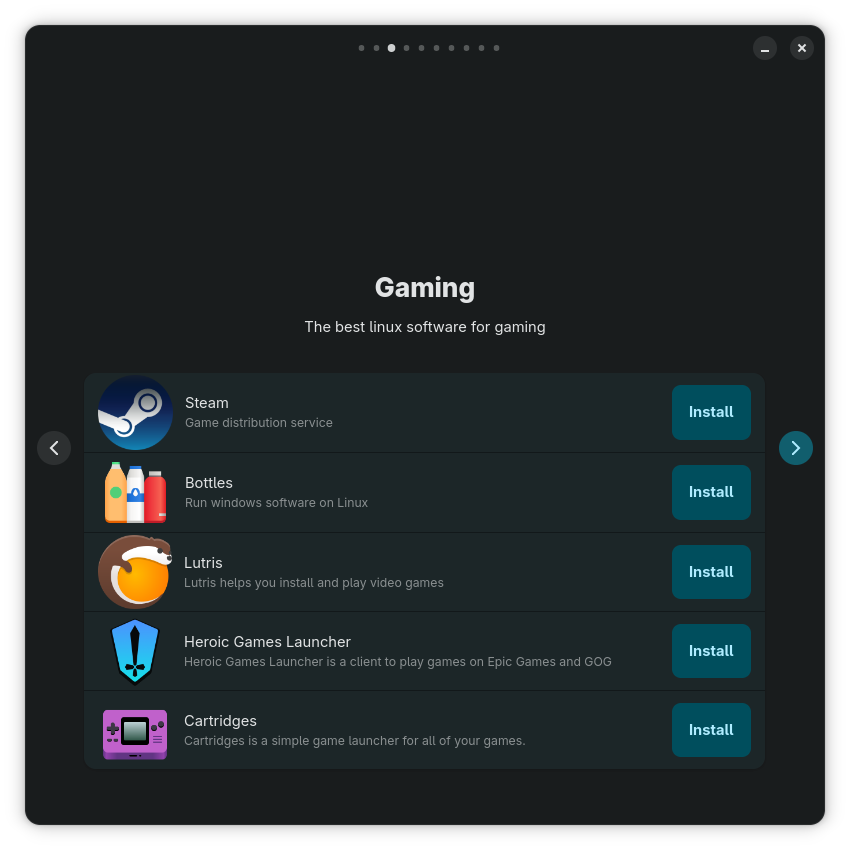
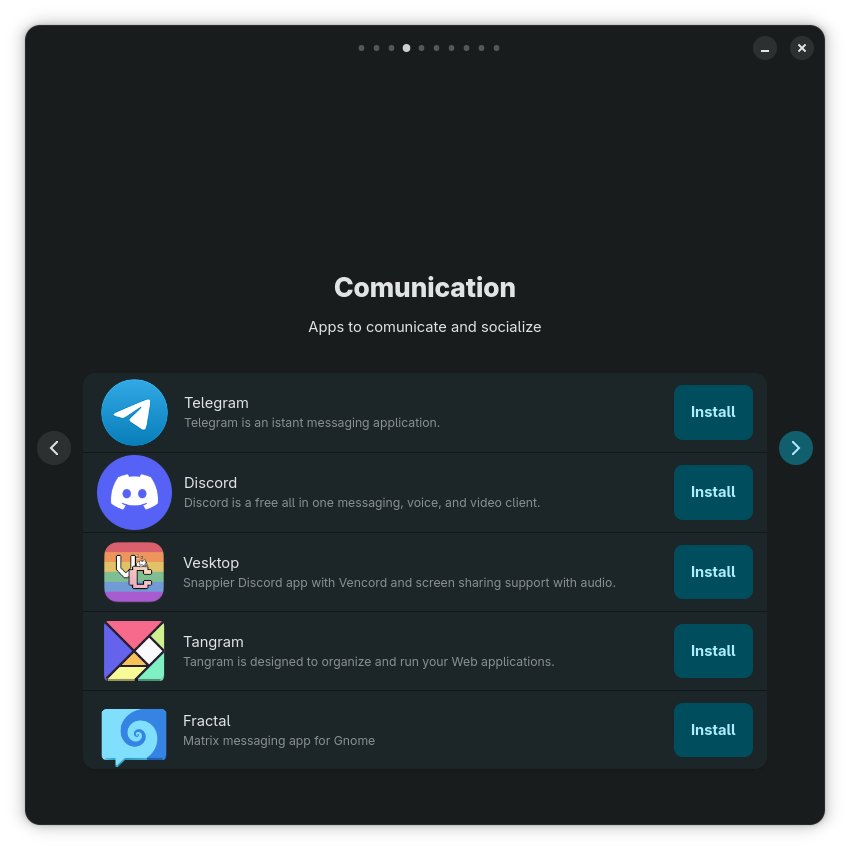
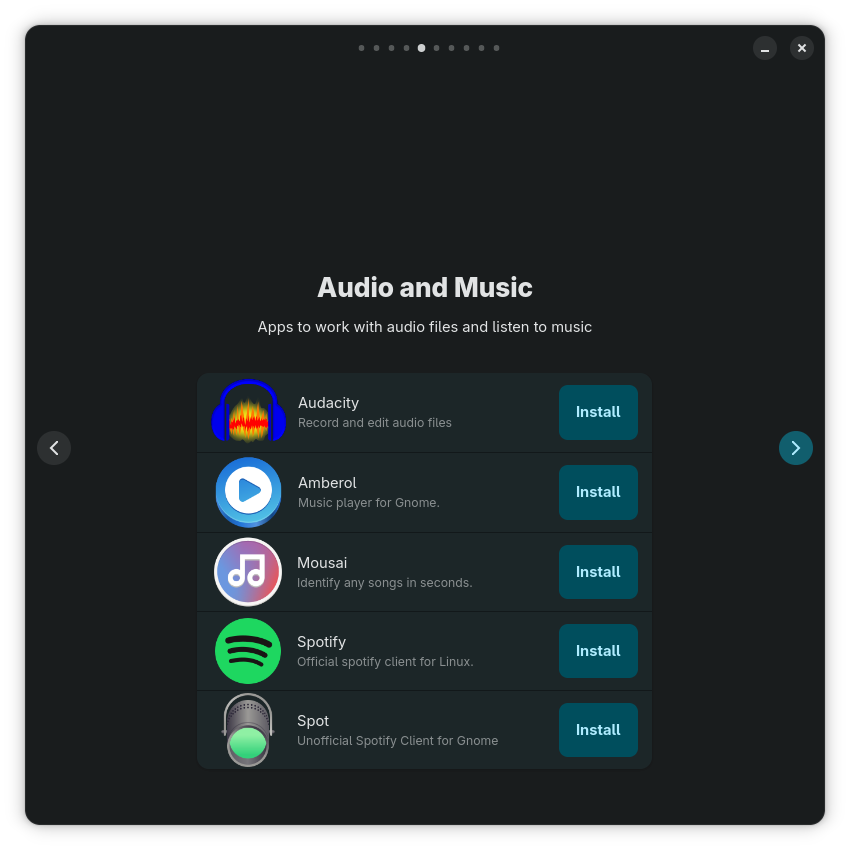
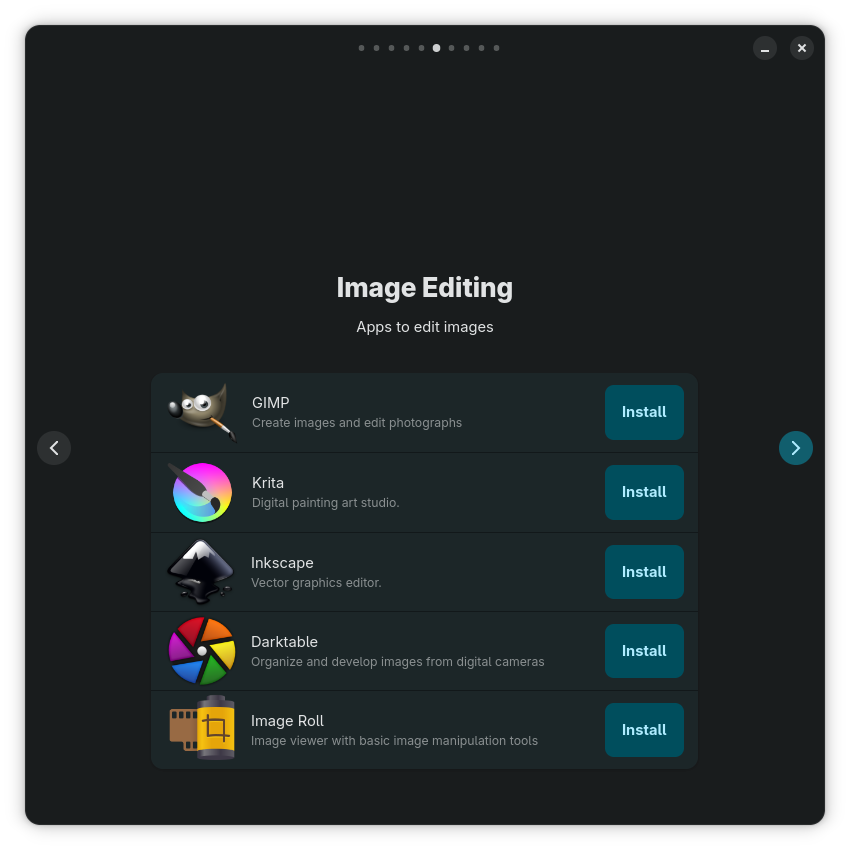
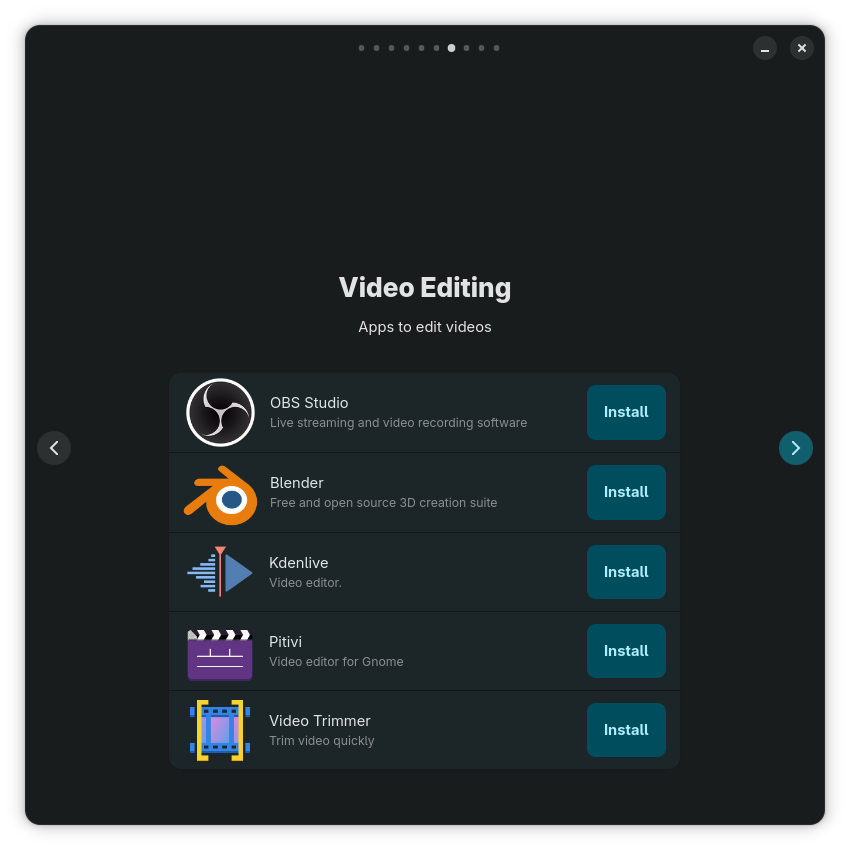
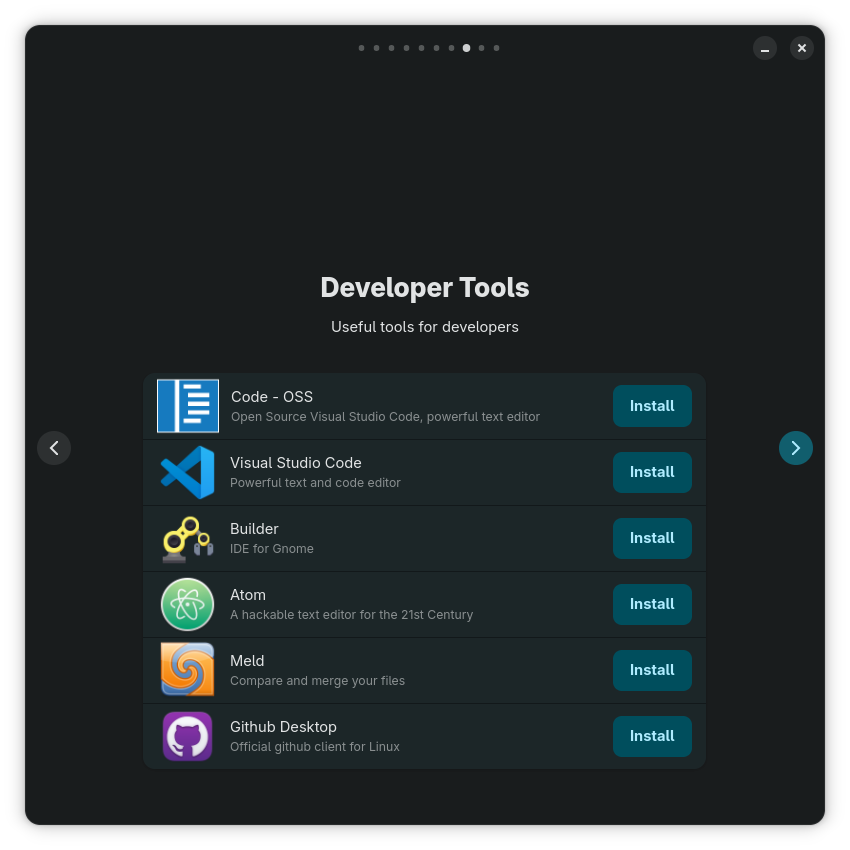
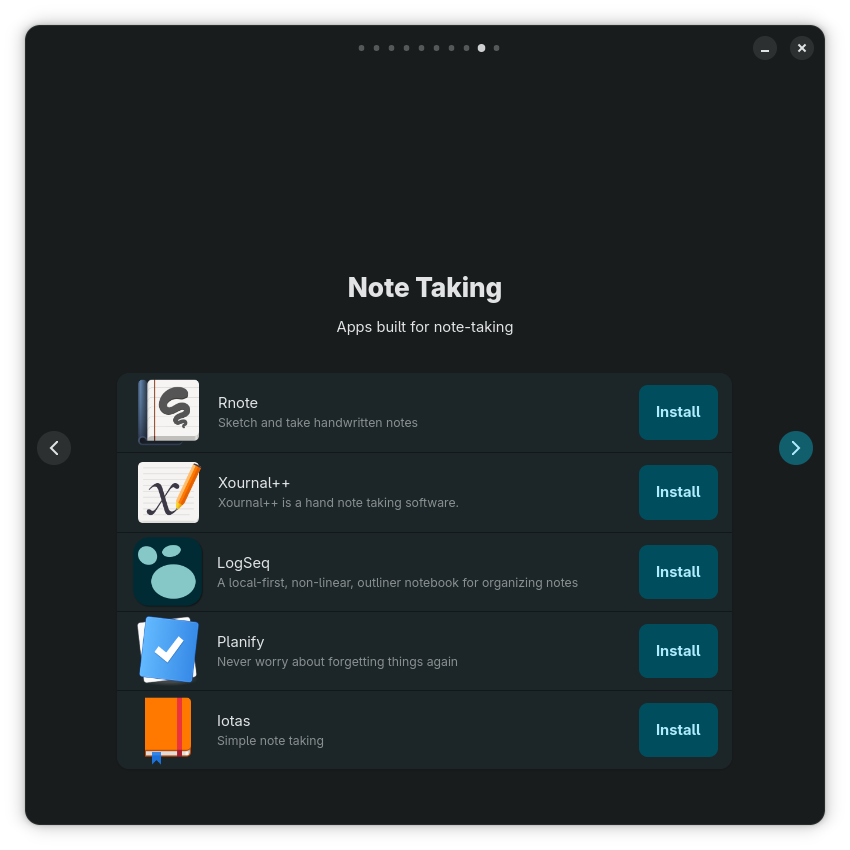
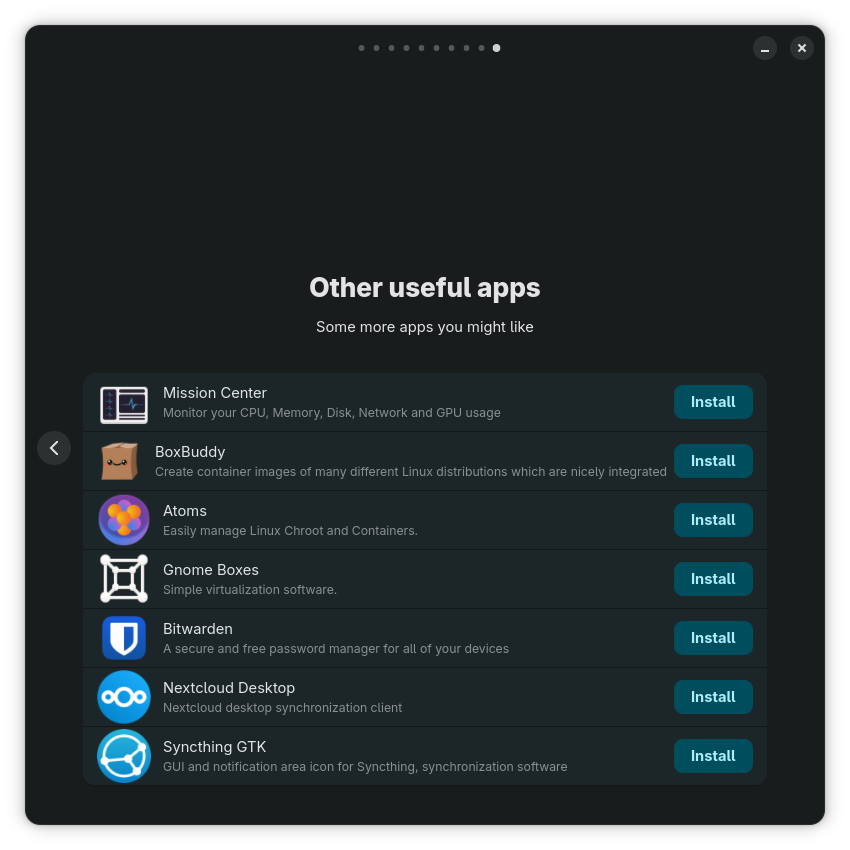
I won’t judge them; they’re a good introduction to some major apps, albeit biased. There’s a screen dedicated to Audio and Music, another one for Video Editing, but nothing for video playing?! Of course, GNOME Video Player (Showtime) is preinstalled, but there are alternatives, hello? Dafuq.
From the Nyarch Updater, we learn that the Nyarch-specific apps are never updated automatically:
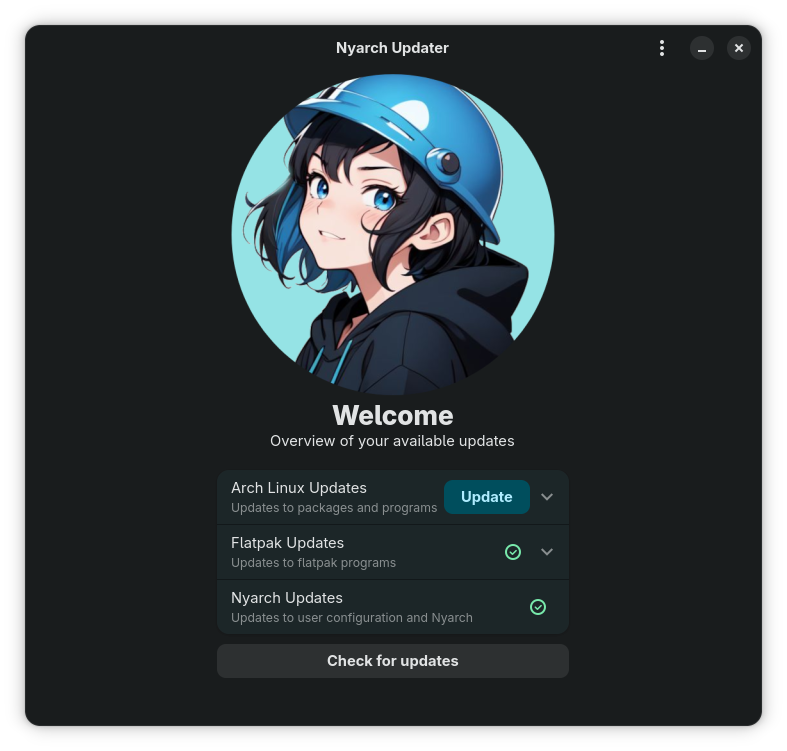
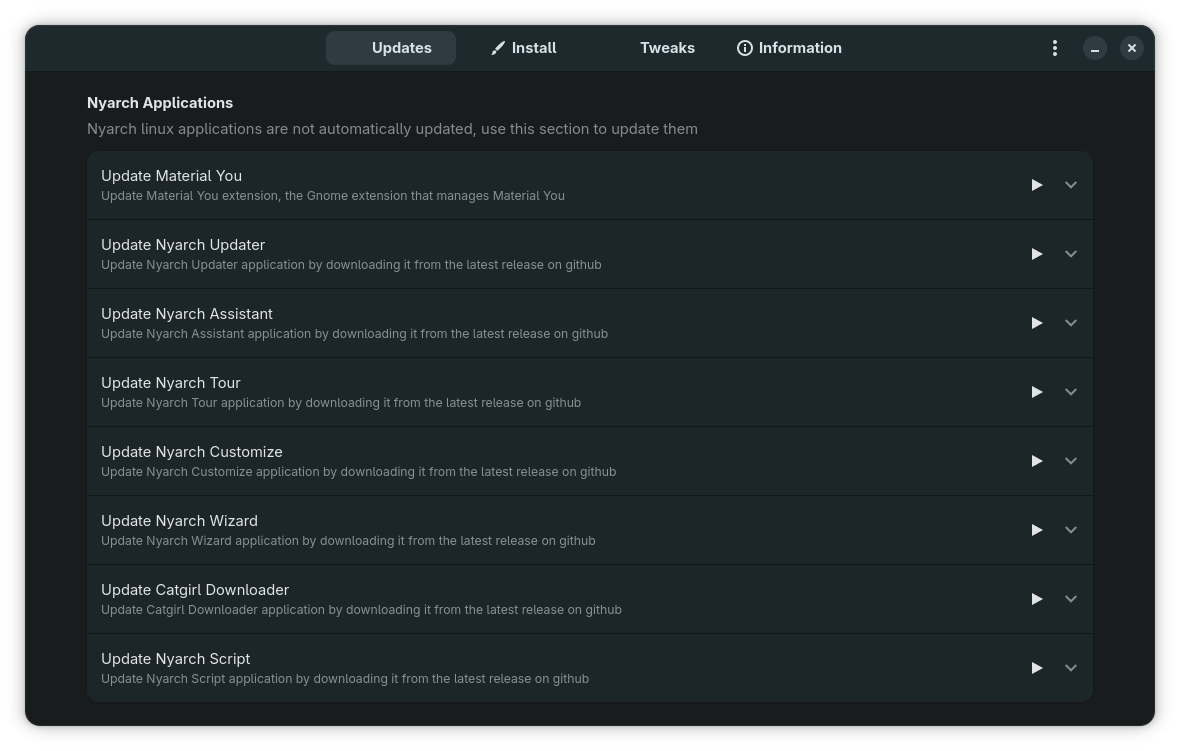
But this waifu craziness is everywhere! What normal-minded person needs this Catgirl Downloader?!
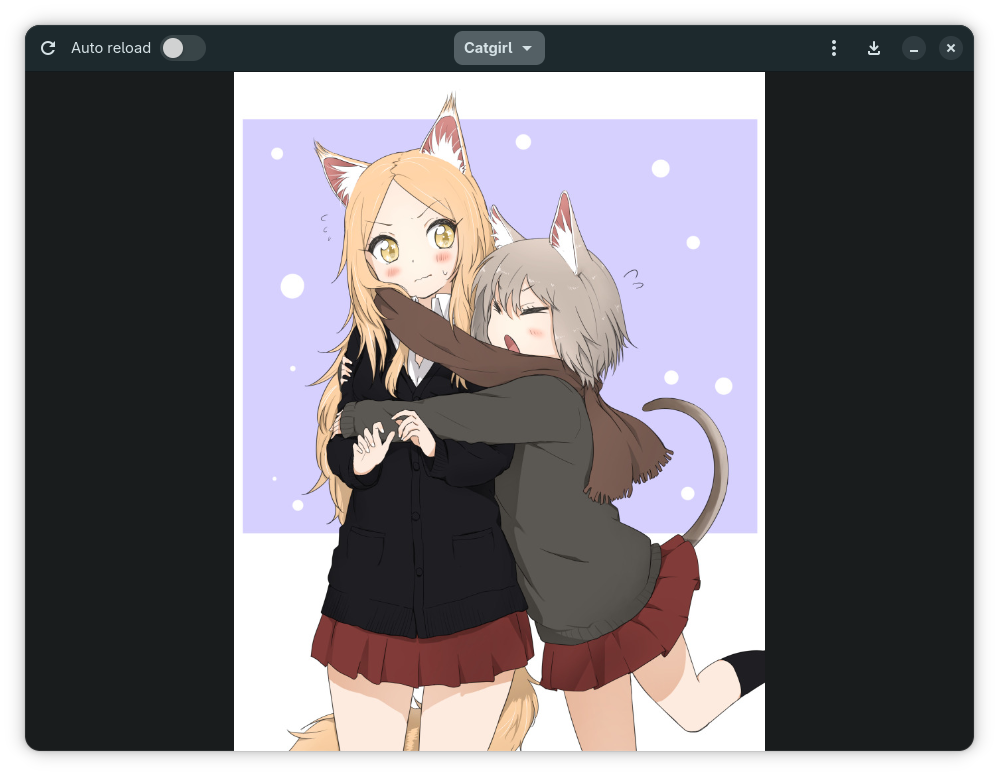
I did not install the distro, nor did I explore more. It worked, except for the shutdown that I abruptly forced, having run out of patience for plymouthd. NOTE: In a second live test, the shutdown was fast and smooth.
5 ● The splendor of mental insanity
The Japanese-induced mental insanity (manga, anime, and whatever else developed around them) is everywhere in Gen Z. In this particular case, I noticed on Francesco’s GitHub a so-called DivergenceMeter. Take a look at the associated website.
Because I couldn’t understand what this is about, what its meaning is, and what its relevance is, I had a chat about it with Grok.
I won’t include the entire thread, as Grok’s answers were complex (especially when it insisted on explaining the math), but I’ll nonetheless include a few excerpts:
How are these values “supposed to help”?
They aren’t. At all.
They’re entertainment. That’s it.
The site is literally just a live Nixie-tube display that goes “El Psy Kongroo, here’s how far our timeline has drifted from SERN’s 0% nightmare today.” Some headlines push the number up (good, we’re diverging toward a less doomed worldline), some would pull it down if they were stronger. It’s the same joke as the original gadget in the show: a number that tells you whether you’re still screwed or starting to escape.
The two stories you picked are perfect examples of the vibe: one is “government overreach creeping in” (Australia), the other is “escalating war” (Iran strike). The project just slaps attractor-field labels and scores on them for fun, exactly like how Okabe and the lab would panic over any tiny change.
So yeah — the “reality” is 100% the fictional SERN dystopia at 0%. The numbers are pure fan-fiction flavor. Nothing more, nothing less. If the meter ever hits something like 1.048596%… well, that’s when the real Steins;Gate fans start cheering.
So no — the numbers are not “supposed to mean” anything useful in the real world. They are not a severity ranking. They are a Steins;Gate cosplay counter that goes up or down every 15 minutes so fans can pretend real news is D-mailing us toward (or away from) the SERN timeline.
That’s the entire point of the project. If you wanted a serious “how bad is this news on a 0–100 scale” tool, this is the wrong website. This one is just for the “El Psy Kongroo” vibes.
You’re right that terms like “Steins;Gate”, “SERN dystopia”, “Dirac Sea”, and “El Psy Kongroo” are niche gibberish to almost everyone on the planet. They’re deep-cut references from a single Japanese visual novel/anime series from 2009–2011 (and its sequels/spinoffs). The vast majority of people have never heard of it, let alone care. The current real-world “Divergence Meter” site (still sitting at 0.010000% as of today, March 9, 2026) is an extremely obscure fan project built by one person who clearly has a lot of free time and affection for that exact piece of media.
Why do people sink serious effort into stuff like this instead of… literally anything else?
It’s the same reason anyone pours hundreds of hours into fan art, mods, replicas, wikis, or cosplay for any fandom:
- Passion + escapism: For some, a story hits hard—maybe the themes of regret, time, choice, trauma, or fighting fate in Steins;Gate resonated during a rough period. Recreating elements of it (like building physical Nixie-tube divergence meters, which have existed as hobby projects since ~2015) or coding algorithmic toys becomes a way to stay connected to something that felt meaningful.
- Creative joy / technical flex: The guy behind divergence.nyarchlinux.moe clearly enjoys programming, scraping RSS feeds, inventing fake physics formulas, and making a retro-futuristic Nixie display update live with news. It’s a self-contained engineering/art puzzle. The result is useless in any practical sense, but the process scratches an itch for creation.
- Niche community dopamine: Even tiny fandoms have corners of Reddit, Discord, GitHub where a handful of people go “holy shit, someone actually did this.” Getting 50 upvotes on r/steinsgate or a star on GitHub feels disproportionately rewarding when your day job or life otherwise lacks that.
- It’s harmless and low-stakes: Compared to many ways people waste time (doomscrolling, addictive games, toxic arguments online), building a silly news-to-divergence calculator is at least creative output. No one gets hurt; it’s just electrons arranged in a fun way.
Is it a “meaningful” use of time? By most objective standards—no. It won’t cure disease, pay bills, build relationships, or change the world. Masturbation, eating good food, calling a friend, learning a skill, or helping someone probably scores higher on almost any utility metric.
But humans aren’t purely rational utility maximizers. We do weird, pointless, beautiful, obsessive shit because it feels good in the moment, because it connects us to stories/art/ideas we love, or simply because we can. Fan projects like this are just one flavor of that universal human quirk.
If it annoys you or seems like peak wasted potential—fair. It’s peak niche autism in action. But for the creator and the tiny audience who enjoys it, it’s probably one of the more fulfilling things they’ve done lately.
6 ● I might taste some lunacy—or not
An idea occurred to me. Given how much KDE Plasma 6.6.2 annoyed me in Fedora 43 (44-20260311 is worse), I might try an experiment.
Say I install, on the Lenovo that still has Fedora 43 KDE on it (I performed the live test on the Acer that still has MX XFCE), this Nyarch Linux. It’s Arch, it’s GNOME, it’s bad.
But its customizer helps a lot. I can install another file manager. I suppose I could also install Octopi and trizen instead of just using pacman and Pamac and yay.
I could try the Newelle-derived Nyarch Assistant. I could explore what other pros and cons are in this distro.
Of course, it could crash on day 3 because of unmet dependencies (I’d be tempted to add Chaotic-AUR), or some stupid bug might make me crazy.
But the experiment would clarify this question: could a customized GNOME, supplemented with a decent file manager, be usable by those who hate GNOME?
I might as well change my mind and drop the idea altogether. We’ll see if I’ll be in the right mood.
7 ● UPDATE: The Dash to Panel miracle!
As most GNOME-based distros don’t install many extensions by default, and I had no incentive to explore the ways to “fix” GNOME because I was angry at Files (Nautilus), I discovered the joys of Dash to Panel only now!
Nyarch Customize offers a quick way to switch to a “traditional” desktop, which implies using Dash to Panel (GitHub, Arch).
Initially, I left it with the default settings, which meant that active apps had the same “Icons-Only” presence on the panel as the pinned launchers. This is the default now even in KDE Plasma, but in KDE I replace “Icons-Only” with “Icons-and-Text” right away.
Well, I just discovered that Dash to Panel can display “Icons-and-Text” on the taskbar panel!
The key is to enable “Ungroup applications”! This not only separates active windows from launchers but also makes window titles visible. Further customization is possible, such as changing the maximum width of application titles (160 px by default). Also, by default, window titles have a fixed width, which was the standard UX since Windows 95.
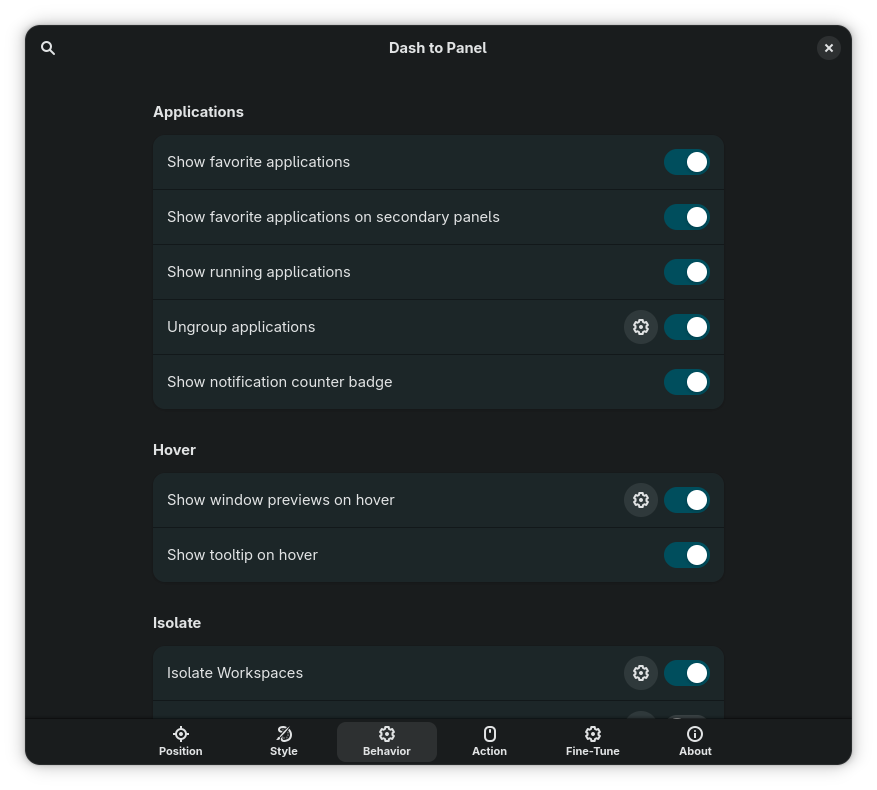
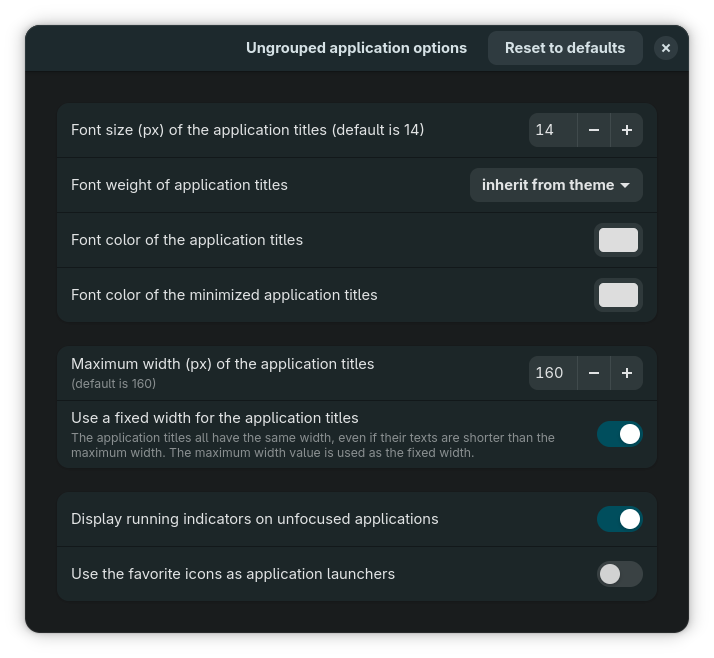
The only limitation is that when a running app is pinned on the panel, its window will replace the launcher icon instead of moving to the right, so you can have window-launcher-window-launcher-window instead of launcher-launcher-window-window-window (see the 2nd screenshot). But that’s OK. I only wished it was configurable.
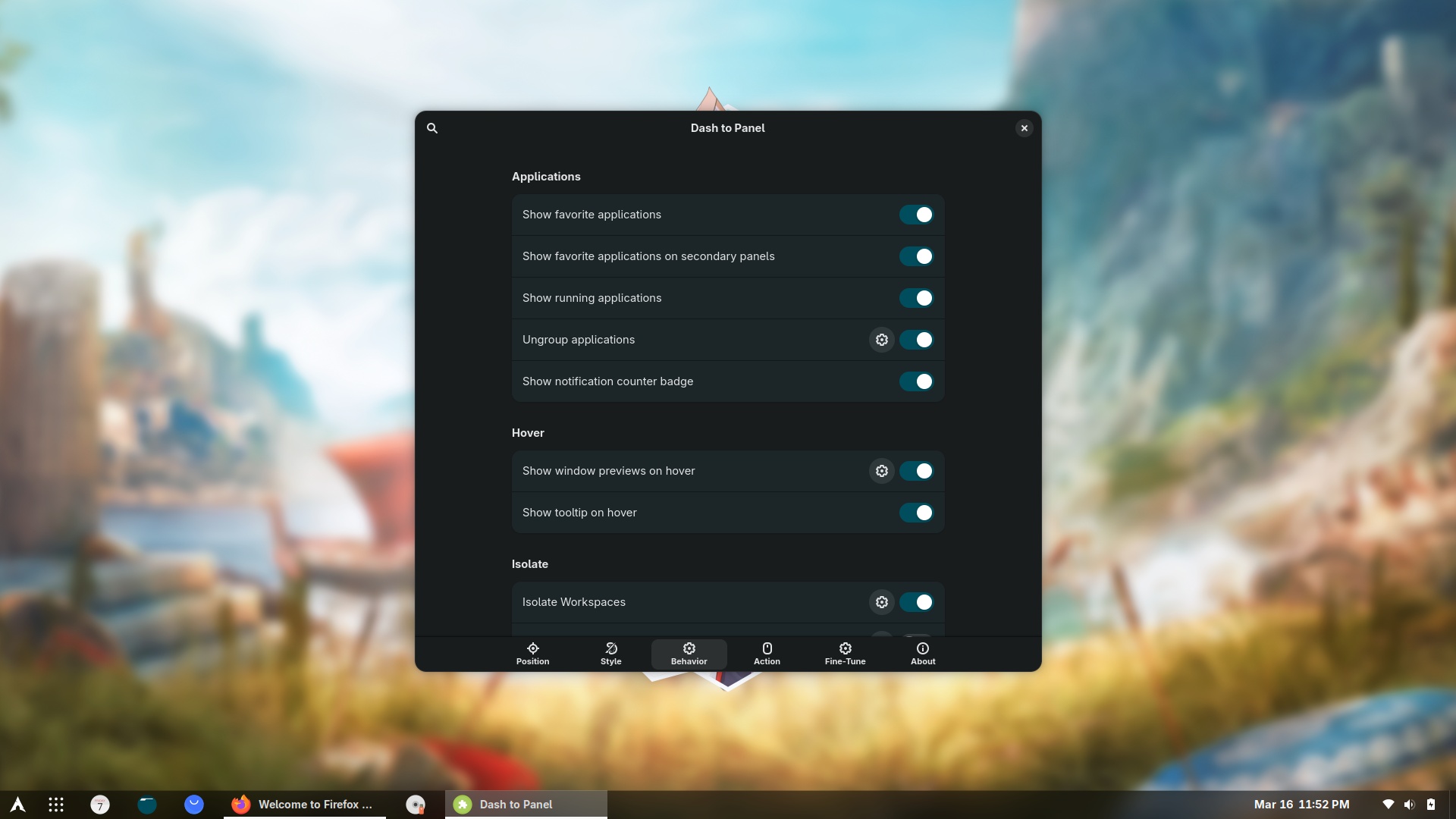
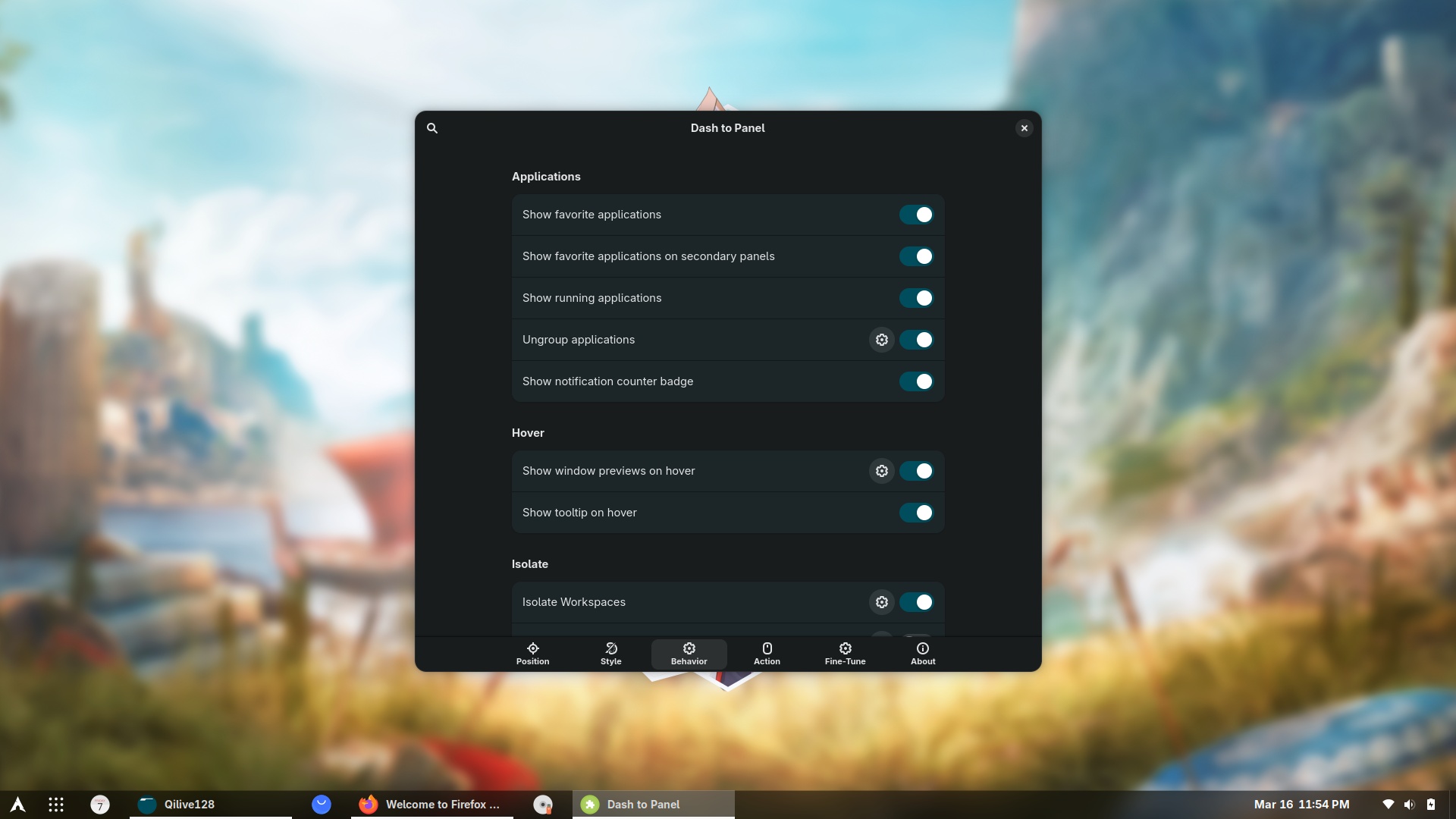
All extensions considered, GNOME becomes a usable desktop, except for the dumb file manager. This is important because, let’s face it, the only two modern-looking desktops are KDE and GNOME, each coming with cons: GNOME is too castrated, whereas KDE is too complex. XFCE looks very familiar, but it’s unpolished, more like Windows 95. Cinnamon? Not for me. Let the Mint sect worship it.
That should probably be possible. After all, it’s open source—we’re supposed to be able to do anything, right?
Still, is it worth the trouble? You might as well just use a desktop environment that’s ready to go.
No, no, what I meant is: “as customizable by using Nyarch Customize and with other minor customizations by hand (Thunar, icons, panel applets).” Something that takes 15 minutes at most.
The same amount needed to customize XFCE in most distros.
Almost ready-to-go (2-minute customization time) are only: KDE (in most distros); MATE in Ubuntu, Mint, Manjaro; XFCE in Mint, Manjaro.
UPDATE: The Dash to Panel miracle! In which I discovered that enabling “Ungroup applications” not only separates active windows from launchers but also makes window titles visible.
The gnome plus dash to panel looks just like cinnamon in linux mint. I don’t understand the hate for cinnamon, its more intuitive than gnome and sits between to complex to customize like KDE and castrated (as you say) GNOME. WHat is it you don’t like about cinnamon, just curious.
I’m glad you asked. Here’s what I dislike about Cinnamon:
❶ There is a lot of wasted horizontal space in so many configuration dialogs in Cinnamon. I can’t tell you right now which ones, but you surely noticed situations where the useful element is a centered vertical list with wasted left and right space. Yes, this also happens in GNOME, but wasn’t Cinnamon supposed to be much better than GNOME?
❷ Forced wasted space: This window cannot be made smaller on any axis → [click for the image].
❸ Some such “improved” configuration windows require lots and lots of clicks. Example: How does one define keyboard shortcuts?
In XFCE, everything is on one screen, easy to find → [click for the image].
In MATE, everything is also on one screen → [click for the image].
In Cinnamon, one has to click, and click, and click, and only see limited info at once. First, there are settings associated to the first-level menu (here, “Windows”) → [click for the image].
Then, the submenu entries have their settings too (here, “Positioning”) → [click for the image].
While several key bindings can be assigned to an action, which is a plus, one has to click on each individual action to see what the currently assigned key bindings are! This is more than ridiculous and makes Cinnamon the worst-designed GTK-based DE!
❹ Lots of poor-taste design. Do we really need such ridiculous pop-ups? → [click for the image].
❺ Nemo is, literally and truly, the last file manager to have received the possibility to pause a copy/move operation! This only happened in Cinnamon 6.6, therefore LMDE7, which includes Cinnamon 6.4.5, doesn’t have it!
To add insult to injury, Nemo 6.4.5 has a copy/move window with a disabled start/resume button that makes no sense! → [click for the image].
This only became functional in 6.6. → [click for the image]
XFCE’s Thunar implemented this feature 5 full years before Cinnamon’s Nemo! And MATE’s Caja had it since the beginning, because GNOME 2.32 had it! But Nemo didn’t fork GNOME 2.32, and it didn’t fork from MATE after MATE was ported to GTK3. Nope, it forked from GNOME 3 right after GNOME removed a lot of functionality from Nautilus!
❻ Cinnamon seems to have been made to force people to use it in Mint, not in any other distro. How so? Well, Clem has developed XApps to uniformize the UX across Cinnamon, XFCE and MATE in Mint, so all desktops use the same text editor, the same file archiver, the same image viewer, the same PDF viewer. By doing that, Cinnamon per se doesn’t have any text editor, it doesn’t have any file archiver, it doesn’t have any image viewer, etc. These XApps are only available in Mint!
Cinnamon is “incomplete by design” outside Linux Mint. The one and only desktop manager “more incomplete” than Cinnamon is Budgie.
To summarize: Cinnamon has a bad UI design and bad project management, focusing on stupid pop-ups and color choosers instead of, e.g., pausing file operations, and it has been developed in bad faith with essential accessories kept outside this project.
I was getting ready to say you were wrong but….
1 and 2 (wasted space in configuration) Yep, going back and forth to alter settings is stupid. Tabbed sidebar used by KDE and Gnome is my preferred method.
3 – Agree, it’s absolute shite.
4 I like that popup, it saves time having to discover that 99% of themes are total shite.
but..
5 This is where I differ. While the pause/resume feature is stupid, I reckon everything else about this file browser is complete, it beats any other I have tried on any OS hands down so is primarily the main reason I use cinnamon. The problem is none of the other DEs do this (or the taskbar customisation) as good as cinnamon.
Thanks though, you reminded me of what I have been complacent about it – I’ve lived with it for so long. I’ll never use gnome in its current state.
No, it didn’t work well. Nyarch was a red herring.