
Upscaler: upscaling the easy way
As I was browsing Flathub, it recommended Upscaler to me. Its website is proud to announce to the world that the developer of this app is a mentally insane individual:
Welcome to my personal website! My name is Hari Rana (pronounced as Harry). I’m a 24-year-old transgender developer and content writer from Montréal, Canada, and use any/all pronouns. I’m known as TheEvilSkeleton online, but you can call me Skelly, Tessy, or Tesk for short.
As a developer, I’m mainly involved in GNOME, and am a GNOME Foundation member since 2022. I currently develop GNOME Calendar as a volunteer and maintain Upscaler.
Transgenders are, in my opinion, not right in their head. They’re the only individuals who are brandishing their sex (not literally, but I didn’t want to use their fetish word, gender) in all places, as if I would care what they have in their pants. By the way, this person is not transgender but non-binary or gender-fluid, because the “final sex or gender” (as opposed to the one “assigned at birth”) is not specified. Then, how to interpret the preferred pronouns indication? Does “any/all” mean we could use whatever pronouns we want? This is definitely not transgenderism, it’s madness! I should use “it,” but French lacks an equivalent pronoun, and this guy is Québécois. As a note to such crazy people: the pronouns are reflecting the gender (because this is what grammar does, especially in languages with gendered nouns), whereas the birth certificates, the ID cards, the driver licenses, and the passports all mark the biological sex. So when such woke retards ask for a third option, “M/F/X,” on such documents, they ask for another gender in a field that designates the sex. But they’re not in their full mental capacities, right? Why do we bend to their lunacies? Who are they to invent and impose new pronouns? Generally, the incidence of gender-confused individuals is higher among anime fans (outside Japan!), and this person is fond of anime. (As if contributing to GNOME weren’t proof enough of mental insanity.)
OK, so the official page on GNOME’s GitLab is here. Not this guy’s website. And this is what I learned from there:
Upscaler is a GTK4+libadwaita application that allows you to upscale and enhance a given image. It is a front-end for Upscayl-NCNN, a fork of Real-ESRGAN ncnn Vulkan.
Oh, so a GUI for upscayl-ncnn, which is “The Upscayl backend powered by the NCNN framework and Real-ESRGAN architecture.”
I don’t care about the “NCNN framework” and the “Real-ESRGAN architecture,” and I don’t want to find more. “A high-performance neural network inference framework” is “sort of AI, just not that good.” Speaking of “Chinese AI,” I’ve used PicWish’s AI Photo Enhancer, and it’s rather mediocre.
This reminded me of Dedoimedo’s posts from Sept. 2024:
- Upscayl — Enhance your images, with AI, locally, no cloud
- How to upscale images by hand (in Linux) [using ImageMagick and GIMP]
In the first one, while using the original Upscayl app, Dedoimedo brought depressing news for people who only use integrated graphics:
If you want to use Upscayl, you will need a machine that has a relatively modern and capable discrete graphics card. Most integrated GPUs will not work. The question is, what does modern and capable actually mean? Well, my test box is a 2014 IdeaPad laptop, on which I recently installed Kubuntu 24.04, following an SSD upgrade. The system has an old Nvidia card. And it worked just fine. Maybe not as fast as the latest generation of devices, but Upscayl handled the tasks without any problems or issues. There, it would seem a 10-year-old laptop is good enough.
But this Flatpak installs on everything and runs on everything!

I just so happened to be shown on Facebook a drawing jointly created by Gotlib and Franquin. I’m certain I have a better version of it somewhere, but it provided me with an opportunity to give this tool a quick try.
The first bug: it simply coughs on drag-and-drop!
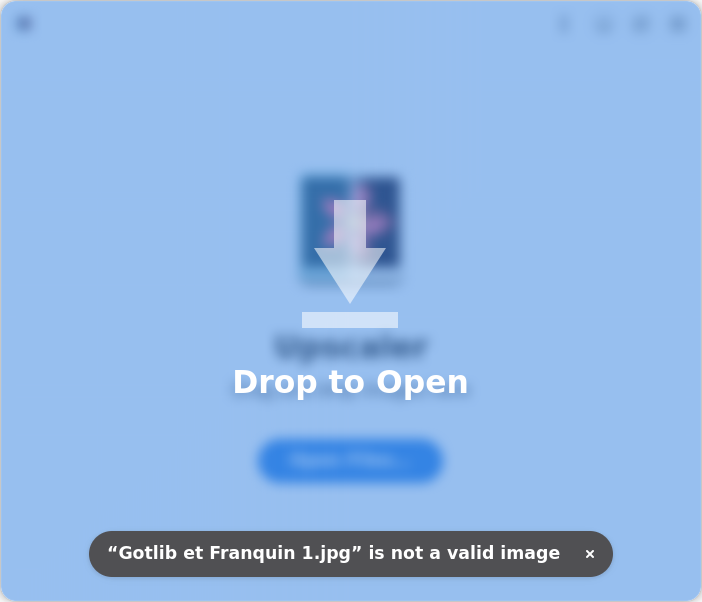
Of course the fucking image is valid, but you have to use the Open Files dialog! Once you do that, the app defaults to suggesting a 2x scale for a photo. I first opted for a 3x scaling of Digital Art. Then, I tried a 2x scaling (for the same image type, because a drawing is not a photo, despite not being “digital art”).
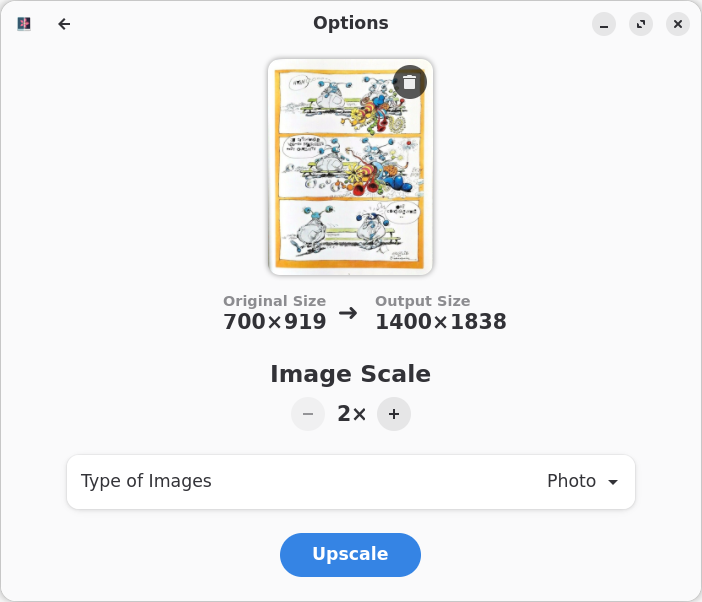
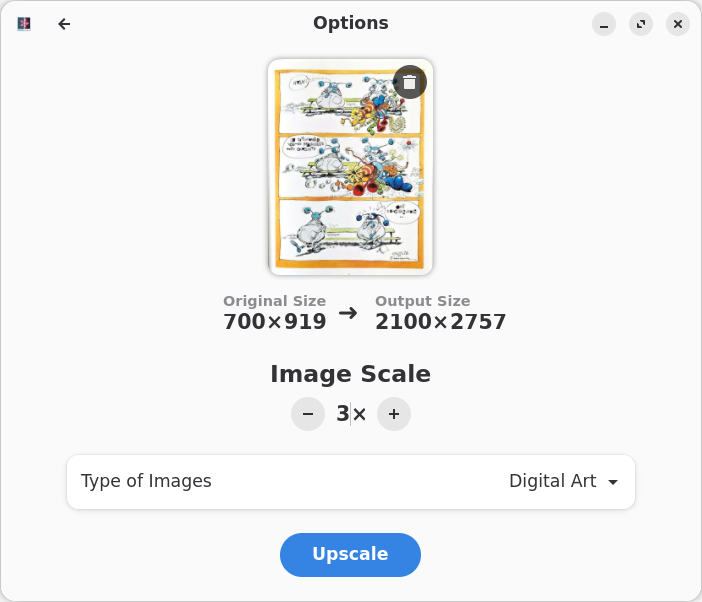
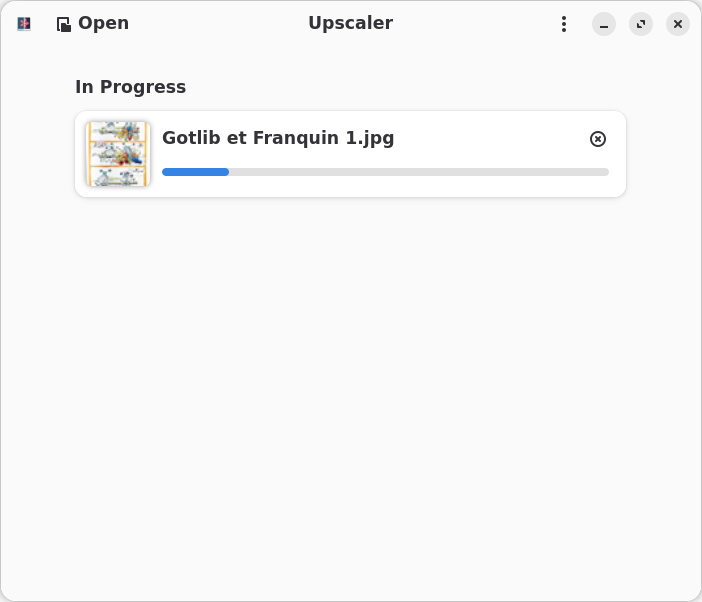
From left to right: ❶ the original image, ❷ the 2x image, ❸ the 3x image. Once you click on an image, you can open it in a new tab, so to evade the limitations of Lightbox.
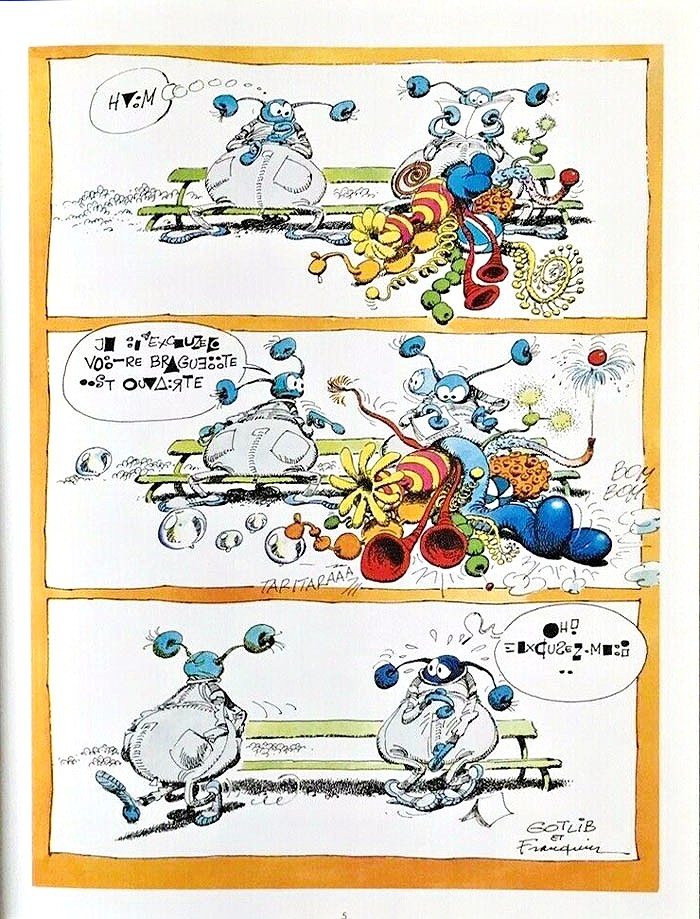
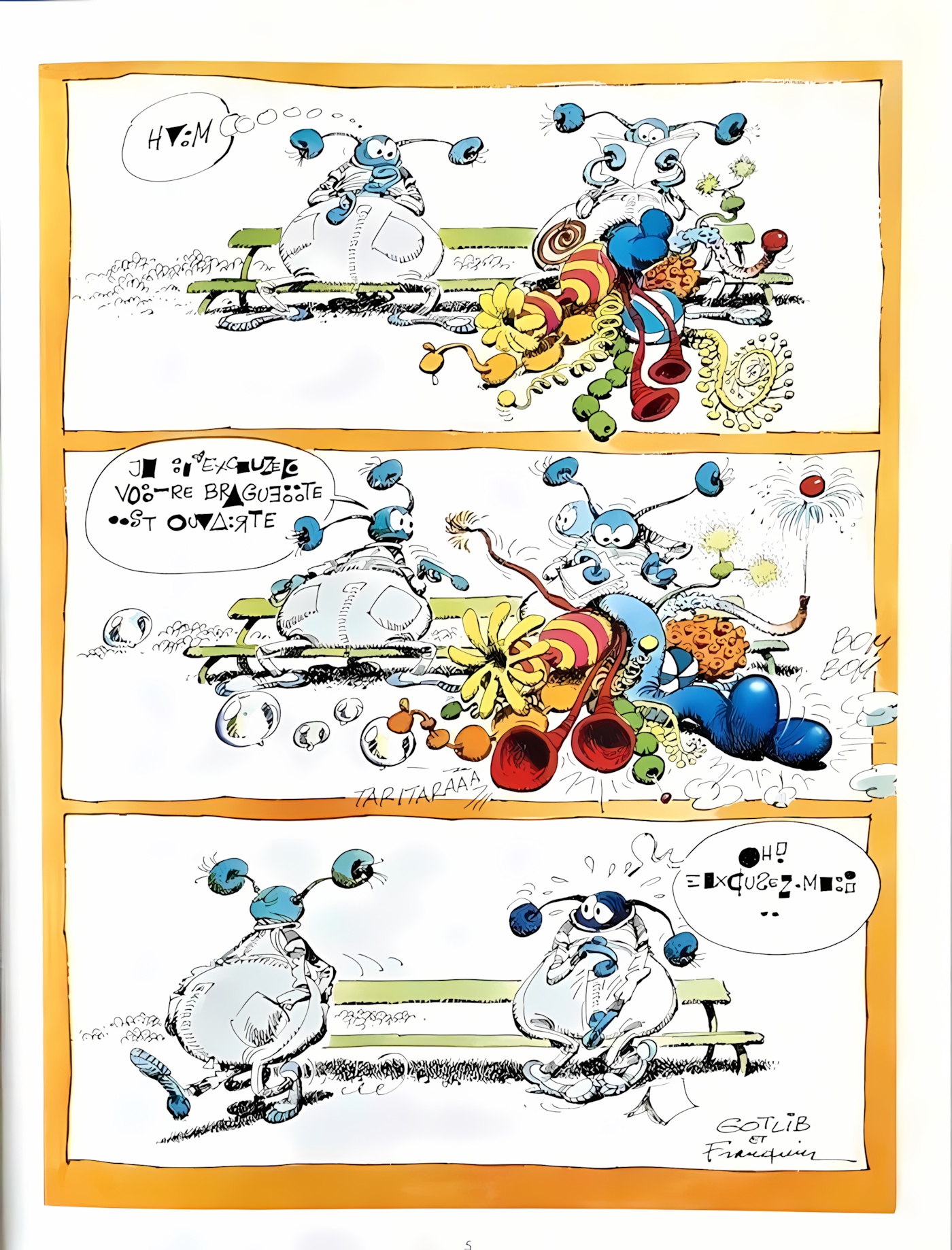
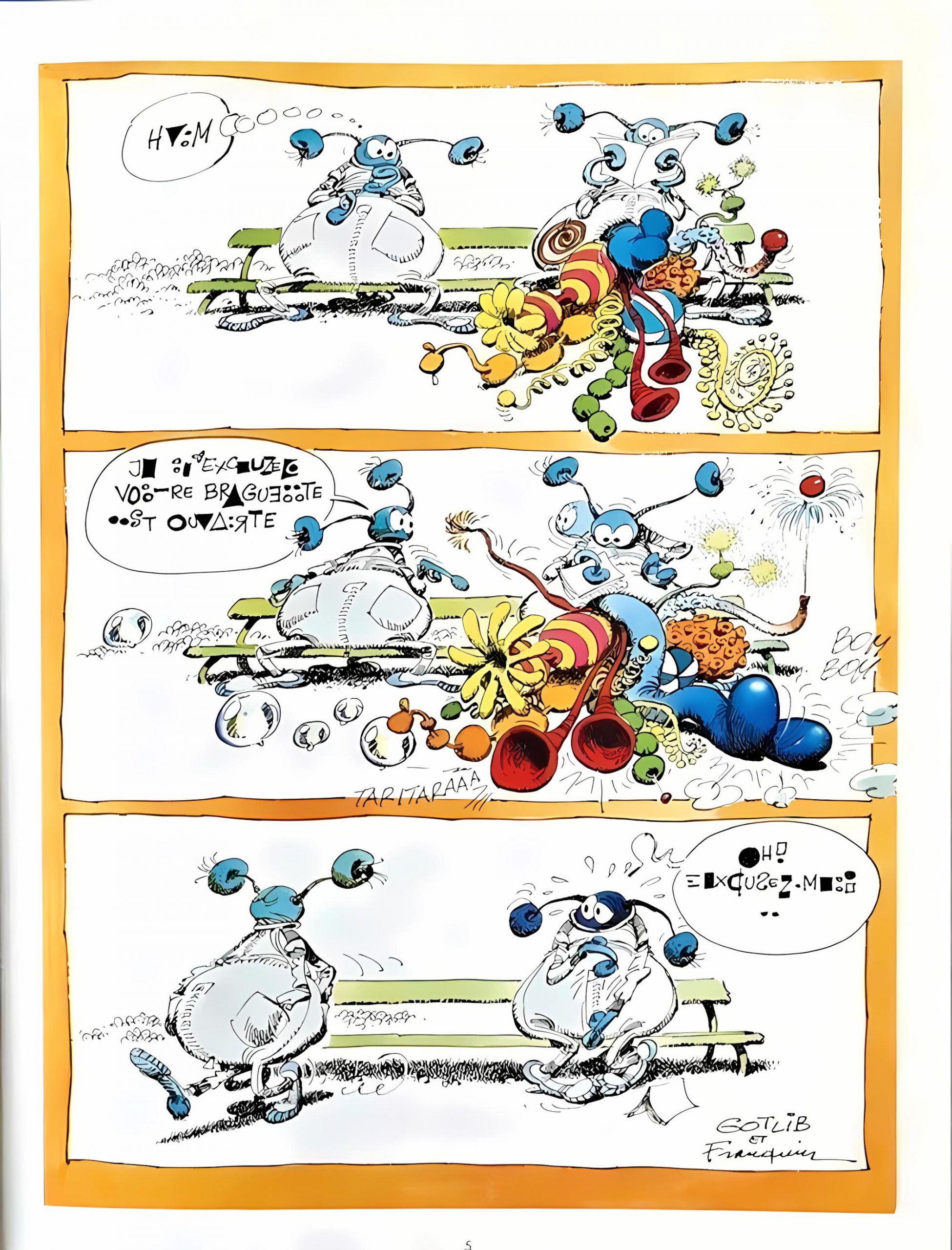
Not bad, but not breathtaking either. Just decent. The same “engine” must be used by most, if not all, of the online tools I’ve tried so far. I believe I’ve seen better results, but I suppose there are parameters that can be tuned, just not in Upscaler.
It doesn’t hurt to have it around.
No doubt. Except for all the gigabytes spent on all those Flapaks and everything that comes with them. It takes up a lot of disk space and a lot of partition space. It’s bloated 🙂
Nope. Once you already have installed GNOME Application Platform version 49, which can be shared among Flatpaks, Upscaler in itself only takes 67.9 MB.
But you will definitely adore the first part of this comment:
Yes, GNOME Application Platform version 49, plus two or three other things. Plus GNOME Application Platform version 48, and two or three other things, for Gapless, plus others for i.e. Betterbird, etc. Then, one day, GNOME Application Platform version 50 for a future app…
We pile it on, we pile it on…
NO. This specific app requires version 49. Some older Flatpaks will require version 48. If you don’t install Flatpaks that have not been updated in ages, you’ll never end up with more than 2-3 versions of a runtime (some periodic clean-up might be necessary). Such runtimes can be then shared among many, many Flatpaks.
I don’t use Betterbird.