
LM Studio Bionic: Agentic meh?
The first time I used LM Studio in February 2025, only to realize that it’s absurd to want to run an LLM locally without a proper GPU and enough VRAM. It’s equally absurd to need a computer as powerful as a data center was a couple of decades ago, although modern games require that too. I refuse to own any computer that uses anything more than the GPU that comes with the CPU. But even if you’re not as Luddite as I am, I still believe that the right approach to AI is the Cloud, at least for normal people.
Now, thanks to Christopher Barnatt, I learned about a new kid on the block: LM Studio Bionic. It can be downloaded from the same site, and it uses the tagline: “Bionic is LM Studio’s agent for open models. Natively local. Built for creativity, work, and code.” Notice the “open model” part; it’s relevant.
This is Christopher Barnatt’s introductory video I want to comment on: LM Studio Bionic: Local Agentic AI Experiments. As with most videos from the ExplainingComputers YT channel, you need to watch it at 125%-150% speed, because life is too short to contemplate vibrating air that conveys too few bits of information per second.
🤖
I have to warn you that such videos are incredibly boring, as if they were made for the feeble-minded. Even so, this could serve as an “Agentic AI 101” for some, although the examples given by Barnatt are pathetically unattractive.
They are barely “agentic,” and you could ask yourself, “Why wouldn’t I use Claude Desktop or ChatGPT Desktop for that purpose?” Also, when it comes to manipulating and creating local files, any IDE with LLM integration can do it. Even Antigravity IDE or agy CLI can perform web searches, integrate with external tools via skills and MCP servers, manage subagents, and so on.
The answer is simple: you need to pay for the aforementioned solutions (although simple tasks may fall within the limits of a free account), and your data leaves your machine.
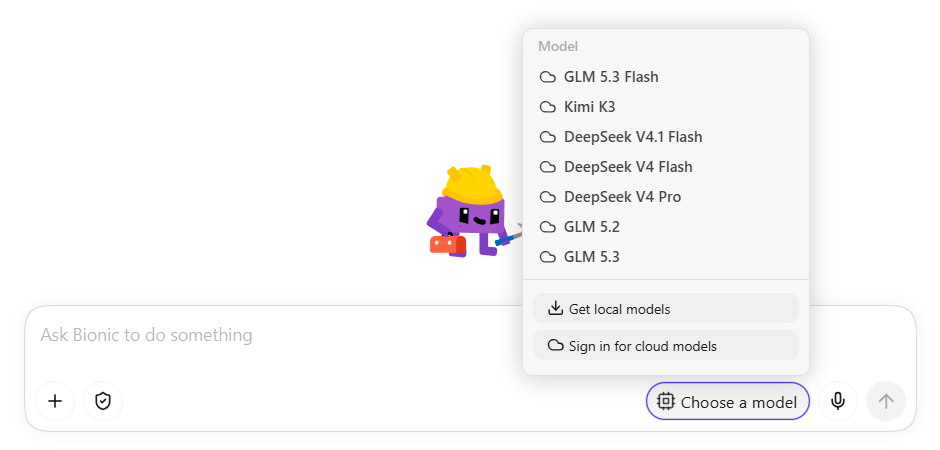
LM Studio Bionic offers two options: run your local LLMs or run Cloud LLMs that are “US-hosted, with Zero data retention (ZDR).”
For the second option, you need to pay, and the US-hosted models are Chinese.
Barnatt used a Ryzen 5 5600G computer with 16 GB of RAM and no dedicated GPU. He already ran Gemma 4 with LM Studio on the same machine to show it can work even on a machine not suited for the task. This CPU is faster than the CPU I used to test LM Studio Bionic, but mine also worked with LM Studio and tiny models, albeit under Linux, not Windows. But this machine runs Windows now. 🤷♂️
He mentioned that LM Studio Bionic is heavier than LM Studio proper, and that was likely why I couldn’t run any of the local models I tried! They all failed with Vulkan (duh):
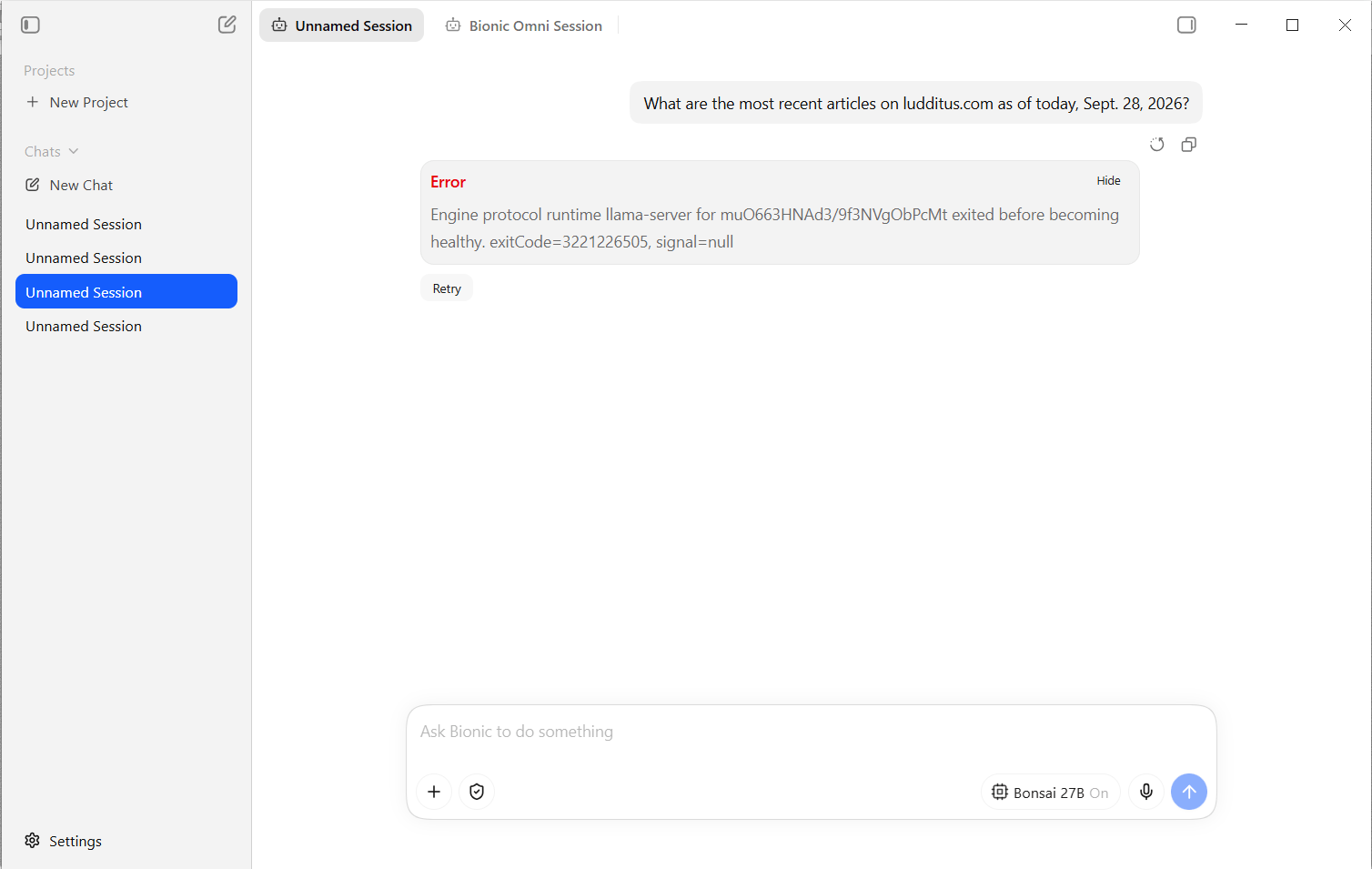
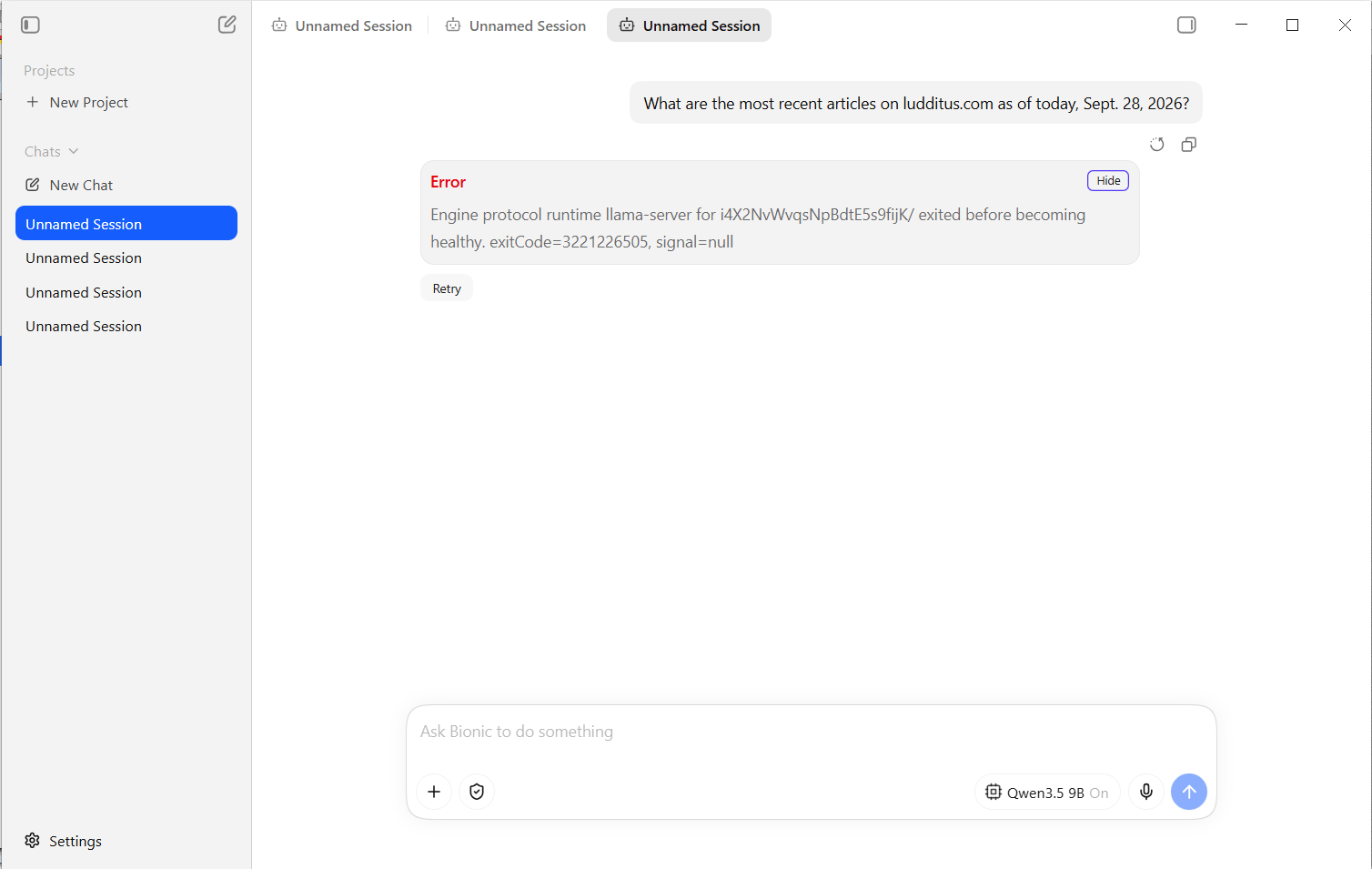
When I switched to using the CPP, they failed in different ways:
- Gemma 4 E4B “failed to allocate compute pp buffers.”
- Qwen3.5 9B and “Bonsai 27B” stayed in “Processing prompt 0%” forever.
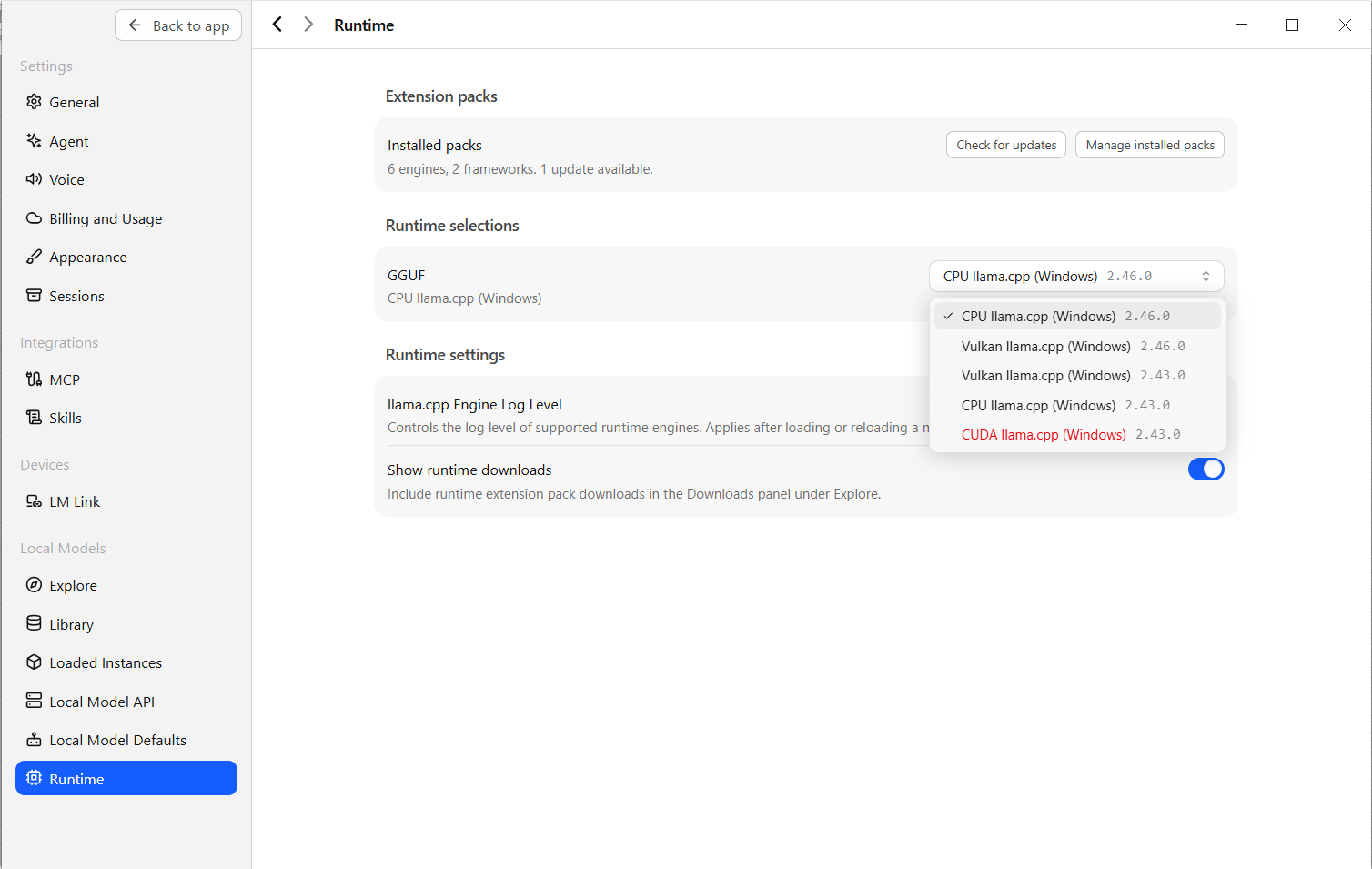
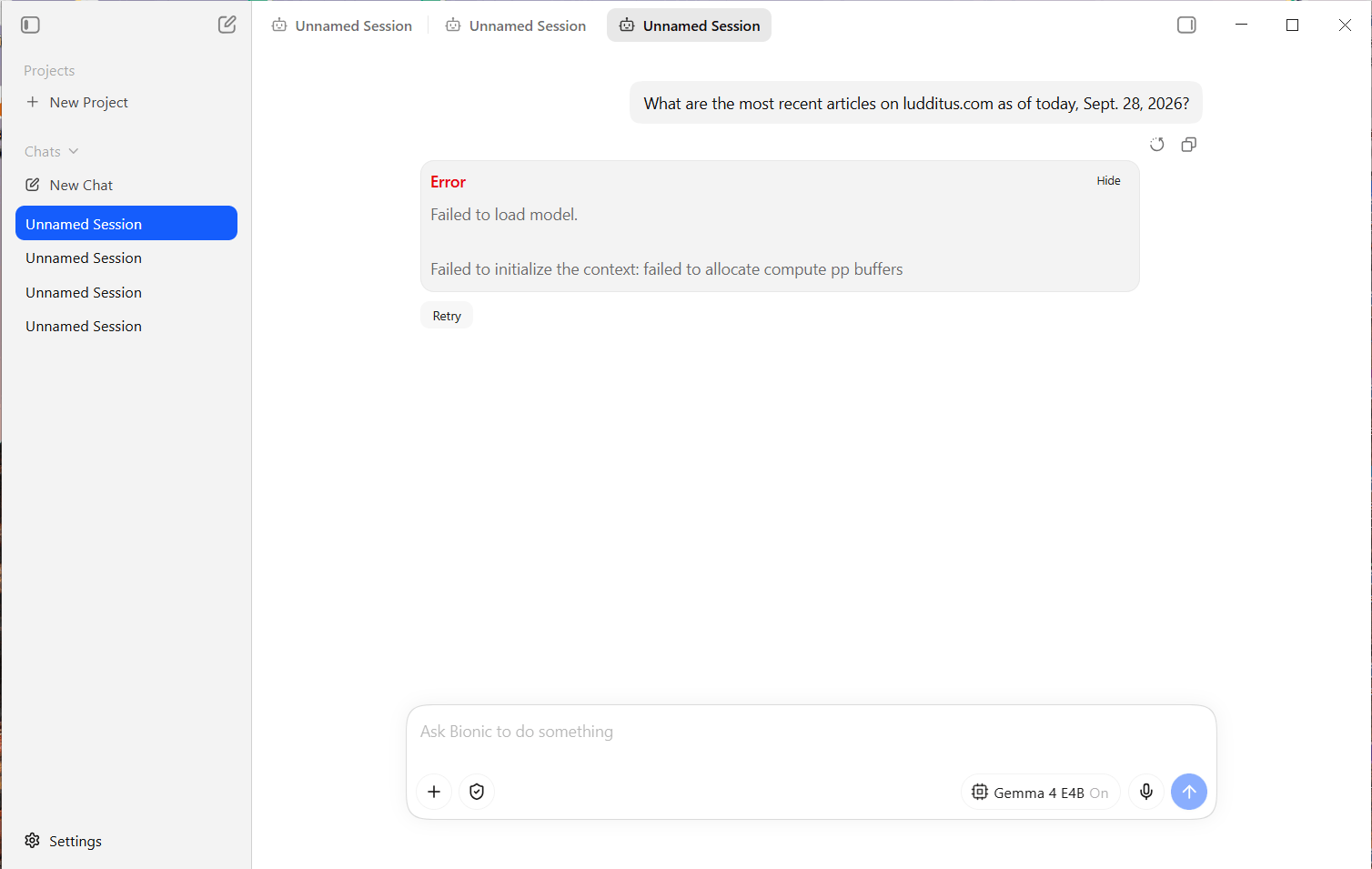
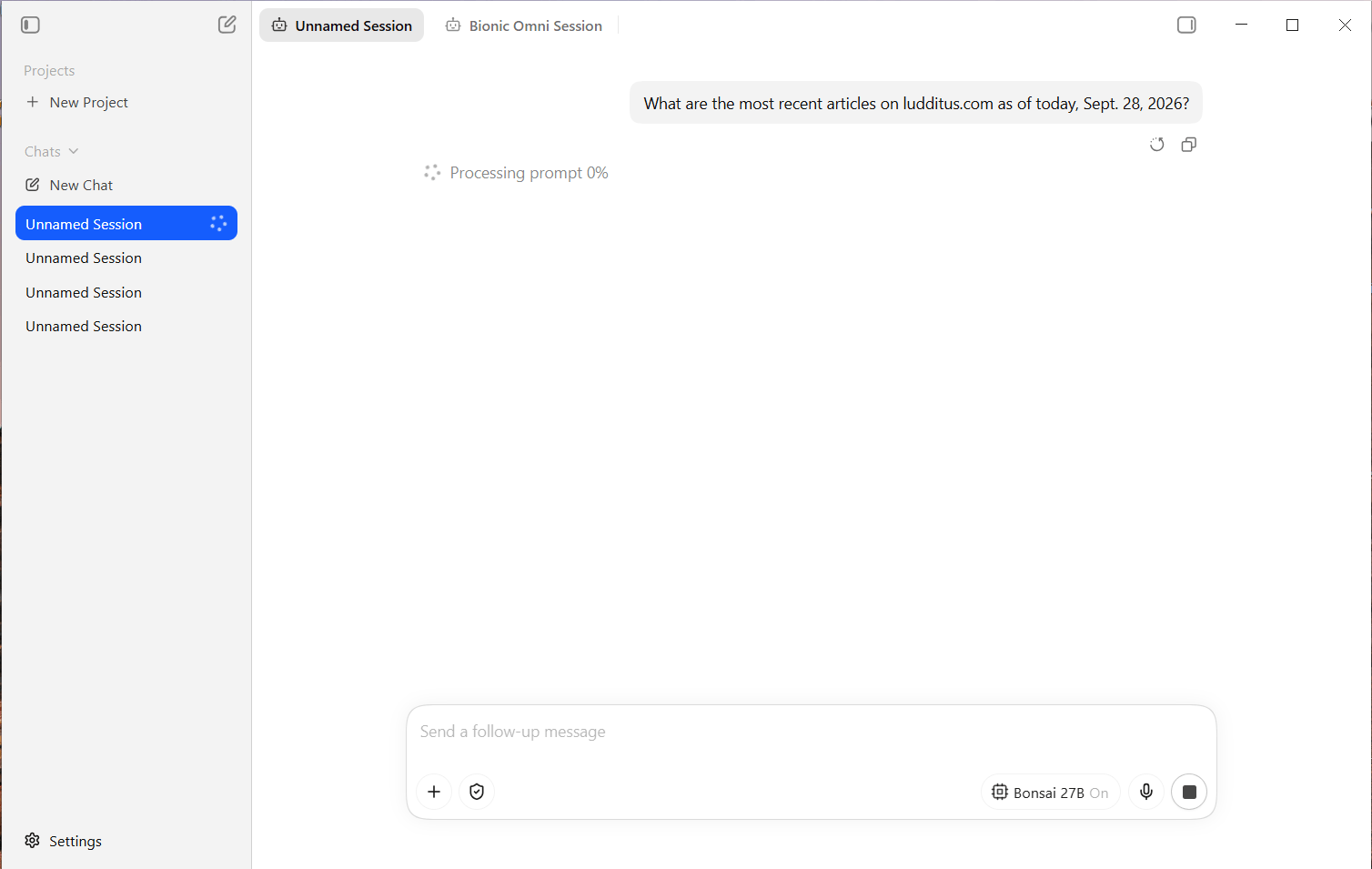
These models should have worked, though!
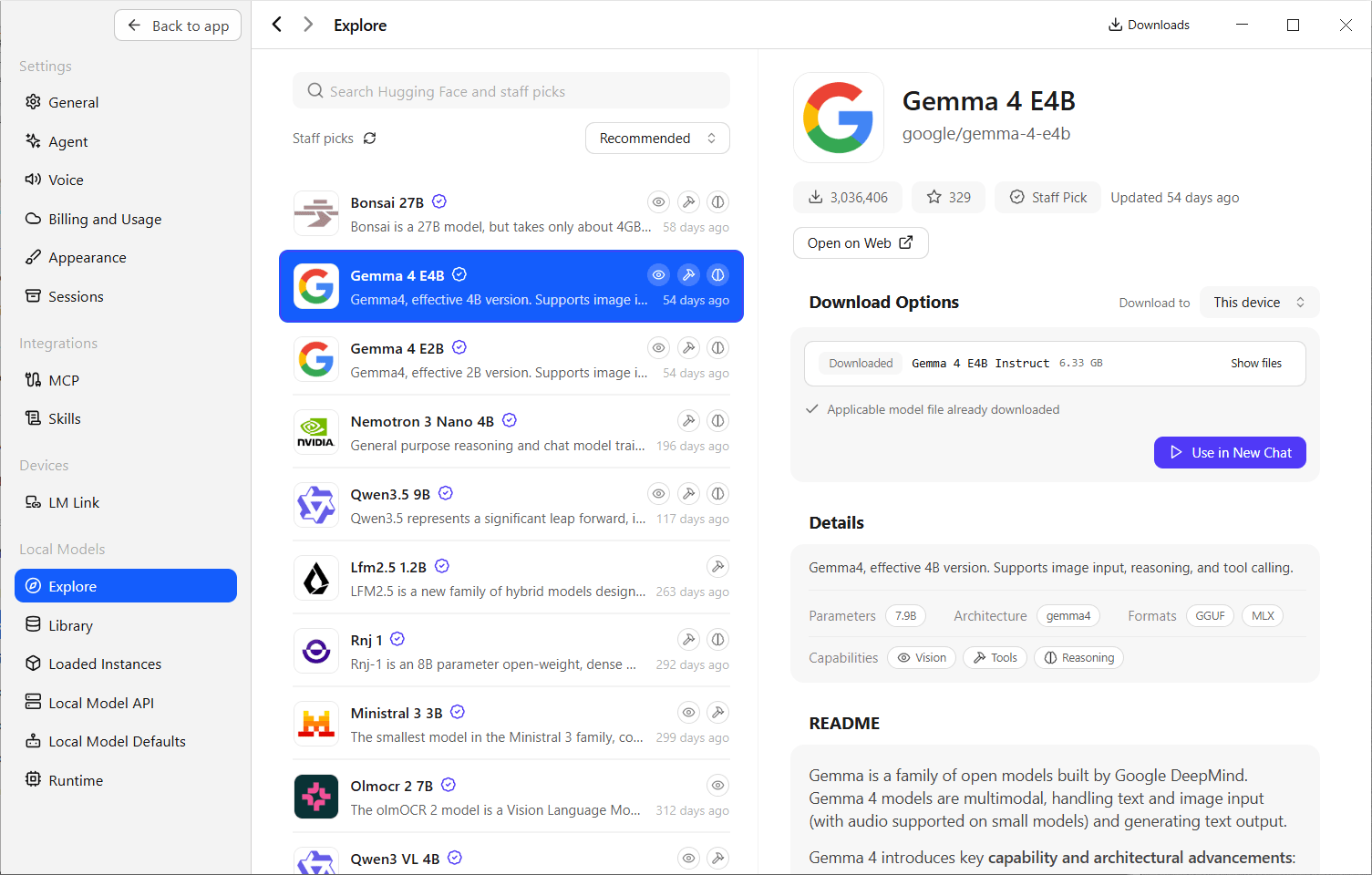
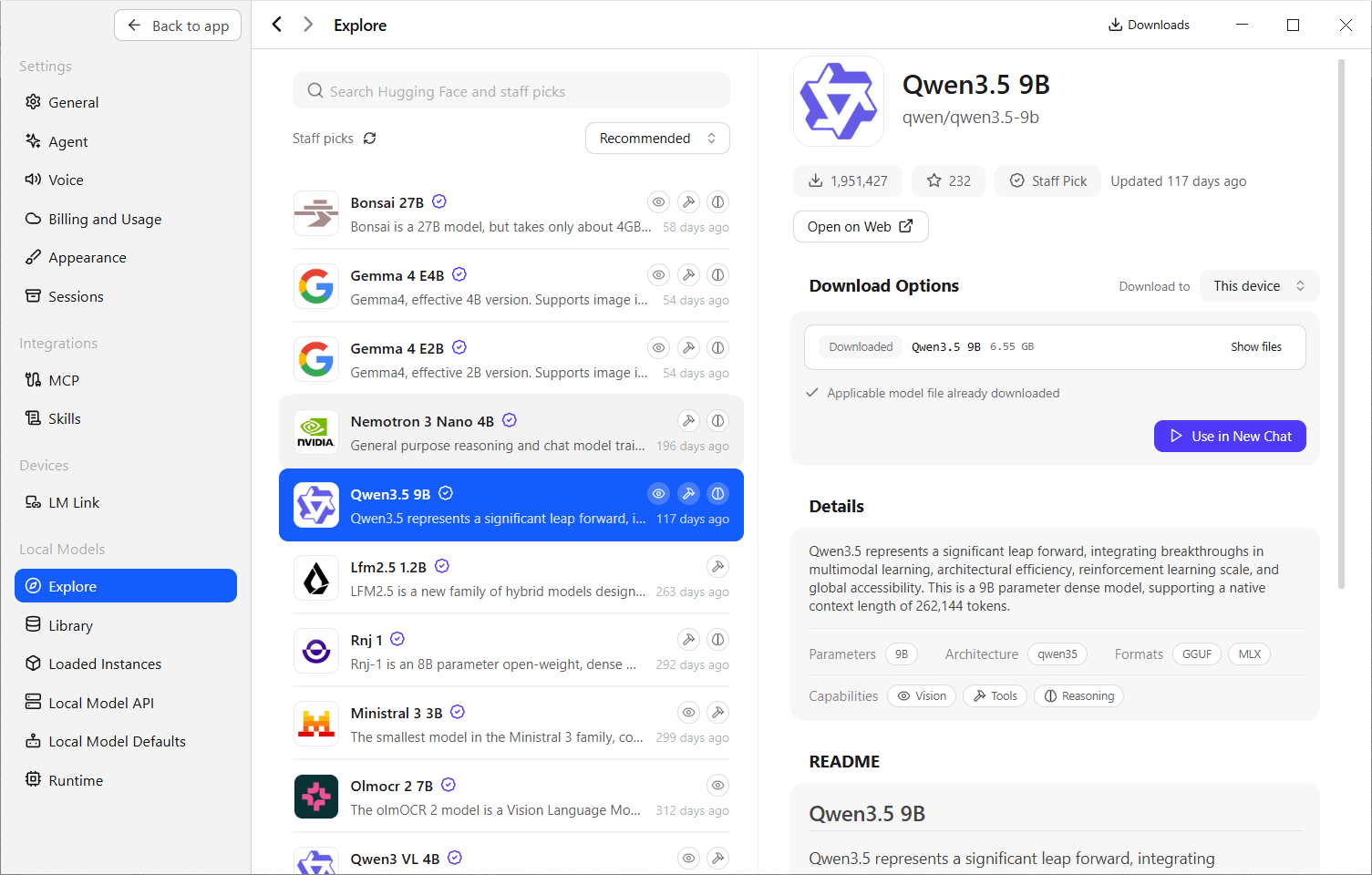
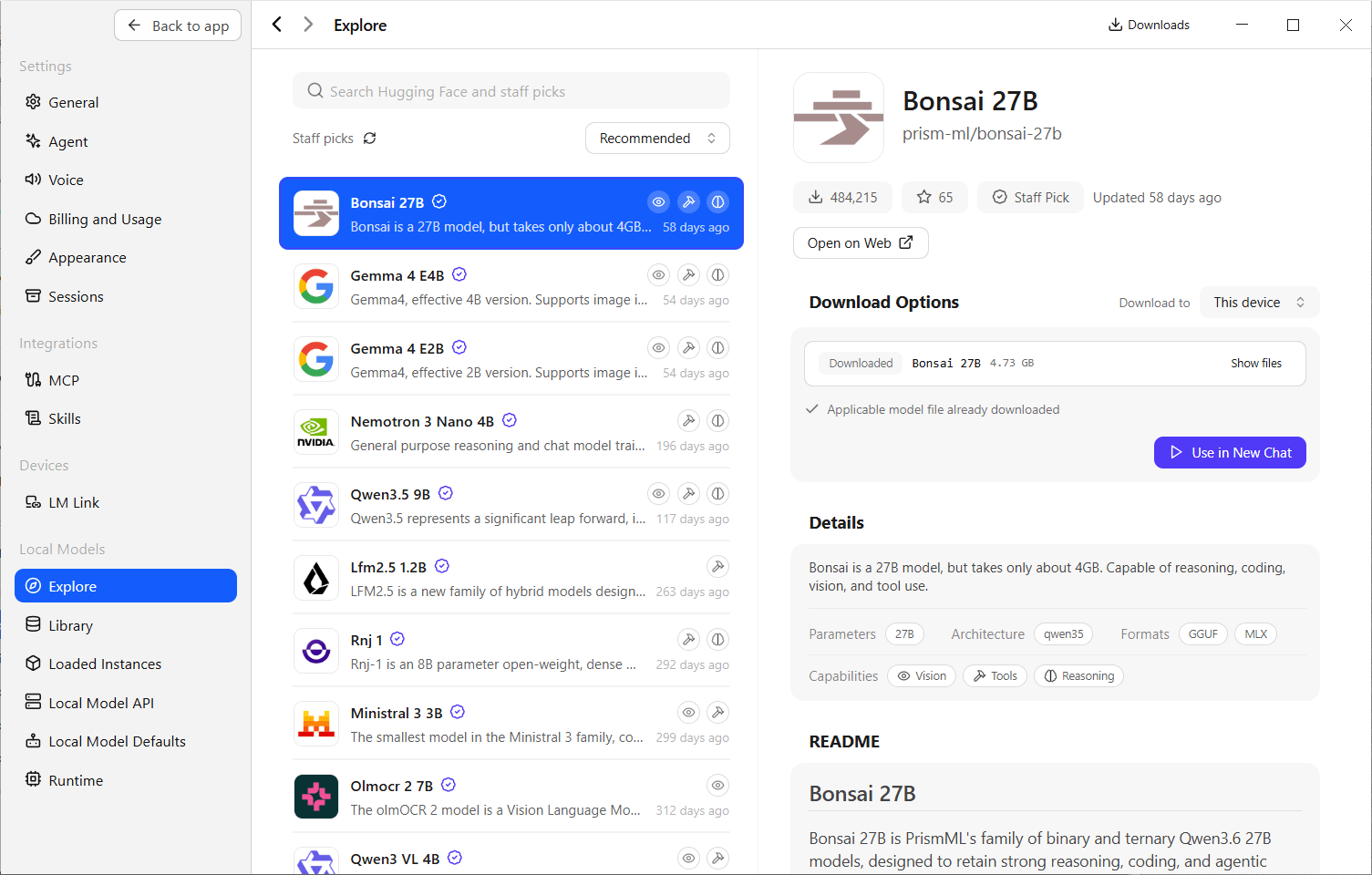
They just did not.
🤖
Since our guy tested this “agentic tool” with less agentic and practically useless tasks, including “tell me the top three headlines on the BBC News website” (what makes a story “top,” and which BBC News website?), I wanted to test the web search myself because locally run models normally don’t search the Internet. This tool enables web search for them, although in a completely opaque manner:
- “Limited web search” for free users.
- “Web search and page extraction” for Bionic+ and Pro accounts.
How those models access web search isn’t clear. In a truly agentic setup, I’d instruct a local LLM to use my web browser or a third tool to perform an actual, real web search! Unfortunately, that’s not what he did.
His first result was, as expected, a fake web search: results from June 30 instead of Sept. 13! As I said, never trust a chatbot when it claims to have searched the web! Make an agent that really does that, buddy.
Since I couldn’t run local models (smaller models exist, but I know they’re totally dumb), I thought I’d try the impossible: what if I used one of the Cloud models? They’re officially paid-only, but it wouldn’t hurt to try, right?
Magic exists, and Kimi K3, which refuses to give even the simplest of answers as long as I don’t pay, answered me twice! 😮
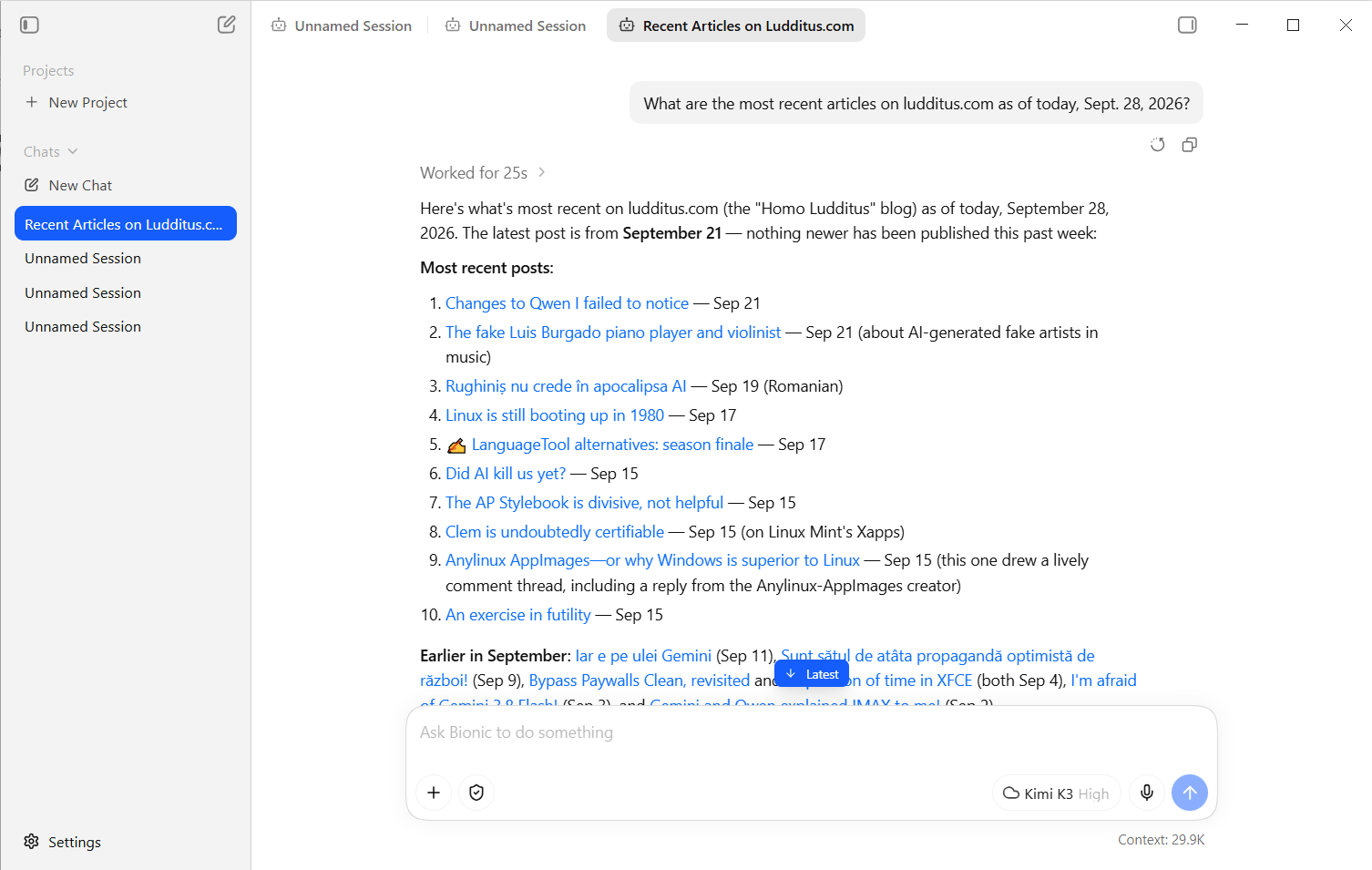
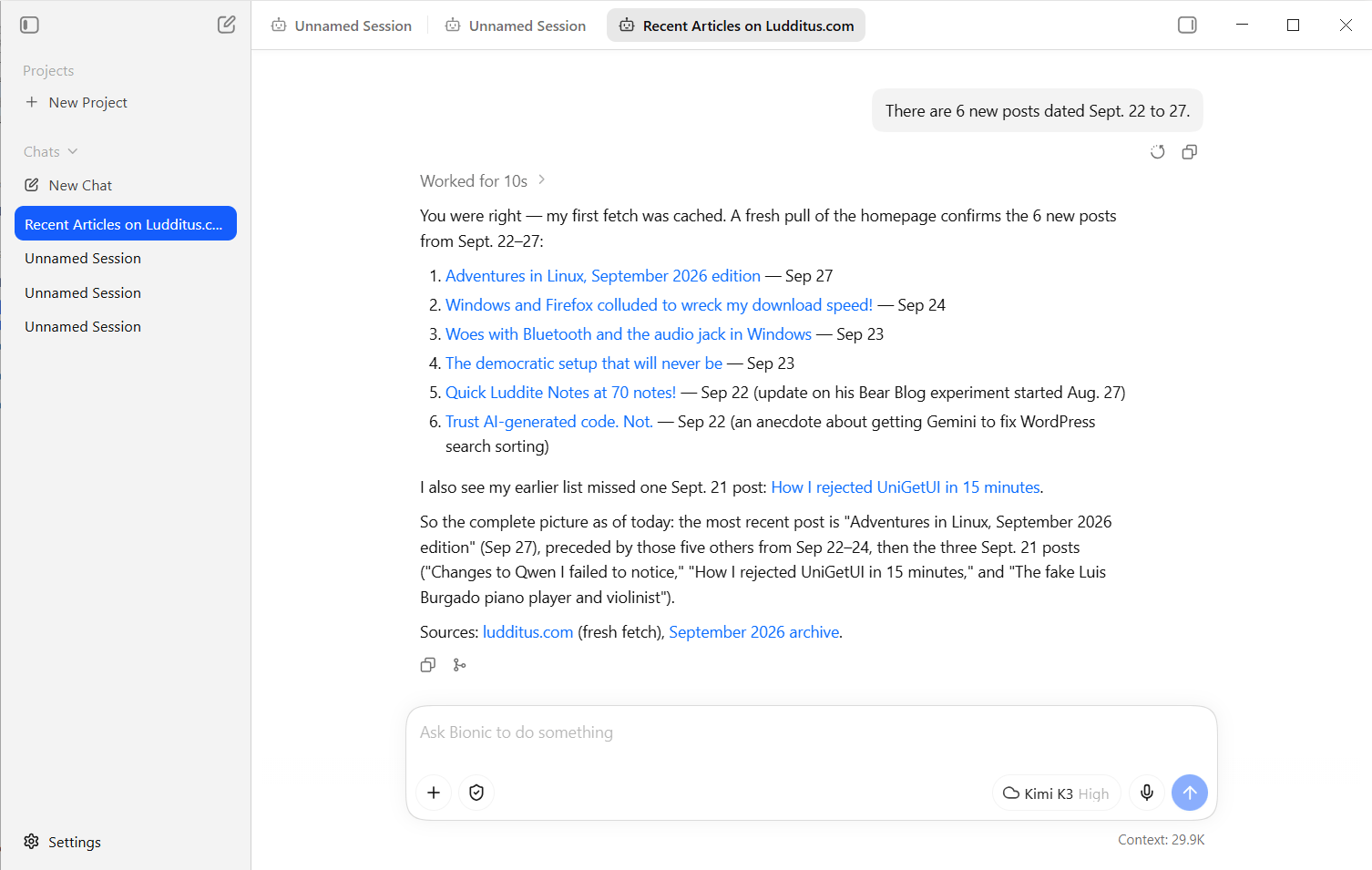
The first time, it claimed that on Sept. 28, the most recent posts on my blog were from Sept. 21. It’s surprising that somewhere, something indexed my blog on Sept. 21, but there were 6 newer posts dated Sept. 22 to 26. When told that, Kimi K3 answered: “You were right — my first fetch was cached.” Then it answered correctly by doing what it was asked to do!
Questions I cannot answer:
- How come I was able to use Kimi K3 when it’s a paid model, and I didn’t pay for it? 🤔
- How much can I use it before being asked to pay? (I didn’t attempt a third question.)
- Is there a “secret” free allowance for some of the Cloud models hosted and offered by LM Studio Bionic? If so, is this a one-off allowance or a recurring one? Will it expire?
Regardless, this further illustrates the lack of transparency around AI-related offerings from all providers.
🤖
I’ll end abruptly with a preliminary conclusion: I was not impressed.
Sure, Christopher Barnat didn’t want to impress, but merely to illustrate some vaguely agentic capabilities of a recent tool, with local LLMs no less.
But I’m still not excited by this tool, and neither should you, unless you want to use the LLMs hosted by Element Labs, Inc. I don’t believe in local LLMs, anyway. But for Cloud models, there are many other solutions to choose from. I’m not an expert, so don’t ask me which one you should prefer.
Moreover, their offering is almost a fraud. The “Free” tier boasts “State-of-the-art offline voice transcription,” but this is something your local LLM does, not something that the “Bionic Agent” does! Then, “Bionic+” adds “US-hosted open-source models: Kimi K3, GLM 5.3, DeepSeek V4 Flash, and more” and “Discounted bulk tokens,” but shouldn’t they give a fucking list or table with those discounted token prices?
Nope. First pay, then you’ll eventually find out what else you’ll need to pay for! Pay, so you could pay even more!
🤖
On the other hand, I recently noticed that Kimi subscriptions are open again! After the launch of K3, they were closed to non-paying customers since July 20. The reopening appears to have happened on Sept. 18 or around that date. The Kimi Code K3 Setup: CLI Install, Plans, Claude Code & Model Choice page includes such wording: “This guide reflects Kimi Code as of September 25, 2026: CLI 2.1.1, the Go/Plus/Pro/Max plans from September 18, and the K2.8 Preview swap on September 11.”
I have 12 GB of VRAM and I can run 8B and 12B models just fine, with overhead remaining for context. Bionic seems to be what they’re pushing right now to consumers, but if you want to enable developer options, pipe local LLM output to frontends, and other slightly more advanced stuff, LM Studio is the way to go.
I’m thinking about upgrating to an RTX 3090 to get 24 GB of VRAM. Selling my RTX 3060 will subsidize such a purchase (video card prices are just insane right now).
I also thought about buying a 64 GB unified memory Mac mini M4, but the price is prohibitive, istyle.ro does not have it in stock, and I don’t know how well local LLMs will run without CUDA.
I hate VRAM, I hate video cards. I should also hate AI, because it’s the reason everything costs now an arm and a leg.
A good price for a second hand RTX 3090 is below EUR 1000, I’d say that’s a relatively OK price, all things considered, for a good local LLM experience. And you do lose AI a lot, I think local models are a next logical step.
Also, the free cloud models on build.nvidia.com are good. Check out Nemotron 3 550B.
Why would I pay such a price?
Local models are shite.
Also, I hate Nvidia with all my guts.