
Bypass Paywalls Clean, revisited
I should have written this post a week ago, but it got postponed. Bypass Paywalls Clean v4.4.3.3 introduced the unblocking of HotNews.ro, the only Romanian site with “premium” content that needed so badly to be “freed.” Once I explored the documentation a bit more, I also found out I could have used it on Firefox for Android, but I wasn’t aware of that!
Bypass Paywalls Clean in a nutshell
The history of this browser add-on is long enough for me to forget its beginnings as “Bypass Paywalls”; I mentioned what I remembered about it two years ago. For now, I’ll focus on the official sites for “Bypass Paywall Clean” and how to use it, especially on Firefox.
- Bypass Paywalls Clean’s homepage: https://gitflic.ru/user/magnolia1234
- Downloads: https://gitflic.ru/project/magnolia1234/bpc_uploads
- Firefox: bypass_paywalls_clean-latest.xpi
- Chrome: bypass-paywalls-chrome-clean-latest.crx
Don’t right-click and save on the last two links, because they open pages in which you need to explicitly click a download button!
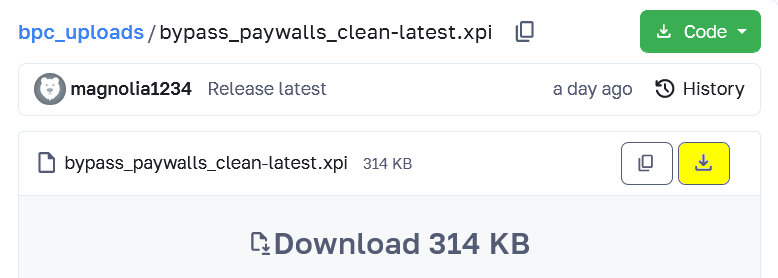
The weird thing is that the page listing all downloads shows “2 years ago” in some browsers or on some occasions, while the header clearly states the latest release is much newer (days or hours).
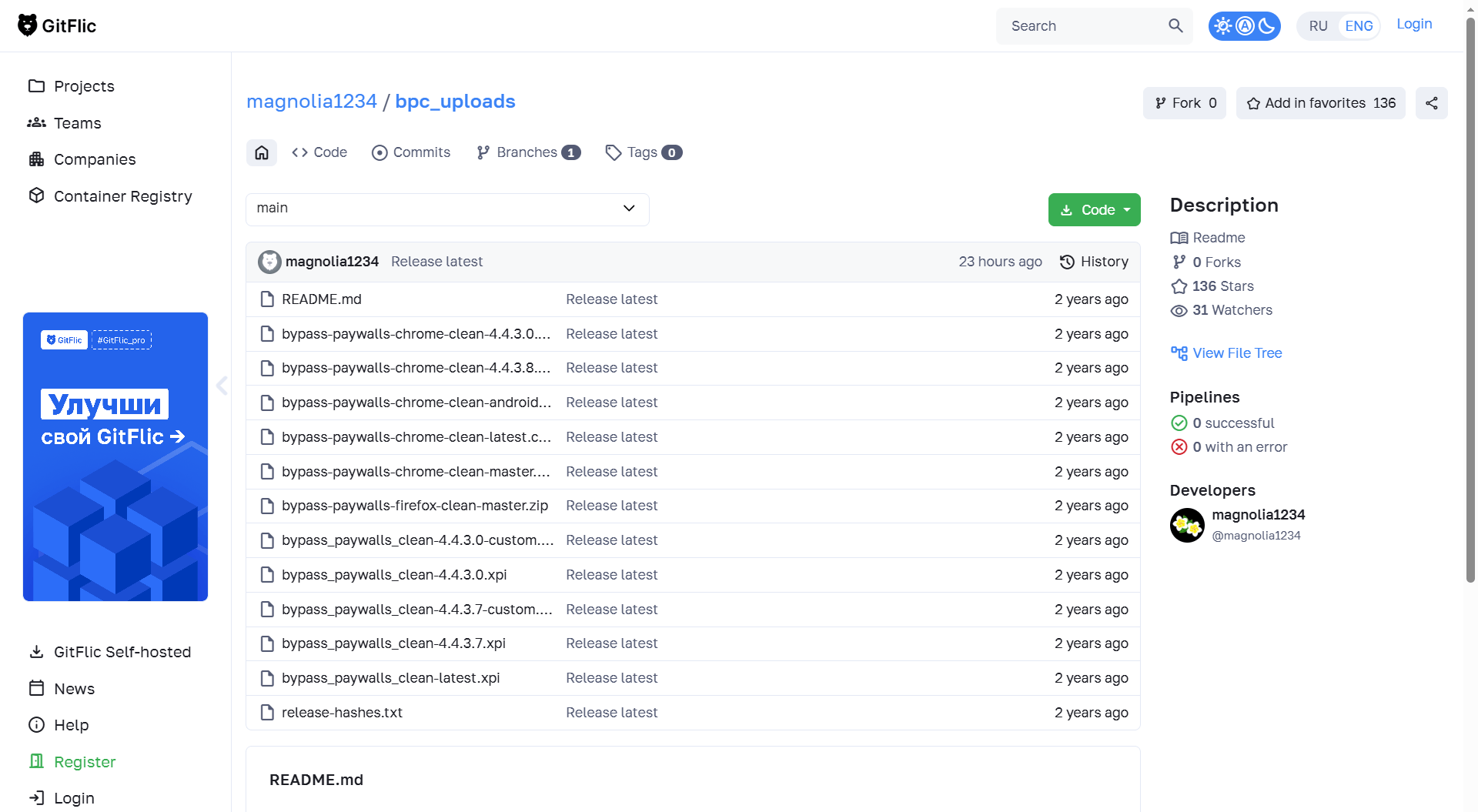
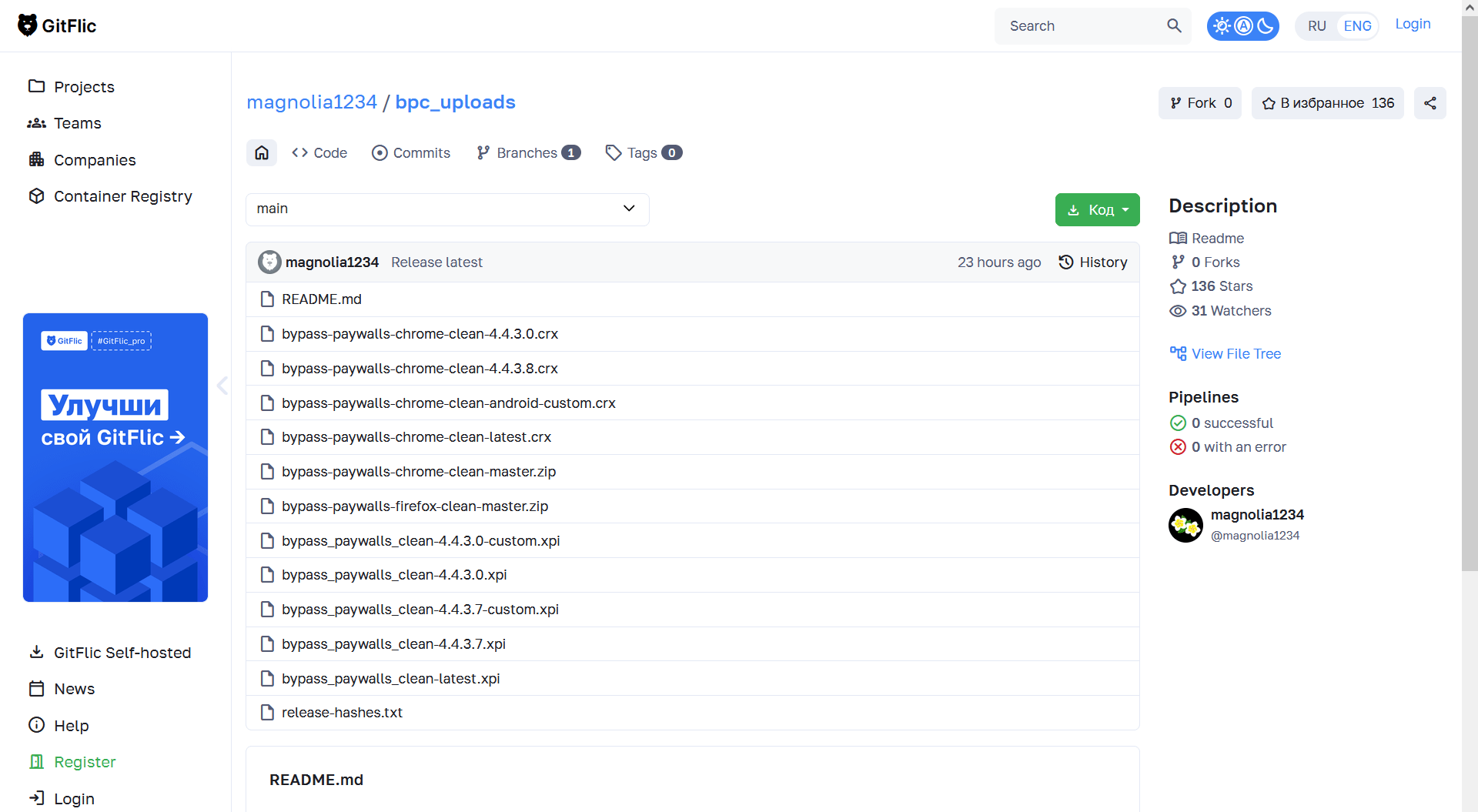
I personally prefer to download files with the version in the file name, but “latest” is a handy shortcut.
As I write this, the Chrome add-on (.crx) is at version 4.4.3.8, while the Firefox add-on (.xpi) is at version 4.4.3.7. Such a desynchronization is quite frequent.
You need to know that Bypass Paywalls Clean has some limitations, even for some of the sites it nominally supports:
- Some sites are only supported via links to archive.today, archive.is, or archive.vn.
- Such archive.* links will not work with Cloudflare’s DNS.
- To work, AMP is forced on a few sites, or JS is hacked, sometimes making the comments unavailable.
You also need to know that each new version of this plugin requires new permissions (for the newly added websites), and Firefox will disable the plugin until you grant it these permissions!
The changelogs that can be read online (for Firefox, for Chrome) aren’t updated with each vA.B.C.D release, but only for vA.B.C.0, and the in-between additions are listed separately.
For instance, right now the latest version is 4.4.37/4.4.38, but the changelog goes up to “v4.4.3.0 (2026-08-23)”; newer additions are listed as “Post-release.” Because I noticed it when it happened, I can vouch that “Add HotNews.ro” came with version 4.4.3.3 of the plugin.
Installing Bypass Paywalls Clean in Firefox
I never installed this plugin in Chrome, Edge, or any Chromium-based browser, but only in Firefox for Windows and Firefox for Linux.
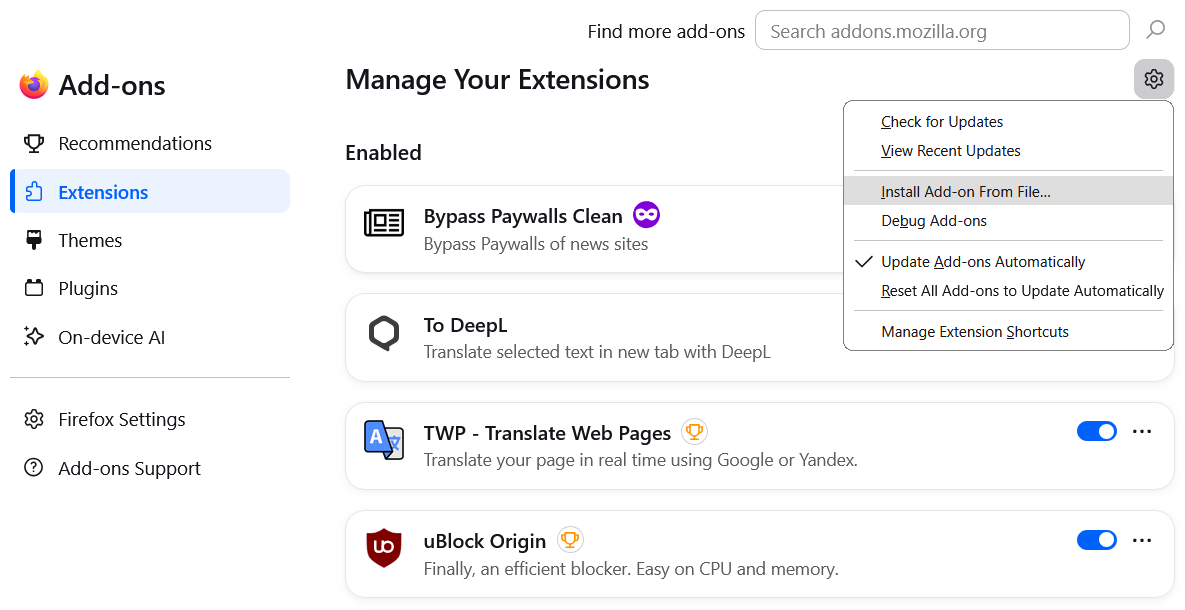
That’s easy as long as you have downloaded the add-on. Just go to “Extensions and Themes” (or type about:addons in the address bar) and use the top-right cog to select “Install Add-on From File…” :
Firefox for Android is the real deal!
I didn’t expect myself to be so sloppy in managing my Android browsing experience. I did replace Chrome with Firefox. I did install a couple of extensions, mainly uBlock Origin and YouTube High Definition. (I also disabled the YouTube app because I’m not as stupid as to watch Google’s ads every other minute!) But to read sites such as nytimes.com, scmp.com, wired.com, theverge.com, theatlantic.com, newyorker.com, economist.com, or lefigaro.fr, I resorted to reading the restricted articles on a computer. Stupid me.
Bypass Paywalls Clean can be installed in Firefox for Android! Let me expand the official instructions.
❶ First, enable the debug menu in Firefox for Android.
Go to Settings → About Firefox, tap the Firefox logo 5 times, then return to Settings: you’ll get a new menu item, Install extension from file.
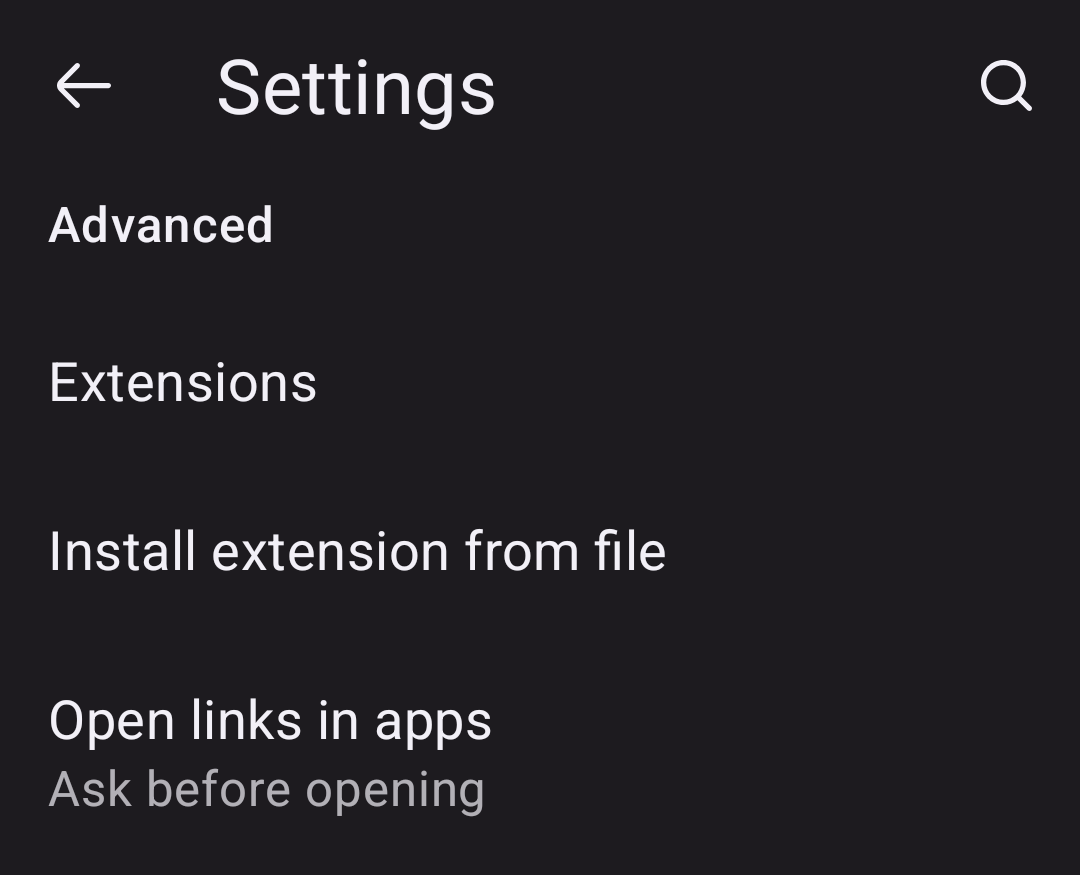
If you want to install other extensions through sideloading, you will need to tap the Firefox logo again after each app update, because Firefox disables this menu entry with each new version!
❷ Now pick the saved .xpi file and install it!
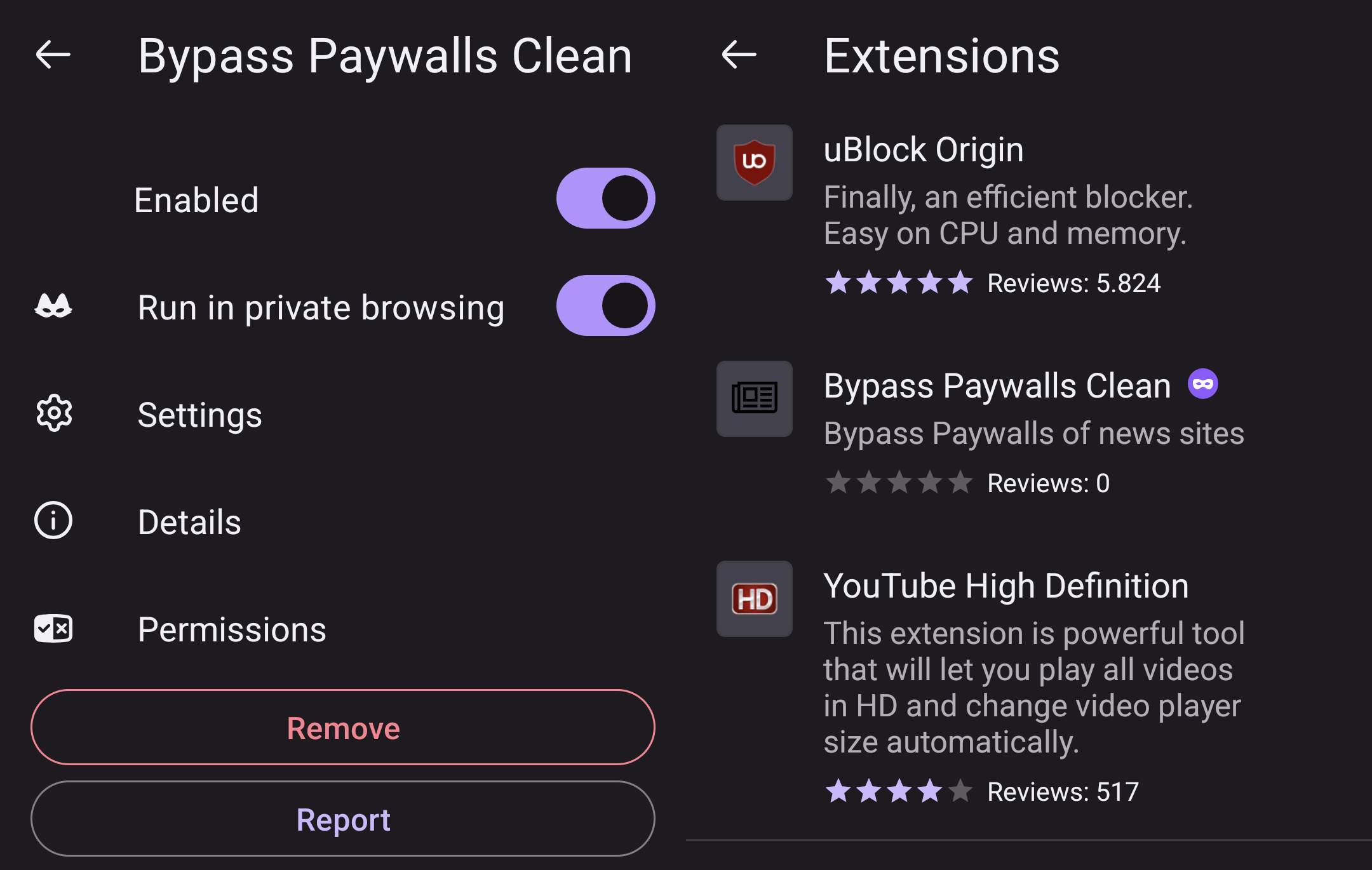
❸ You can configure the extension if you want so:
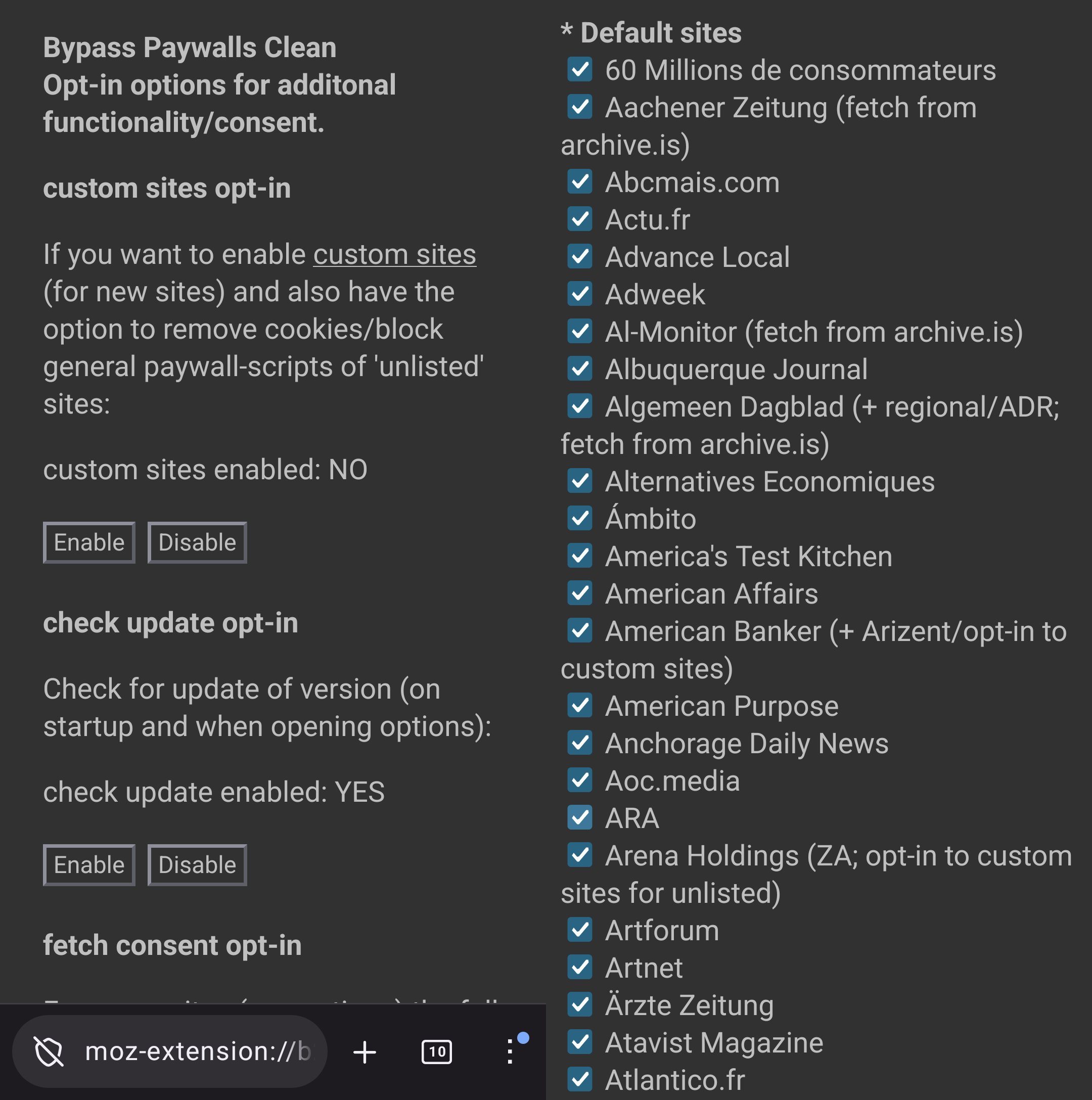
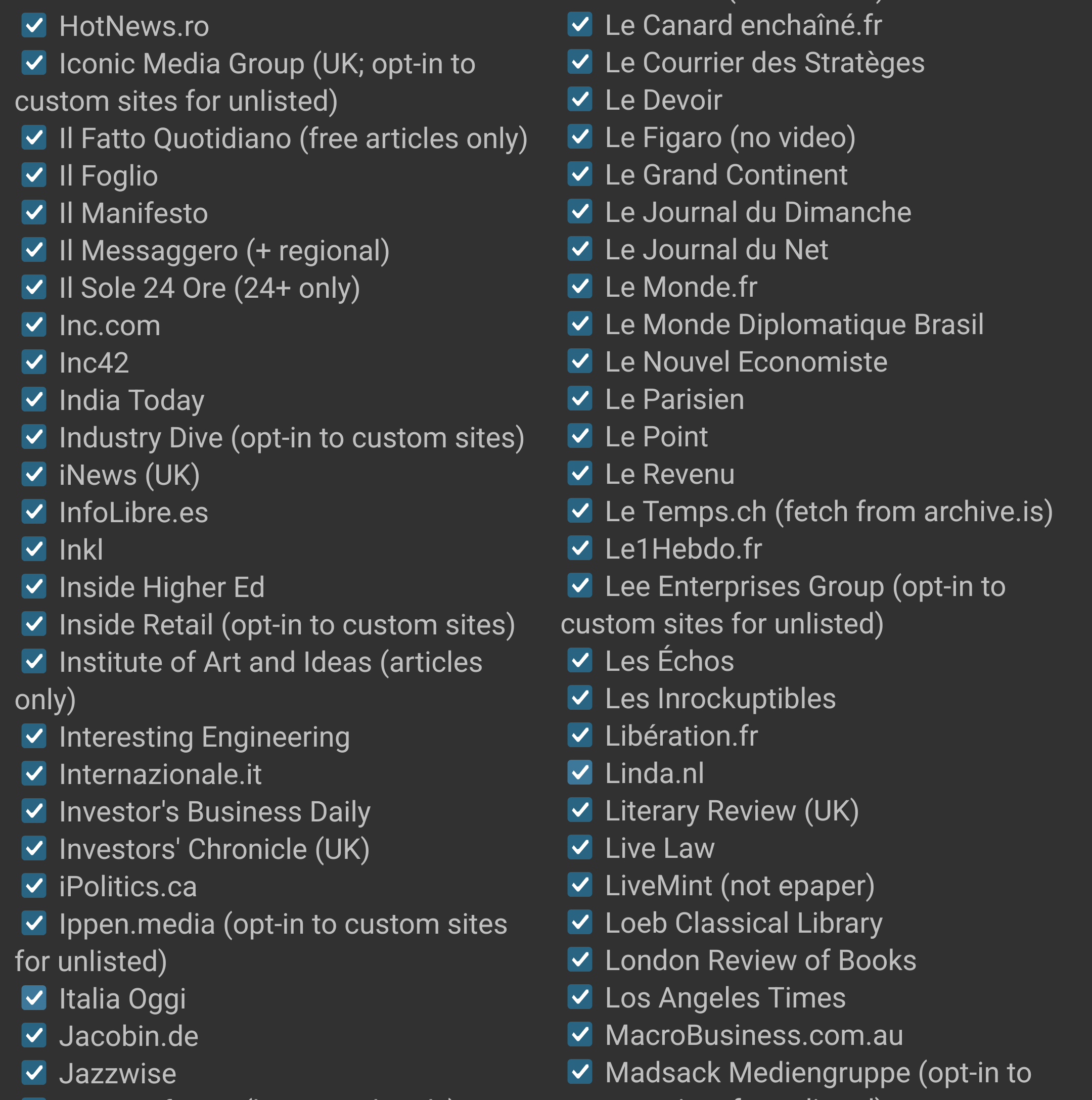
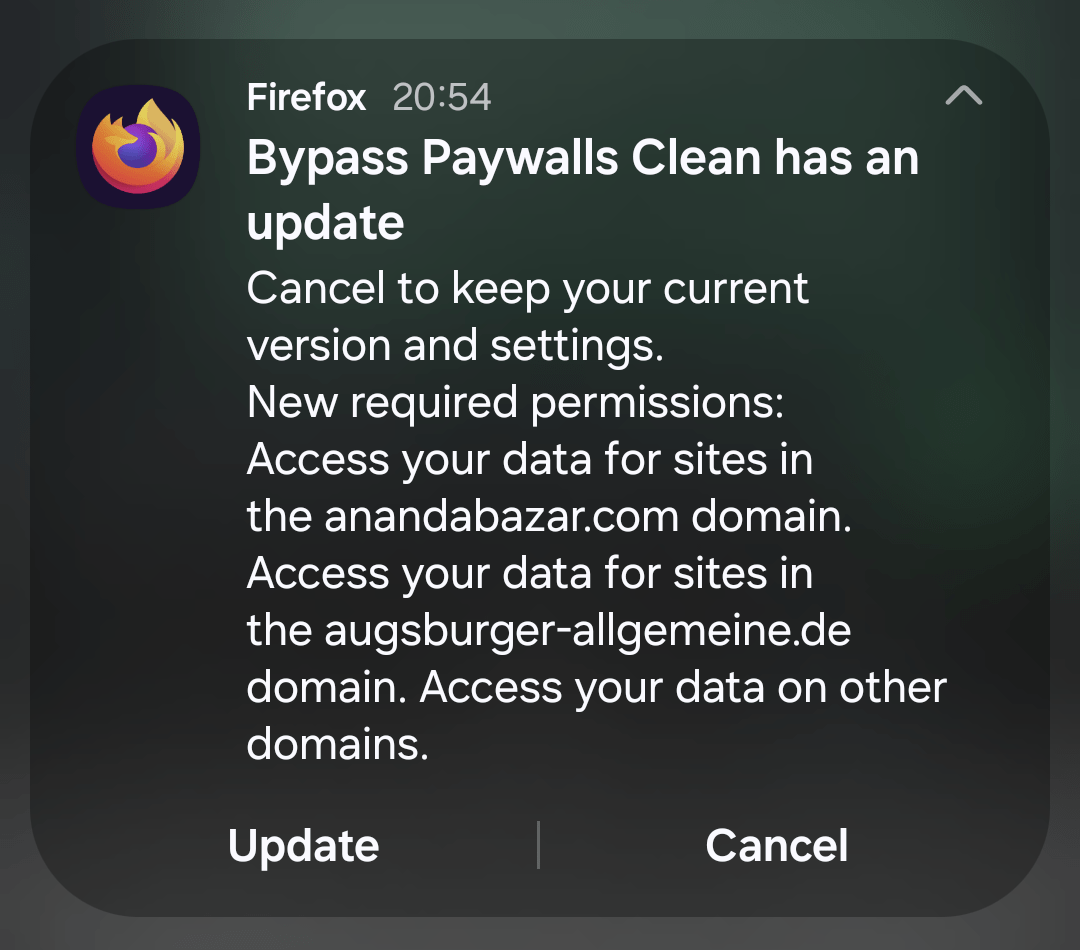
❹ When Firefox notifies you that an updated version of the add-on needs your approval, tap on Update!
Enjoy the result
Because Bypass Paywalls Clean v4.4.3.3 introduced support for 🇷🇴 HotNews.ro, I’ll start with a premium article from that site: “before” (the article ends abruptly after the lede) and “after”:

Now, a subscribers-only article in WIRED:

How did I ever manage to live without such a liberating extension in Firefox for Android?
It’s been a huge reason as to why I’m not able to move away from Firefox on Android. 🥲
Zapper mode in uBlock is such a handy feature too.
You should not install these add-ons on your main web-browser. The files are hosted on gitflic dot ru, which is based in Russia. Russia is a cybercrime center, so you are giving a plug-in access to all your browsing habits, and potential for it to download new rules or software and exploit your web browser. As an example many users store passwords in their web browser.
If you must install this, don’t do it on a phone, use a sandbox on linux. Web browser plug-ins are a primary source of exploiting computers and this really is a case of “user beware.”
Don’t you believe you’re a bit stupid? I know exactly what and how I’m using, including Russian hacks.
And no, I will not “warn users” that “this might be a security and privacy vulnerability”!