
Odyssey Linux—not quite for me
Odyssey Linux is a Void-based distro that seems to be the result of some heavy work by a single person. It just worked in my quick test, so why did I reject it outright? It’s a question of taste and philosophy, although the short answer is as simple as this: its theming is horrendous.
Chapter Zero
Before anything else, you should explore their website. Start with Argonauts:
Odyssey is not a wallpaper on top of Void Linux, and it is not a prompt on ChatGPT: hey, generate me a Void derivative with a BORE scheduler kernel, Calamares, two thousand optimized packages, public manifests, reproducible builds, a control center with a dozen modules including one that installs the NVIDIA drivers… I will stop there. We understand each other.
…
I will not pay my rent with your five dollar donation. I need a fixed monthly income, and this is the answer.
Becoming an Argonaut is optional, though.
While the website’s dark theming and complex structure might already deter some people (there is a lot of information there, and quite some opinions, too!), the documentation is unique and worth praising. I selected three PDFs in English for starters (other languages are available):
- 📄 Odyssey Control Center — Practical Guide → Every panel, section by section. What it does, what it changes, and what to click — written for someone who has never used it before.
- 📄 Security and Hardening Guide → The firewall. AppArmor. System defaults. And how to verify all of it.
- 📄 Odyssey Launch Edition Chapter I → A rolling desktop Linux built on Void and runit, with a kernel of its own, ready to use out of the box — and verifiable end to end.
At some point, I needed to give it a try.
Chapter One
Unless you’re its creator, you must be slightly defective if you like the default theme, especially the spreading of a window’s control buttons (close is on the right; the other two are on the left)!
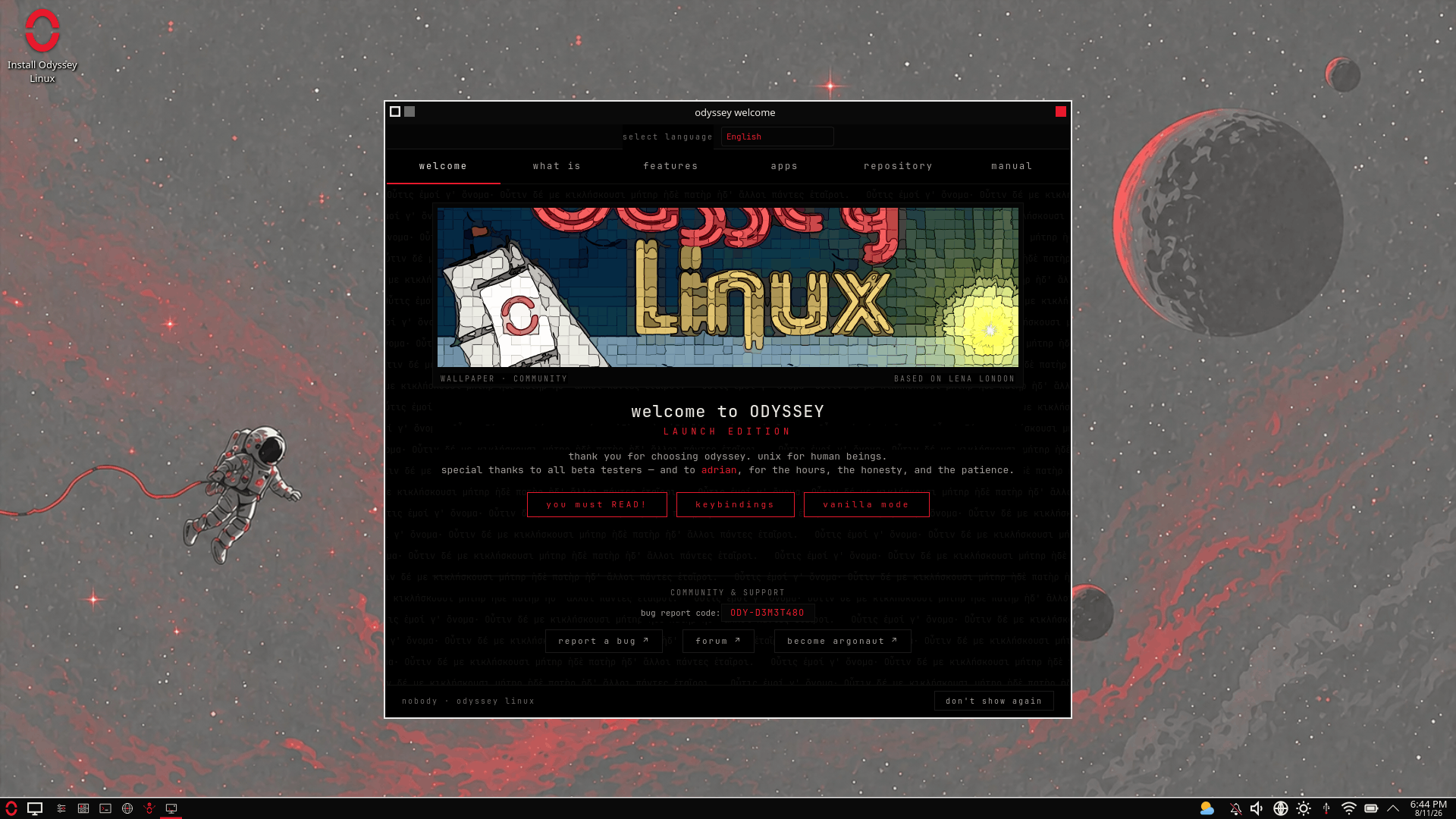
The greeter asks for more exploration:
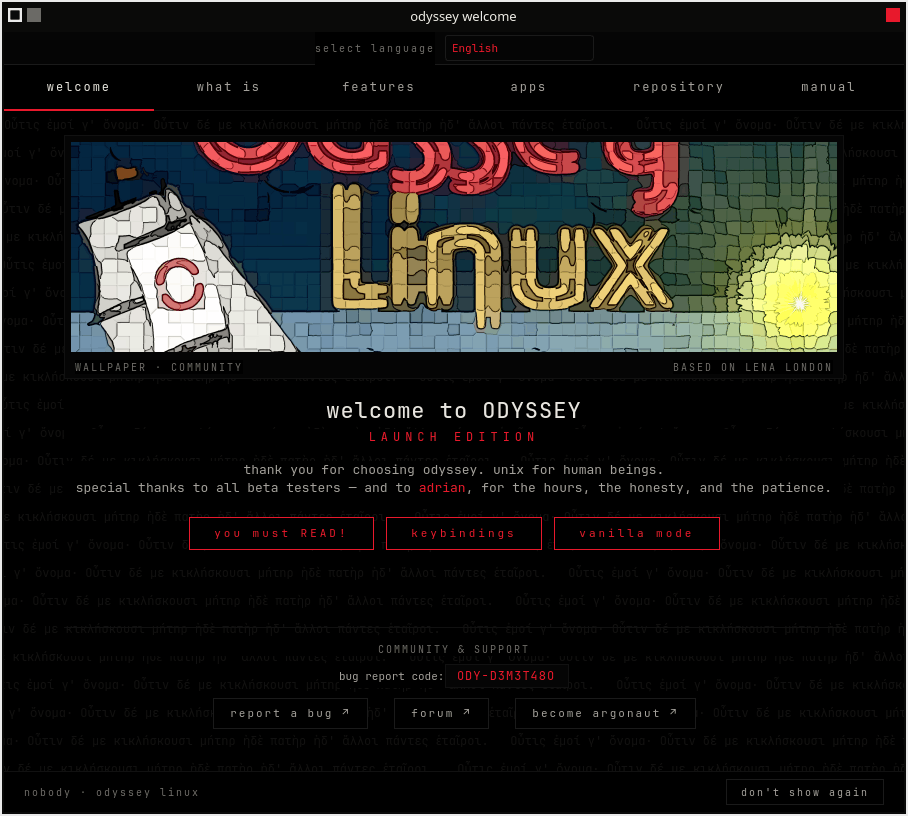
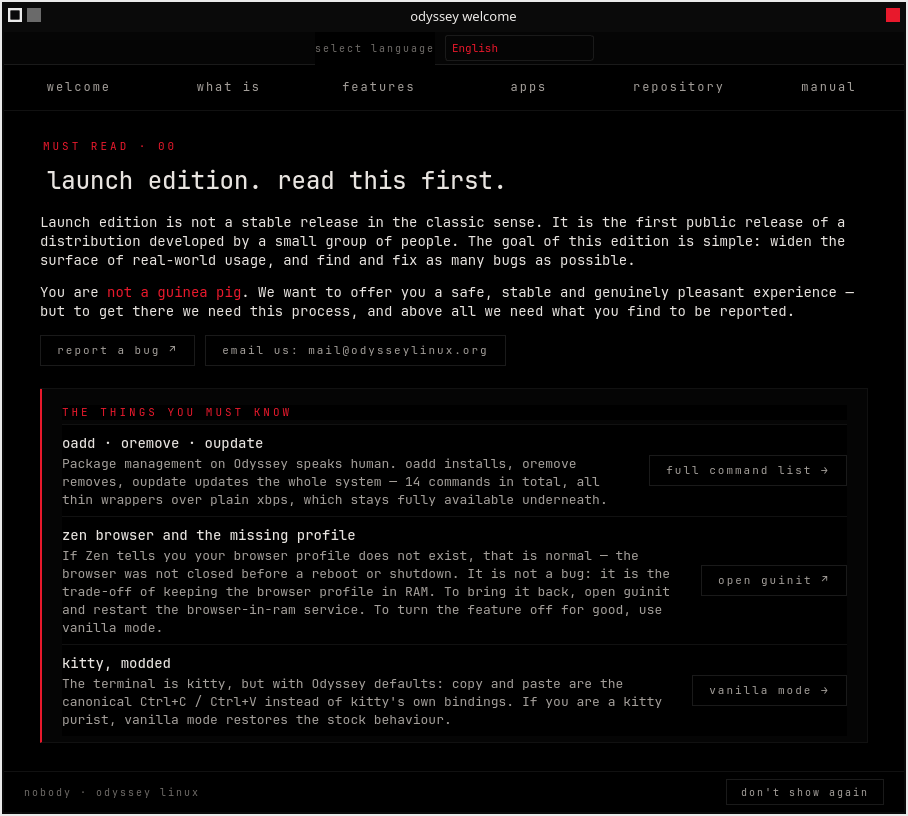
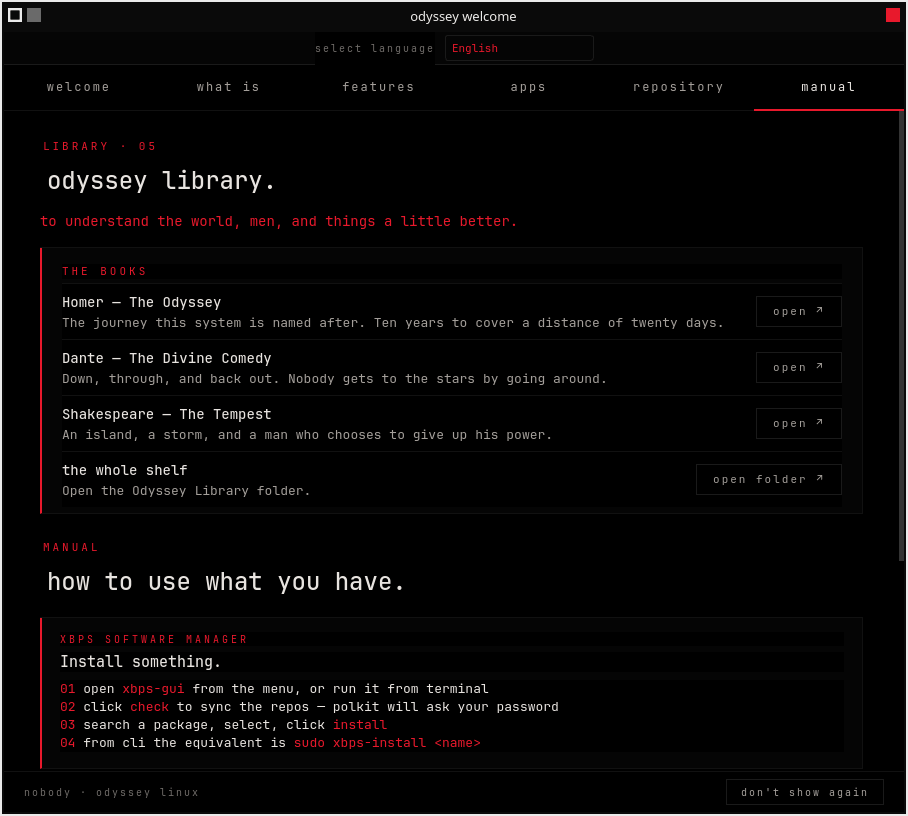
As described on the website and in the documentation, it has a Control Center that’s illustrative of the same peculiar taste in theming: typeface, spacing, icons…
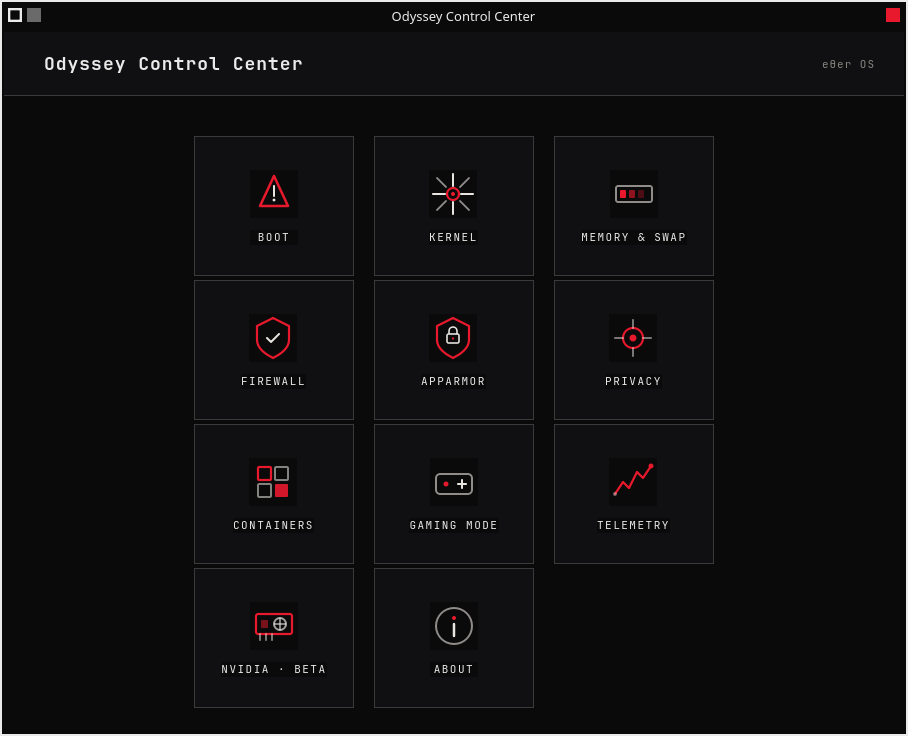
Otherwise, it’s KDE Plasma, alright.
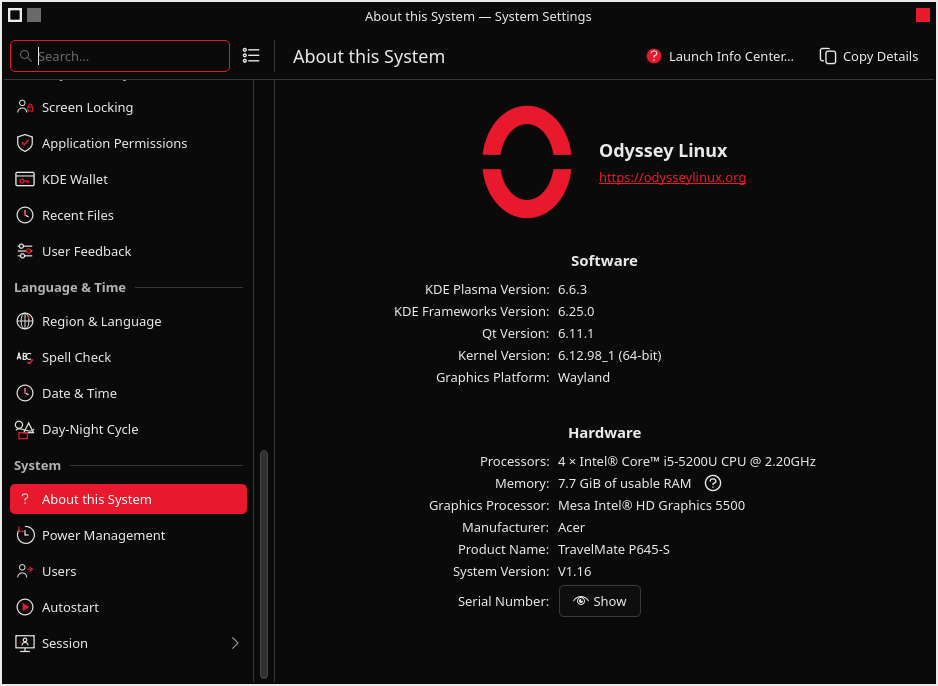
However, there’s a dissociative identity disorder in it, because it features both KDE and XFCE software:
- Dolphin and Thunar
- Gwenview and Ristretto
- System monitor and
xfce4-taskmanager - Kate and Mousepad
- Ark and Xarchiver
- Spectacle and
xfce4-screnshooter(which fails under Wayland…) - MPV Media Player (not Haruna!) and Parole Media Player
No crime so far, except that this theming was driving me nuts!
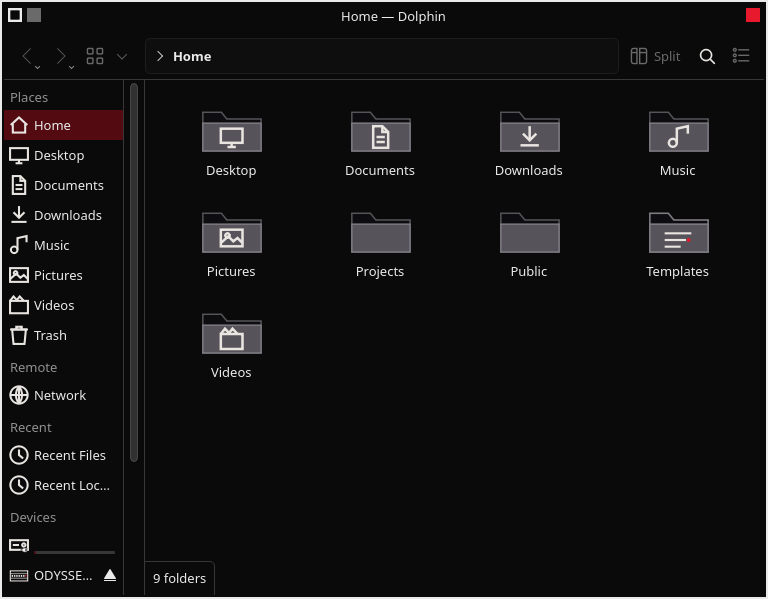
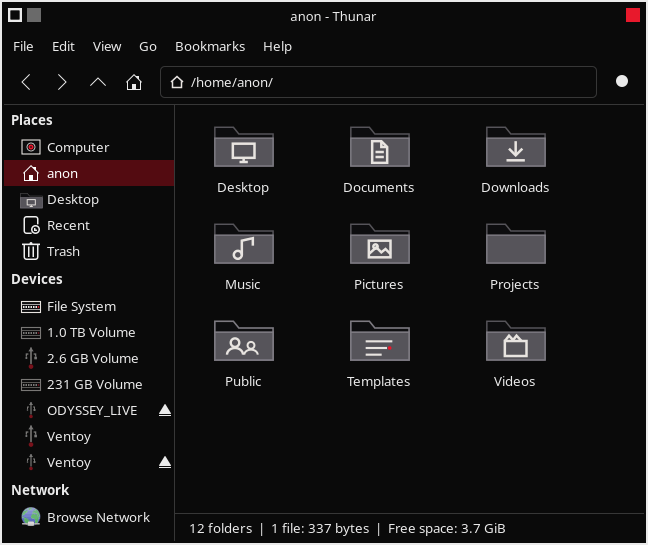
I tried the CLI, and oadd, oremove, oupdate worked flawlessly (with sudo). That’s cool, because I never knew how to use xbps.
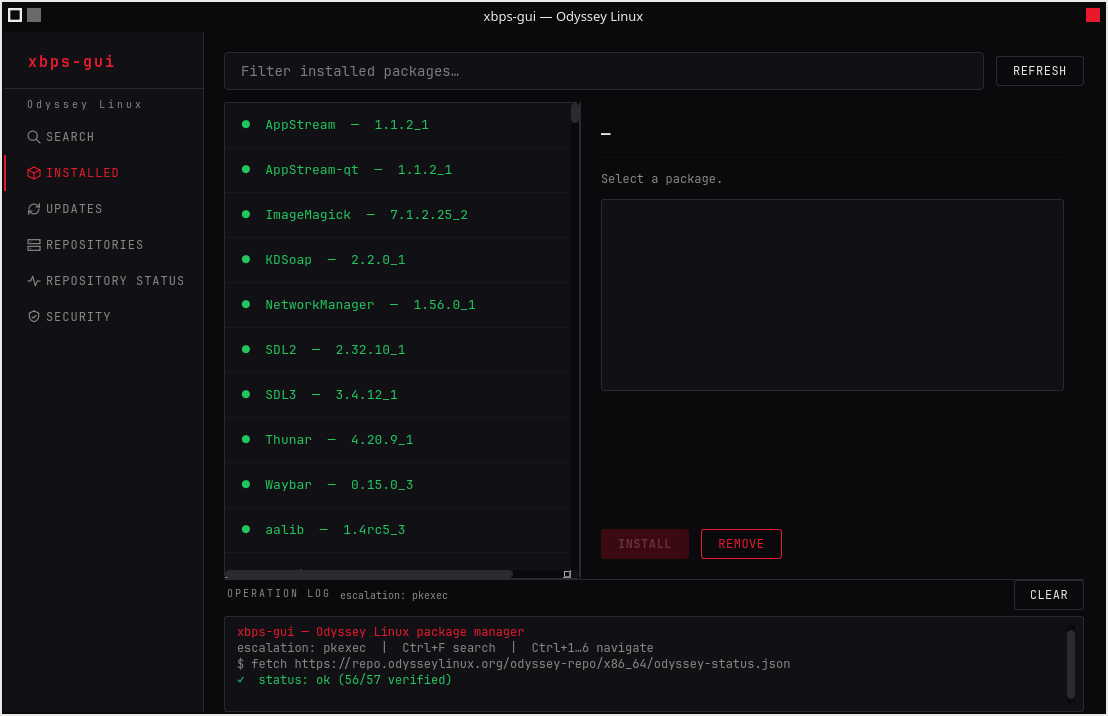
On the other hand, xbps-gui is poorly designed as far as ergonomics is concerned; look at the huge vertical spacing between the items printed in green! Instead of 10, there’s space for 20 of them!
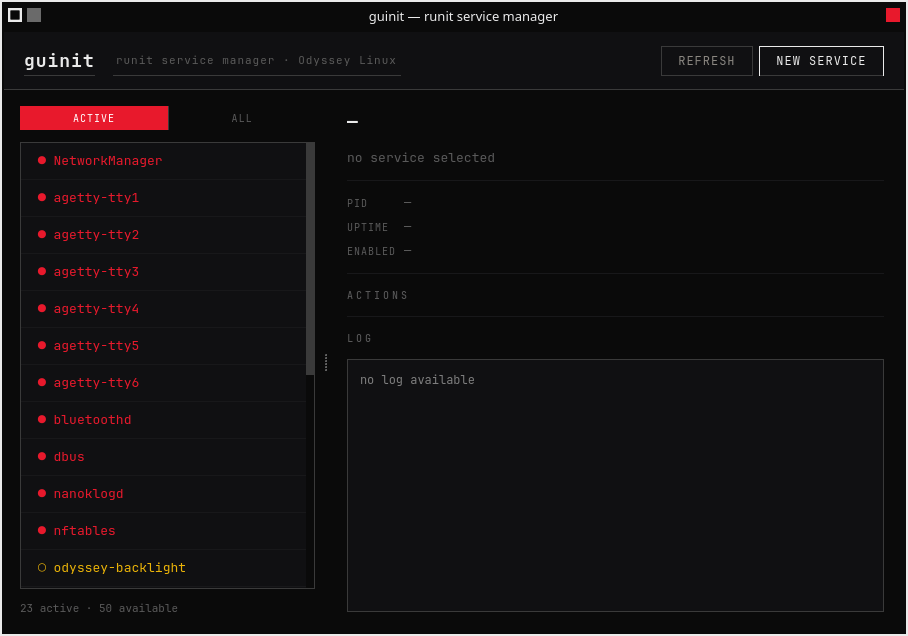
There is also an extremely useful graphical service manager, but I am not insane enough to be able to use it the way it looks. Maybe after some Haloperidol?
The cherry on the cake: Odyssey’s version of the Zen Browser, the only preinstalled web browser:
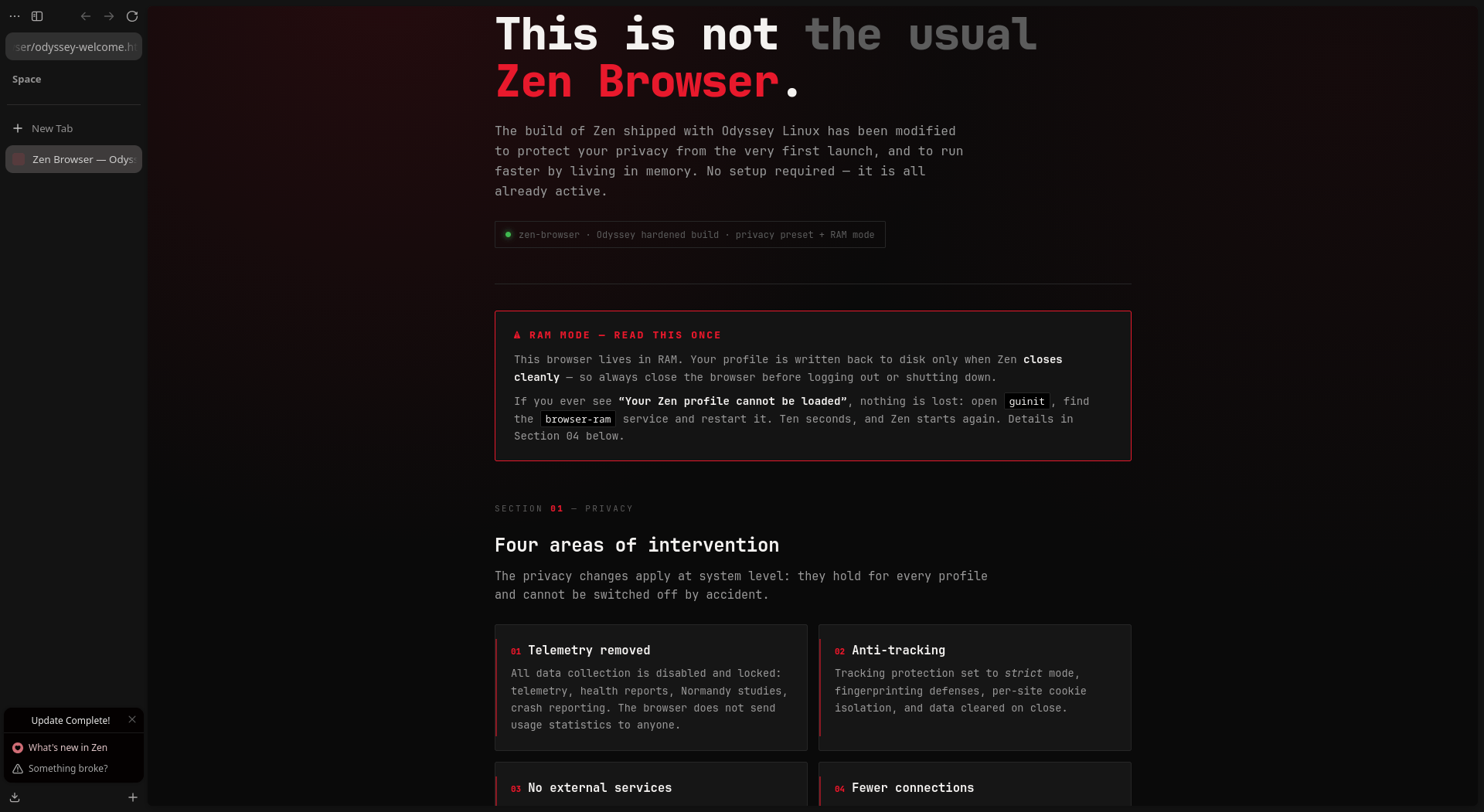
This is when I decided it’s safer for my mental sanity to go back to my Debian 13 with XFCE and Firefox ESR (which I can replace with the latest Firefox, but I won’t do it).
Hmm, I haven’t tried it, but your screenshots don’t make want to. Ugly, horrible, poorly put together… Same for the site.
It also seems to be a total mess, a mishmash.
In short, all of this looks very ugly and is pretty off-putting.
You’re judging a distro by its theme. That’s the whole post.
I found this while googling, curious about why nobody covers this project, and this is apparently why. Nothing here about the BORE scheduler, the graphical front-ends for xbps and runit, the control center with a gaming mode that handles firewall and AppArmor from a GUI, the NVIDIA driver module, or the app the author recently published that lets anyone verify reproducible packages, not just the Reproducible Builds crowd.
He also gave xbps an actual readable grammar:
oadd firefox,oremove firefox,oinfo firefox.For the record, I didn’t like the close-button placement either. I got used to it, and it’s one command to change. That’s not a review, that’s a preference.
This isn’t Omarchy, it isn’t another Debian respin, it isn’t CachyOS. It’s young, the theme is debatable, and technically it’s ahead of most of what’s out there: built by someone who takes no sponsors and depends on nothing that isn’t fully open source. It deserves a better look than this.
I fucking mentioned the graphical front-ends for xbps and runit, the control center, etc. With screenshots. And links to the documentation.
I couldn’t fucking care less about the BORE scheduler, but it’s mentioned in red.
I also wrote this:
But yes, if it looks like shit, and the website also uses the same theming, how could I possibly use such a thing meant for mentally broken gamers?
BTW, AppArmor and any similar forced security shit should be illegal. I should be free to disable whatever I want on my machine, but if I uninstall AppArmor, then something breaks. Whoever needs forced security layers can use Windows and macOS.