As it’s often the case with dot-zero releases, 4.0.0 had severe bugs. Upgrading to this version is a must! HOWEVER, I have reports that version 4.0.1 doesn’t work on some Windows systems, and version 4.0.0 freezes when GoComics acts up. For now, the issue is under investigation, as I couldn’t reproduce it.
Fixed a bug that made curl_cffi send worse browser headers than requests and triggered more blocks from GoComics.
Fixed several browser-specific bugs that prevented the correct collection and the use of GoComics clearance cookies.
Fixed several bugs that made curl_cffi use different headers than those in the clearance cookies.
Fixed a browser solver HTML discard bug that created redundant network calls.
Fixed browsers installed as per-user Flatpaks not being detected (e.g., com.brave.Browser).
Added continuous Referer tracking to mimic the behavior of a real browser.
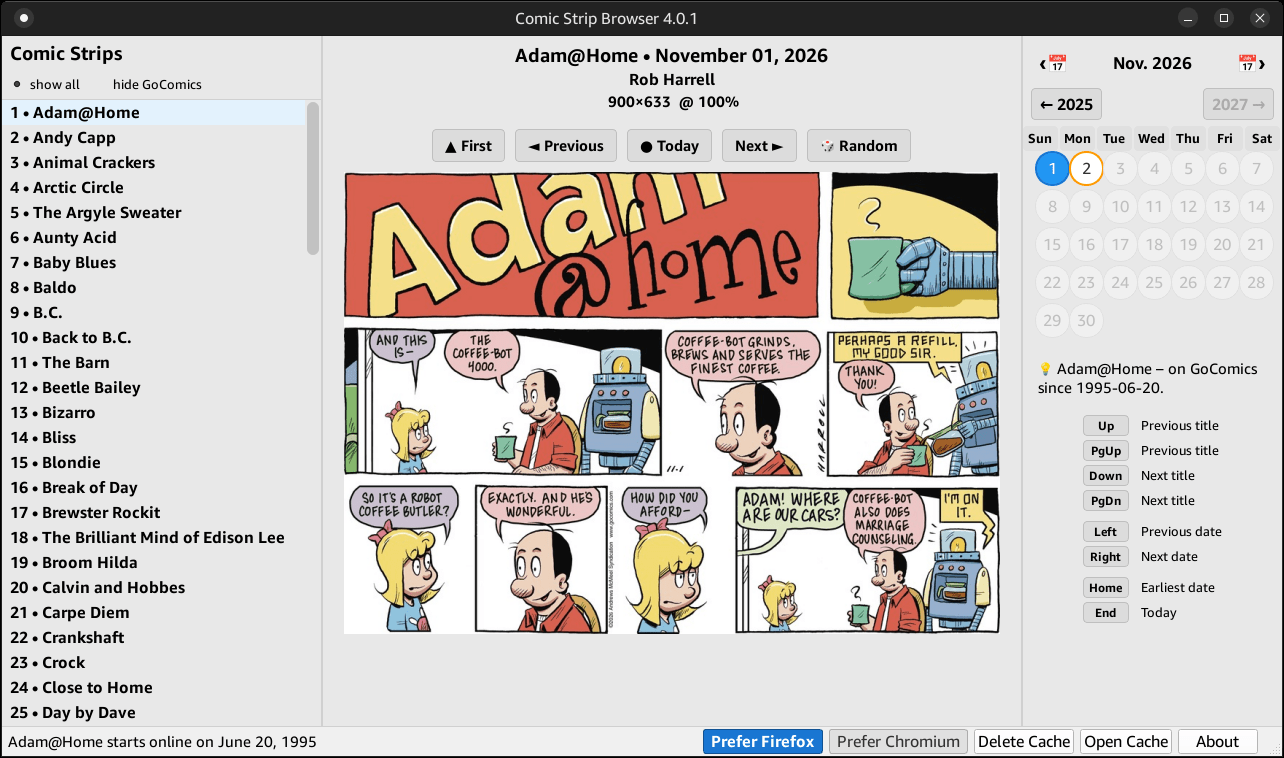
Added buttons to override the OS-specific priorities and prefer Firefox or Chromium/Edge to solve Bunny Shield challenges.
Preferences (this one and the hiding of GoComics titles) are persistent, but are deleted when the cache is manually deleted.
GoComics recently added a Bunny Shield challenge (read here about what this broke) for requests coming from IPs that belong to some VPNs, data centers, or other shared IPs.
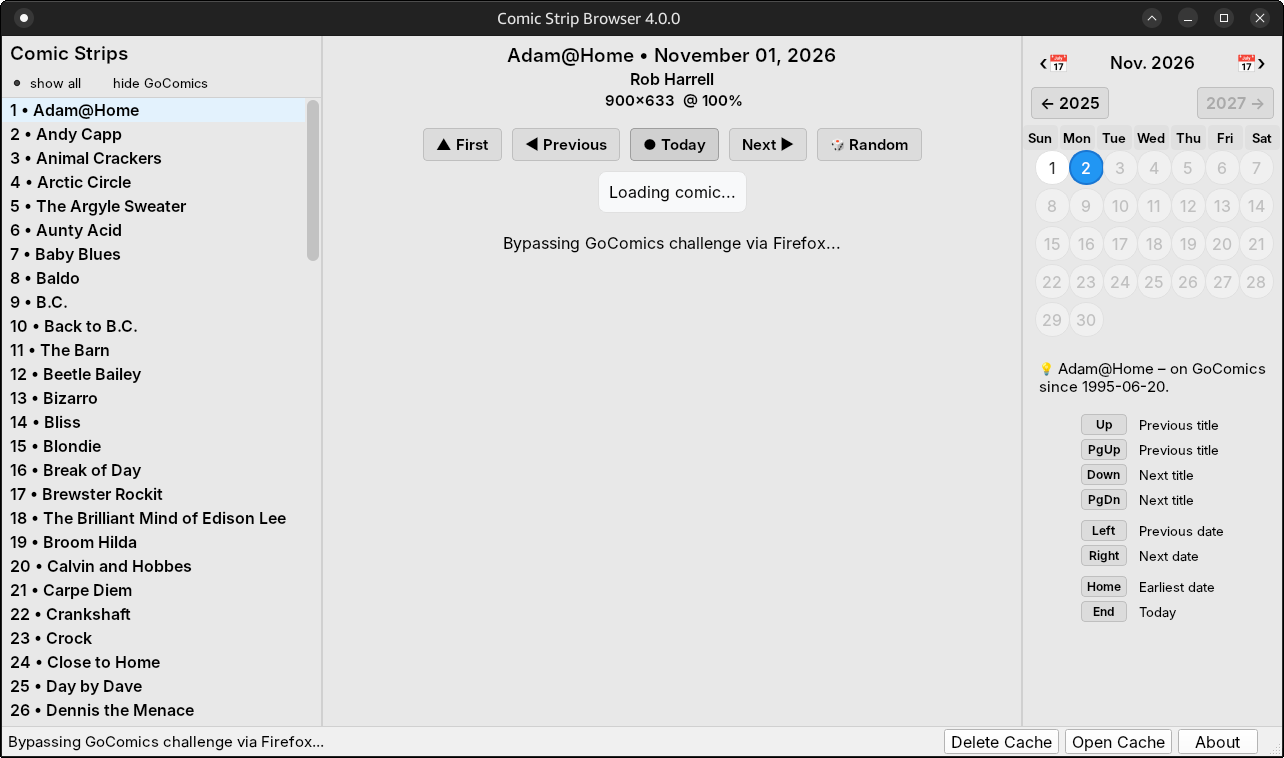
📢 For the first time, version 4 can bypass the Bunny Shield challenge! 🎉
☢️ Release 4.0.0 is buggy. Please update to 4.0.1! 👈
⚠️ KNOWN ISSUES: I have reports that version 4.0.1 doesn’t work on some Windows systems, and version 4.0.0 freezes when GoComics acts up. If you are in such a situation, use 4.0.2 or 4.0.3. 👈
📝 Version 4.0.2:
Enable the debug mode by creating an empty debug.txt file in the application or cache/ folder (which is usually in $HOME on Linux).
The resulting cache/comic_browser.log can be viewed via the “Open Cache” button.
📝 Version 4.0.3:
Meant to address the cases when curl_cffi fails to work on some Windows systems.
It falls back to using requests (Legacy mode) if curl_cffi fails due to unexpected errors or after 7 date fallback failures.
The caveat is that in legacy mode, GoComics will issue Bunny Shield Challenges and 403 errors more often.
👉 When needed, the Bunny Shield JS Proof-of-Work (PoW) resolver uses the host OS browser in headless mode. This avoids increasing the app size. The possible browsers are queried with different priorities depending on the OS:
Windows: Edge, Chrome, Brave, Firefox.
Linux: firefox-esr, firefox, chromium, google-chrome (plus their Flatpak versions).
Other differences:
The Chromium family is invoked via a local CDP WebSocket.
The Firefox family is invoked via a WebDriver BiDi WebSocket.
The app will reuse previously solved clearance cookies until a new Bunny Shield challenge is presented.
Bypassing the Bunny Shield challenge in Debian:
👉 To reduce the frequency of GoComics hitting the app with Bunny Shield challenges, “403 Access Forbidden” and “429 Too Many Requests”, the use of requests was replaced with curl_cffi, leading to fingerprints closer to those of a real browser.
⚠️ The Bunny Shield resolver and other mitigations cannot fix everything!
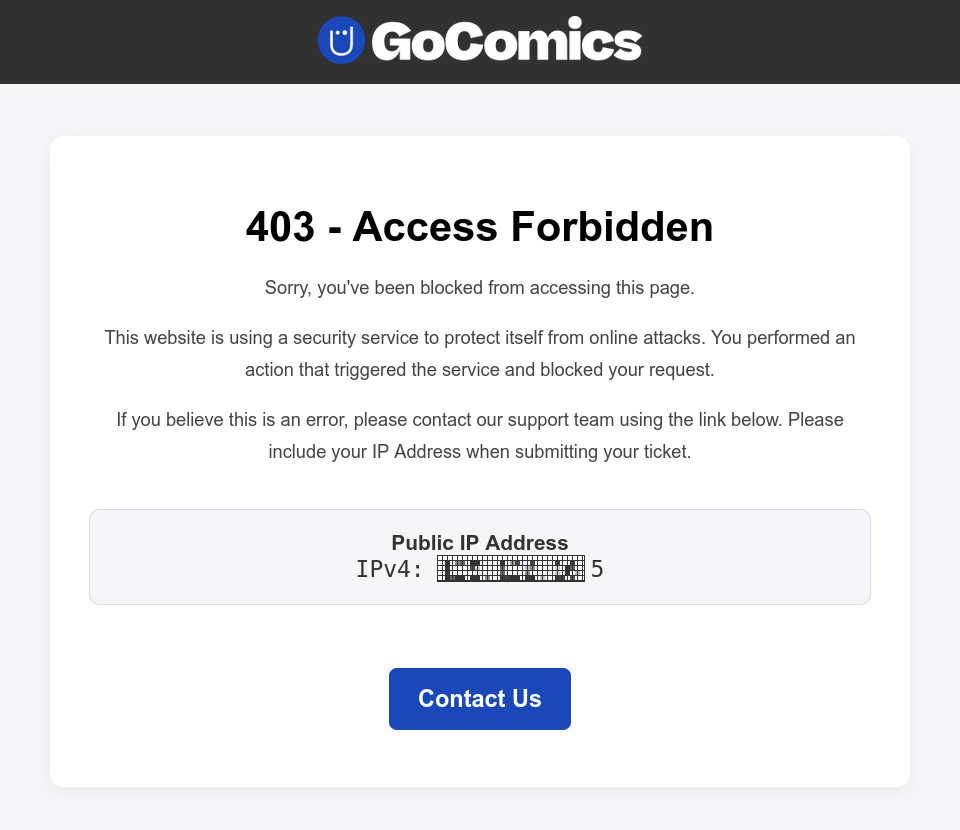
🌐 When you use a VPN, GoComics can SOMETIMES block the app and even a full browser with a 403 error for your IP. This shows in a browser as follows:
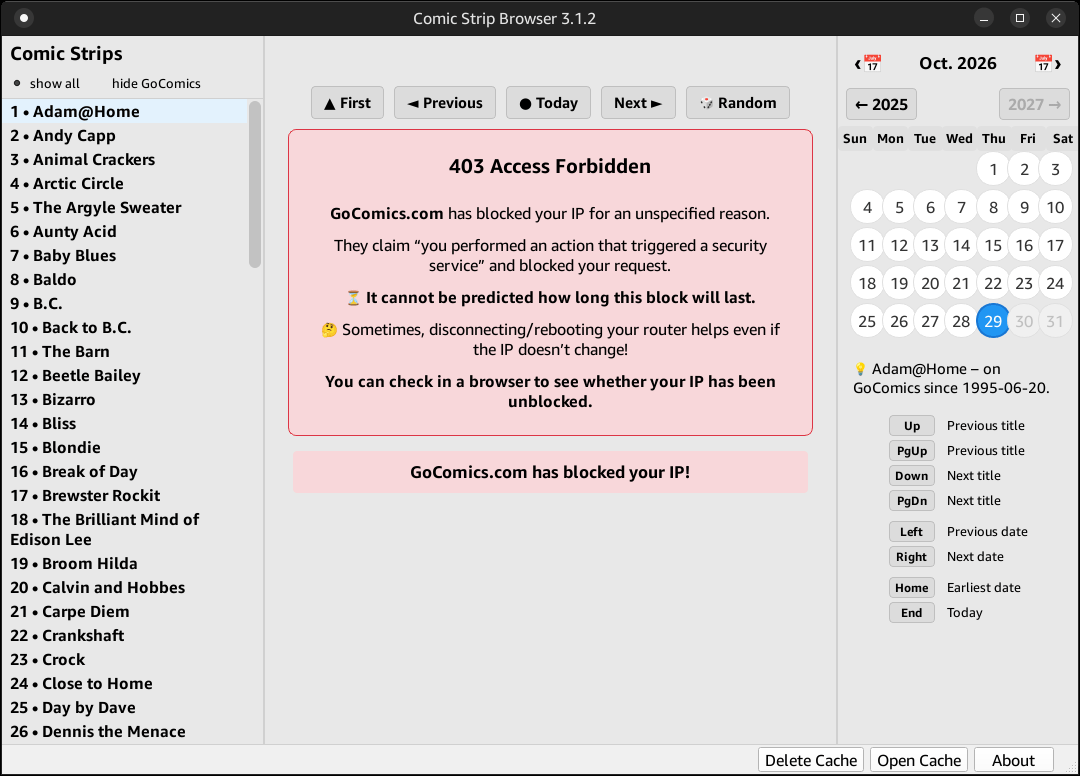
Since release 3.1.2, the app will show this feedback to the user when in this case:
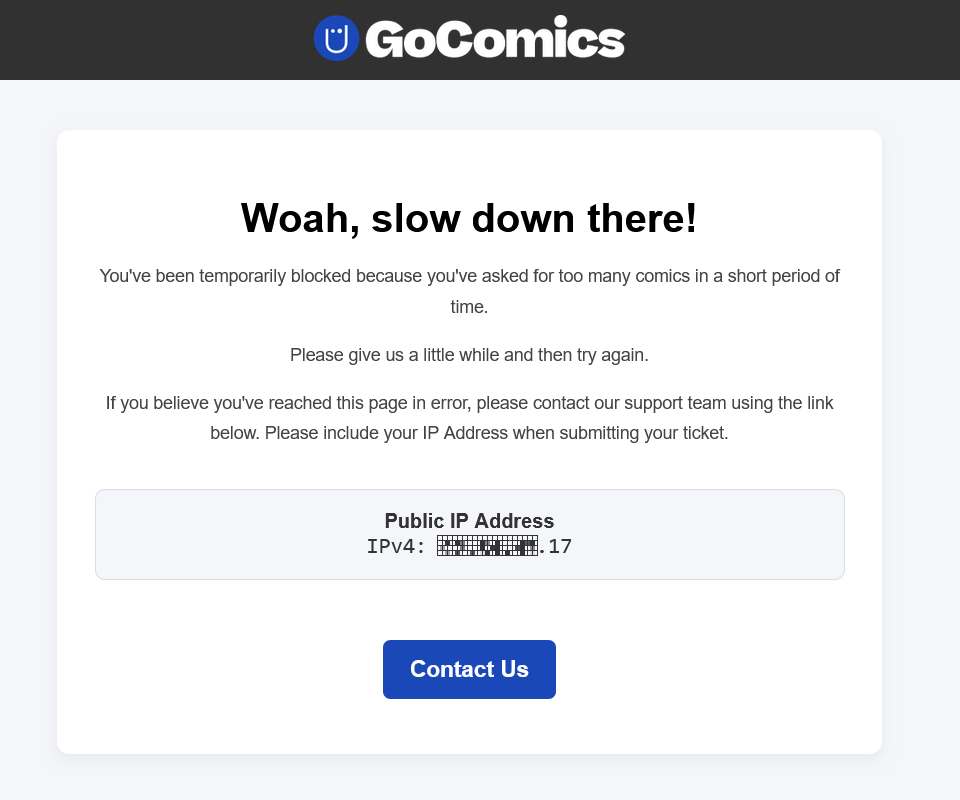
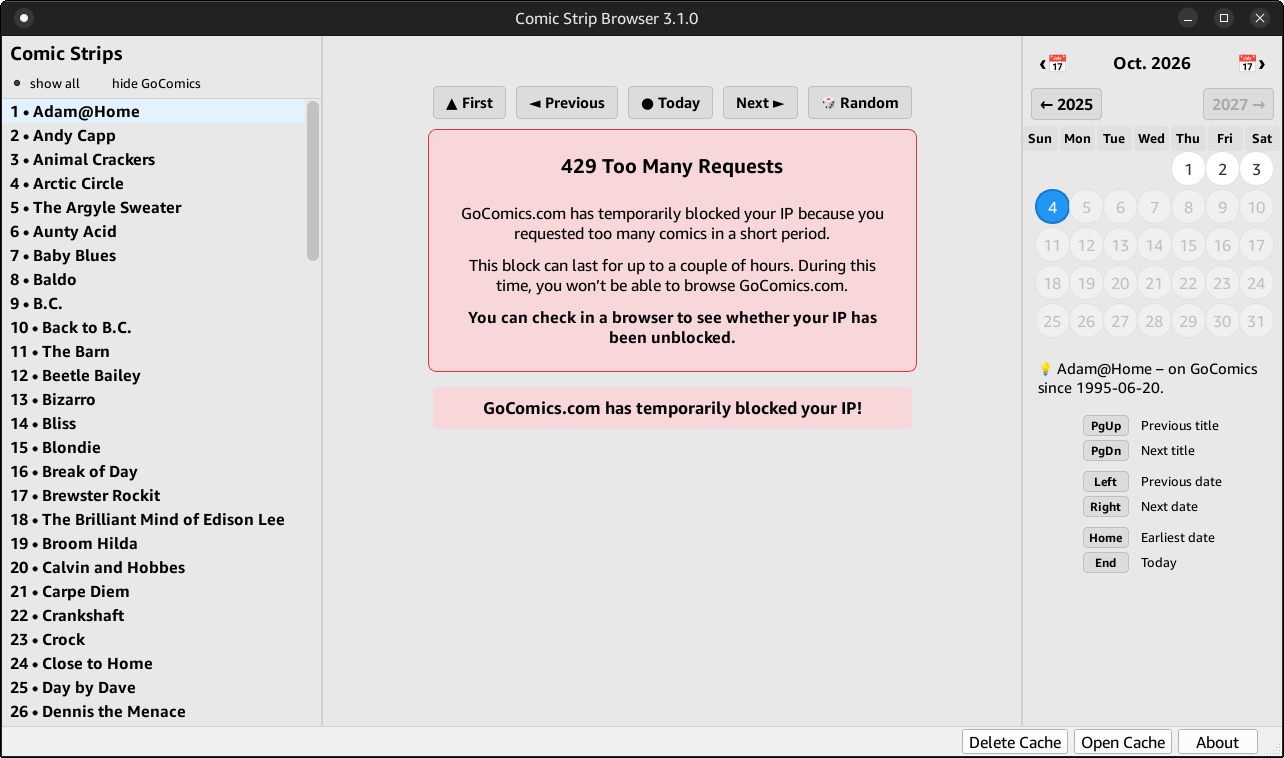
🌐 GoComics also limits the number of comic strips users could request within a given time frame. When they decide you need to “cool down” for a while, they will show you this “429 Too Many Requests” page in a web browser:
Béranger -November 17th, 2026 at 7:56 PMnone
Comment author #117438 on ComicStripBrowser 4: GoComics is defeated! + UPDATES 🤷♂️ by Homo Ludditus
The app only includes a selection of comics, mostly driven by my personal taste. A second factor is that I can’t include comics that are too irregular. I know the gaps for the included comics, but some are too irregular.
The two titles you mention can be included, so I might include them in a future release.
Béranger -November 17th, 2026 at 8:17 PMnone
Comment author #117440 on ComicStripBrowser 4: GoComics is defeated! + UPDATES 🤷♂️ by Homo Ludditus
Thursday and Friday no can do. It has to be 7/7 or no Sundays, or Sundays-only. The current logic doesn’t cover such cases. It covers known gaps or irregular starts, but not that.
Béranger -November 17th, 2026 at 8:55 PMnone
Comment author #117441 on ComicStripBrowser 4: GoComics is defeated! + UPDATES 🤷♂️ by Homo Ludditus
Tom the Dancing Bug is not regular:
– in 1998 it was Sunday-only
– in 1999, nothing until July 3, when it became Saturday-only
– but Sunday, Aug. 22, 1999 and Sunday, Nov. 7, 1999 exist!
– still Saturday-only, but extra Sundays in 2000 on Mar. 19 and 26, Apr. 2, May 14, Nov. 26
– April 2001 only has Sunday 8 and Saturday 14
– and so on
– extra Sundays on Sep. 27 and Nov. 22, 2009
– in 2010 it was Saturdays+Sundays, with an occasional Friday on Feb. 26
– it started being Friday-only on Mar. 5, 2010
– Thursdays were added on Jul. 26, 2012!
This blog uses technologies like cookies to store and/or access device information. Consenting to these technologies will allow us to process data such as browsing behavior or unique IDs on this site. Not consenting or withdrawing consent will adversely affect certain features and functions.
Functional
Always active
The technical storage or access is strictly necessary for the legitimate purpose of enabling the use of a specific service explicitly requested by the subscriber or user, or for the sole purpose of carrying out the transmission of a communication over an electronic communications network.
Preferences
The technical storage or access is necessary for the legitimate purpose of storing preferences that are not requested by the subscriber or user.
Statistics
The technical storage or access that is used exclusively for statistical purposes.The technical storage or access that is used exclusively for anonymous statistical purposes. Without a subpoena, voluntary compliance on the part of your Internet Service Provider, or additional records from a third party, information stored or retrieved for this purpose alone cannot usually be used to identify you.
Marketing
The technical storage or access is required to create user profiles to send advertising, or to track the user on a website or across several websites for similar marketing purposes.


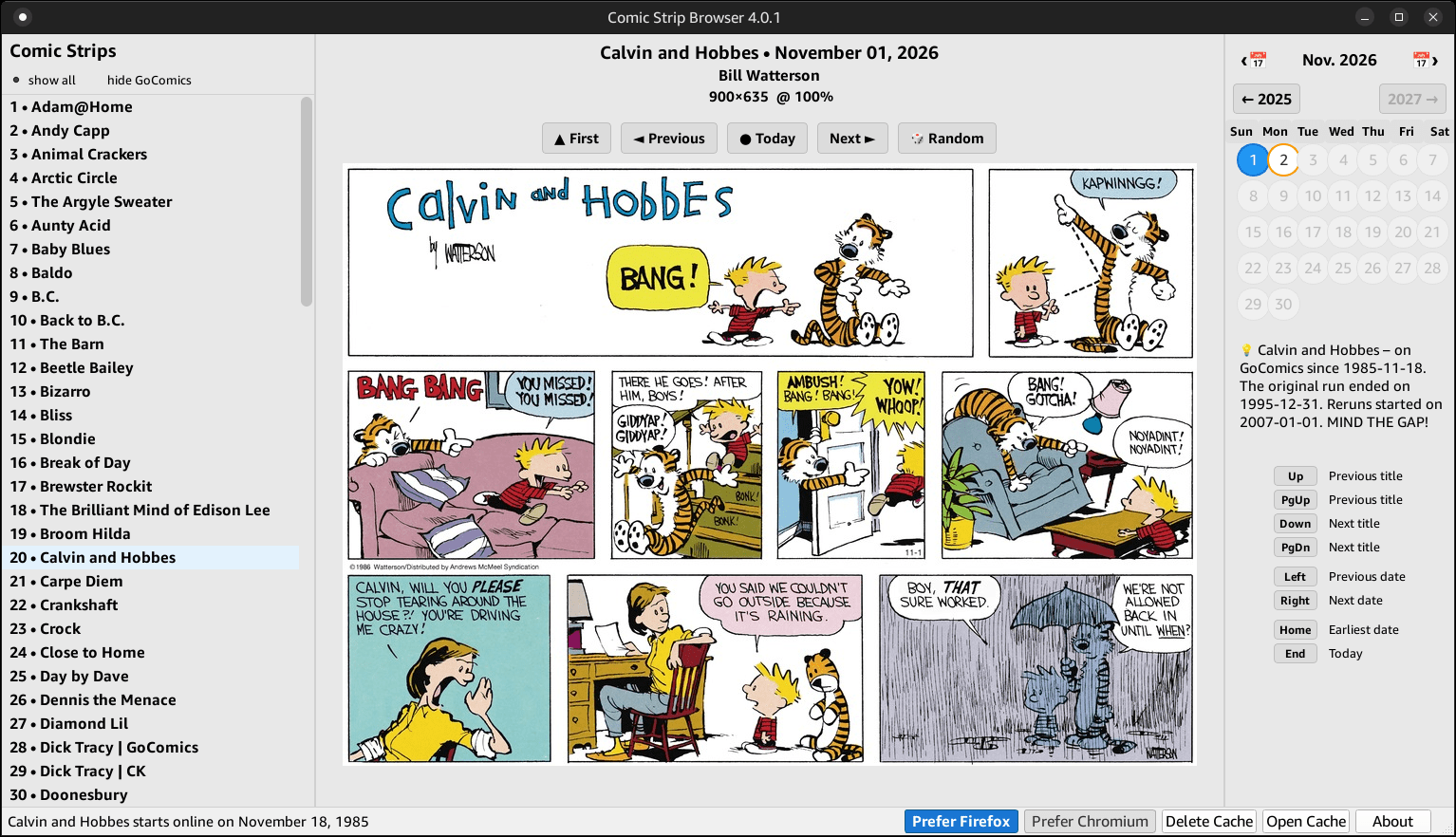
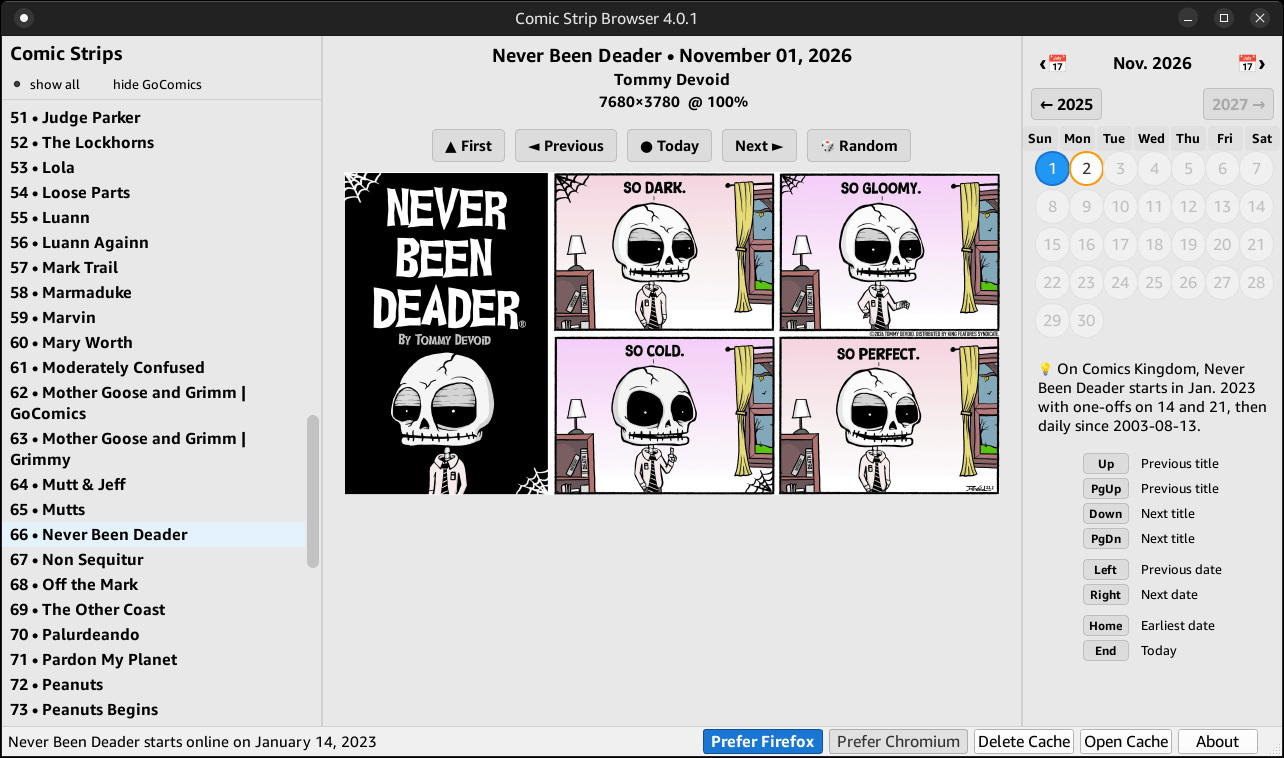
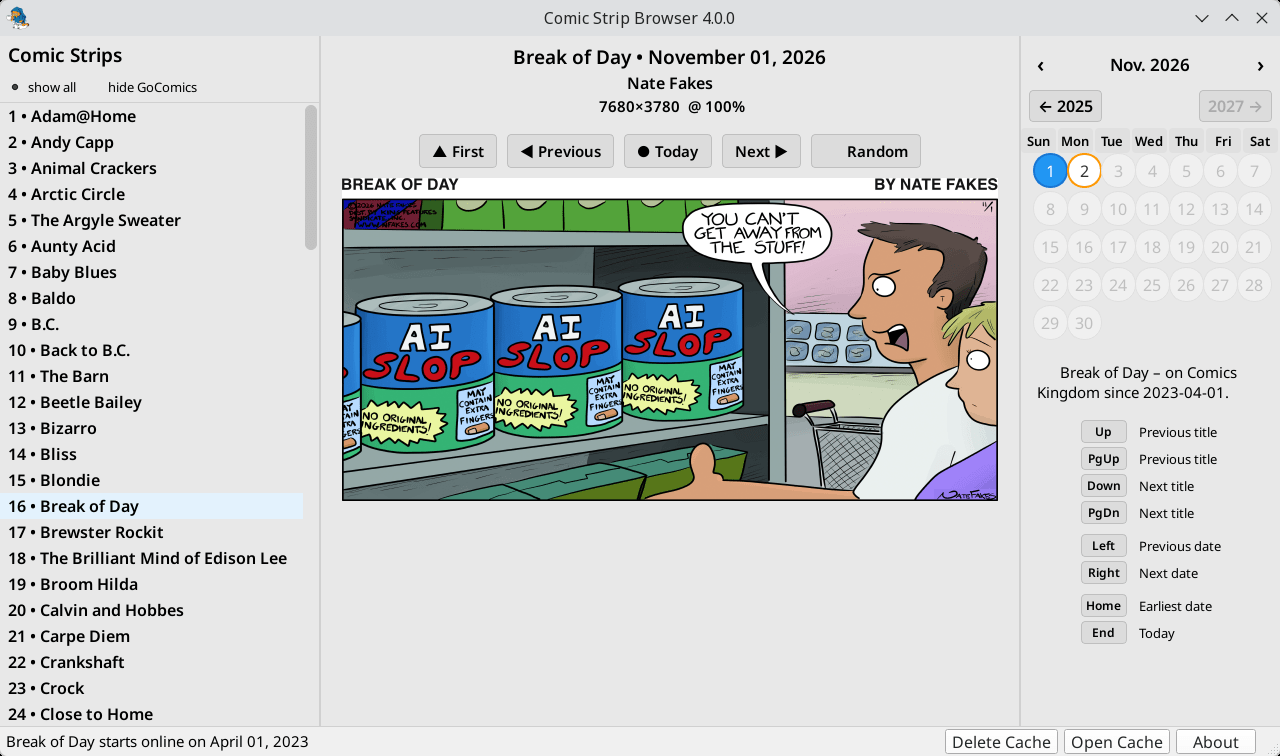
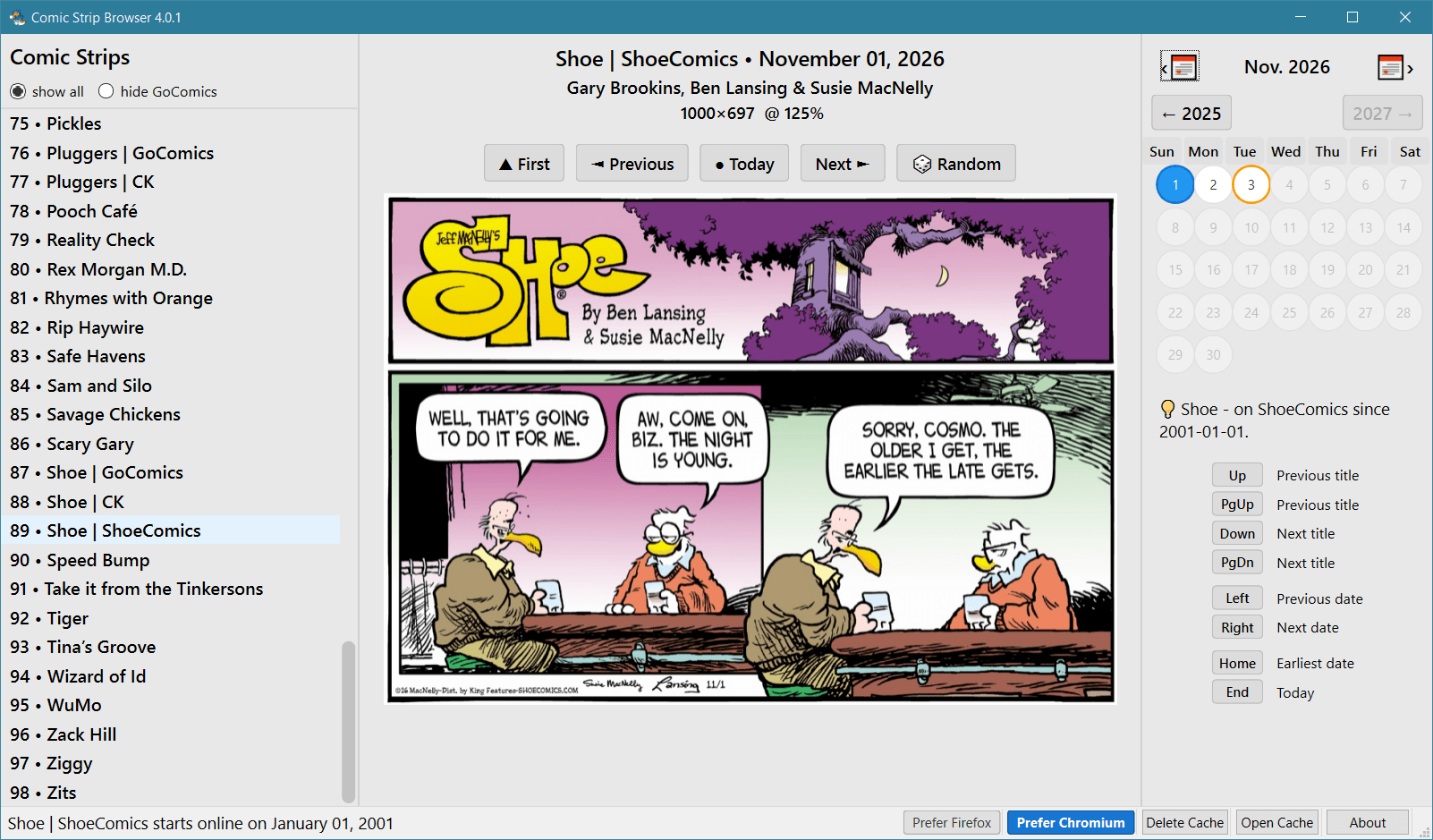
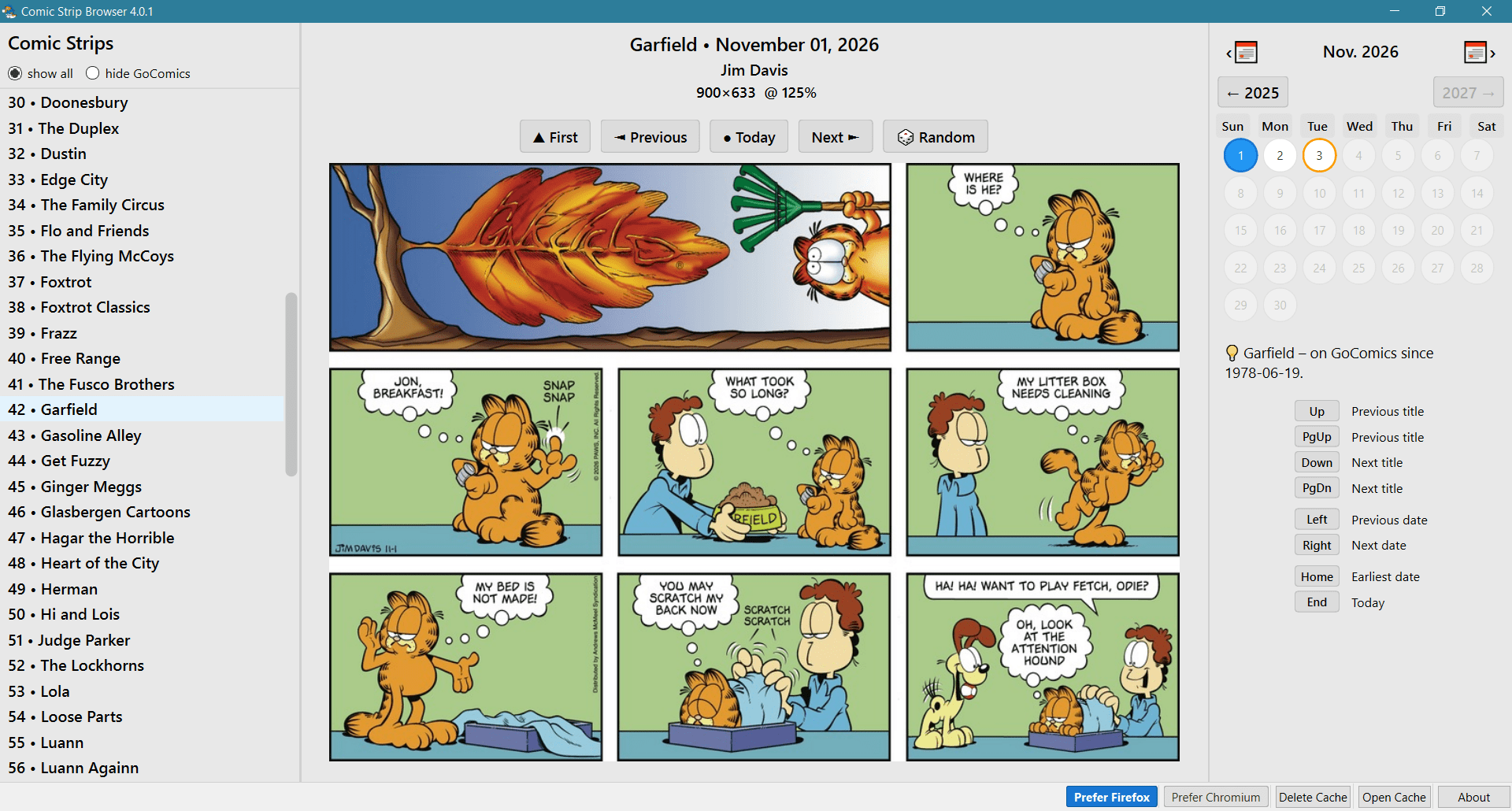
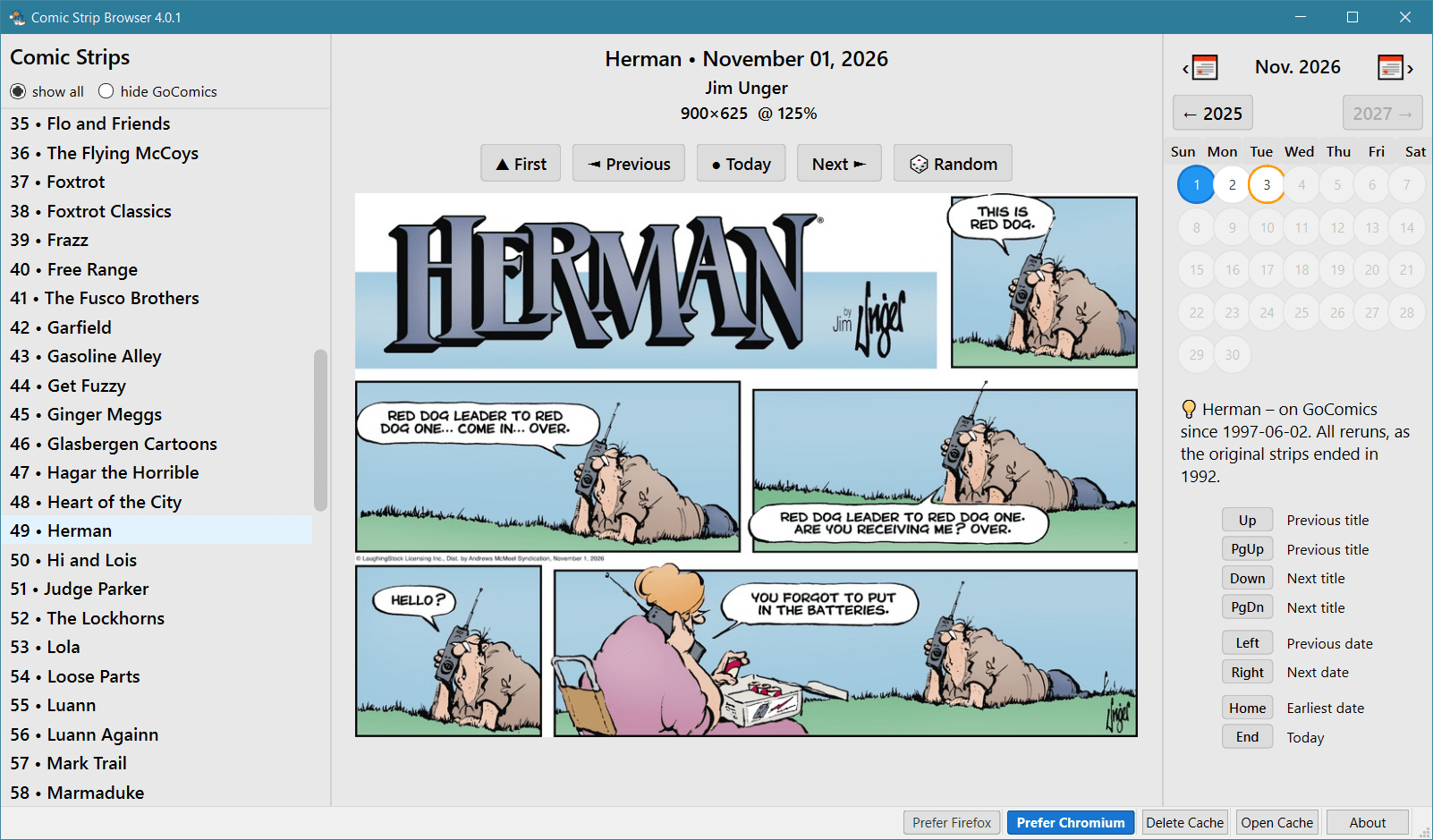
I just downloaded the binary of the browser. Cul de Sac and Sherman’s Lagoon are currently on gocomics, but do not appear in the browser list?
The app only includes a selection of comics, mostly driven by my personal taste. A second factor is that I can’t include comics that are too irregular. I know the gaps for the included comics, but some are too irregular.
The two titles you mention can be included, so I might include them in a future release.
Thanks. Also Tom the Dancing Bug? It’s very regular, I think, on Thursday and Friday.
Thursday and Friday no can do. It has to be 7/7 or no Sundays, or Sundays-only. The current logic doesn’t cover such cases. It covers known gaps or irregular starts, but not that.
But you can use Tampermonkey and visit the site in person.
Tom the Dancing Bug is not regular:
– in 1998 it was Sunday-only
– in 1999, nothing until July 3, when it became Saturday-only
– but Sunday, Aug. 22, 1999 and Sunday, Nov. 7, 1999 exist!
– still Saturday-only, but extra Sundays in 2000 on Mar. 19 and 26, Apr. 2, May 14, Nov. 26
– April 2001 only has Sunday 8 and Saturday 14
– and so on
– extra Sundays on Sep. 27 and Nov. 22, 2009
– in 2010 it was Saturdays+Sundays, with an occasional Friday on Feb. 26
– it started being Friday-only on Mar. 5, 2010
– Thursdays were added on Jul. 26, 2012!