
From whisper to whisper.cpp
I have used OpenAI’s Whisper a couple of times, with satisfactory results. I mentioned my Debian/Ubuntu setup in a post from 16 months ago:
python3 -m venv whisper_env
source whisper_env/bin/activate
pip install -U openai-whisper
pip install setuptools-rust
whisper input.mp3 --model mediumOf course, this is implied for MP3 decoding support:
sudo apt update && sudo apt install ffmpeg🤖
Now, I wanted to do the same under Windows, and I couldn’t be bothered with Python, so I thought of trying whisper.cpp, whose releases include Windows binaries among assets. In my case, I downloaded whisper-bin-x64.zip for version 1.9.2.
The official quick start includes this FALSE INFORMATION:
Note that the
whisper-cliexample currently runs only with 16-bit WAV files, so make sure to convert your input before running the tool.
The Windows binary already supports MP3. I did have ffmpeg.exe installed, but it didn’t use it!
The documentation is subpar, but this is what I did:
❶ I went to ggerganov/whisper.cpp on Hugging Face, and I downloaded ggml-medium.bin (1.53 GB / 1.42 GiB) and ggml-medium.en.bin (1.53 GB / 1.42 GiB).
❷ Then, I used this syntax:
./whisper-cli --output-txt --output-file transcript --model ggml-medium.en.bin --print-progress myfile.mp3For instance:
./whisper-cli --output-txt --output-file transcript_1081485160833 --model ggml-medium.en.bin --print-progress 1081485160833.mp3The result is saved to transcript_1081485160833.txt.
IMPORTANT NOTES:
ggml-medium.binis multilingual (99+ languages).ggml-medium.en.binis optimized for English. It shouldn’t be able to understand text in other languages, but, being an LLM, it has stored acoustic-to-English mappings of foreign languages that leaked into its training set. It’s physically incapable of outputting text in other languages, so it will output English text that looks like a rough translation to English!ggml-medium.binis supposed to automatically detect the input language. Some flags to steer its behavior:-l auto= autodetect the language and transcribe in the detected language.-l fr(or--language fr) = forces the transcription to French (replace with the correct 2-letter language code), if you already know the unique language of the audio.-tr(or--translate) = translates whatever language is spoken into English.- The translation to English can be accidentally triggered even if the correct language was detected. This is why forcing the language is sometimes necessary, and a prompt can also be added:
./whisper-cli -l fr --output-txt --output-file transcript --model ggml-medium.en.bin --print-progress myfile.mp3./whisper-cli -l ro --prompt "Transcriere în limba română, cu diacritice." --output-txt --output-file transcript --model ggml-medium.en.bin --print-progress myfile.mp3🤖
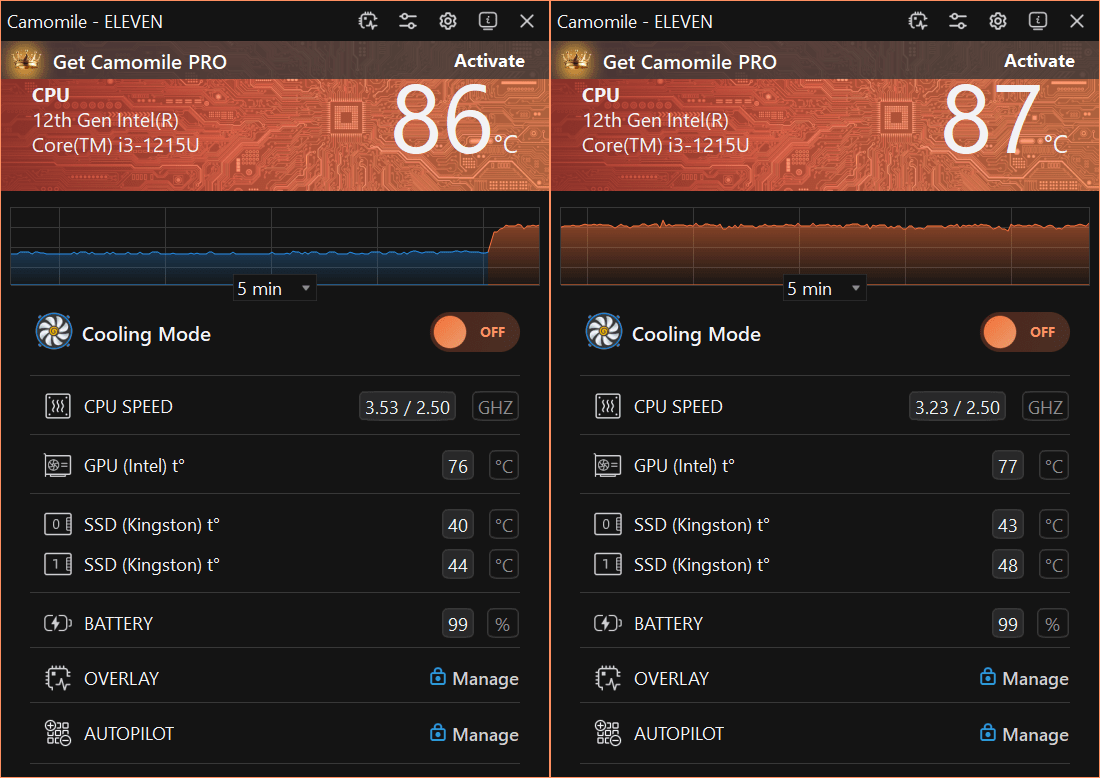
As I use Camomile under Windows, I had to disable it; otherwise, the transcription would have taken ages. There was a price to pay:
The progress was also printed in the terminal:
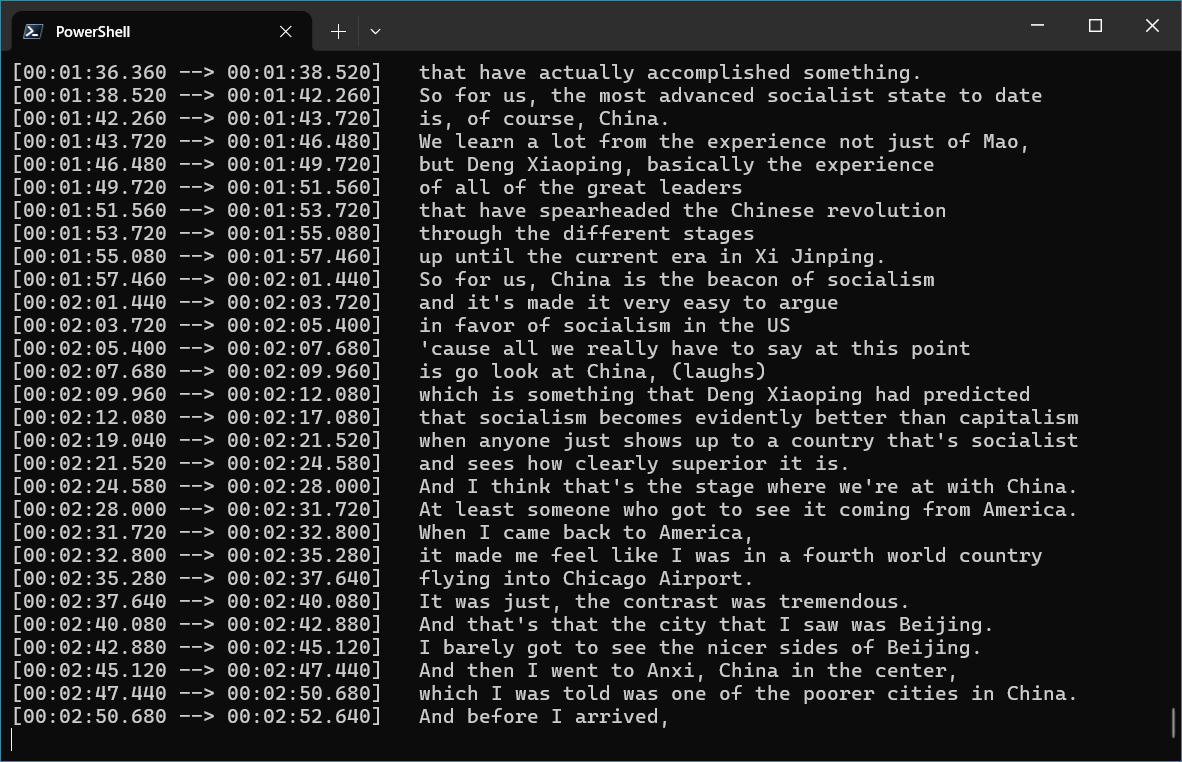
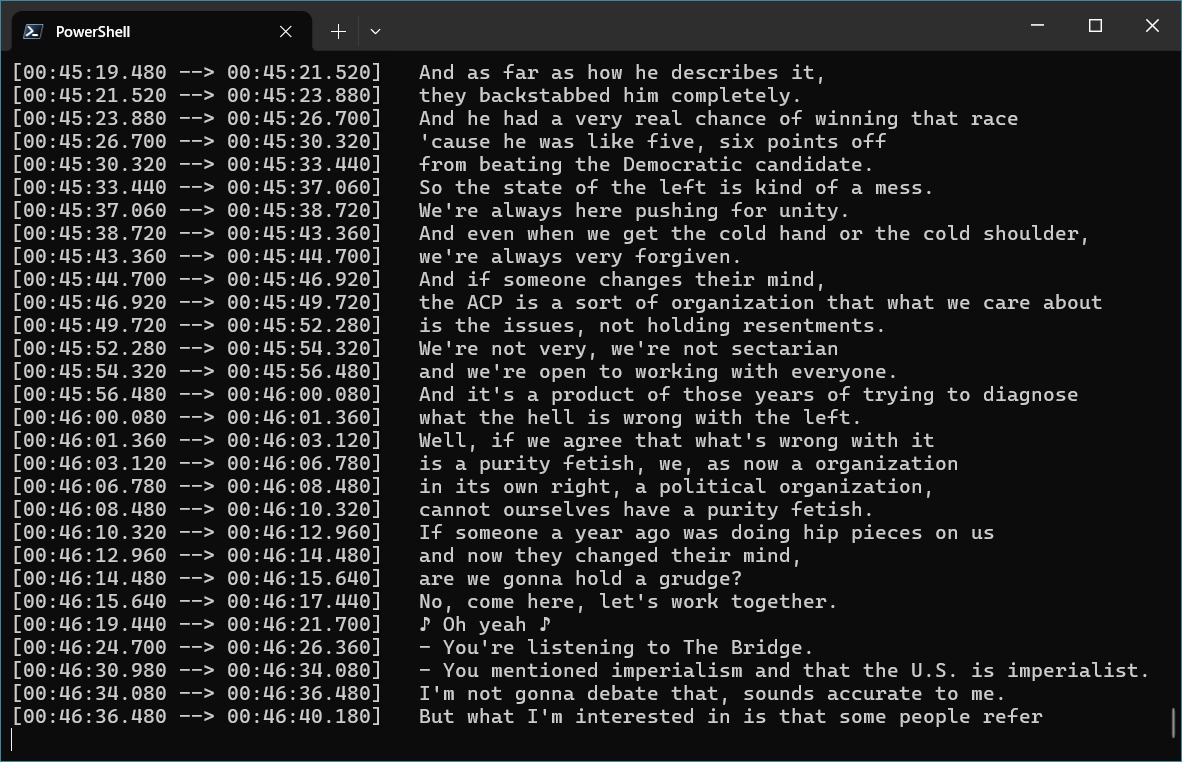
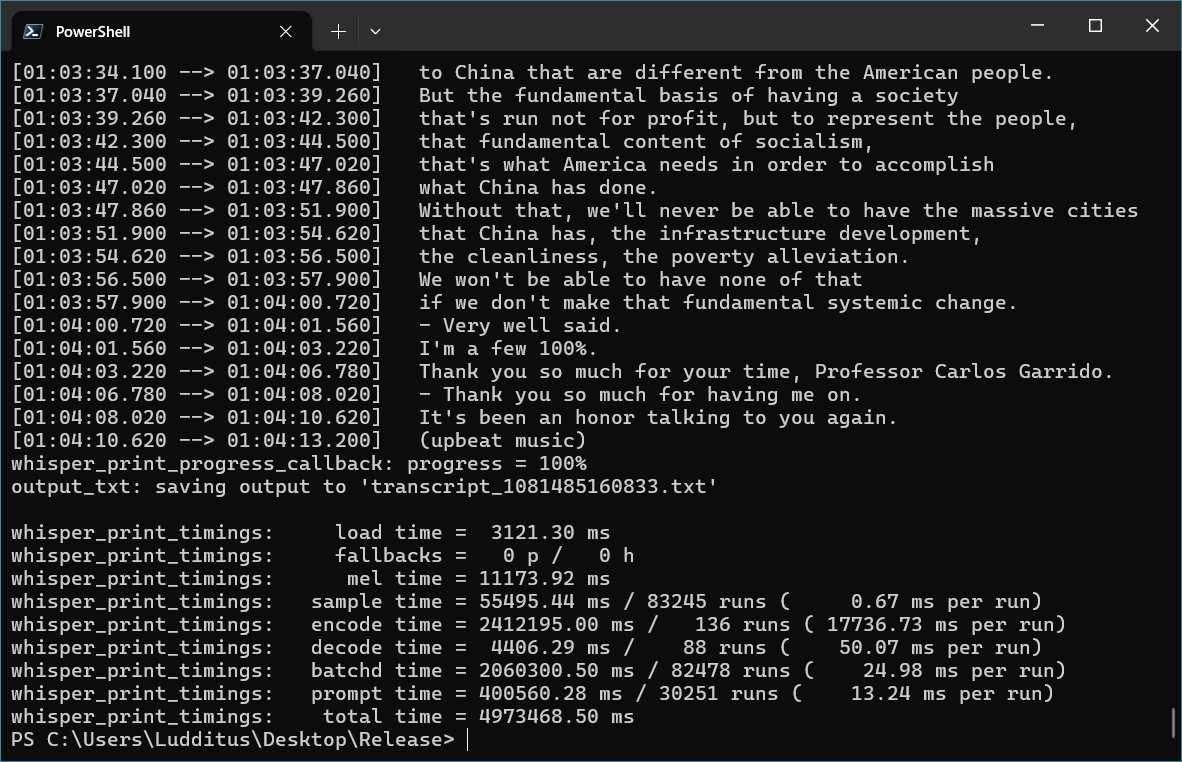
Not bad.
I transcribed 3 podcast episodes from CGTN’s The Bridge, but I haven’t processed the information yet.
So far, I’ve been using whisper.cpp with a Whisper model. But I noticed
parakeet-cli.exe, so I inferred that it can also use a Parakeet model!While Parakeet uses a completely different technology (NVIDIA’s ASR architecture, based on FastConformer/TDT), some say Parakeet is better with mumbled voices; therefore, I thought I should give it a try.
First, a parakeet-GGUF model was needed. The model of choice is ggml-parakeet-tdt-0.6b-v3-f16.bin (1.26 GB).
The incantation goes as follows:
.\parakeet-cli.exe --model ggml-parakeet-tdt-0.6b-v3-f16.bin --file inputfile.mp3or:
.\parakeet-cli.exe -m ggml-parakeet-tdt-0.6b-v3-f16.bin -f inputfile.mp3Note that
parakeet-cliis dumber thanwhisper-cliwhen it comes to output. So, for a transcript, something like this is needed:.\parakeet-cli.exe -m ggml-parakeet-tdt-0.6b-v3-f16.bin -f inputfile.mp3 > inputfile.txtUnfortunately, under Windows with 16 GB of RAM, it couldn’t allocate 9 GB:
I needed to adapt and downgrade the model to ggml-parakeet-tdt-0.6b-v3-q8_0.bin (669 MB).
The updated command:
.\parakeet-cli.exe -m ggml-parakeet-tdt-0.6b-v3-q8_0.bin -f inputfile.mp3 > inputfile.txtIt was fast, but noticeable worse than the 1.53 GB
ggml-medium.en.bin. This was expected for a much smaller model, but it is what I was able to use on Windows.Under Android, you can test Parakeet vs. Whisper in Anti-Vocale (on GitHub, on Play Store).