
Why is Dedoimedo dreaming of an impossible Linux ecosystem?
Dedoimedo can be so candid at times! Here’s Dedo acting as a regular Linux user (short version, “Luser”) and pretending to get confused by the stupid search results of the Linux app stores, which, if I am not mistaken, are GNOME Software, KDE Discover, and App Center, all of which are loads of crap: 👉 Linux application stores, trust and utility.

I want to point out a few small aspects:
- I avoid AppImages.
- I don’t use Krita. (I tried, though.)
- I learned to hate VLC, and I very much miss MPC-HC under Linux.
- I haven’t played a DVD in years, but maybe I should revisit some of the original DVDs I own, despite their low resolution by today’s standards.
- I thoroughly enjoy reading how snaps can show their inadequacy in some cases:
The snap version created the list with paths pointing to
/run/user/1000/doc/[random number]/file name. These are usable, but only in the current session. Log out or reboot, and the list becomes a bunch of junk. As it happens, the Deb-packaged VLC shows thestandard smb://path, which does not change, and is reusable every time, as it should be with network mounts.
And this isn’t all there is:
VLC as a snap would do this [transcoding] at an abysmal rate of 500 KB/s, with maybe 1-2% CPU utilization and the same video-audio results as above. [The playback didn’t work.] Doing the same process with VLC as a Deb would transcode at a rather respectable 5 MB/s, and the CPU utilization would be around 200-300%. Effectively, two to three orders of magnitude better. Plus, the actual transcoded files have perfect video and audio.
That said, two years ago, I listed 10+1 ways of installing software in Ubuntu MATE. What I’m doing these days in Debian is even simpler:
- When I don’t feel that I need the latest-and-greatest bugs (and features) in an app, I use the official distro repos. When
apt(ornala) isn’t convenient enough, there is Synaptic. It’s the first thing I install on a.deb-based system! - When the FOMO or real bugs (or missing features) make me want the very latest version, I aim for an official repo or an official
.debthat installs a repo alongside the app. This works for many major apps, such as LibreOffice, Visual Studio Code, and a lot more. (Mozilla Firefox, too, but ESR is just fine, thank you.) - Binaries or install scripts are the best option for some apps, especially Calibre, some VPNs (PIA), and omp.sh (but a lot of hipsterish stuff asks you to trust running
curl -fsSL https://random.place/install.sh | sh). - Last but not least, Flatpaks from Flathub. No integration with any fucking thing! Flathub in a web browser is the real way to explore and discover new apps you never knew about! Running a command to install a Flatpak didn’t kill anyone yet.
That’s it. Four ways. And it works. (Unless it doesn’t.)
Back to Dedoimedo’s sample apps, here’s how their “closest-to-official” Flatpak versions can easily be found on Flathub, unlike on those retarded app stores.
Krita
👉 https://flathub.org/en/apps/search?q=krita
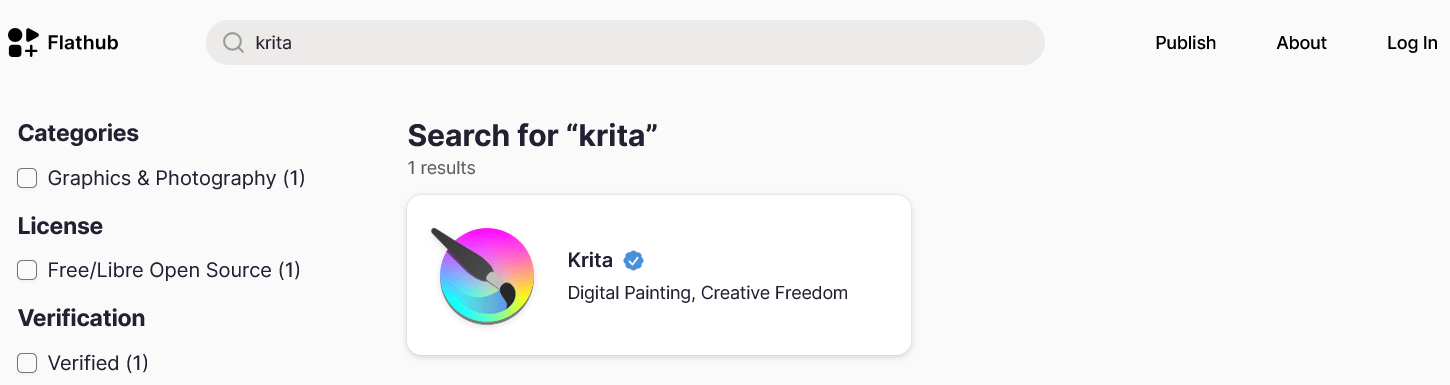
The unique result is org.kde.krita, “by Krita Foundation” and with a blue KDE badge, version 5.3.4.1 from October 7.
Steam
👉 https://flathub.org/en/apps/search?q=steam
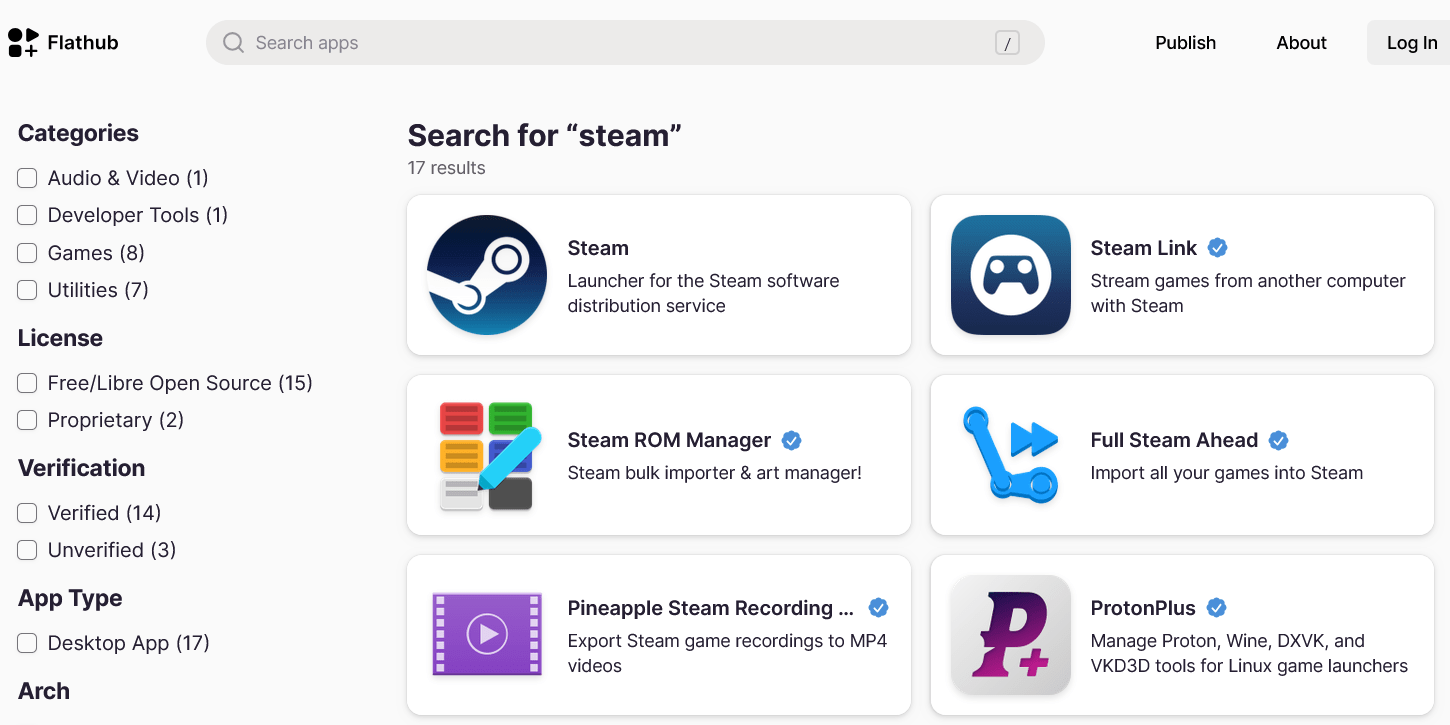
The first result is com.valvesoftware.Steam, community-provided and unverified, version 1.0.0.87 from June 26. I’m pretty sure this must be quite old, but who would install Steam as a Flatpak when there is an official cdn.fastly.steamstatic.com/client/installer/steam.deb?!
Chrome
👉 https://flathub.org/en/apps/search?q=chrome
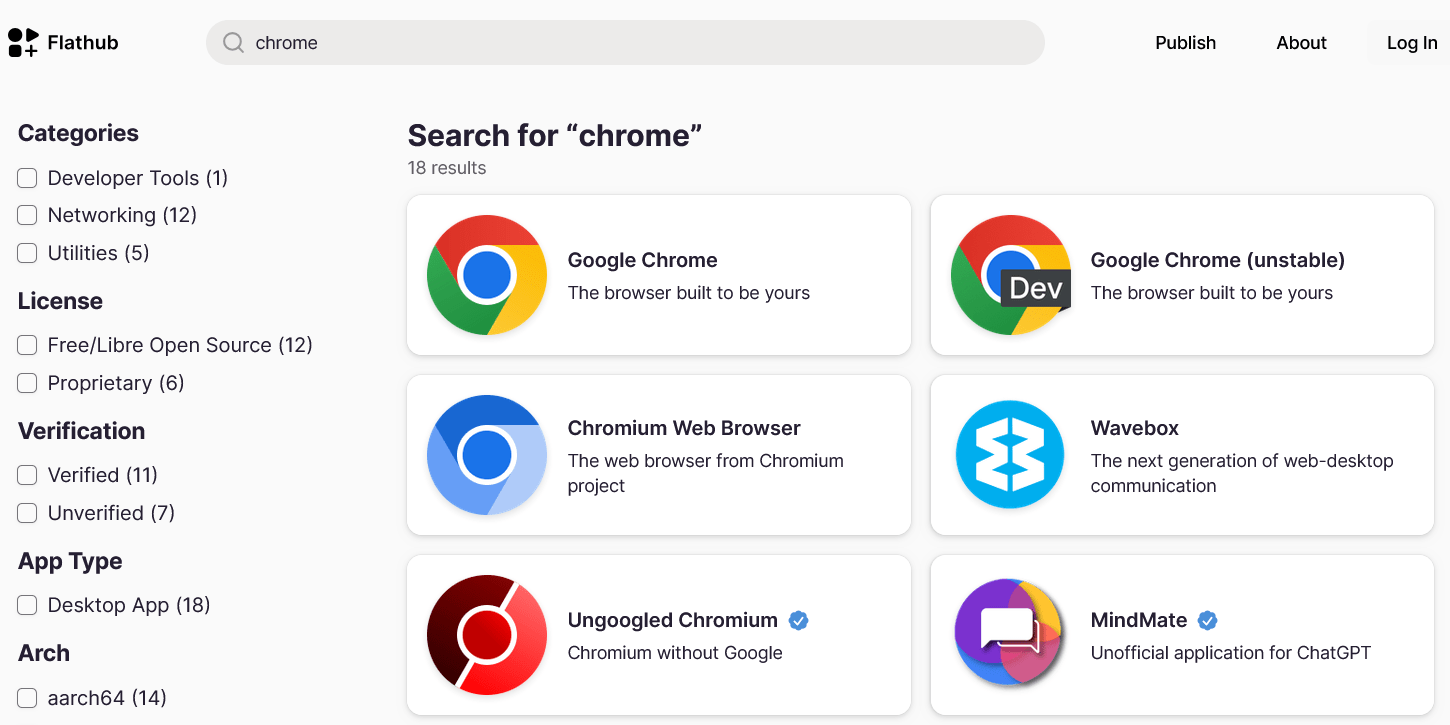
The first result is com.google.Chrome, community-provided and unverified, version 157.0.8103.50-1, released 3 days ago.
VLC
👉 https://flathub.org/en/apps/search?q=vlc
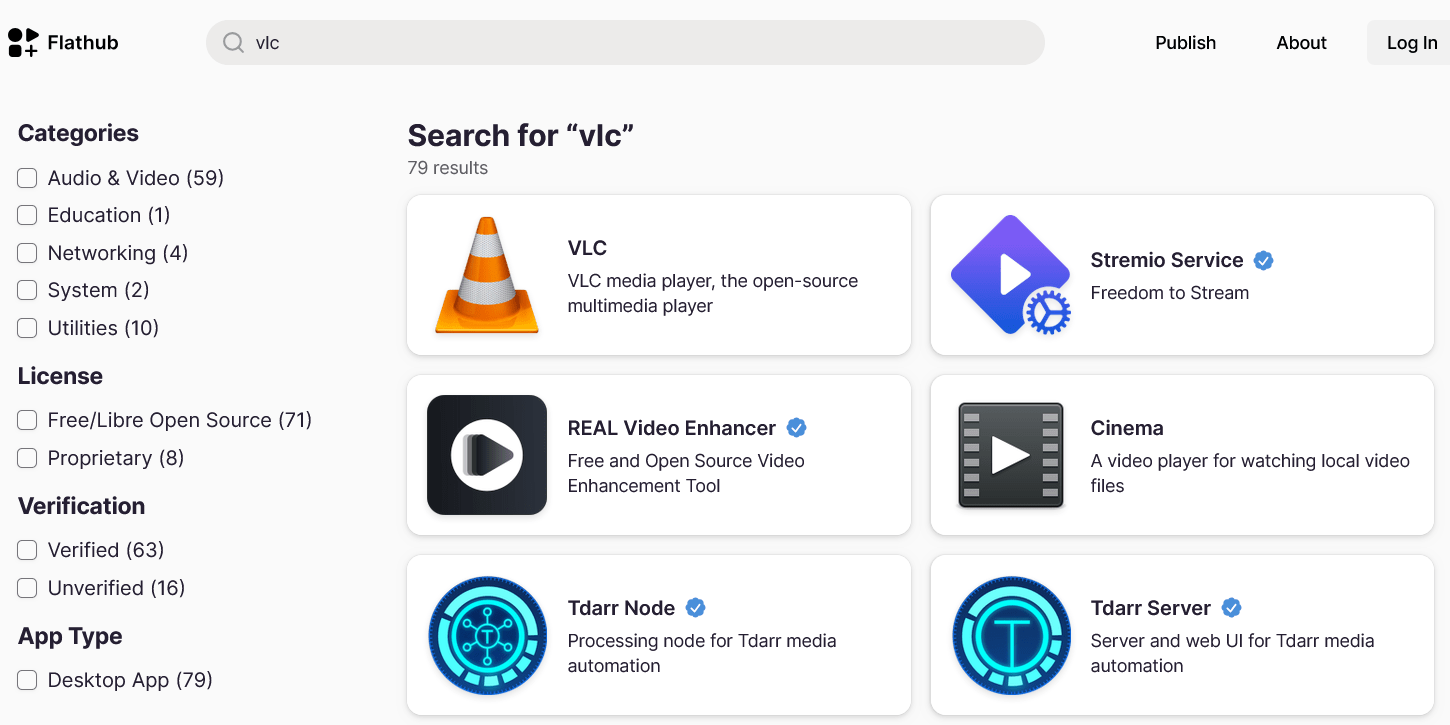
The first link goes to org.videolan.VLC, community-yada yada, version 3.0.24, which is what Dedo wanted, right?
I stopped trusting VLC years ago, and their Debian download page is so outdated that it thinks Debian is still at version 10! Still, it includes this bit of info at the bottom:
Playing DVD
To play DVD, you need to install the
libdvdcsspackage.
Equally useless, but at least you know something is missing! Except that libdvdcss is no more, and by this I mean libdvdcss2, which can be found in the Debian Multimedia repo, but only a fool would use that complete mess of a repo!
The official Debian way is to build it on your machine. It’s a fast process, triggered by libdvd-pkg:
sudo apt update
sudo apt install libdvd-pkg
sudo dpkg-reconfigure libdvd-pkg
Your typical ignoramus who’s clueless about what to do probably never saw a physical DVD. If they did, well, I suppose they should use macOS instead. If they use Windows, the VLC download page for Windows doesn’t mention any external dependency, but libdvdcss-2.dll needs to be downloaded from here or here. Apparently, you will also need it for the Windows build of HandBrake, but this seems undocumented on the obvious pages.
Look, “The Year of Linux on Desktop” will never be. Never ever! Absolutely no major Linux company—which is exactly one, Canonical, because IBM Red Hat doesn’t care about consumer Linux—focuses on the Linux desktop. True, Ubuntu’s GNOME is slightly more usable than stock GNOME. Still, the mere choice of GNOME is proof that people at Canonical are either completely retarded, or they don’t give a shit about people who want to use Linux because Windows 11 is an abomination, and can’t choose macOS because it requires specific, expensive hardware, while offering as much freedom as North Korea: only on our hardware, which has everything soldered on it, and you have to love our retarded Finder, our retarded Dock, our retarded Global Menu, and even our keyboard layout that doesn’t observe any ISO or ANSI standard!
Linux on the desktop will continue to be a niche, mostly for cognoscenti and anti-establishment people, and also as a second life for older hardware, if a lighter desktop environment is used.
But when someone feels that they’re too old for this shit that is Linux, what’s the alternative?
Leave a Reply