Oh, my. My dislike—if not even hatred!—of JS and Tampermonkey made me blind to the fact that, as long as each and every GoComics page still has the day’s comic in og:image (this is what I am using in my comic-strip-browser), there should be a simple way to bypass the paywall and display the image in the browser!
I chose to make it a bookmarklet instead of going through publishing a Chrome/Firefox extension, because I am sure GoComics will lock this down eventually. But for now this is useful.
For those in need of more detailed instructions:
To create a bookmarklet in Firefox:
Press Ctrl+B to ensure your Bookmarks Toolbar is visible.
Right-click an empty space on the Bookmarks Toolbar or inside the Bookmarks Menu, then select New Bookmark….
In the Name field, type a label (e.g., GoGoComics!).
In the URL field, paste the JavaScript code. Make sure the code begins strictly with javascript:.
Click Save to add the bookmarklet to your toolbar.
Now, this works, but it still leaves a limitation in place. Let’s see if you’ll guess it.
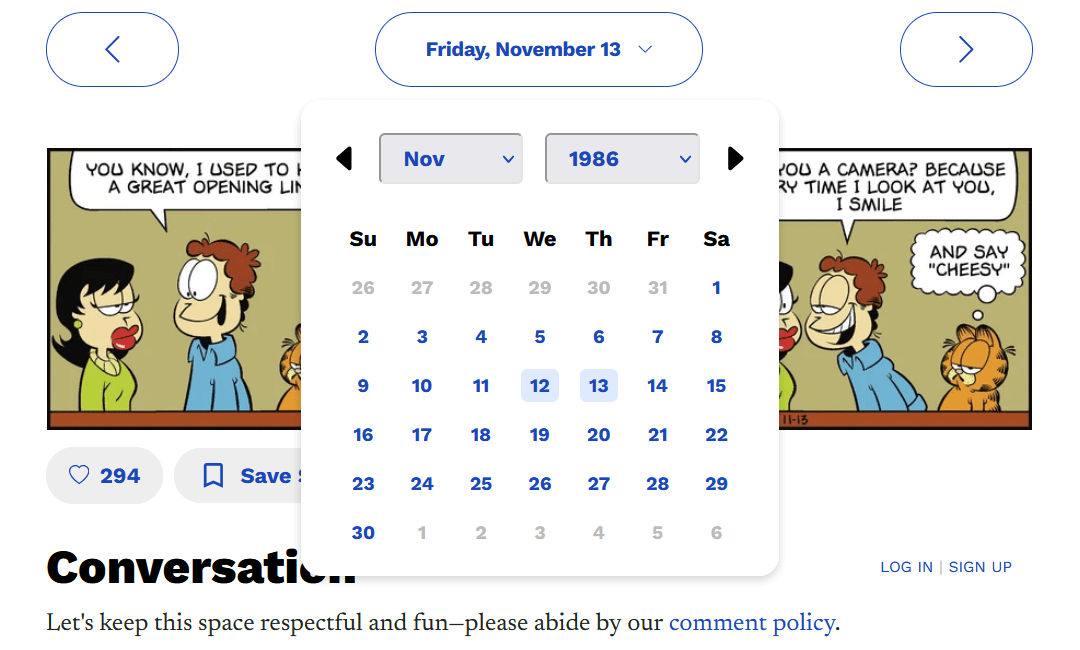
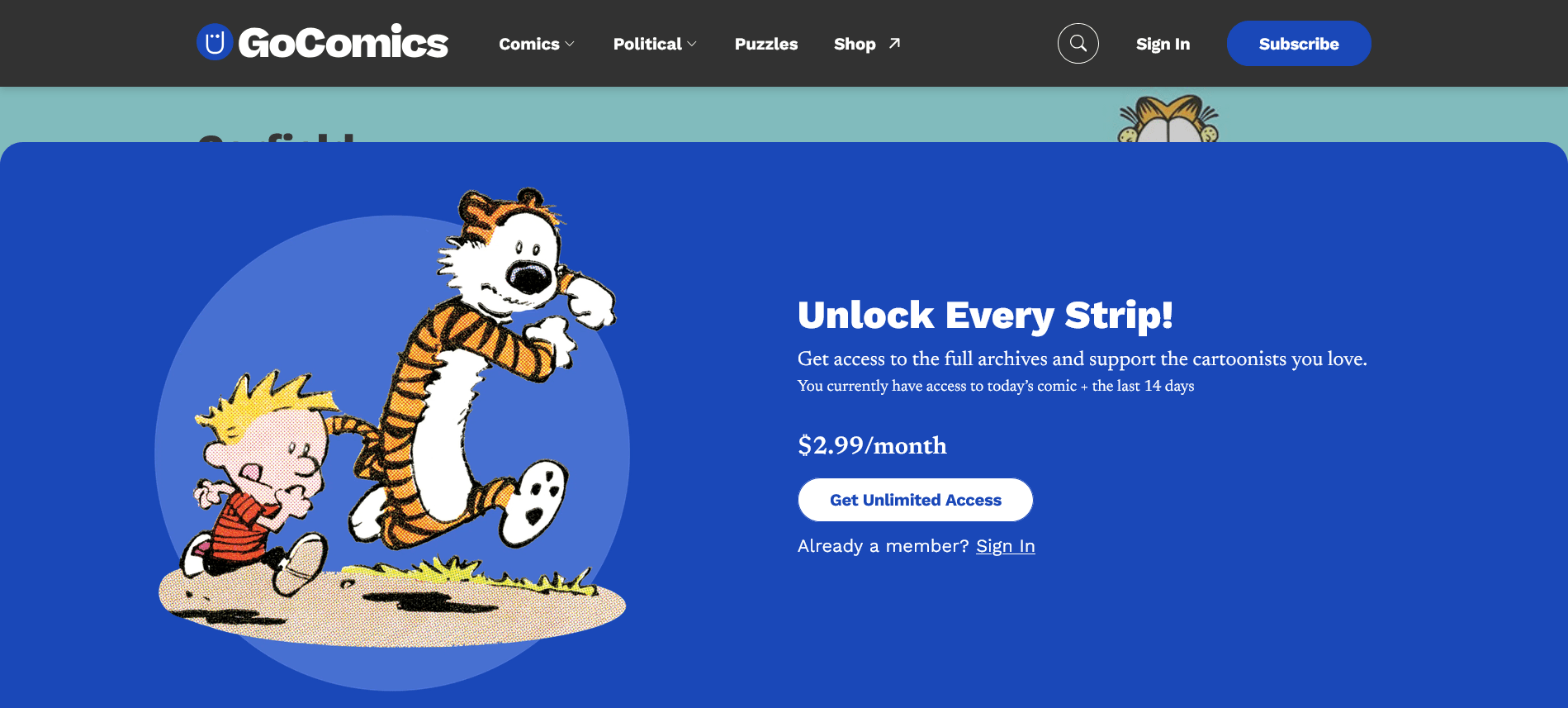
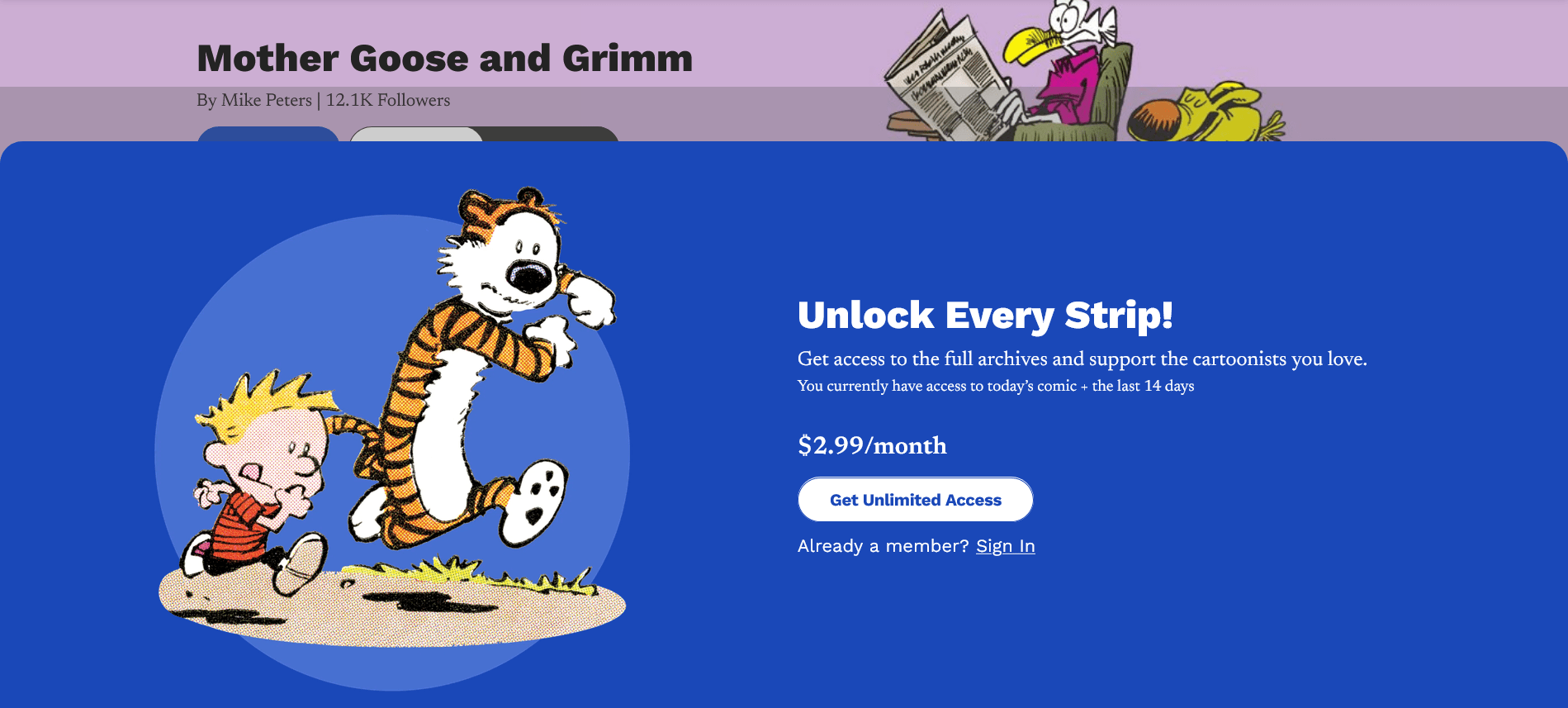
Say you go to gocomics.com/garfield. There, the paywall limits you to the comics from the last 2 weeks. So, if you use the calendar to navigate further into the past and click a day…
…you will be hit by this:
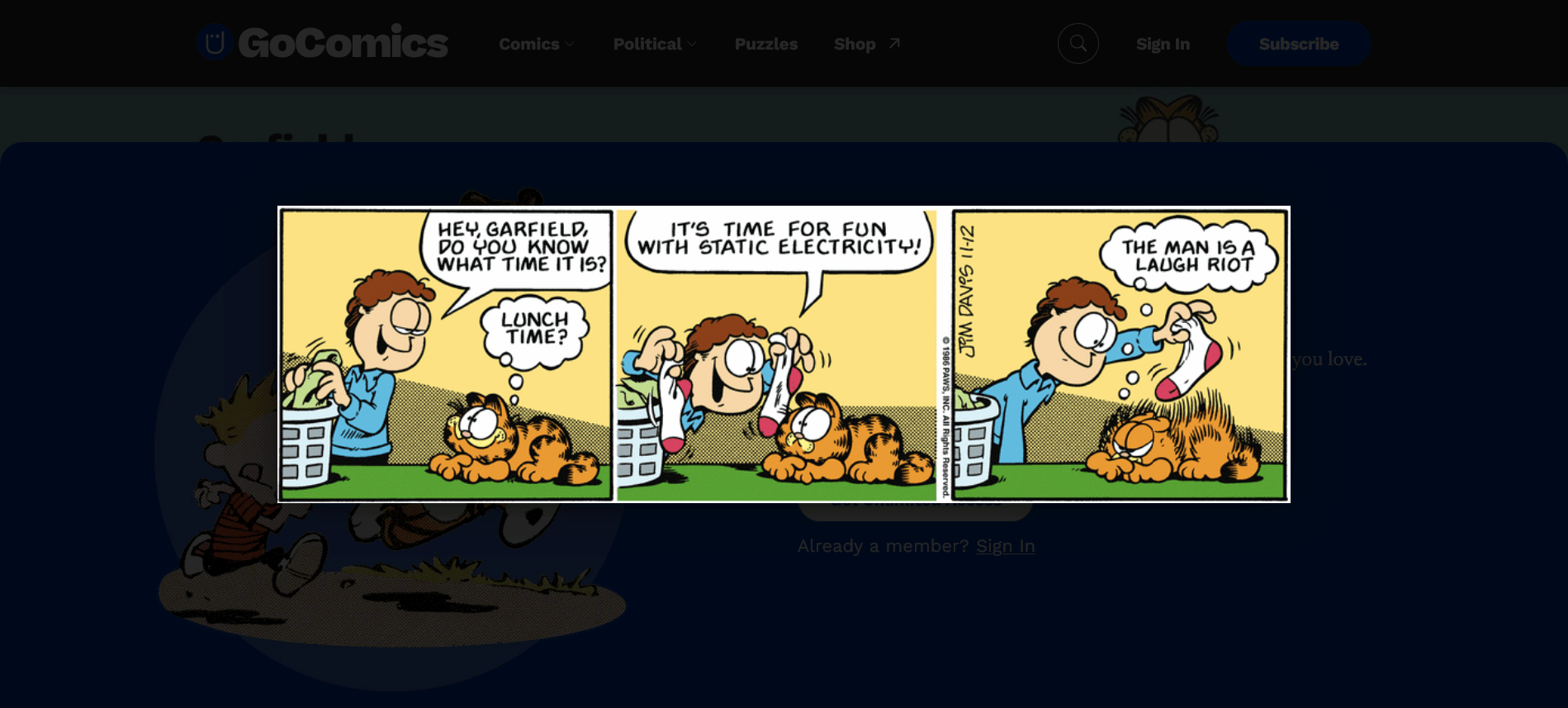
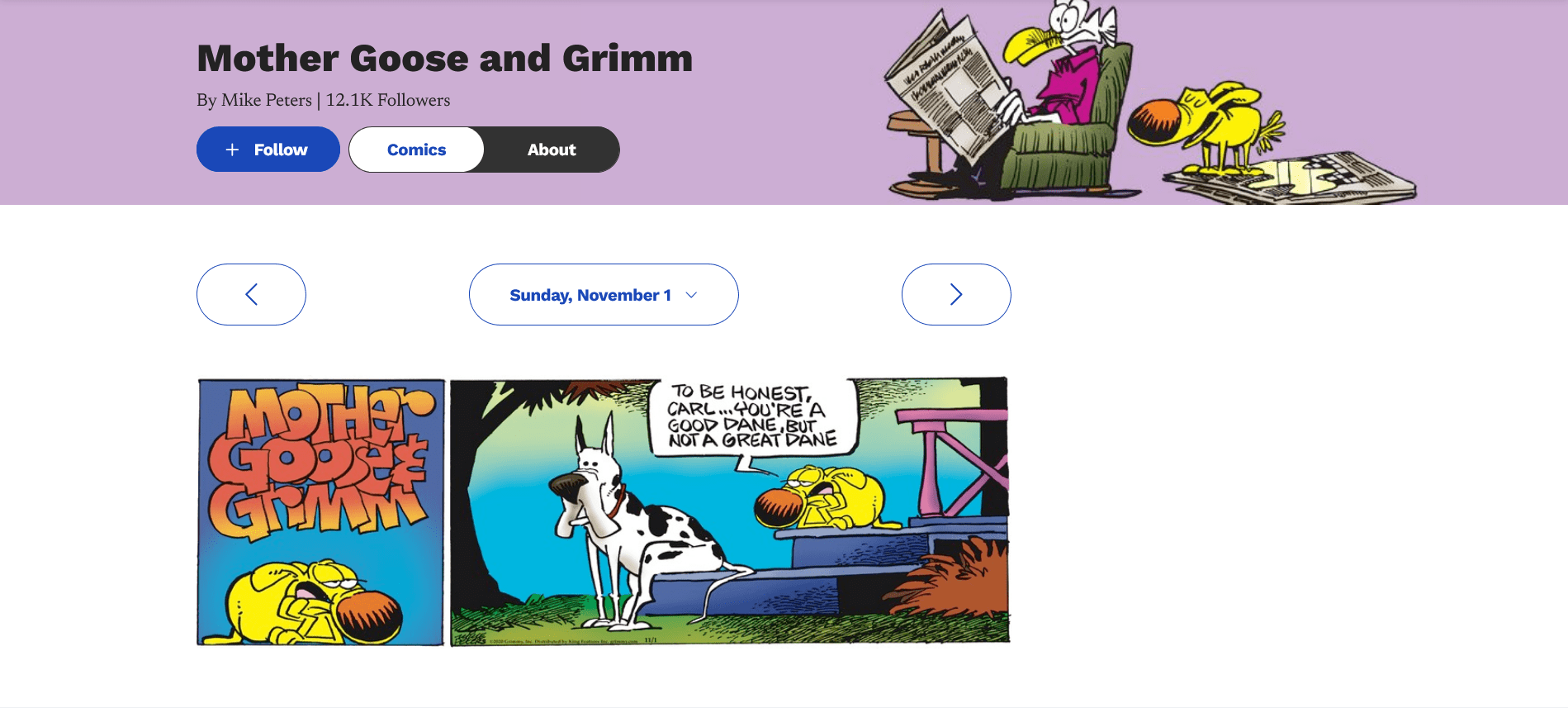
But if you click the bookmarklet… kaboom!
This bookmarklet will actually display the og:imagefor any page on any site! 😮 Magic, eh?
However, the blue paywall shield still blocks the navigation. To navigate to another day or comic, you have two choices:
Go back to the root (www.gocomics.com) to select another comic, or go back to today’s comic for the respective title (www.gocomics.com/garfield in this case), so that the calendar becomes available for navigation. This is extremely annoying if you have to do it each time!
So, unsurprisingly, someone asked, “Do you think we can make this a Tampermonkey script? Then we wouldn’t even need the extra click.” (Oh, sweet summer child! It’s worse than needing one click!)
The fix, from the same guy, Braxton Hall by his real name, can be found here:
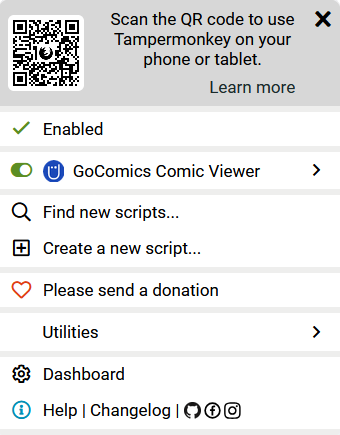
Once you have Tampermonkey installed and pinned to the toolbar, you can install the script by clicking on the “Raw” button in the script’s window. This normally displays the script alone in the browser, but because it’s a JS script, Tampermonkey intercepts it and prompts you to install it. Cool!
The only thing you need to do is make sure the script is enabled (it must have a green check!), because it isn’t by default.
You will notice the difference right away. With the script disabled:
With the script enabled:
Notice how the calendar remains visible!
Voilà! Someone from Vancouver, BC, fixed GoComic’s naïve paywall! The script isn’t rocket science, but I always had a beef with JS, so I don’t even know how to use the MutationObserver. In real life, though, not everything is Python, C/C++, or .NET.
This blog uses technologies like cookies to store and/or access device information. Consenting to these technologies will allow us to process data such as browsing behavior or unique IDs on this site. Not consenting or withdrawing consent will adversely affect certain features and functions.
Functional
Always active
The technical storage or access is strictly necessary for the legitimate purpose of enabling the use of a specific service explicitly requested by the subscriber or user, or for the sole purpose of carrying out the transmission of a communication over an electronic communications network.
Preferences
The technical storage or access is necessary for the legitimate purpose of storing preferences that are not requested by the subscriber or user.
Statistics
The technical storage or access that is used exclusively for statistical purposes.The technical storage or access that is used exclusively for anonymous statistical purposes. Without a subpoena, voluntary compliance on the part of your Internet Service Provider, or additional records from a third party, information stored or retrieved for this purpose alone cannot usually be used to identify you.
Marketing
The technical storage or access is required to create user profiles to send advertising, or to track the user on a website or across several websites for similar marketing purposes.


Leave a Reply