
Mint 27 Beta is such a bad joke!
This is not a review of the just-released Linux Mint 27 Beta (pick a mirror and look into “testing”), but merely a quick try of Cinnamon and XFCE live sessions from a Ventoy stick. It still has a merit, at least for me: I won’t be waiting for the final release of Mint 27 because I already know it’s a humongous collection of bugs! (On an unrelated note, Pop!_OS 26.04 LTS was such a piece of shit in the live session that it had a terminal window stuck to my mouse pointer: I couldn’t kill it no matter what I tried, so I had to shutdown. If Linux distros “evolve” to such garbage, Windows 12 has a brilliant future!)
🍃
Cinnamon looks like shit anyway, and Mint’s XFCE is also depressing, but I wanted to try some of the new XApps announced in the newsletters for August and October. In the end, I abandoned the quest earlier than I expected.
Mint 27 Beta Cinnamon
Since I plan to write something about a new ePub reader for Android that has an abandoned version for Linux, and also about revisiting Readest, my attention was understandably aroused (piqued, if you prefer) by Xepub.
First, I noticed that there’s no way to make it display the book in two columns! Then, the dark theme (which I never use with books!) has the bug that it only reverses the contrast for the default, main font, but not for other fonts. I’m not sure whether it applies to headings or to any element that has a different font than the default one.
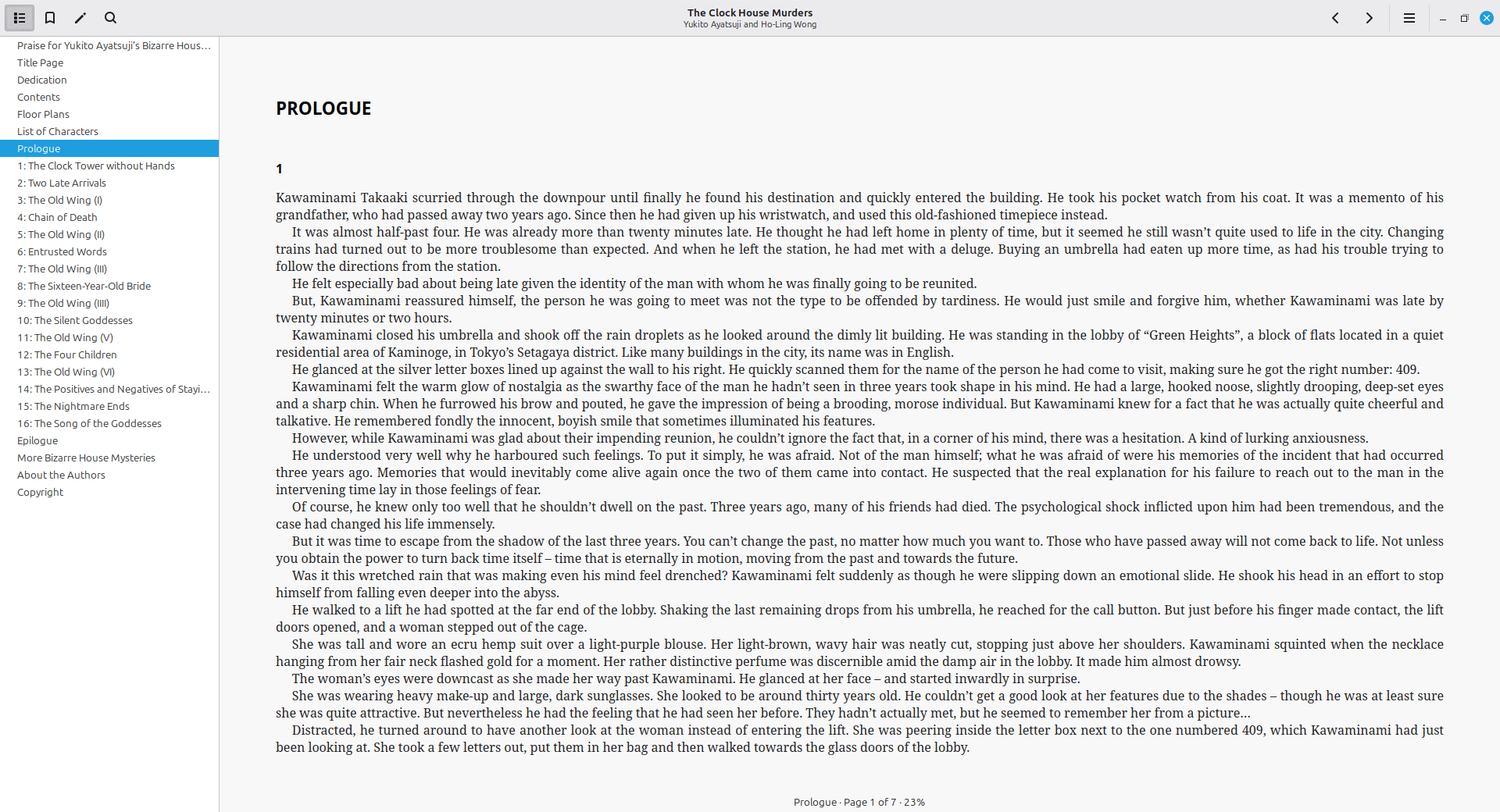
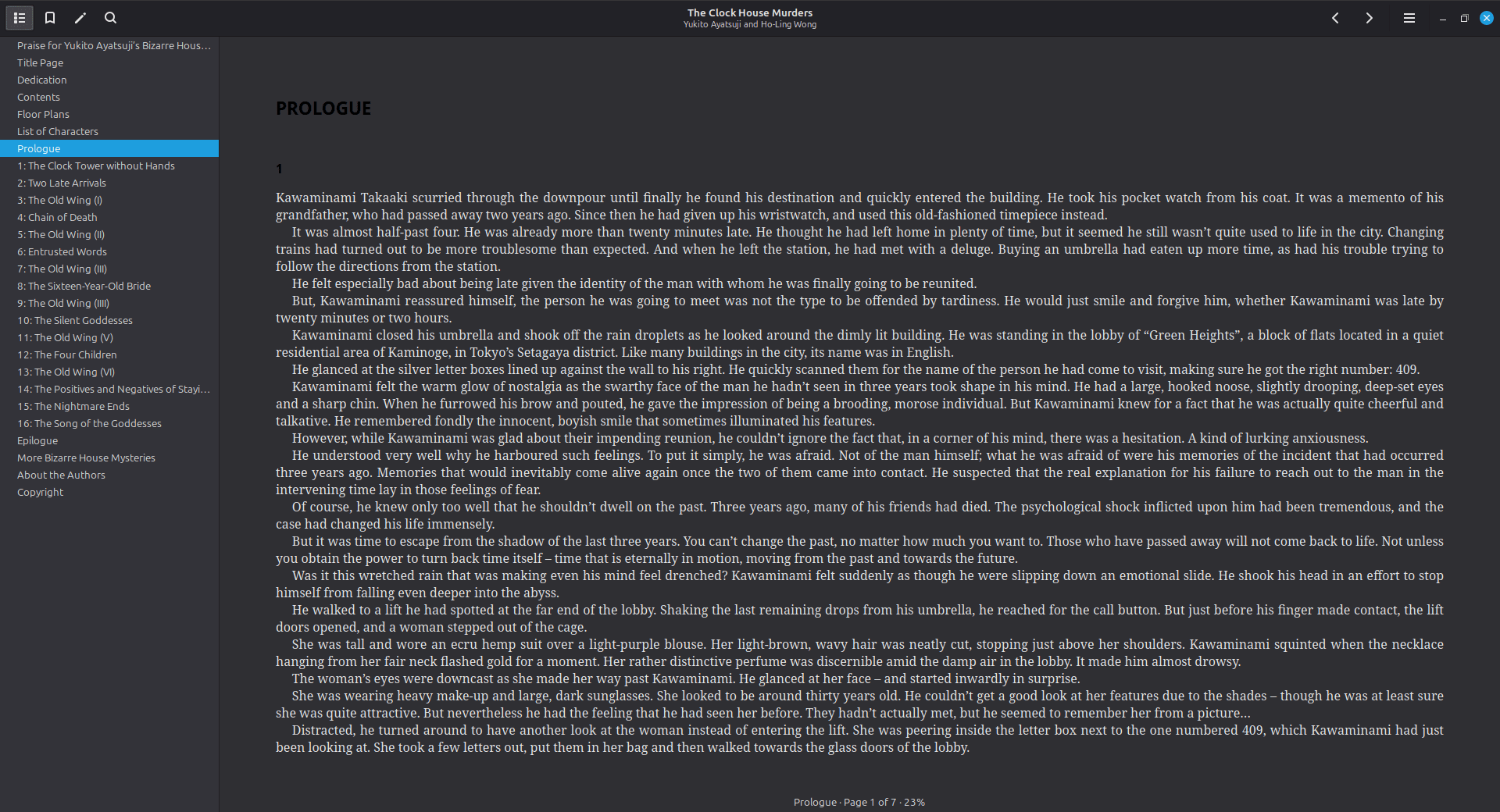
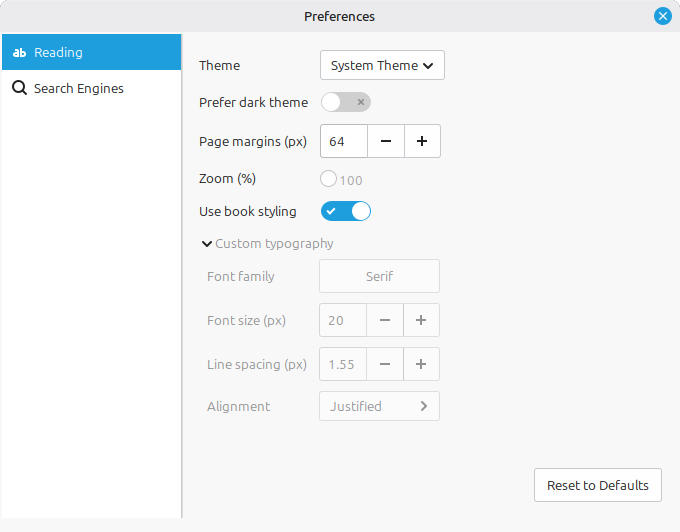
I then examined the configurability of the fonts. The default setting uses the CSS defined in the book, which can refer to fonts embedded in the ePub or to lists of Serif, Sans Serif, and possibly Monospaced fonts; these will typically match the default fonts for their respective types in the operating system.
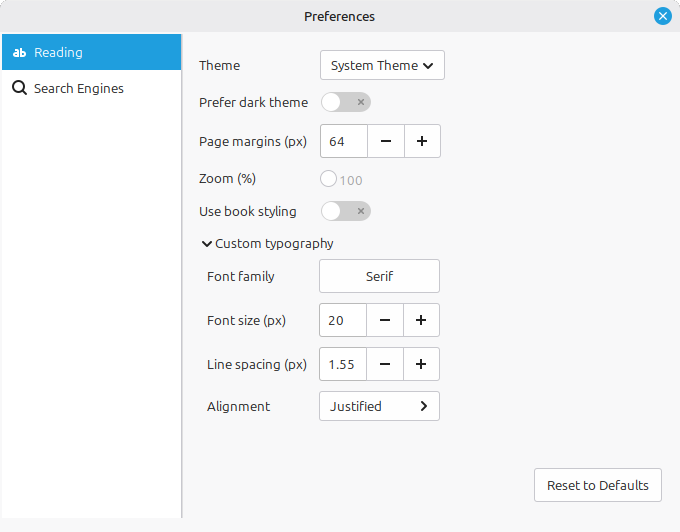
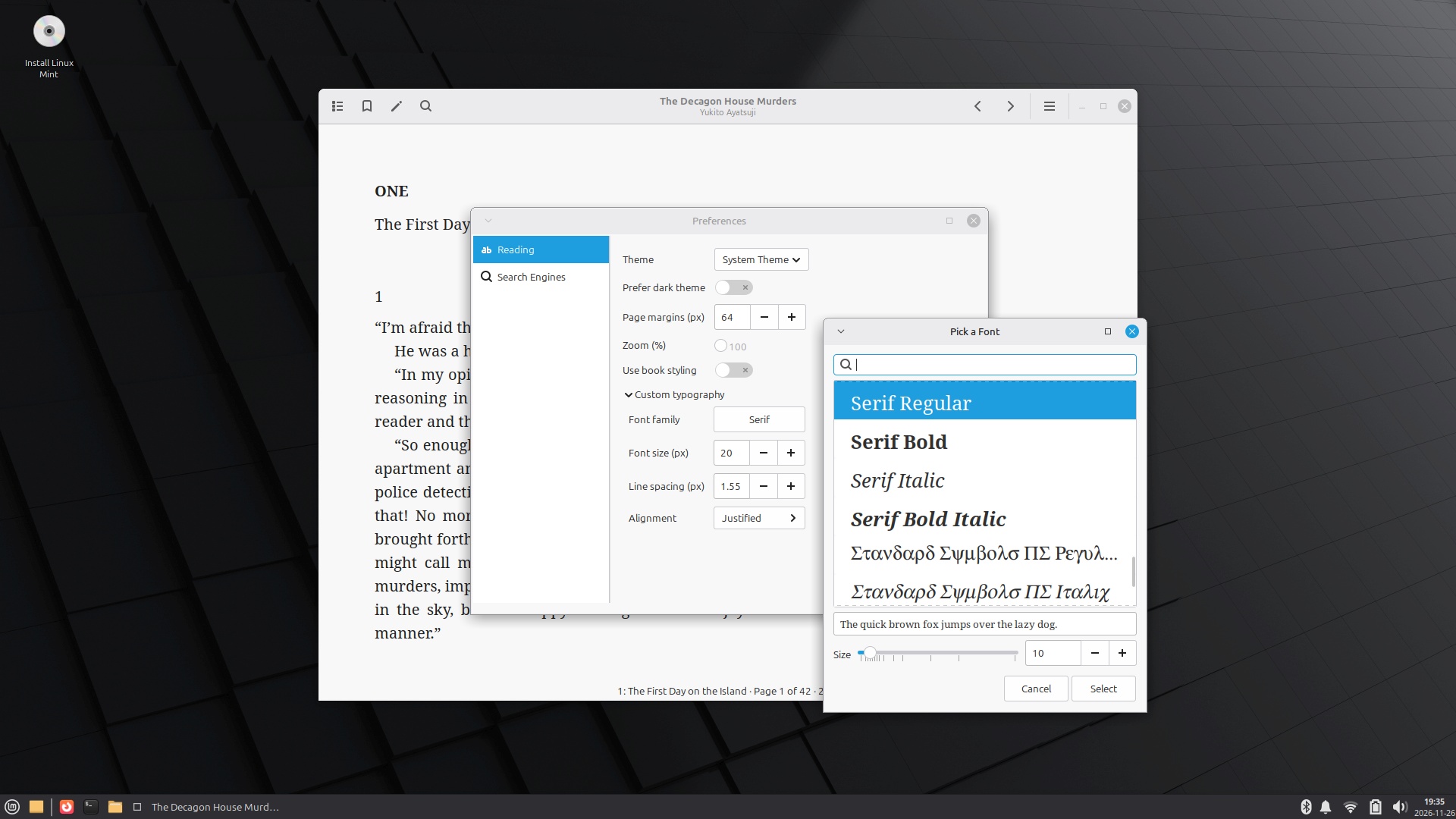
Selecting a custom typeface (it defaults to the default Serif font, but any specific font can be chosen) for the default font also allows you to override the alignment for the default paragraphs. Indeed, many people prefer it justified. Also, the line height (because it’s not spacing) is extremely useful (I normally prefer 1.3).
Not much, but OK. Finally, it can use Wiktionary, Wikipedia, and Google Translate by default:
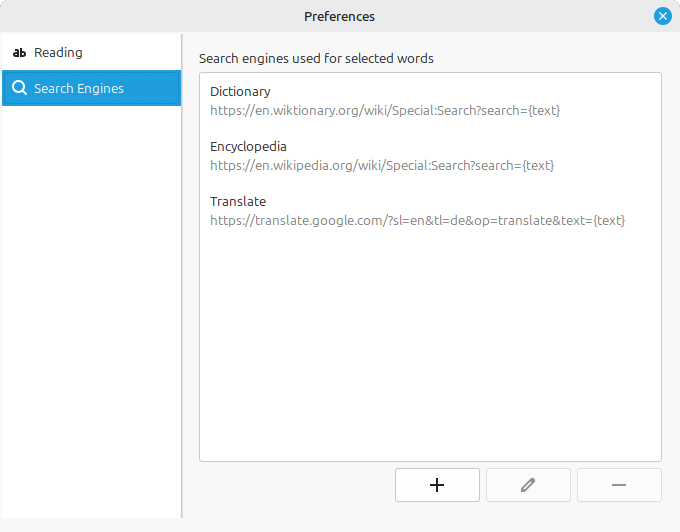
I’m not particularly impressed, but it’s an ePub reader that does its job.
After I played a bit around, I noticed a strange thing. Firefox and Xepub had been closed for a long time, but Cinnamon’s panel still displayed their windows as if they were running!
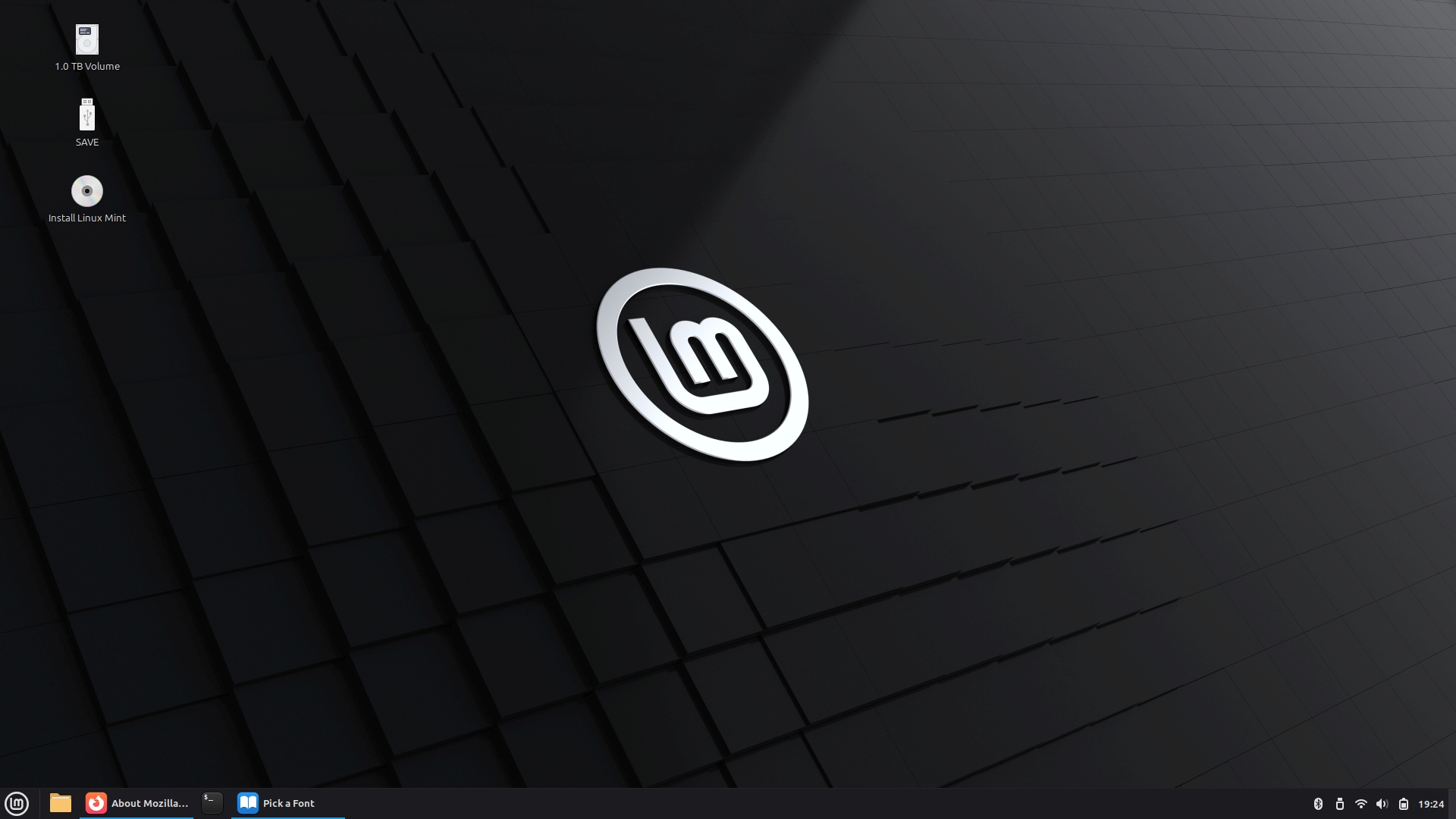
I would note that I, as an intelligent individual, always use icons with text on the taskbar. I believe that only a moron prefers to see icons and nothing else. (Sorry, Dedo!) In this case, this smart choice was fortunate, as it revealed that Cinnamon’s applet was broken in a very specific way: it failed to “forget” child windows like the “About” box in Firefox and the font configuration window in Xepub, which was a pop-up above the already popped up settings window! If anyone wants to debug that…
Those windows were impossible to close, and the reason for this was that they were ghost windows! There were no Firefox and Xepub apps or processes!
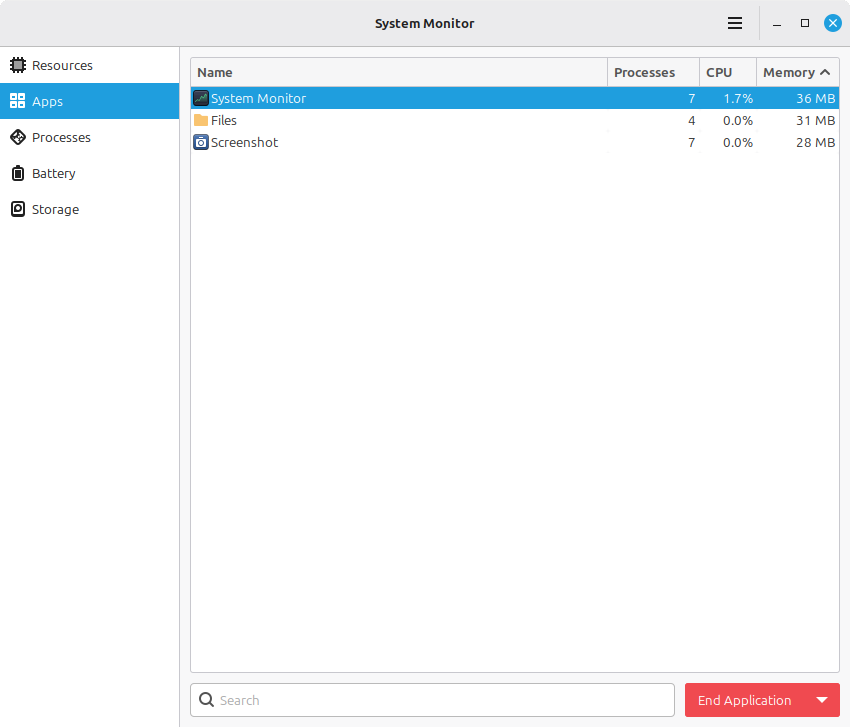
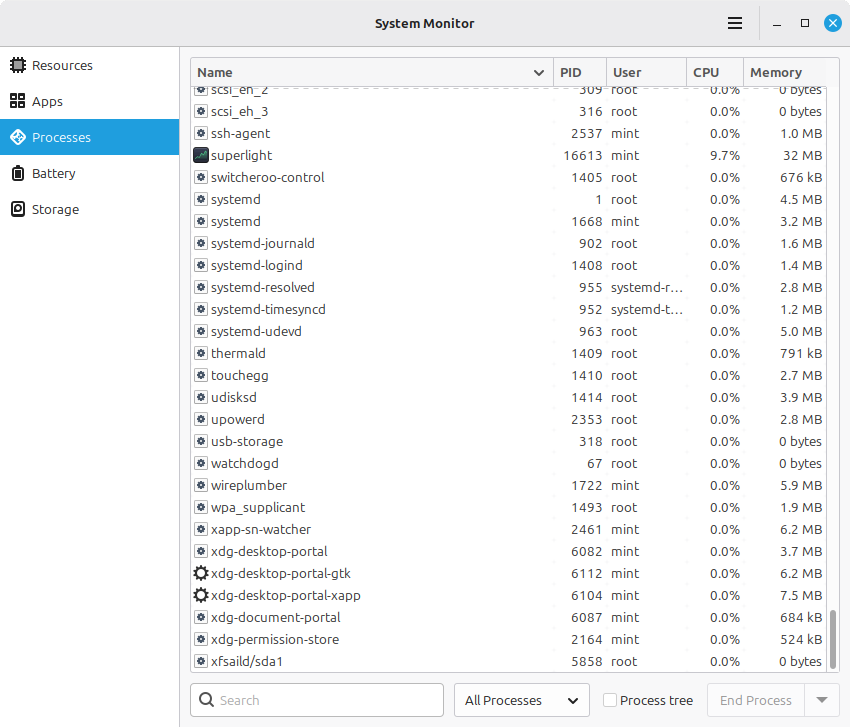
It might be a beta, but WTF?! Cinnamon is the flagship DE, the nec plus ultra! How could anyone install and use such crap?
I forgot to run it before starting (and closing) Firefox and Xepub, so the RAM usage is irrelevant, but here’s the customary fastfetch:
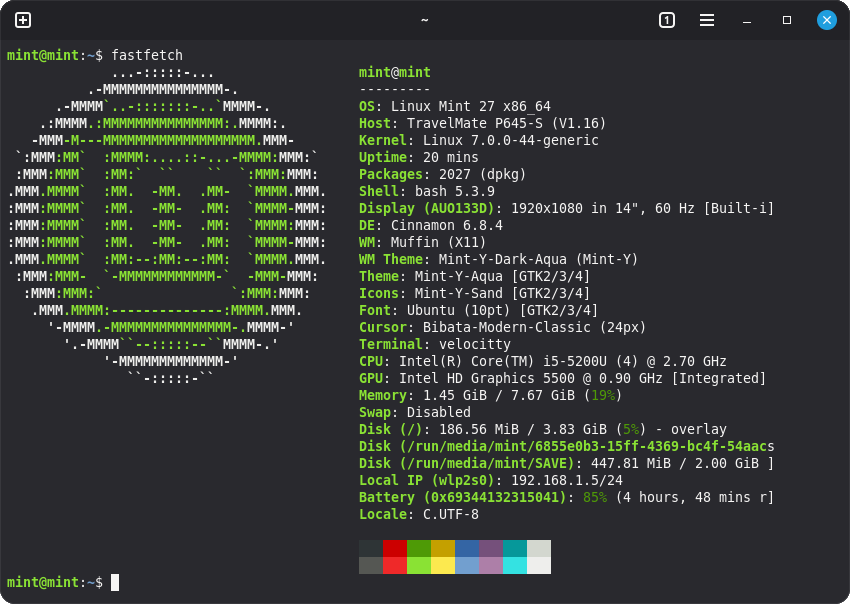
Yeah, the terminal is Veloshitty Velocitty.
Mint 27 Beta XFCE
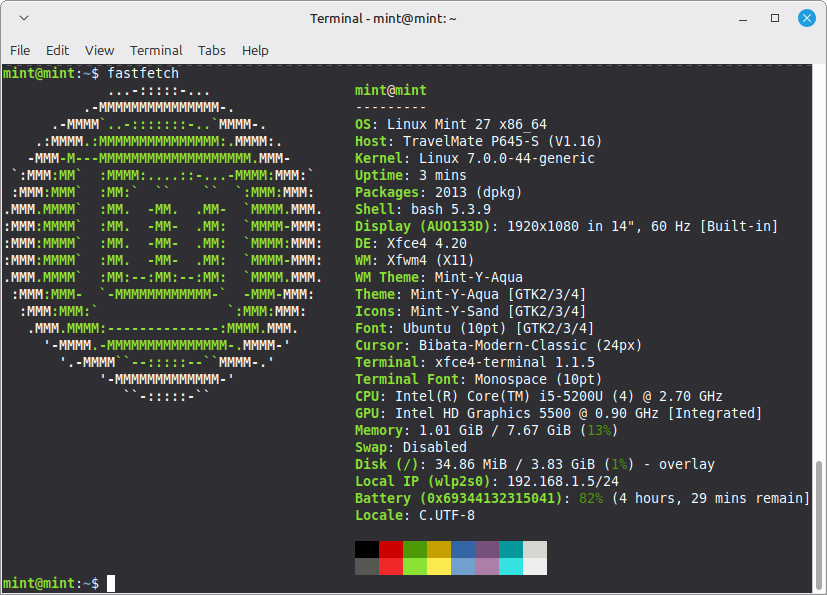
This time, I didn’t forget about fastfetch:
And here’s the “Pick a Font” pop-up that got zombified under Cinnamon:
In other news, Thingy aka Library seems to work:
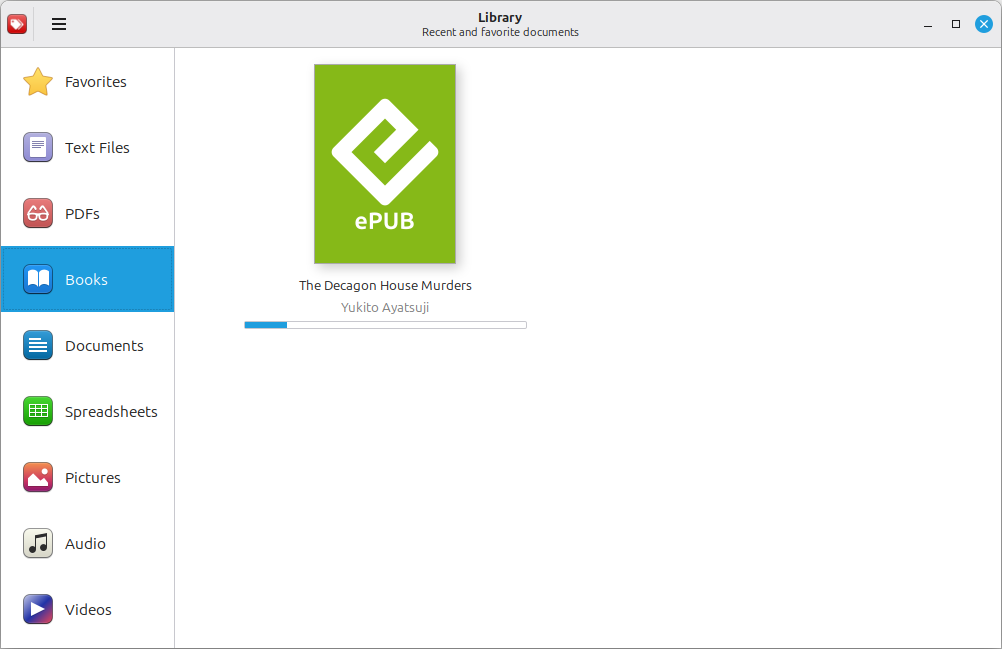
I’m not sure who’s going to need it, though. It’s a glorified “Recent Documents,” because Clem estimated that Mint didn’t have enough bugs.
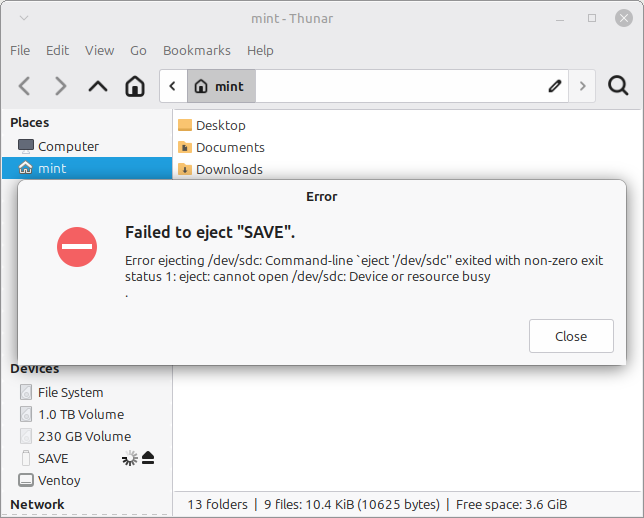
If the Cinnamon edition had a broken panel applet, the XFCE edition was unable to eject a removable device even if there was no app to access and lock it. Normally, if you eject it from a file manager that uses it, it would eject it. I didn’t investigate what process was holding that partition hostage, but it was completely and utterly ridiculous! There was no other app but Thunar, and the screenshots were saved to that partition like ten minutes ago.
There is still a month until the targeted release date, but this beta confirms what I already knew: Mint is Ubuntu with more bugs.
Leave a Reply